 ENEnglish
 LTLietuviškai
 DEDeutsch
 FRFrançais
 RUРусский
 ESEspañol
 PLPolski
 ITItaliano
 UKУкраїнська
 CSČeština
 PTPortuguês
 JA日本語
 LVLatviešu valoda
 ETEesti
 HUMagyar
 IDBahasa Indonesia
 TRTürkçe
 HIहिन्दी
 ELΕλληνικά
 ARالعربية
 THไทย
 VITiếng Việt
 RORomână
 MSBahasa Melayu
 BNবাংলা
#Feed validation
Feed validation checks whether a feed follows its format so that apps can read it without guessing. Articles tagged here explain how to test RSS, Atom and podcast feeds. They cover the most common errors, from invalid dates to broken characters and missing identifiers. Guides show how to read validator output and fix the cause, not only the symptom. We also explain server settings that affect feeds, such as content types and caching headers. A valid feed saves readers, directories and tools from silent failures.
 2026/11/17 · 7分で読めます
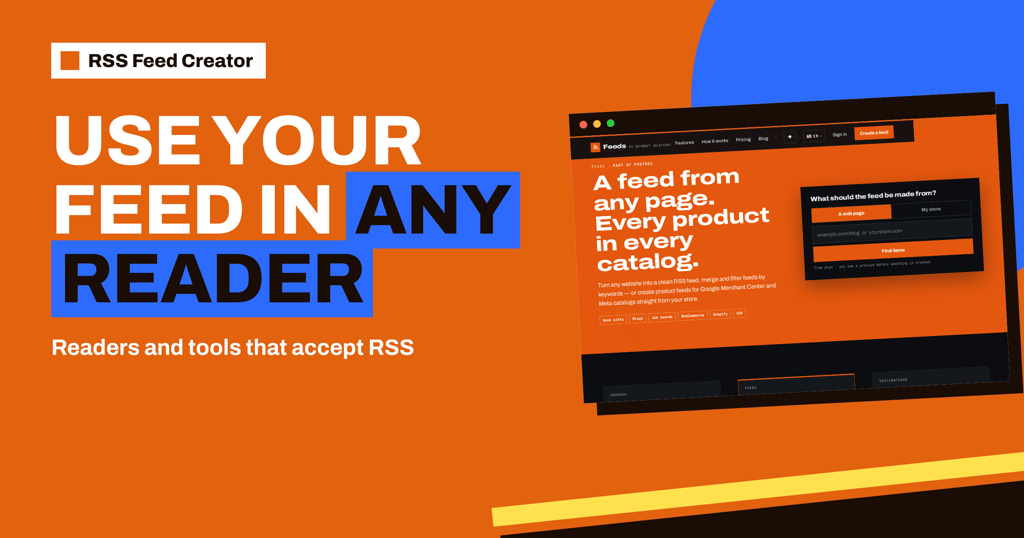
Add Your RSS Feed Creator Feed to Any RSS Reader or Tool
How to use a feed made with RSS Feed Creator in an RSS reader, posting tool, spreadsheet or automation: copy the address, subscribe and…
 2026/11/16 · 8分で読めます
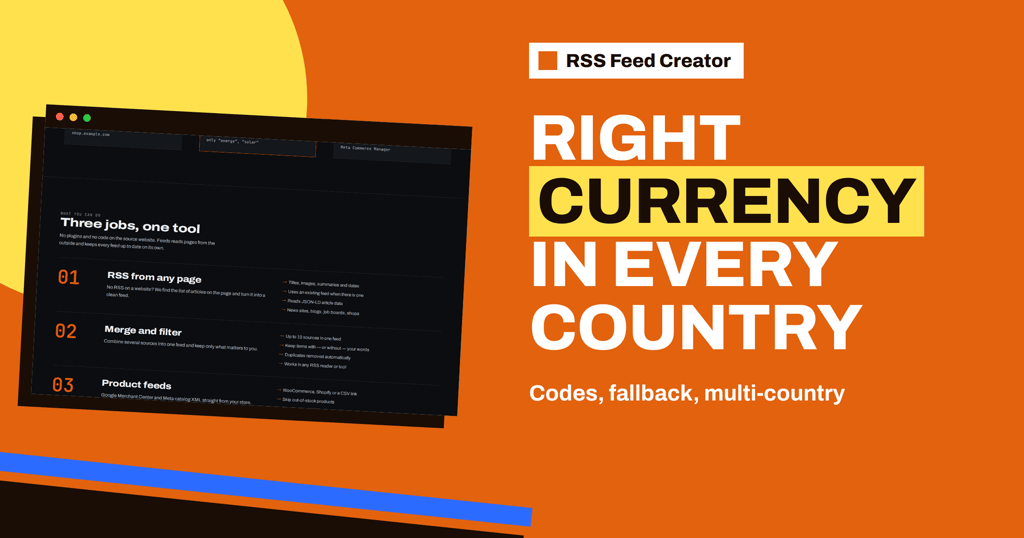
Currency in Your Product Feed: Codes, Fallback and Multi-Country
Where RSS Feed Creator gets the currency of each product price, when the EUR fallback applies, how prices are written and what to check…
 2026/11/14 · 7分で読めます
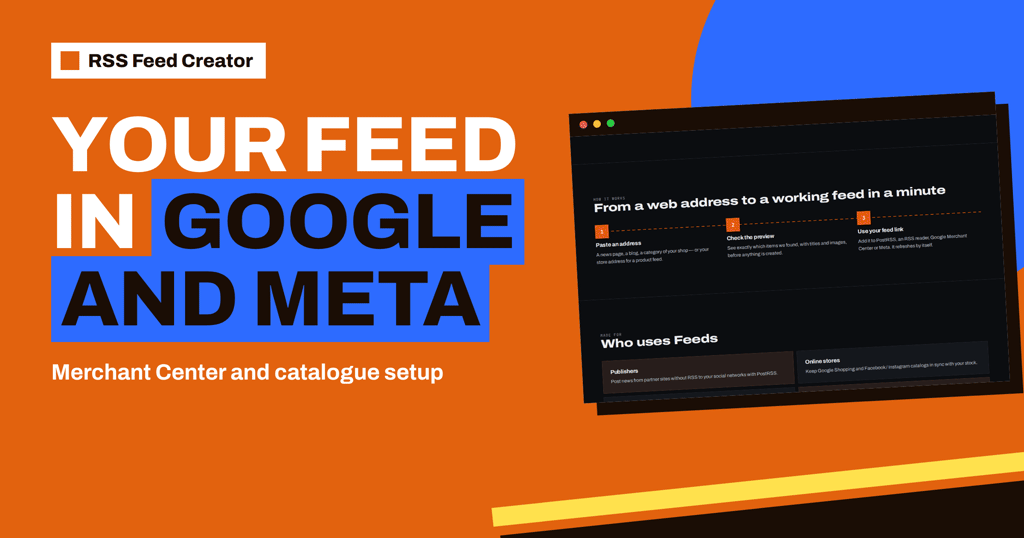
Add Your RSS Feed Creator Feed to Google Merchant Center and Meta
Where to paste your RSS Feed Creator product feed address in Google Merchant Center and Meta Commerce Manager, how to set the fetch schedule…
 2026/11/13 · 8分で読めます
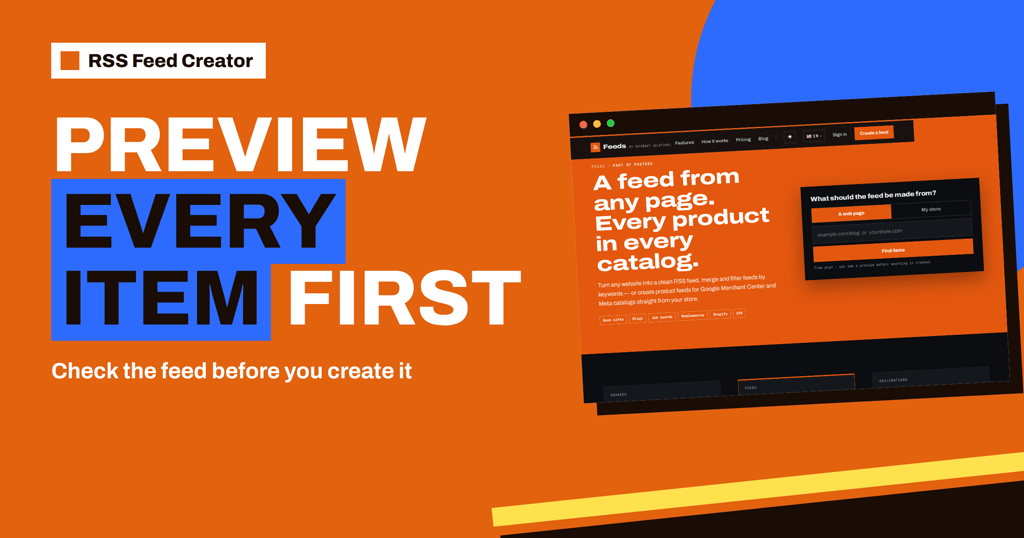
RSS Feed Creator Preview: Check Every Item Before You Create
What the RSS Feed Creator preview shows before a feed exists: items found, titles, images, dates, products and prices, and what to do when…
 2026/10/22 · 8分で読めます
atom:link rel=self in RSS Feeds: Why Validators Ask for It
What the atom:link rel="self" element does in an RSS 2.0 feed, why validators recommend it, how to write it correctly and the mistakes that…
 2026/10/21 · 9分で読めます
RSS Author Fields: author, dc:creator and Missing Reader Names
Why RSS readers show no author or the wrong one: how the author element, dc:creator and Atom author work, what validators expect and how…
 2026/10/19 · 8分で読めます
RSS Enclosures Explained: Attaching Files to Feed Items
What the RSS enclosure element does, its three required attributes, how podcasts and images use it, and the mistakes that make readers ignore attached…
 2026/10/18 · 8分で読めます
Atom Feeds Explained: Elements, Examples and Pitfalls
What an Atom feed contains, which elements are required, how dates, links and content types work, and the mistakes that make Atom feeds fail…
 2026/10/17 · 7分で読めます
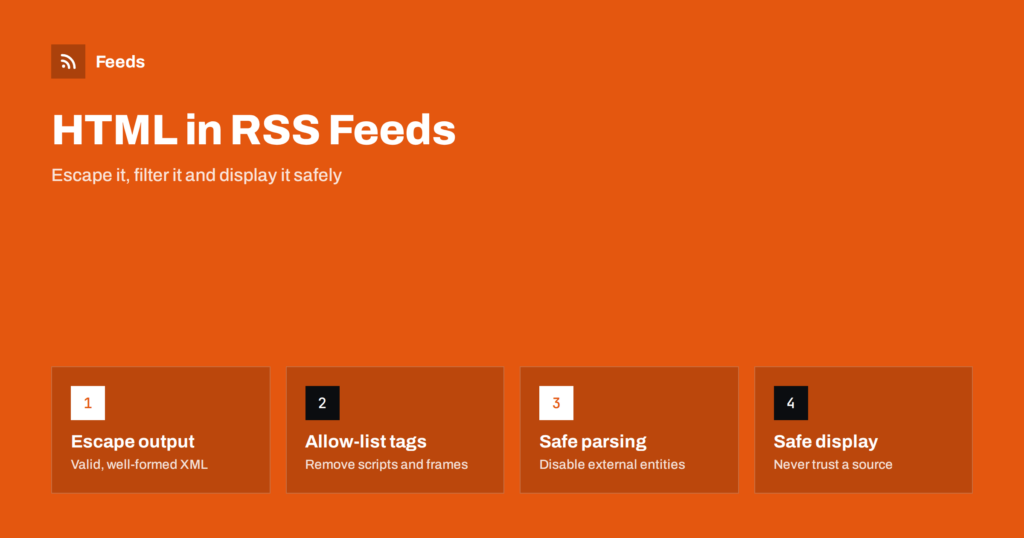
HTML in RSS Feeds: Sanitising Content and Staying Safe
Feed items can carry HTML from sources you do not control. How publishers and developers keep feeds clean and safe: escaping, allow-lists and safe…
 2026/10/15 · 8分で読めます
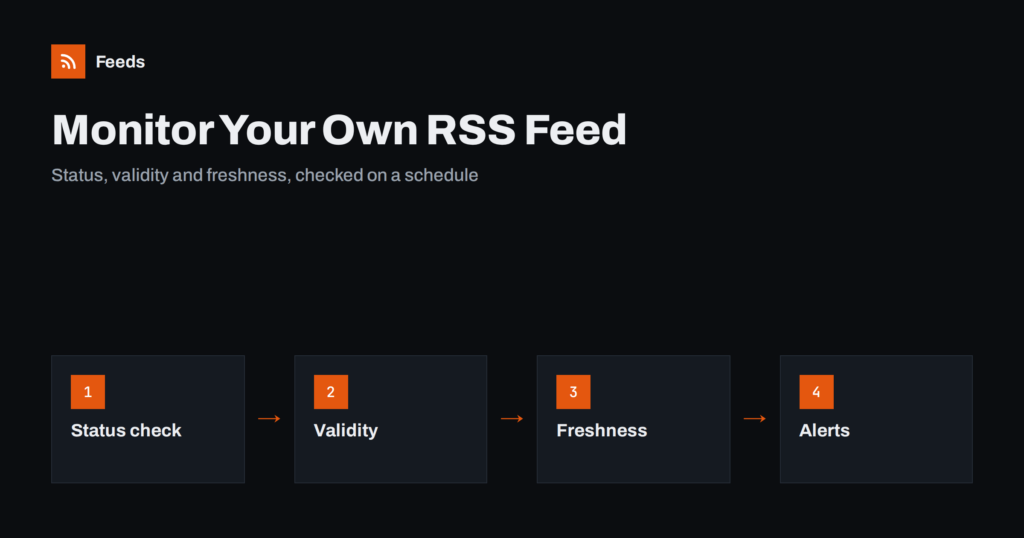
How to Monitor Your Own RSS Feed: Uptime and Freshness Checks
How to monitor your own RSS feed: check status, validity and freshness on a schedule, spot stale caches and duplicate items, and alert early.
 2026/10/08 · 8分で読めます
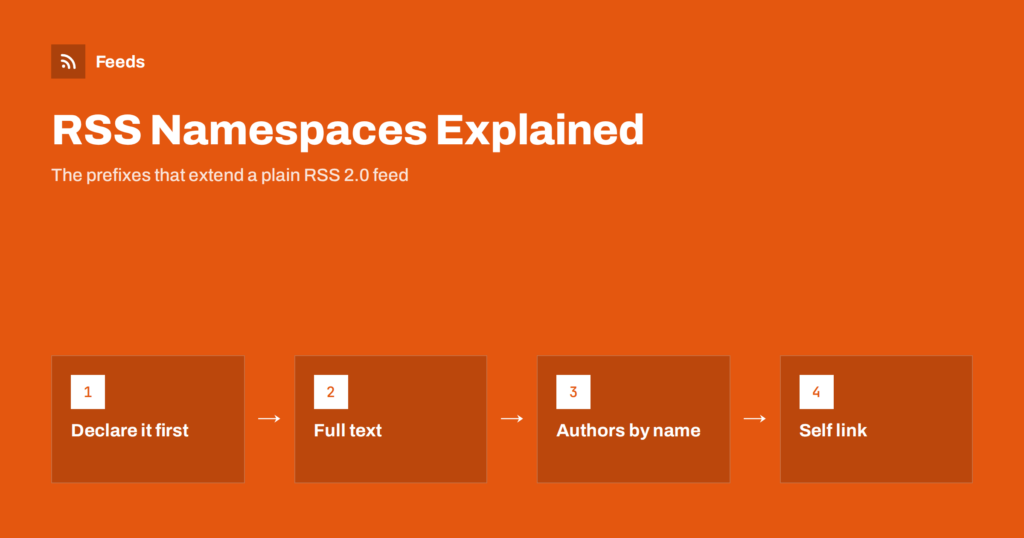
RSS Namespaces Explained: content:encoded, dc:creator and More
What RSS namespaces are and how to use them: content:encoded for full text, dc:creator for authors, atom:link for self links, plus media, podcast and…
 2026/10/01 · 8分で読めます
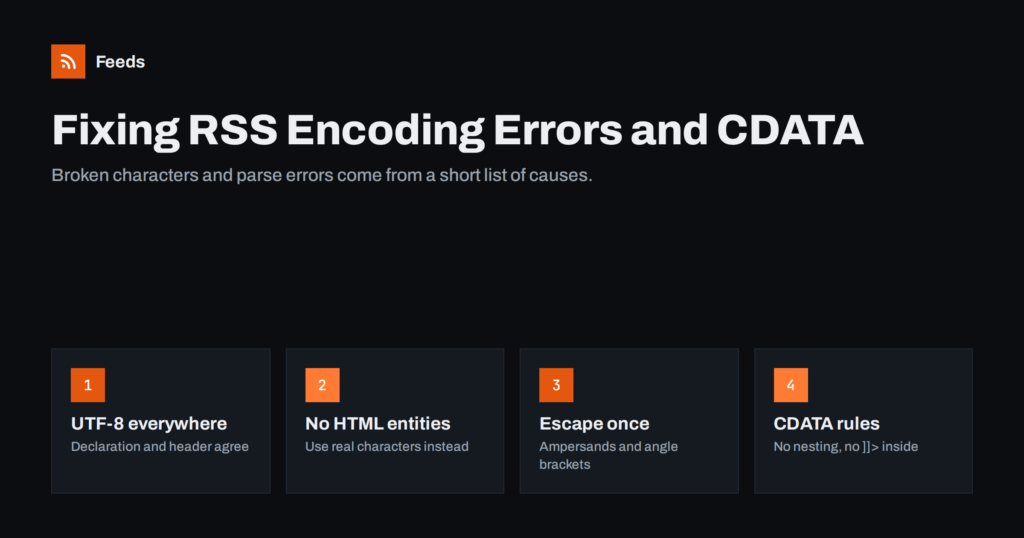
RSS Feed Encoding Errors: Fixing Broken Characters and CDATA
Why RSS feeds show broken characters or fail to parse, and how to fix UTF-8 mismatches, undefined entities, unescaped ampersands and CDATA mistakes.