 ENEnglish
 LTLietuviškai
 DEDeutsch
 FRFrançais
 RUРусский
 ESEspañol
 PLPolski
 ITItaliano
 UKУкраїнська
 CSČeština
 PTPortuguês
 JA日本語
JA日本語 LVLatviešu valoda
 ETEesti
 HUMagyar
 IDBahasa Indonesia
 TRTürkçe
 HIहिन्दी
 ELΕλληνικά
 ARالعربية
 THไทย
THไทย VITiếng Việt
 RORomână
 MSBahasa Melayu
 BNবাংলা
#Troubleshooting
Troubleshooting is the process of finding out why something that used to work has stopped working. In feed-based automation, typical causes are changes on the source website, broken feed URLs, duplicate detection problems, expired connections and platform limits. A calm, step-by-step approach usually finds the cause faster than changing several settings at once. Checking the feed itself, the automation history and the destination separately narrows down the problem. Articles under this tag provide practical troubleshooting guides for feeds and automations.
 2026/10/01 · 8分で読めます
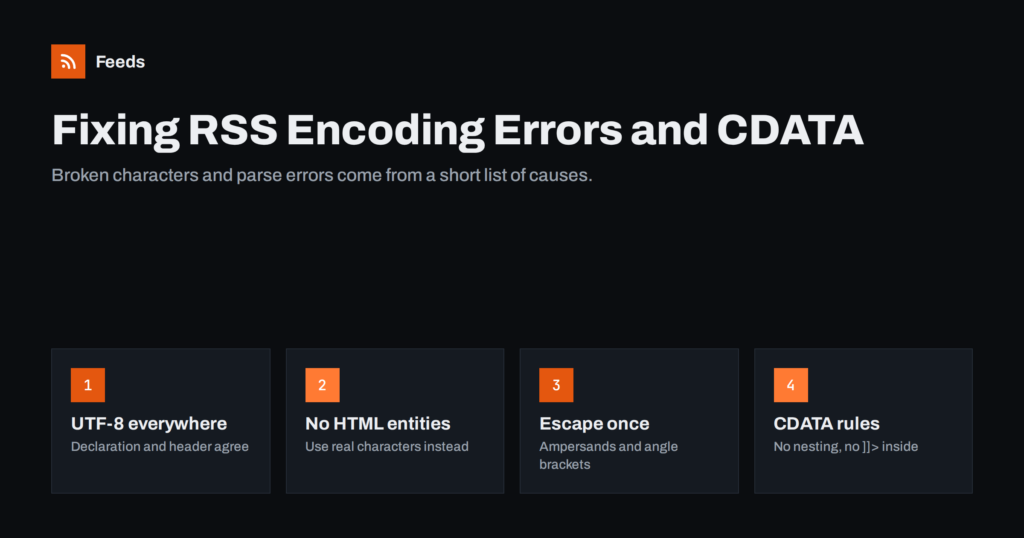
RSS Feed Encoding Errors: Fixing Broken Characters and CDATA
Why RSS feeds show broken characters or fail to parse, and how to fix UTF-8 mismatches, undefined entities, unescaped ampersands and CDATA mistakes.
 2026/09/09 · 7分で読めます
Content Automation Checklist: 30 Checks Before You Go Live
A 30-point checklist for launching feed-based content automation: sources, feed quality, rules, destinations, tracking, monitoring and documentation.
 2026/09/04 · 8分で読めます
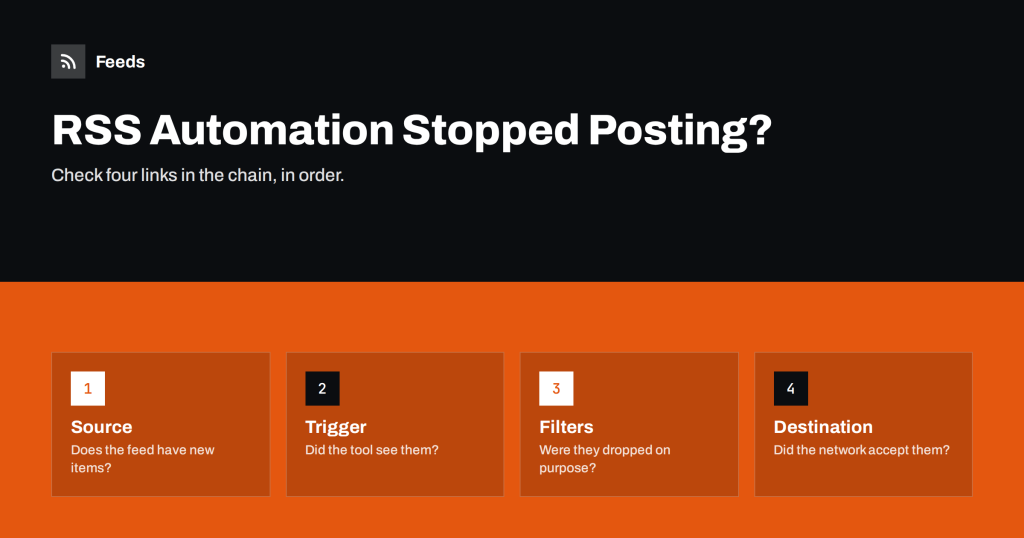
RSS Automation Stopped Posting? A Step-by-Step Diagnosis
When feed-driven posts or messages suddenly stop, check the source, the trigger, the filters and the destination in order. A calm routine to find…
 2026/08/21 · 8分で読めます
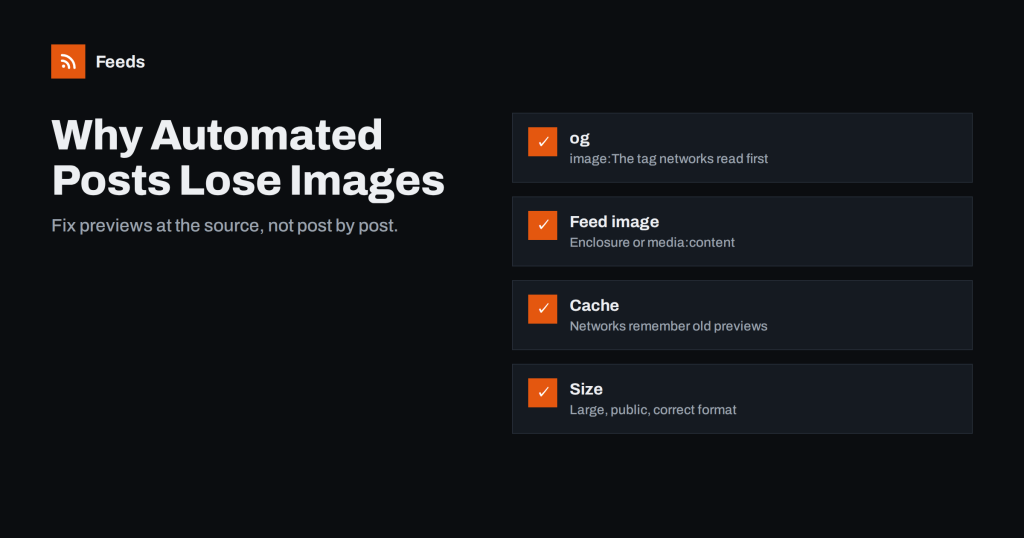
Why Automated Social Posts Lose Images and How to Fix It
Missing or wrong images in automated social posts usually come from Open Graph tags, feed image fields or caching. Here is how to find…
 2026/08/15 · 8分で読めます
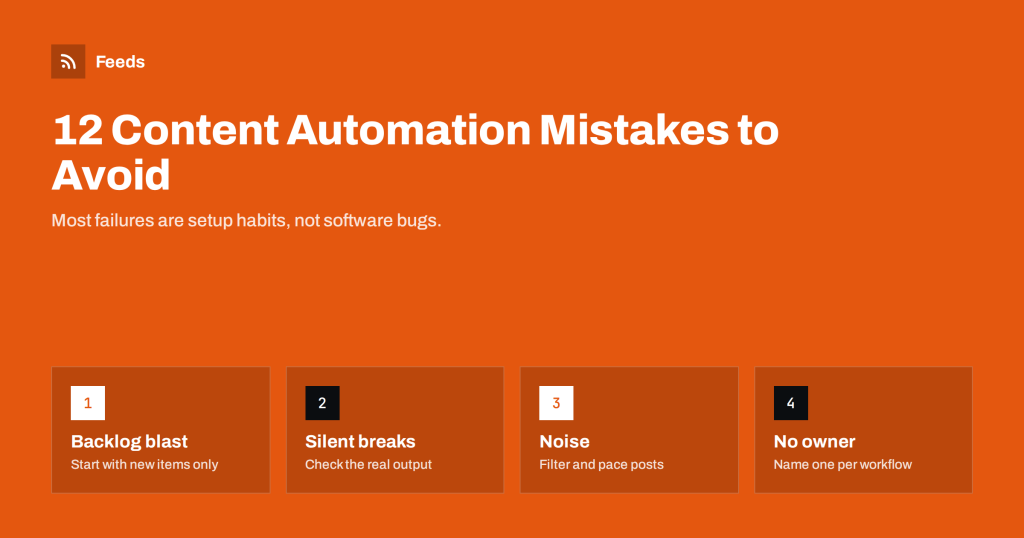
12 Content Automation Mistakes and How to Avoid Them
The most common content automation mistakes small businesses and agencies make, from archive floods to silent failures, and simple ways to prevent each one.
 2026/08/08 · 8分で読めます
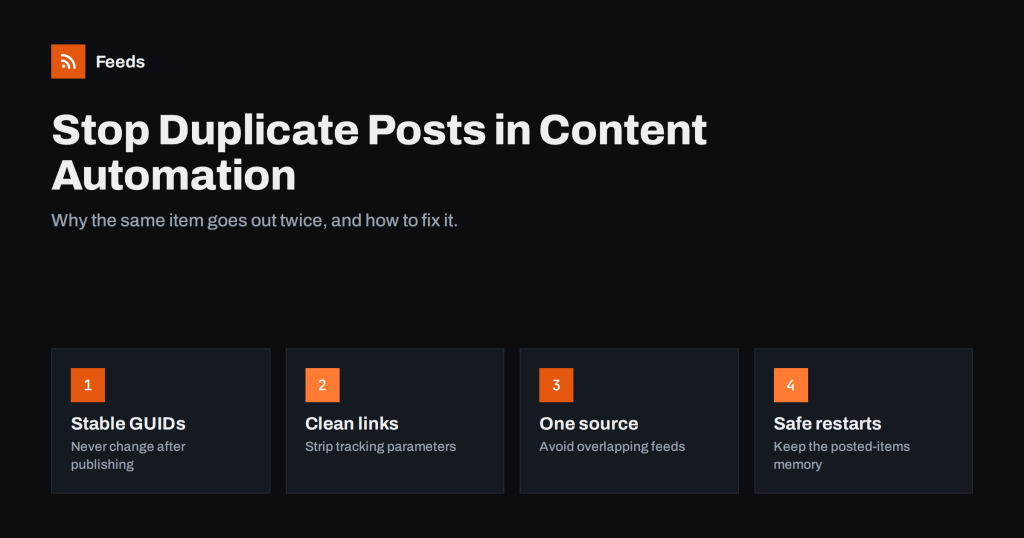
How to Stop Duplicate Posts in Automated Content Workflows
Why feed-based automations post the same item twice, how GUIDs and links decide what is new, and practical fixes to stop duplicate social posts…