 ENEnglish
 LTLietuviškai
 DEDeutsch
 FRFrançais
 RUРусский
 ESEspañol
 PLPolski
 ITItaliano
 UKУкраїнська
 CSČeština
 PTPortuguês
 JA日本語
JA日本語 LVLatviešu valoda
 ETEesti
 HUMagyar
 IDBahasa Indonesia
 TRTürkçe
 HIहिन्दी
 ELΕλληνικά
 ARالعربية
 THไทย
THไทย VITiếng Việt
 RORomână
 MSBahasa Melayu
 BNবাংলা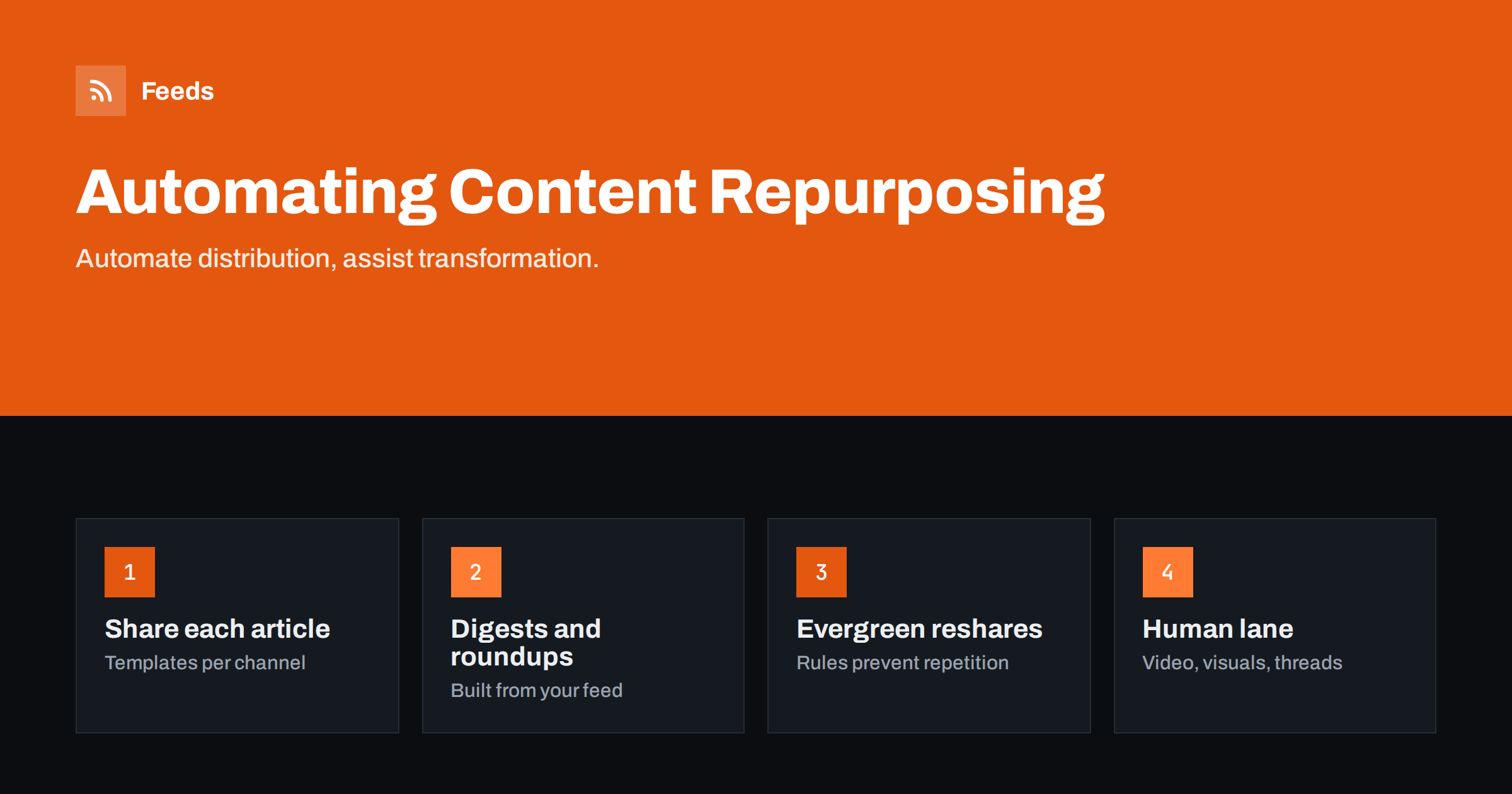
Short answer: Automate the repetitive distribution side of repurposing: sharing each new article to your channels, adding it to newsletter digests and roundups, resharing evergreen pieces and drafting short summaries for review. Keep humans in charge of anything that changes the format or the message, such as videos, carousels, threads and platform-specific rewrites. The most reliable setup starts from a clean feed of your content and uses rules and templates, not one-off copy and paste.
What content repurposing actually means
Content repurposing is getting more value from work you have already done. An in-depth article can become a set of social posts, a newsletter section, a short video, a slide carousel, a podcast talking point, a quote graphic and an entry in a monthly roundup. The idea is sound: most people who follow you on one channel never see what you publish on another, and a single post on the day of publication reaches only a fraction of your audience.
Repurposing has two quite different parts, and mixing them up is where most automation plans go wrong:
- Distribution: getting the same piece, or a short extract of it, in front of people on other channels. This is repetitive and rule-based, which makes it a good fit for automation.
- Transformation: turning the piece into something new, such as a video script or a visual explainer. This needs judgment, taste and knowledge of each platform, and automation can at best prepare drafts.
What you can safely automate
These tasks repeat for every article and follow clear rules, so automation handles them well:
- Sharing new articles to social channels. A feed-triggered workflow posts each new article with its title, a short summary, the image and a tagged link. The basics are in automating social media posts from an RSS feed.
- Newsletter sections. An RSS-to-email campaign can collect the week’s new articles into a digest automatically; see turning an RSS feed into an automatic newsletter.
- Roundups. Weekly or monthly “best of” posts can be assembled from your feed and lightly edited, as described in automating a weekly link roundup.
- Evergreen resharing. Articles that stay relevant can be shared again at sensible intervals. Resharing evergreen content without spamming covers the rules that keep this pleasant for followers.
- Team and partner notifications. Posting new content to a team chat or a partner channel so sales, support and partners can share it themselves.
- Draft summaries. Automated summaries can give an editor a starting point for social copy or newsletter blurbs. The workflow and its limits are covered in adding AI summaries to feed-based workflows.
What still needs a human
Some repurposing work looks automatable but produces poor results without a person:
- Video and audio. Turning an article into a good short video means choosing the one idea that works on screen, writing a hook and recording or editing. Automated slideshows of article text rarely perform well.
- Carousels and infographics. Visual formats depend on structure and design. Templates help, but someone has to decide what goes on each slide.
- Threads and long social posts. A thread is a new piece of writing with its own rhythm. Splitting an article into chunks is not the same thing.
- Tone per platform. What works on LinkedIn sounds odd on a community forum. Rewrites for tone are editorial work.
- Fact checks and updates. Before resharing an older piece, someone should confirm it is still accurate.
The practical compromise is to automate the preparation and keep the final step manual: automation drafts, a person decides.
Automation, assistance or manual: a quick guide
| Repurposing task | Best approach | Why |
|---|---|---|
| Share each new article to social channels | Fully automated | Same format every time; templates handle it |
| Weekly newsletter digest | Automated with optional edit | Collected from the feed; intro written by hand |
| Evergreen reshares | Automated with rules | Intervals and exclusions prevent repetition |
| Social copy variations | Assisted: drafts, then review | Tone and accuracy need a check |
| Carousels and quote graphics | Assisted: templates plus editor | Structure and design need choices |
| Short video | Manual | Hook, delivery and editing are creative work |
A feed-based repurposing workflow
A feed of your content is the backbone of automated repurposing, because every downstream tool can read it and it updates by itself. A simple, robust setup:
- Clean the source. Make sure every article has a descriptive title, a real excerpt written for humans and a good featured image. These fields become your social posts and newsletter entries.
- Split feeds by purpose. A category feed for “guides” can drive evergreen resharing, while a “news” feed drives immediate posts only. If your site cannot produce category feeds, create them from category pages.
- Write templates per channel. Use the guidance in writing post templates for automated social feeds so each network gets posts that fit it.
- Add tracking. Tag links with UTM parameters per channel, as described in tracking automated posts with UTM tags, so you can see which repurposing channels actually bring readers.
- Set sensible frequency. Limit how often each channel posts. The guide on how often automated feeds should post suggests realistic limits.
- Keep a manual lane. Put transformation tasks, such as a video idea or a carousel, on an editorial list triggered by the same feed, so each new article prompts a decision about whether it deserves one.
Choosing which content deserves repurposing
Not every article deserves the same effort. Automated distribution can treat all new articles equally, but the manual lane should focus on the pieces that are most likely to pay off. Useful signals:
- Proven interest. Articles that already attract steady search traffic, links or replies are the safest candidates for new formats.
- Evergreen topics. A guide that will be accurate in two years is worth a video or a carousel; a news item usually is not.
- Clear, visual ideas. Step-by-step processes, comparisons and checklists translate well into slides and short videos. Opinion pieces and nuanced analysis translate less well.
- Business relevance. Content that explains a problem your product or service solves deserves more reach than general-interest posts.
A simple way to apply this is a monthly review: look at your best-performing articles from the last few months and choose one or two for a new format. Automation keeps the rest flowing.
Common repurposing mistakes
- Same text everywhere. Posting identical copy on every network makes your accounts look automated in the bad sense. Use channel-specific templates.
- Repurposing weak content. Distribution multiplies whatever you give it. Repurpose your best pieces more, not every piece equally.
- Endless loops. Evergreen reshares without exclusions end up posting outdated or seasonal articles at the wrong time.
- No measurement. Without tracking, you cannot tell whether repurposing brings readers or just adds noise.
- Automating transformation too early. Automated videos or threads that nobody reviewed usually cost more attention than they earn.
Measuring whether repurposing works
Repurposing takes time and attention, so it should prove its value. Keep measurement simple:
- Clicks per channel. With tagged links, compare how many visits each channel brings from automated posts, reshares and newsletters.
- Engagement per format. Compare how carousels, videos and plain link posts perform for the same underlying article.
- Time spent. Note roughly how long each manual format takes. A format that doubles reach but takes a full day may not be worth it for a small team.
- Follower reaction. Watch for unfollows or complaints after you increase reshare frequency. They are an early sign that automation has gone too far.
Review these numbers every quarter and adjust: drop channels that bring nothing, give more effort to formats that work, and tune reshare intervals.
How Feeds helps
Feeds provides the source layer for this kind of workflow. It turns pages without RSS, such as category pages, resource libraries or partner news pages, into clean feeds with titles, images, summaries and dates, and uses a site’s existing feed when there is one. You can merge sources, keep only items with specific keywords and let the feed refresh by itself, then plug the feed link into any posting, newsletter or workflow tool. You can create your first feed on the free plan.
Related reading
- What is content automation? A practical guide for small teams
- Content automation checklist: 30 checks before you go live
- Scheduled posts vs feed-triggered automation explained
The bottom line
Automated repurposing works when you automate distribution and assist transformation. Let a clean feed drive social sharing, newsletter digests, roundups and evergreen reshares with channel-specific templates, tracking and frequency limits. Use automation to draft summaries and prompt decisions, but keep people in charge of videos, visuals, threads and tone. That way every article reaches more people without your channels starting to sound like a machine.
DUK
What parts of content repurposing can be automated?
Distribution tasks automate well: sharing new articles to social channels, building newsletter digests and roundups, resharing evergreen pieces and notifying teams. Drafting summaries for review can also be automated.
Can I automatically turn blog posts into videos?
Tools can generate simple videos from text, but results are usually weak without human editing. Use automation to flag articles worth a video and keep scripting and editing manual.
Is it bad to post the same content on every social network?
Identical copy everywhere tends to look automated and ignores each platform’s style. Use a separate template per network with suitable length, hashtags and tone.
How often should I reshare repurposed content?
For evergreen articles, space reshares weeks or months apart, exclude seasonal or outdated pieces, and limit how many reshares go out per day so new content still leads.
Why start content repurposing from an RSS feed?
A feed updates automatically and every major posting, newsletter and workflow tool can read it. It gives you one reliable source for all channels instead of copying content by hand.


