ENEnglish
 LTLietuviškai
 DEDeutsch
 FRFrançais
 RUРусский
 ESEspañol
 PLPolski
 ITItaliano
 UKУкраїнська
 CSČeština
 PTPortuguês
 JA日本語
 LVLatviešu valoda
 ETEesti
 HUMagyar
 IDBahasa Indonesia
 TRTürkçe
 HIहिन्दी
 ELΕλληνικά
 ARالعربية
 THไทย
 VITiếng Việt
 RORomână
 MSBahasa Melayu
 BNবাংলা
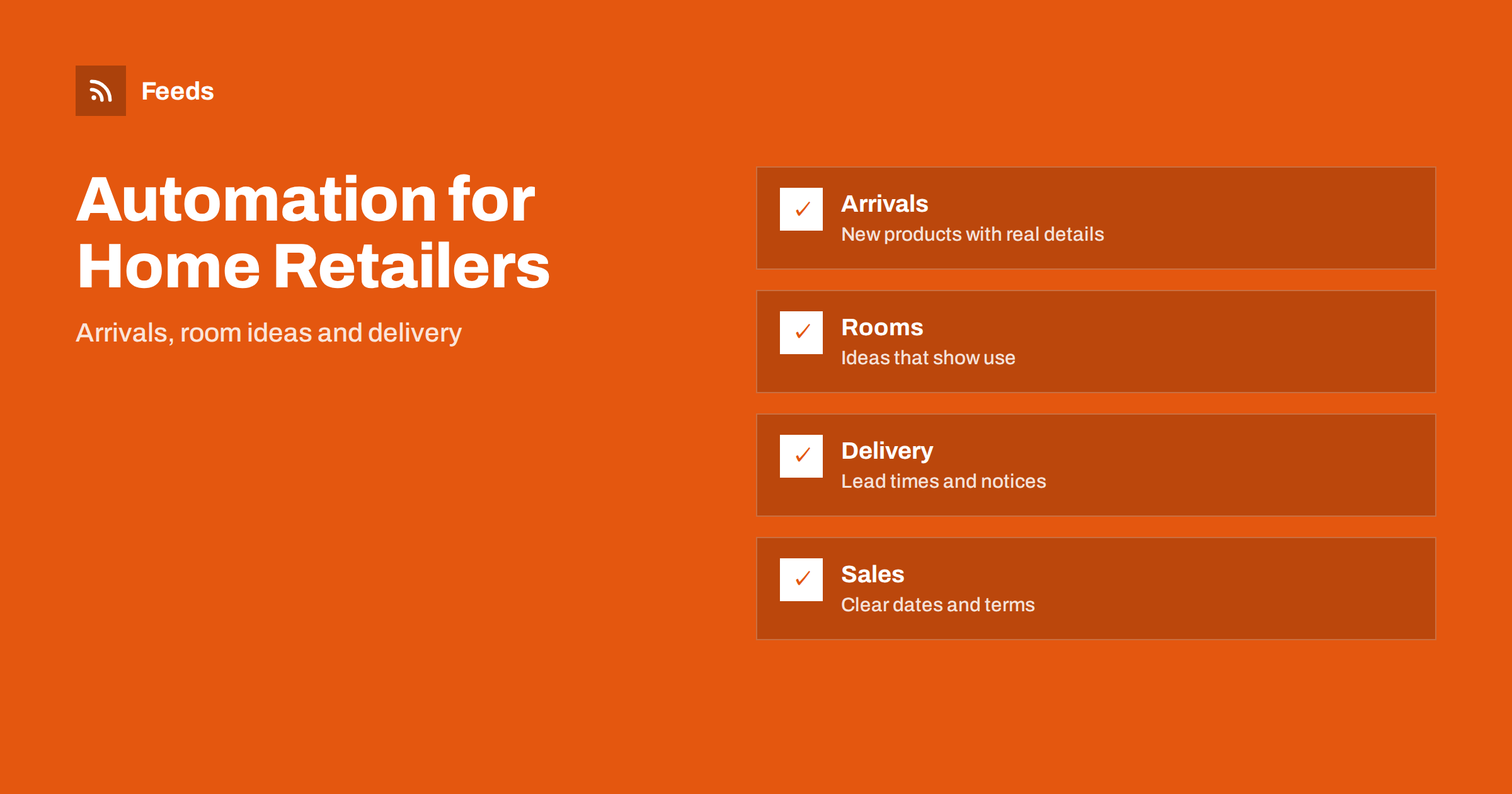
Short answer: Furniture and home decor retailers sell products that are large, visual and often ordered weeks ahead, so their content must show the product well and set honest expectations about size, materials and delivery. Content automation helps by turning your product list, your sale calendar and your own room ideas into scheduled posts. Keep every detail about dimensions, availability and lead times accurate, review each post before it goes out and write delivery problems by hand.
What a home retailer needs to publish
Customers look for ideas first and products second. They want to see how a sofa looks in a real room, whether a table fits a small kitchen, what a fabric feels like and how long delivery takes. A shop that posts only product photos on white backgrounds misses the inspiration that makes people buy, while a shop that posts nothing for weeks looks closed.
Useful content includes new arrivals, room ideas, care and assembly tips, buying guides, notices about delivery times and showroom hours, sale announcements and hiring posts. The overview in content automation for local businesses describes the general approach, and this article adapts it to furniture and home decor retailers, both with a showroom and online.
New arrivals from your product list
Your product list is the best source of automatic content. A feed of new products gives the title, a picture, a short description and a link, and an automation can turn each new item into a draft post. The approach is shown in sharing new shop products on social media automatically and in publishing a new arrivals RSS feed for your online store.
Use an approval step and check the photo, the dimensions, the materials, the price and the stock before a post is scheduled. Furniture is expensive, and a wrong dimension or colour leads to returns that are costly for both sides. When the product page needs better data, fix the page first. The article on product feeds for furniture and home goods stores explains which details matter most.
Room ideas and buying guides
Show products in use. A weekly post that groups three or four products into a room idea, such as a small living room, a home office or a nursery, is more interesting than a single product and often sells several items at once. Use your own photos or manufacturer images that you have permission to use, and always link to each product that appears.
Buying guides answer the questions that stop a purchase: how to measure a room, how to choose a mattress firmness, which sofa fabric suits pets, how to plan lighting or how to care for solid wood. Write them from your own experience and keep them general. Evergreen guides can be reshared on a schedule if each one is reviewed once a year and dated, as described in resharing evergreen content automatically without spamming.
Delivery, lead times and honest expectations
Delivery is the biggest source of complaints in this trade. Large items arrive in stages, custom orders take weeks and suppliers sometimes delay shipments. Put the standard lead times on the product pages and in your posts, and update them whenever they change. Never promise a date in an automated post unless you control it.
Do not use automated posts for urgent matters, such as a delivery delay, a supplier problem or a showroom closure. Write those messages by hand, publish them where customers look first and pause scheduled promotions while the problem lasts, as described in when to pause automated posting: a crisis and holiday plan. Honest, early notices earn more trust than a perfect schedule.
Assembly and care information deserves its own series. A short post on how to assemble a common item, how to clean an upholstered sofa or how to treat a wooden table reduces support requests and shows that you stand behind the product. Link each tip to the products it applies to, and keep the instructions in line with the maker’s own guidance.
Sales, offers and terms
Sales are easy to schedule and easy to get wrong. State the dates, the products included, the discount and any exclusions clearly, and make sure the website shows the same prices. Remove or replace the post when the sale ends. Check the rules for price reductions in your country, because advertising a reduced price usually has requirements about the previous price.
Prepare for peak periods well ahead. Preparing your product feed for Black Friday and peak season has a checklist that also helps your social posts, and a content calendar like the one in building a content calendar from feeds and automation keeps the plan visible to the whole team.
Photos, rights and customers’ homes
Use clean, honest images that show the real colour and scale. Keep a folder of approved photos, with notes about who owns them, and avoid images that you do not have the right to use. If you share photos from customers’ homes, ask for written permission, and avoid anything that reveals an address, family members or valuables.
User photos are powerful because they show products in real rooms. Ask customers to tag your shop or use a hashtag, and ask before you share. A monthly post with a customer room, with credit, is easy to prepare by hand and more believable than an automated one.
Showroom events, local presence and hiring
If you have a showroom, events such as design evenings, new collection launches and local market days give you news to share. A feed of your town’s event pages can help you find partner events, as explained in turning event calendars into RSS feeds and local news monitoring with RSS. Always check that an event has not been cancelled before a post goes out.
Hiring posts reach local people best on social channels. Prepare a template for each vacancy, with the role, location, requirements and a link to apply, as in sharing job openings automatically on social media. Once a month, look at which posts led to visits or orders and adjust the plan. Add UTM tags to links so that visits from posts are visible in your analytics, as explained in tracking traffic from automated posts.
Write down your rules so that anyone on the team can run the system: which sources feed the posts, who approves them, what is never posted and who updates delivery times before holidays. Documenting your content automations explains how to keep such notes short. Review the list twice a year, remove accounts nobody uses and check that every approver still works with you. A system that is written down survives holidays and staff changes, and it keeps the shop’s voice consistent when several people post.
Think about the mix of channels. A showroom shop may find that a local audience responds to events and a regional page, while an online store gains more from room ideas and search-friendly guides on its own site. Use the same content in more than one place by adapting it: a buying guide on the website, a short summary on social channels and a reminder in the newsletter. Reuse saves time, and a consistent message helps customers remember what you stand for.
Finally, keep customer service in view. Questions and comments on posts are a free source of ideas, and slow answers undo the effect of a good schedule. Check comments daily, answer questions about products and delivery with accurate information and move complaints to a private channel quickly. An automated schedule is only half of the job; a person has to be there to reply.
How RSS Feed Creator helps
RSS Feed Creator turns the public news, events or notice pages of local organizations, design fairs, councils and trade bodies into clean RSS feeds, even when those sites have no feed of their own. It reads titles, images, summaries and dates, uses an existing feed when there is one, and shows a preview of the items before the feed is created. You can merge several sources into one feed (up to 10 with the PostRSS add-on), keep only the items that contain your keywords and have duplicates removed automatically, which suits a feed of local events and trade news. Feeds refresh every 3 hours on the free plan and every 30 minutes on paid plans, and the PostRSS add-on sends an alert when a page changes and a feed stops finding items. The free plan allows up to 20 items per feed, and the details are on the pricing page.
Related reading
- Product Feeds for Furniture and Home Goods Stores
- How to Share New Shop Products on Social Media Automatically
- How to Publish a New Arrivals RSS Feed for Your Online Store
The bottom line
Furniture and home decor retailers can automate the routine parts of publishing: new arrivals, room ideas, buying guides, sale notices and hiring posts. Keep an approval step for every detail about size, price and delivery, use real photos and write delivery problems by hand. Automation should save time without costing the trust that large purchases depend on.
DUK
What should a home retailer automate first?
Start with new arrival posts from your product list and a monthly room idea. Add buying guides and sale notices after that.
Should every new product be posted automatically?
Not without a check. Use an approval step to review photos, dimensions, materials, price and stock before a post is scheduled.
Can I post delivery times automatically?
Only standard lead times that you can keep, and update them whenever they change. Write delays and problems by hand.
Can I share customers’ room photos?
Only with written permission, and avoid anything that reveals an address, family members or valuables.
How do I keep posts from feeling like adverts only?
Mix new arrivals with room ideas, care tips and showroom news, and use your own photos where you can.