 ENEnglish
 LTLietuviškai
 DEDeutsch
 FRFrançais
 RUРусский
 ESEspañol
 PLPolski
 ITItaliano
 UKУкраїнська
 CSČeština
 PTPortuguês
 JA日本語
JA日本語 LVLatviešu valoda
 ETEesti
 HUMagyar
 IDBahasa Indonesia
 TRTürkçe
 HIहिन्दी
 ELΕλληνικά
 ARالعربية
 THไทย
THไทย VITiếng Việt
 RORomână
 MSBahasa Melayu
 BNবাংলা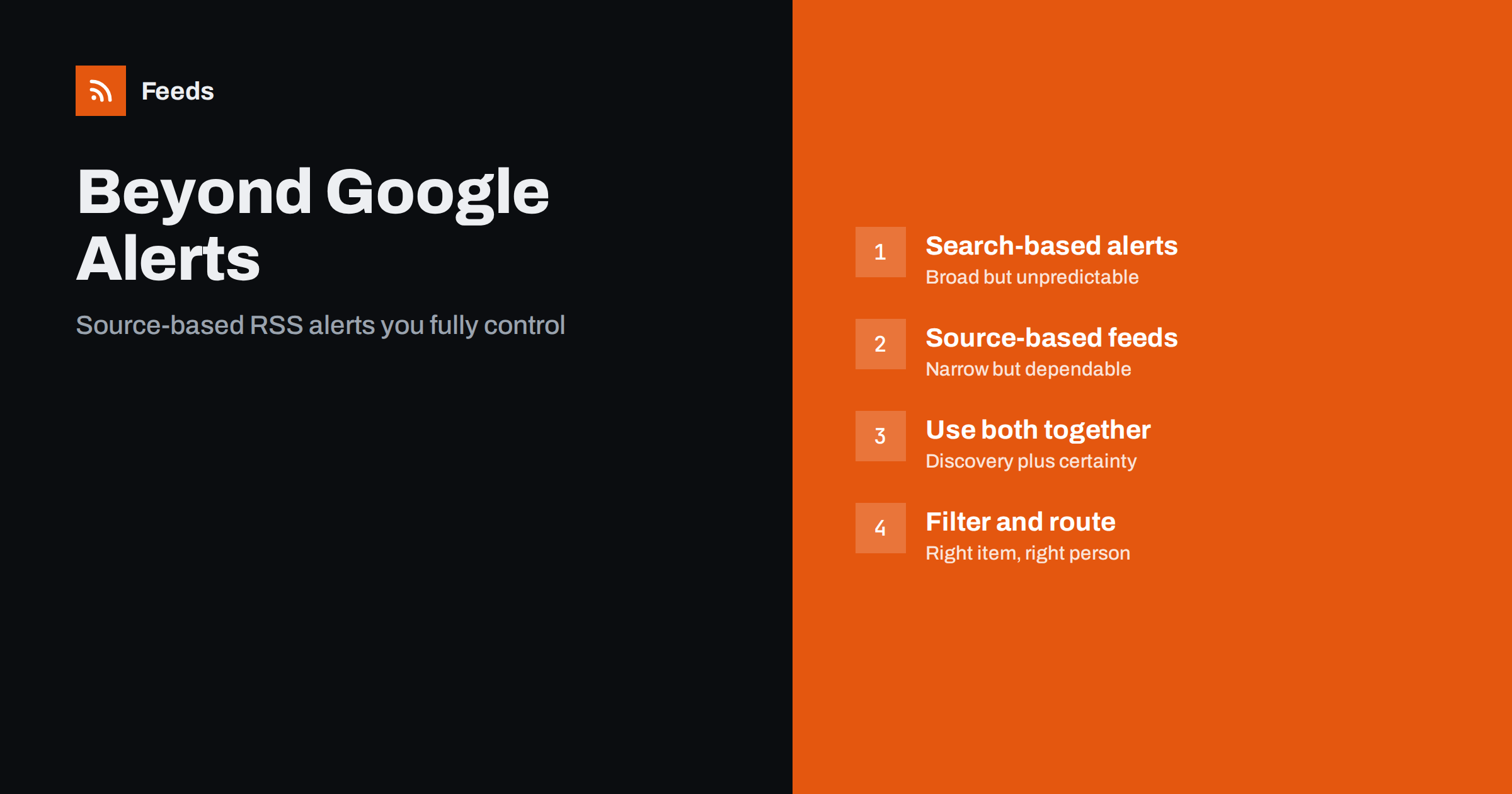
Short answer: Search-based alert services such as Google Alerts are useful for broad discovery, but you cannot control which sites they check or how quickly, and they can miss items. Source-based alerts built from RSS feeds cover only the sites you choose, but they reliably catch every new item on those sites. The strongest setup combines the two: search alerts for discovery and filtered feeds from your key sources for dependable coverage.
Google Alerts is often the first tool people reach for when they want to know when their name, brand or topic appears online. It is free, it takes a minute to set up, and it sometimes surfaces things you would never have found. It is also common to hear complaints that it misses obvious mentions or sends results days late. Both experiences are true, and they come from how search-based alerts work. Understanding that helps you design alerts you can actually rely on.
How search-based alerts work
A search-based alert runs your query against a search index and sends you new results. The index is enormous, which is why these alerts can surface mentions on sites you never knew existed. But you depend on several things outside your control.
- Which pages get indexed. Search engines do not crawl every page, and new pages on small sites may be discovered late or not at all.
- When pages get indexed. The delay between publication and indexing varies widely from site to site.
- Which results are selected. Alert services usually send what they consider the most relevant results, not necessarily every match.
- How the query is interpreted. Search matching can be looser or stricter than you expect, especially for short or ambiguous names.
None of this makes search alerts bad. It makes them a discovery tool, not a guarantee.
How source-based RSS alerts work
A source-based alert starts from the other end. You pick the websites that matter, get a feed of each site’s new items, and filter those items for your keywords. Every new item on those sites is checked; nothing depends on a search index.
- Complete for chosen sources. If a trade publication you follow publishes an article with your brand in the headline, the filtered feed catches it.
- Predictable timing. The delay is your refresh interval, not an indexing queue.
- Transparent matching. You can see exactly which words triggered an item and adjust them.
- Works for sites without RSS. Page-to-feed tools can create feeds from list pages, so you are not limited to sites that publish feeds.
The limitation is equally clear: you only see what happens on the sources you added.
Comparing the two approaches
| Question | Search-based alerts | Source-based RSS alerts |
|---|---|---|
| Coverage | Very broad, unpredictable | Narrow, complete for chosen sites |
| Speed | Depends on indexing | Depends on your refresh interval |
| Control over sources | Limited | Full |
| What is matched | Indexed page content | Feed title and summary |
| Best for | Discovering unknown mentions | Never missing items from key sources |
| Setup effort | Very low | Low to moderate |
One difference deserves attention: search alerts can match text anywhere on a page, while feed filters usually see only headlines and summaries. Search alerts can therefore find a mention deep in an article, provided the page is indexed. Source-based feeds catch headline-level mentions reliably but can miss passing references in the body.
A combined setup that works
Instead of choosing, use each approach for what it does best.
- Search alerts for discovery. Keep a few search alerts for your brand, key people and main topics. Many alert services can deliver results as an RSS feed instead of email, which lets you read them alongside everything else.
- Source-based feeds for your key sites. For the twenty to fifty sites that matter most, such as trade press, competitors, regulators and partners, create feeds and filter them.
- One place to read. Put both kinds of feed into the same reader, in separate folders, so you can compare what each catches.
- Promote discovered sources. When a search alert surfaces a relevant site you did not know, add that site as a source feed. Over time, your source list grows to cover where your topic is really discussed.
This feedback loop is the key. Search alerts find the unknown; source feeds make the known dependable.
Writing queries and filters that work in both
- Use quotes for exact phrases in search alerts, and phrases in feed filters, when your name contains common words.
- Add variants: abbreviations, old names after a rebrand, product names and people’s names.
- Exclude your own domain in search alerts if you do not want your own pages reported.
- Keep exclude words targeted. Remove known unrelated meanings rather than broad words that might hide relevant items.
- Review monthly. Look at what each alert produced, which items were useful and which were noise, and adjust.
Managing noise and delivery
Whichever kind of alert you use, the biggest risk is not missing items but drowning in them. An alert stream that sends thirty irrelevant results a day will be ignored within a week, and then it catches nothing at all, because nobody reads it. A few rules keep both kinds of alert usable.
- Separate by urgency. Brand mentions in major outlets deserve a fast channel. Topic discovery can arrive in a daily or weekly batch.
- Separate by type. Keep search-alert results and source-feed results in different folders. They have different reliability, and mixing them makes it hard to judge either.
- Measure usefulness. Once a month, count how many items from each alert led to an action or were genuinely informative. Alerts with none for several months should be narrowed or removed.
- Accept overlap. The same article may arrive through a search alert and a source feed. That is a small cost for the extra certainty, and it also shows you which method was faster.
Delivery matters too. People who live in their inbox may prefer a daily email digest; teams that coordinate in chat may prefer a channel. RSS keeps these options open, because a feed can be read directly or passed to whatever tool your team already uses.
When source-based alerts are essential
Some situations call for dependable coverage of specific sites, where discovery alone is not enough:
- Regulatory and legal monitoring, where missing a consultation or notice has consequences.
- Competitor launches, where you want every announcement on their newsroom and changelog.
- Tenders and procurement, where each missed notice is a missed opportunity.
- Key customer news, for account teams who want to know about every announcement from their accounts.
In these cases, the question is not “is my keyword mentioned somewhere on the web?” but “did this particular site publish something new?” That is exactly what feeds answer.
A worked example
A small software company sets up search alerts for its brand name in quotes, its founder’s name and its main product category. Results are delivered as a feed into a reader folder called “Discovery”. Separately, it builds source feeds for eight industry publications, five competitors’ newsrooms and blogs, and two community forums, merged into one feed filtered for the brand, the product category and competitor names.
After a month the team compares both folders. The source feeds caught every headline mention in the trade press, often hours before the search alerts. The search alerts found two mentions in blogs the team had never heard of, both of which were added as sources. One search alert for the product category proved too noisy and was narrowed with a second word. The result is a monitoring setup that improves itself a little every month.
How Feeds helps
Feeds handles the source-based side. It turns any public page into an RSS feed, using the site’s own feed where one exists and finding the list of articles where it does not, with a preview before anything is created. You can merge sources, keep items with or without your words, and duplicates are removed automatically. The result is a standard feed that sits in the same reader as your search alert feeds. Feeds refresh on their own, and paid plans alert you if a feed stops finding items. Plans are listed on the pricing page.
Related reading
- How to Set Up Keyword Alerts Using RSS Feed Filters
- Media Monitoring with RSS: Track Brand Mentions in the News
- How to Choose an RSS Reader: Features That Actually Matter
The bottom line
Search-based alerts and source-based feeds solve different problems. Use search alerts to discover mentions anywhere, and filtered feeds from your key sources to make sure nothing on those sites slips past. Read both in one place, and let discoveries from search become new sources. That combination gives you breadth and dependability without an expensive monitoring service.
DUK
Why does Google Alerts miss some mentions?
Search-based alerts depend on which pages are indexed, when they are indexed and which results the service chooses to send. Pages on small or new sites may be indexed late or not at all, so some mentions never appear in alerts.
Can Google Alerts be delivered as RSS?
Yes, Google Alerts offers RSS feed delivery as an alternative to email. This lets you read alert results in a feed reader alongside your other feeds.
What is a source-based alert?
It is an alert built from the feeds of specific websites you choose, filtered for your keywords. It catches every matching new item on those sites, regardless of search indexing.
Can RSS alerts find mentions inside article text?
Usually not, because feed filters typically see only the title and summary. Search-based alerts are better at finding passing mentions deep in articles, which is one reason to combine both.
How many sources should a source-based alert cover?
Start with the twenty to fifty sites that matter most to your business and add new ones as you discover them. Quality of sources matters more than their number.


