 ENEnglish
 LTLietuviškai
 DEDeutsch
 FRFrançais
 RUРусский
 ESEspañol
 PLPolski
 ITItaliano
 UKУкраїнська
 CSČeština
 PTPortuguês
 JA日本語
JA日本語 LVLatviešu valoda
 ETEesti
 HUMagyar
 IDBahasa Indonesia
 TRTürkçe
 HIहिन्दी
 ELΕλληνικά
 ARالعربية
 THไทย
THไทย VITiếng Việt
 RORomână
 MSBahasa Melayu
 BNবাংলা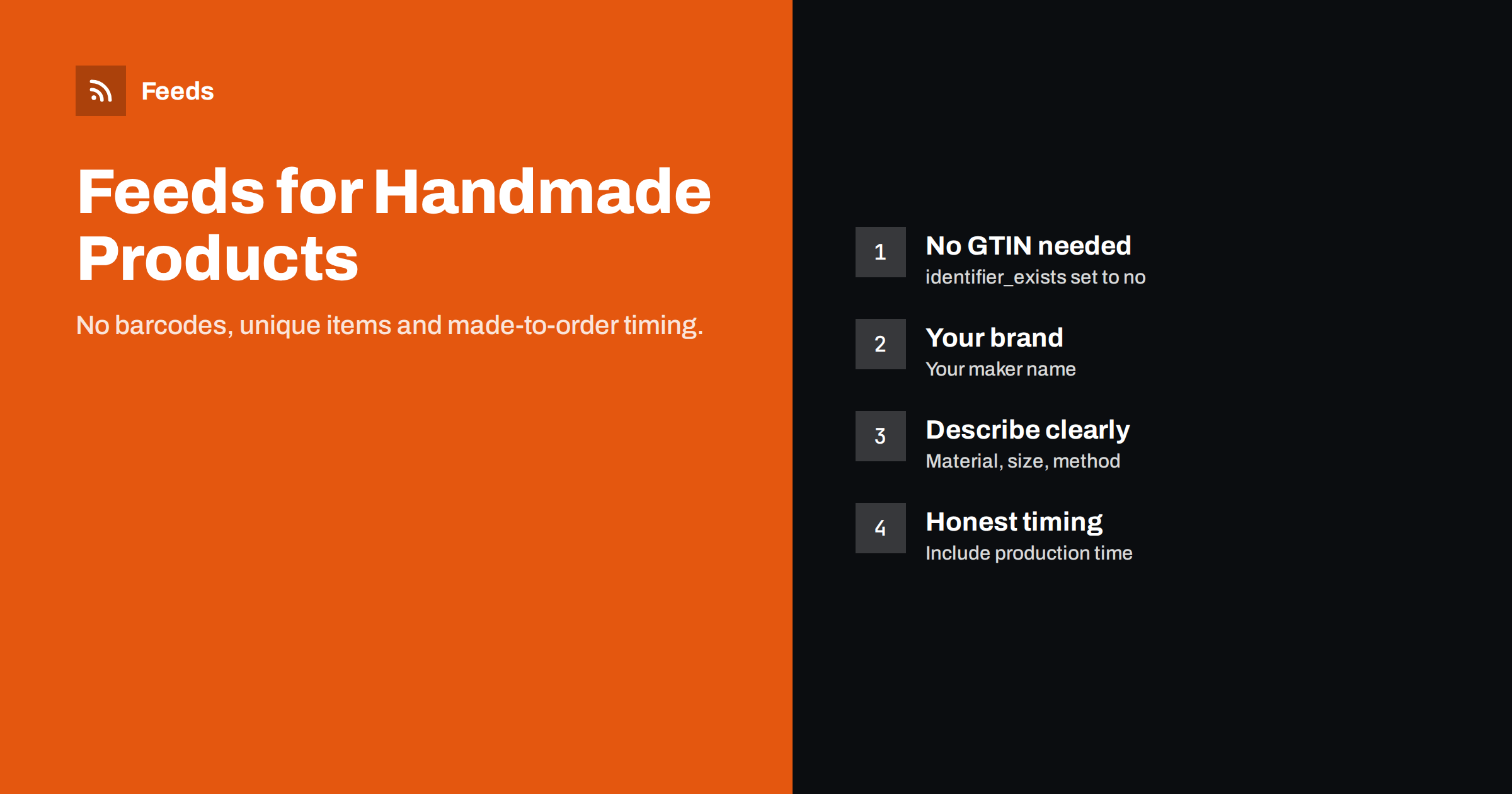
Short answer: Handmade and custom products can be listed in Google Shopping and Meta catalogs like any other product. They usually have no GTIN or MPN, so send your own brand name and set identifier_exists to no. Because shoppers cannot search for them by model number, descriptive titles with product type, material, size and style matter more than usual. Include production time in handling times for made-to-order items, and use photos of the actual products.
Why handmade products need a different approach
Most feed advice assumes products that exist in many stores: branded goods with barcodes, where the platform already knows the product and your job is to match it. Handmade products are the opposite. Each design is yours, often each piece is unique, and nobody searches for your product by name until they already know you.
That changes the priorities. Identifiers, which matter so much for resellers, mostly do not apply. Titles and images, on the other hand, carry almost all of the weight, because they are how the platform understands what the product is and how shoppers decide whether it is what they are looking for. Delivery information also needs care, because made-to-order production adds time that standard shipping settings do not cover.
The good news is that handmade products often stand out in results grids. Distinctive photos and genuine descriptions compete well against mass-market items, as long as the data behind them is clear.
Many makers start by selling on a marketplace and later open their own store. Feeds become relevant at that second step, when the store needs traffic of its own. Free listings in Google Shopping are a low-risk way to start: they cost nothing per click and show whether your products attract interest before you spend on ads.
Identifiers and brand
Handmade products rarely have GTINs, and you should not buy or invent them just for feeds. Google’s specification allows products without manufacturer identifiers:
- brand: use your maker or shop brand name, since you are the brand owner.
- gtin and mpn: leave empty if they do not exist.
- identifier_exists: set to no, which tells Google the product genuinely has no manufacturer identifiers.
If you later sell through retailers or marketplaces that require barcodes, you can obtain GTINs from GS1 or its local organization, and then add them to the feed. Until then, identifier_exists = no is the honest and correct setting for custom work.
For vintage or one-of-a-kind items that you did not make, such as antiques, the same logic applies if no identifiers exist, with brand set only when there is a real brand.
Also make sure your brand name is consistent everywhere: in the feed, on product pages and on packaging. Small variations in spelling or capitalization look careless and can split brand-related signals.
Titles that describe what you made
Creative product names are part of a maker’s identity, but on their own they do not help shoppers find the product. “The Willow” could be a necklace, a lamp or a chair. A feed title should describe the product in the words people search for, and can include the creative name after the descriptive part:
- Lead with the product type: “Handmade Ceramic Mug”, “Leather Card Holder”, “Oak Wall Shelf”.
- Add the defining attributes: material, size, color, finish, style.
- Add “handmade”, “hand-thrown” or “hand-stitched” where accurate; many shoppers search for these terms.
- Add personalization if offered: “Personalised with Initials”.
Example: “Handmade Stoneware Coffee Mug, 300 ml, Speckled Blue Glaze, The Willow”. The shopper knows immediately what it is; the creative name remains visible for those who know your collection.
Think about how a stranger would search for your product. A potter might call a piece a “tumbler”, while shoppers search for “ceramic cup without handle”. Check the words customers use in messages and reviews, and use the most common ones in titles.
Descriptions, materials and care
Descriptions for handmade goods should explain what makes the product what it is: materials, dimensions, how it was made, variations between pieces, and how to care for it. Shoppers of handmade products often want to know that each piece is slightly different, that colors may vary, or that a glaze is food-safe. Put these facts early, in plain text.
Avoid claims you cannot support, such as “lasts a lifetime” or health benefits for natural materials. Clear, specific facts build more trust than superlatives, and they reduce returns from shoppers with the wrong expectations.
Categories matter for makers too. Setting a clear product_type from your shop categories, such as “Ceramics > Mugs” or “Jewelry > Necklaces”, helps you split campaigns later and see which product lines attract attention. It takes minutes to set up and becomes more useful as the catalog grows.
If your pieces use materials that some shoppers avoid or look for specifically, such as nickel-free metals, natural dyes or recycled materials, mention them clearly. These details are often exactly what a searching shopper types, and they help the right buyers find you.
Images of the real product
For handmade goods, images are the main reason people click. A few guidelines:
- Use a clean, well-lit main image showing the product clearly, without text or watermarks.
- Use additional images for details, scale (the product in a hand or next to a familiar object) and context.
- For unique pieces, photograph the actual item. For made-to-order designs, show a representative piece and say so in the description.
- Keep a consistent style across the catalog, so your products are recognizable in a grid.
Photography does not need expensive equipment. Daylight from a window, a plain background and a steady phone produce images that work well in feeds, as long as the product fills most of the frame and colors are accurate. Take the time to photograph every new piece the same way, and the whole catalog will look consistent.
Made-to-order timing and stock
Made-to-order products create a delivery question that standard shipping settings do not answer. If an item takes five days to make and three days to ship, the shopper waits eight days, and your settings should say so.
| Product type | Availability | Delivery setting |
|---|---|---|
| Ready-made, in stock | in_stock | Normal handling and transit times |
| Made to order, orders open | in_stock or backorder, per your page | Handling time includes production |
| Unique piece, sold | Exclude or out_of_stock | Not applicable |
| Pre-launch collection | preorder with availability date | Date when pieces ship |
Use shipping labels to give made-to-order items their own handling time in Merchant Center, separate from ready-made stock. Show the same timing on product pages and at checkout.
For one-of-a-kind pieces, refresh the feed often, because each sale removes an item completely. A sold unique piece that still appears in ads frustrates exactly the shoppers who were most interested.
Seasonal demand affects makers strongly, especially before holidays. If production capacity is limited, communicate order deadlines clearly on the site, and consider pausing ads for items that cannot be made in time rather than accepting orders you cannot deliver as promised.
Personalized and configurable products
Products with personalization, such as engraving or custom colors, should be listed with the base configuration the page shows on arrival and the price for that configuration. If personalization adds a fee, the feed price is the base price shown on the page, and the extra cost is shown during configuration. Do not create separate feed items for every possible personalization; that produces near-duplicates with no search value.
If the price varies widely by configuration, for example furniture made to custom dimensions, consider listing a few standard sizes as separate items, each with a clear price, and describing the custom option in the description.
Small catalogs are an advantage here: with a few dozen products, you can review every item in the feed by hand once, fix titles and images, and then let the automated refresh keep prices and stock current.
How Feeds helps
Feeds turns a WooCommerce or Shopify store, or a CSV link, into a Google product XML feed with id, title, link, image, price, availability and brand for each product, which Merchant Center and Meta can both fetch. Rules can rewrite titles into a descriptive format, skip out-of-stock pieces and adjust prices, and you see a preview of the products with images before the feed is created. See the pricing page for plans.
Related reading
- GTIN, MPN and Brand: Product Identifiers in Feeds Explained
- Product Feed Title Optimization: Formulas That Work
- Shipping in Product Feeds: Account Settings vs Attributes
The bottom line
Handmade and custom products fit well in product feeds with a few adjustments: your own brand, identifier_exists set to no, descriptive titles that lead with the product type, real photos, and handling times that include production. Refresh often for unique pieces, and list personalized products with the base configuration the page shows.
DUK
Can I sell handmade products on Google Shopping without GTINs?
Yes. Send your brand and set identifier_exists to no. GTINs are only needed for products that have manufacturer-assigned barcodes.
What should I put in the brand field for my own products?
Your maker or shop brand name. You are the brand owner of products you design and make.
How do I handle made-to-order delivery times?
Include production time in the handling time, for example by using a shipping label for made-to-order items with its own handling time.
Should unique pieces stay in the feed after they sell?
No. Exclude or mark them out of stock immediately, and refresh the feed often so sold pieces disappear from ads quickly.
Do I need a separate item for every personalization option?
No. List the base configuration with its price, and describe personalization options in the description and on the page.


