ENEnglish
 LTLietuviškai
 DEDeutsch
 FRFrançais
 RUРусский
 ESEspañol
 PLPolski
 ITItaliano
 UKУкраїнська
 CSČeština
 PTPortuguês
 JA日本語
JA日本語 LVLatviešu valoda
 ETEesti
 HUMagyar
 IDBahasa Indonesia
 TRTürkçe
 HIहिन्दी
 ELΕλληνικά
 ARالعربية
 THไทย
THไทย VITiếng Việt
 RORomână
 MSBahasa Melayu
 BNবাংলা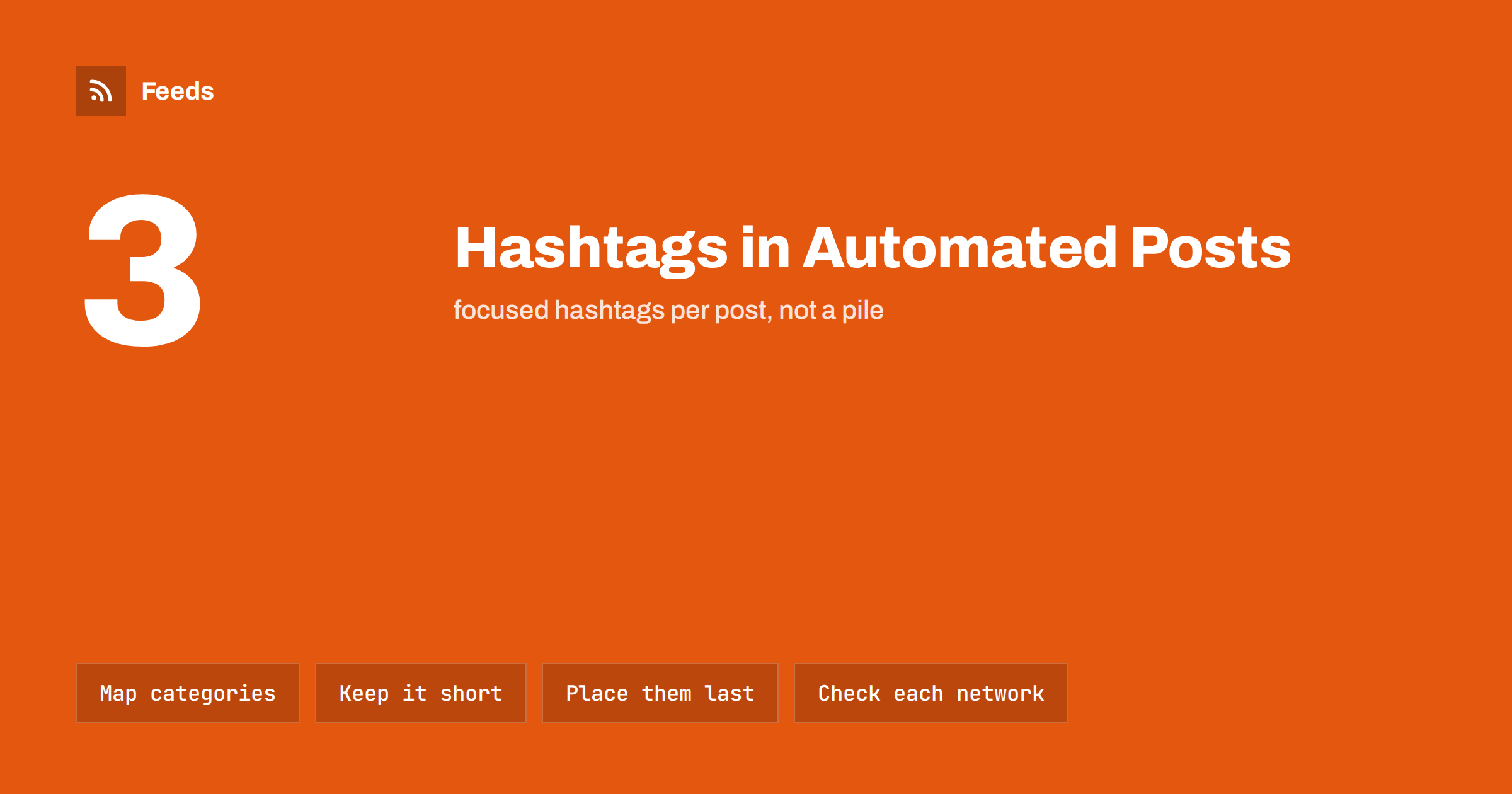
Short answer: In automated posts, hashtags work best when they come from a short, approved list and not from raw feed labels. Map each category or topic to one clean hashtag, use a few per post, put them at the end after the title and link, write multi-word tags in CamelCase for readability and review the results on each network, because habits and value differ widely between them.
Hashtags look like a small detail, but in automation they are a common source of embarrassing posts. A tool that takes every category from a feed and turns it into a tag may produce a long string of awkward words, repeat the same tag in every post or attach a tag with an unintended meaning. A person writing by hand would notice. An automated system will not, unless you design for it.
This guide is about the rules to set up once so that hashtags help your posts instead of cluttering them. It applies to posts made from RSS feeds, whether you are sharing your own blog or curated items, and it complements the broader advice in how to automate social media posts from an RSS feed.
What hashtags do, and what they do not
A hashtag is a clickable label that groups posts on the same topic. On some networks it helps people find your post when they search or follow the tag. On others it has little effect, and on some it is mostly decoration. Their value therefore depends on the network, on your audience and on whether the tag is one that people really follow.
They do not make a weak post good. A clear title, a useful image and a link that works matter more, and a post with six tags and a vague title will usually do worse than one with two tags and a strong headline. Treat hashtags as a small tool for discovery and for consistency, not as the main way to get reach.
Where automated hashtags come from
There are three common sources, and each has its risks.
- Categories and tags in the feed. Each item may carry category labels set by the publisher. They are convenient, but they are written for an archive, not for social media, and may include long phrases or internal names.
- Keywords found in the title or text. Some tools pick words automatically. This is the hardest to predict, and it can produce odd or irrelevant tags.
- A fixed list you maintain. You decide in advance which hashtags exist and which feed labels map to them. This is the most reliable method, and the one we recommend for any account that matters.
For the background on how categories travel in a feed, see anatomy of an RSS 2.0 feed, and for following a single category see how to follow just one section or category of a website.
Build a mapping list
A mapping list is a table with two columns: the label in the feed and the hashtag that will be used. Write it once, keep it short and update it when your topics change. For example, a feed label “Product Updates” may map to one hashtag, and “How-to Guides” to another. Labels that you never want to turn into hashtags map to nothing.
The list protects you in three ways. It guarantees that each hashtag is spelled and capitalised the same way every time. It stops stray labels from becoming public. And it lets you review the hashtags in one place, which is far easier than checking a hundred posts. Keep the list in the same document as your post templates and your notes on the automation, as suggested in how to document your content automations so they last.
Clean formatting rules
Hashtags have strict syntax, and automated conversion should respect it. Spaces and most punctuation break a hashtag. A label such as “E-commerce Tips & Tricks” must be turned into something like #EcommerceTips, not left as it is. Decide how to handle these cases before you switch the automation on.
- Remove spaces and punctuation. Hyphens, ampersands and apostrophes should not appear.
- Use CamelCase for several words. #ContentAutomation is easier to read than #contentautomation, and screen readers can pronounce it correctly.
- Keep them short. Long tags look awkward and few people follow them.
- Be careful with numbers and non-English characters. A tag that is only digits may not work, and some networks handle accented letters differently. Test before you rely on them.
- Avoid ambiguous words. Check that the word has no other meaning that could embarrass you.
The second point matters for accessibility. When words run together without capitals, assistive tools may read nonsense. A tiny difference in how the tag is written helps everyone.
How many hashtags, and where to put them
For most accounts, fewer is better. One to three focused hashtags are enough on many networks, and piles of tags can look like spam. The right number depends on the network, so check how your audience uses each one before you decide. A sensible default for an automated feed is to allow at most three, chosen from the mapping list.
Put the tags at the end of the post, after the title and the link. A readable sentence at the start of a post draws attention better than a row of tags. If a tag is a natural word in the sentence, such as the product name, it can stay inline, but keep that for hand-written posts. In automated templates, a fixed position keeps every post tidy. Template wording and placement are covered in writing post templates for automated social media feeds.
Differences between networks
The same tag does not work the same everywhere. Without going into numbers that change, the general picture is as follows.
- Mastodon and Bluesky: hashtags matter for finding posts, and people follow them. Use CamelCase and relevant tags. See how to auto-post an RSS feed to Mastodon and Bluesky.
- LinkedIn: a few professional tags at the end are normal. Avoid long strings. See how to auto-post new blog articles to LinkedIn.
- X: short posts leave little room, so one tag at most is often enough. See how to post RSS feed items to X automatically.
- Instagram and Pinterest: discovery tools work differently, and how tags are used changes over time. Check the current guidance. See can you automate Instagram posts from an RSS feed and auto-pinning to Pinterest.
- Telegram and Discord: tags are mainly useful for search inside a channel, so keep them consistent.
When you post to several networks, use one short list and adapt the number per network in the template, rather than building a separate set for each one.
Branded and campaign hashtags
A branded tag, such as your company name or a campaign name, helps people find everything you have posted and lets you search for mentions. Keep it consistent, short and easy to spell. Use it on a fixed share of posts, not every one, so that it does not become noise. For a campaign, check that nobody else is using the tag in a way you would not like, and add a date or a time limit to the plan so the tag does not stay in the template for years.
If you track traffic, hashtags are not a replacement for link tracking. Add parameters to the links as explained in tracking traffic from automated posts with UTM tags, so you can see which posts bring visitors and compare posts with and without tags.
Safety checks before you go live
Before turning on the automation, run a test with a private or test account. Check that every mapped tag looks right on each network and that no stray tag appears. Look at a sample of at least ten items from your feed, including ones with unusual categories. Then add a filter to block sensitive subjects and the ability to pause. The wider issue is covered in brand safety for automated posting, and the steps for stopping a queue in when to pause automated posting.
Review the tags again after a month. Look at which ones appear most, whether any look out of place and whether new topics need new tags. Fifteen minutes of attention is usually enough.
How RSS Feed Creator helps
RSS Feed Creator turns pages that have no feed into clean RSS feeds with titles, images, summaries and dates, and shows a preview before anything is created. You can keep only the items that contain, or do not contain, the words you choose, which helps keep unwanted topics out of an automated queue. Feeds refresh automatically, and the plan limits are on the pricing page.
Related reading
- How often should automated feeds post to social media?
- Full auto vs approval queue: choosing a content workflow
- 12 content automation mistakes and how to avoid them
The bottom line
Hashtags in automated posts need rules. Build a short mapping list, convert labels into clean CamelCase tags, allow a few per post and place them at the end. Adjust the habit for each network, use a branded tag with restraint and test the result before going live. A small amount of setup keeps your automated posts tidy for as long as they run.
DUK
Should I turn every feed category into a hashtag?
No. Feed categories are written for archives and can be long or unclear. Map the ones you want to a short approved list and ignore the rest.
How many hashtags should an automated post have?
Between one and three is a good default. More tags rarely help and can make posts look like spam, so set a hard maximum in your template.
What is CamelCase and why use it?
It means capitalising each word in a multi-word tag, such as #ContentAutomation. It is easier to read and works better with screen readers.
Do hashtags matter on every network?
No. They matter more on some networks than on others, and their role changes over time. Check the habits of your audience on each platform.
Can I use the same hashtags on all networks?
You can use one core list, but adapt the number per network. A tag count that suits one network may look excessive on another.