 ENEnglish
 LTLietuviškai
 DEDeutsch
 FRFrançais
 RUРусский
 ESEspañol
 PLPolski
 ITItaliano
 UKУкраїнська
 CSČeština
 PTPortuguês
 JA日本語
JA日本語 LVLatviešu valoda
 ETEesti
 HUMagyar
 IDBahasa Indonesia
 TRTürkçe
 HIहिन्दी
 ELΕλληνικά
 ARالعربية
 THไทย
THไทย VITiếng Việt
 RORomână
 MSBahasa Melayu
 BNবাংলা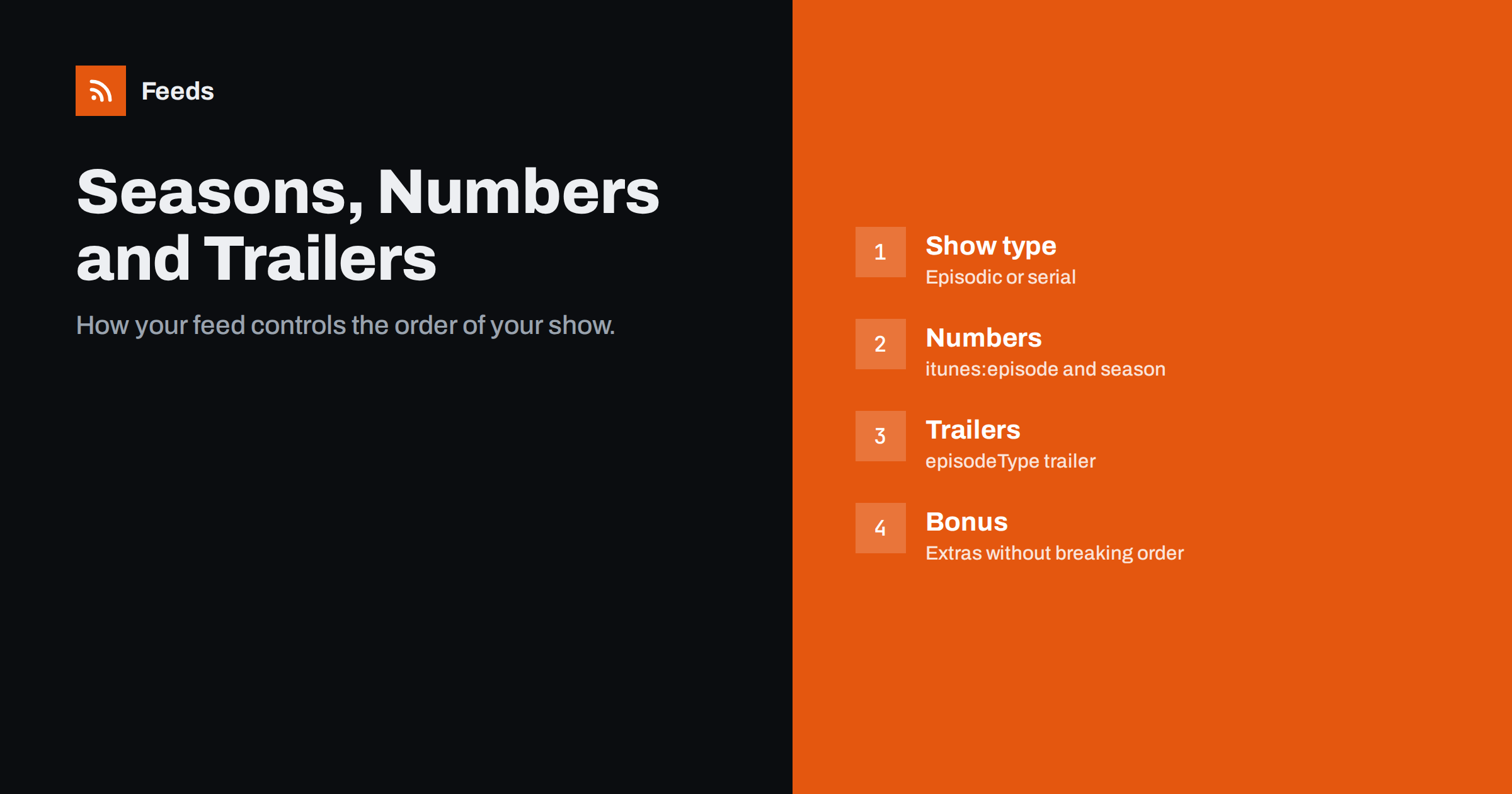
Short answer: Podcast apps organise episodes using a few feed tags: itunes:type (episodic or serial) for the whole show, and per episode itunes:episode for the number, itunes:season for the season and itunes:episodeType for full, trailer or bonus episodes. Serial shows are presented oldest first, episodic shows newest first. Use numbers in the tags rather than in titles, mark trailers so apps can feature them, and keep bonus episodes outside the main numbering.
Most podcasters spend their energy on recording and editing, which is right, but a few minutes spent on structure pays off with every new listener. How your show appears in an app, which episode a new listener sees first, whether seasons are grouped, whether a trailer is shown at the top, is not decided by the app alone. It is controlled largely by tags in your RSS feed, usually set through fields in your podcast host’s dashboard. Getting them right makes a show easier to discover and to binge. Getting them wrong leads to numbers shown twice, new listeners starting with the finale, or trailers mixed into the episode list.
Plan the structure before episode one
Structure decisions are easiest before the first episode is published, because every later change has to be applied to existing episodes and may confuse existing listeners. Answer a few questions early:
- Does order matter? If a new listener must start at the beginning to understand the show, it is serial. If any episode makes sense on its own, it is episodic.
- Will there be seasons? Seasons suit shows produced in batches, with breaks between them, or shows whose topic changes each season.
- Will there be extras? If you plan Q&A episodes, live recordings or behind-the-scenes content, decide now that they will be bonus episodes outside the numbering.
- How will you title episodes? Choose clean titles without numbers from the start, and let the tags carry the numbers.
- Do you need a trailer? A short trailer published before or with the first episode gives directories something to feature and gives new listeners a quick introduction.
Write these decisions into a short style note for everyone who publishes episodes, so the fields are filled the same way every week.
Show type: episodic or serial
The channel-level itunes:type tag tells apps how the show is meant to be consumed:
- episodic (the default): episodes stand alone, like interviews or news shows. Apps present the newest episode first, and new listeners typically start with it.
- serial: episodes are meant to be heard in order, like a narrative series or a course. Apps present episodes oldest first within a season, so new listeners start at the beginning.
The distinction matters most for new listeners. Someone discovering an interview show wants the latest guest; someone discovering a documentary series needs chapter one. Choosing the wrong type means every new listener starts in the wrong place, and many will not try again. Choose serial only if the order really matters. For a serial show, episode and season numbers become essential, because apps rely on them to group and order episodes.
Episode and season numbers
The itunes:episode tag holds a whole number, and itunes:season the season number. Apps use them to:
- Display “S2 E5” or similar labels.
- Group episodes into seasons with a season selector.
- Order episodes within serial shows.
Apple’s guidance is to keep numbers out of the episode title and put them in these tags instead, and to use itunes:title for a clean title without show name or number. If you also write “Episode 42:” in the title, many apps show the number twice. If your brand relies on numbered titles, be consistent and accept some duplication, but most shows look cleaner with numbers in tags only.
Seasons are optional for episodic shows. Some episodic shows use seasons to mark years or production batches; others never use them. Do not use season 0 or leave gaps unless you have a reason, as some apps display odd groupings.
Episode types: full, trailer and bonus
| itunes:episodeType | Use for | How apps typically treat it |
|---|---|---|
| full | Regular episodes (the default) | Listed normally |
| trailer | Show or season previews | Can be featured prominently on the show page |
| bonus | Extras, behind-the-scenes, Q&A | Listed, often labelled, outside main numbering |
A trailer can be for the whole show or for a specific season; add itunes:season to a season trailer. Trailers help new listeners decide quickly, and a show page with a clear trailer converts browsers into subscribers better than one without. Keep trailers short, often one to three minutes.
Bonus episodes let you publish extras without breaking your numbering. A bonus between episodes 12 and 13 can carry the season number and no episode number, or the number of the episode it relates to, depending on how you want it grouped.
How it looks in the feed
<channel>
  <itunes:type>serial</itunes:type>
  ...
  <item>
    <title>The Beginning</title>
    <itunes:title>The Beginning</itunes:title>
    <itunes:season>1</itunes:season>
    <itunes:episode>1</itunes:episode>
    <itunes:episodeType>full</itunes:episodeType>
    ...
  </item>
</channel>
Notice that the item title and the itunes:title are identical and contain no number; the season and episode tags carry that information, and the app assembles the label. In practice you rarely write this by hand. Hosts expose these as fields on the episode form: season, episode number, episode type and sometimes an “episode title without number”. Fill them consistently from the first episode.
Podcasting 2.0 additions
The Podcasting 2.0 namespace adds podcast:season and podcast:episode tags, which allow a season name and non-integer episode numbers, such as “12.5” for an in-between episode, in apps that support them. They complement, not replace, the iTunes tags. Add them if your host supports them and you want named seasons or unusual numbering.
Why structure helps discovery and listening
These tags are not just housekeeping. They shape the first impression your show makes on a new listener:
- A featured trailer gives browsers a low-effort way to sample the show before subscribing.
- Correct order in serial shows means new listeners start with episode one instead of the latest cliffhanger, which makes them far more likely to continue.
- Clear seasons make a long back catalogue less intimidating: “Season 3: Cities” is easier to dive into than 150 unsorted episodes.
- Clean titles are easier to read in narrow app layouts and in search results, where numbers and show names waste precious space.
Good structure also helps existing listeners. People who pause a serial show for a few weeks can find their place, and fans can jump to a favourite season. None of this requires more production work, only consistent use of fields your host already provides.
Changing the structure of an existing show
Shows evolve: an episodic show starts seasons, a serial becomes episodic, or old episodes get renumbered. Some guidance:
- Adding seasons later is fine. Set the season on new episodes; optionally assign past episodes to “season 1”.
- Renumbering changes only the tags, not the episode identity, so it does not cause duplicates as long as guids stay the same.
- Switching show type changes the order new listeners see; announce it if your audience relies on the old order.
- Removing episodes can leave gaps in numbering; that is acceptable, but keep it tidy if the show is serial.
Before any large restructuring, save a copy of the current feed, so you can compare or roll back if an app displays something unexpected. Apps can take a while to reflect changes, because they cache show data. Refresh your feed in directory dashboards after structural changes.
Common mistakes
- Numbers in titles and tags, shown twice.
- Serial show without episode numbers, leading to wrong order.
- Trailers published as full episodes, so they sit at the bottom of a serial list.
- Bonus episodes numbered as regular episodes, shifting all later numbers.
- Season numbers typed inconsistently, creating a stray “season 21” when “2” was meant.
Once your show is organised, the feed can also drive other channels, such as an episode list on your site or a combined stream with your blog. Our tool, Feeds, merges public feeds into one RSS link, removes duplicates and filters by keywords, for example only episodes on one topic across several shows. See the plans.
Related reading
- Podcast RSS Tags Explained: iTunes and Podcasting 2.0
- Podcast RSS Feeds Explained: How Episodes Reach Every App
- Podcast Feed Rejected? How to Fix the Most Common Errors
The bottom line
A handful of feed tags decide how apps present your show: itunes:type for episodic or serial order, itunes:episode and itunes:season for numbering and grouping, and itunes:episodeType for trailers and bonuses. Keep numbers in tags rather than titles, mark trailers, keep bonuses outside the main numbering, and fill the fields consistently from the first episode.
DUK
Should I put episode numbers in my podcast titles?
Apple recommends keeping numbers out of titles and using the itunes:episode tag instead. Apps then display the number in their own format, and titles stay clean and searchable. It also avoids the number appearing twice in apps that show both.
What is the difference between episodic and serial podcasts?
Episodic shows have standalone episodes and are presented newest first. Serial shows are meant to be heard in order and are presented oldest first, grouped by season.
How do I mark a trailer in my podcast feed?
Set itunes:episodeType to trailer. Add a season number for a season trailer. Many apps can then feature it prominently on your show page.
Do bonus episodes need an episode number?
No. Mark them with episodeType bonus and leave out the episode number, or use the number of a related episode, so your main numbering stays intact.
Will renumbering episodes cause duplicates?
Not if each episode’s guid stays the same. Apps identify episodes by guid, so changing numbers only changes how episodes are labelled and grouped.


