ENEnglish
 LTLietuviškai
 DEDeutsch
 FRFrançais
 RUРусский
 ESEspañol
 PLPolski
 ITItaliano
 UKУкраїнська
 CSČeština
 PTPortuguês
 JA日本語
JA日本語 LVLatviešu valoda
 ETEesti
 HUMagyar
 IDBahasa Indonesia
 TRTürkçe
 HIहिन्दी
 ELΕλληνικά
 ARالعربية
 THไทย
THไทย VITiếng Việt
 RORomână
 MSBahasa Melayu
 BNবাংলা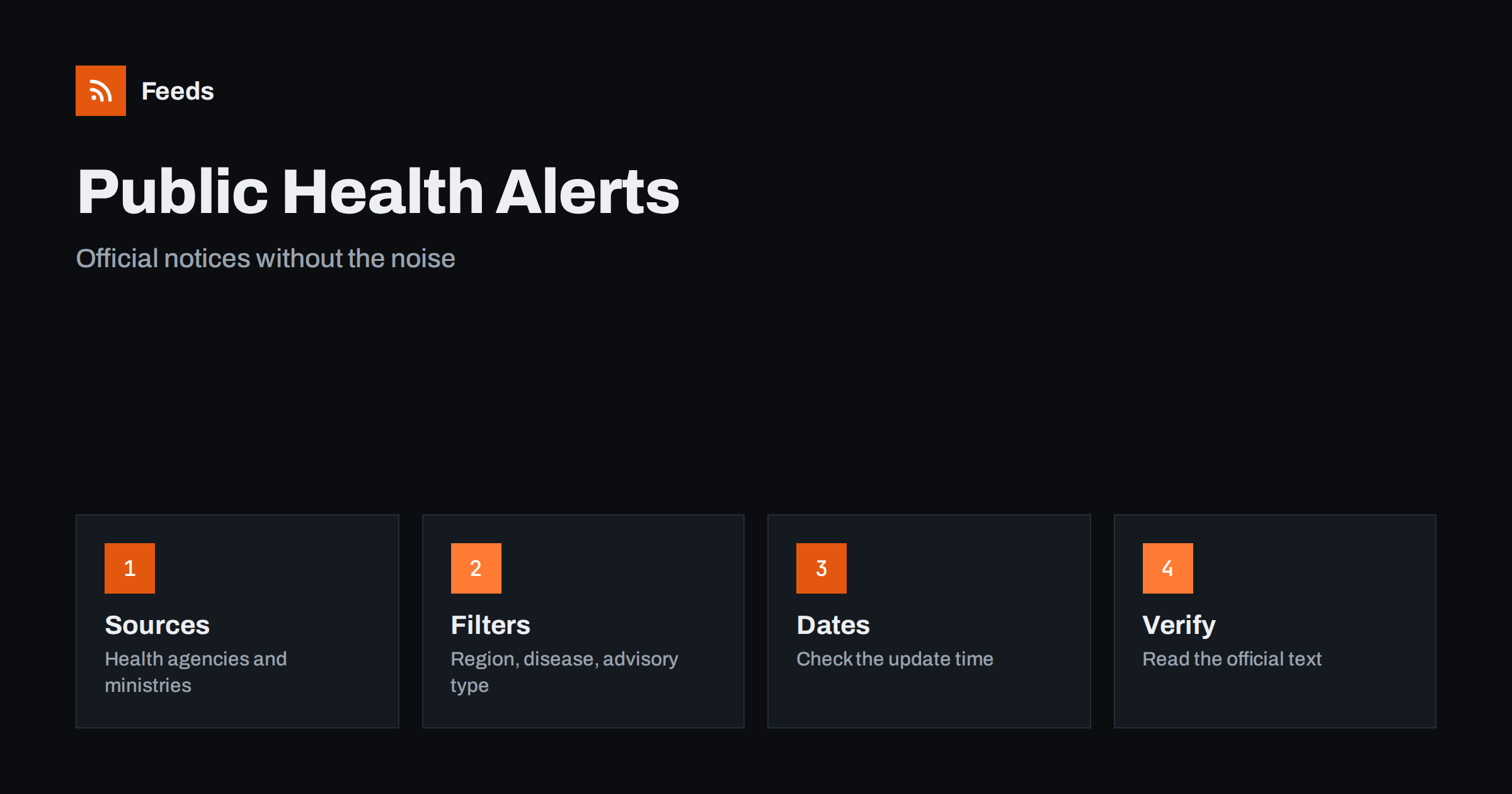
Short answer: Public health agencies, ministries and international health bodies publish outbreak notices, vaccination updates, travel health advice and food or water warnings on their own websites. RSS lets you collect those official pages into one reader, filter them by region and topic, and see each notice soon after it appears. A feed is a delivery tool, not medical advice: use it to learn that something has been published, then read the original notice and follow the guidance of your own health authority and doctor.
Why official sources matter in a health alert
When an outbreak or a health warning makes the news, the first versions that reach you are often shortened, exaggerated or simply wrong. Social posts compress a careful notice into one sentence, and screenshots lose the date. The official notice is the version that states what is known, what is still uncertain, who is affected and what people are asked to do. It is also the version that gets corrected, and a correction is easy to miss if you only saw a repost.
For organizations the stakes are practical. A school, a care home, a travel company or a food business may need to act on a notice quickly, and they need the source, not a summary of it. The same primary-source habit is described in fact-checking with RSS, and it applies even more strongly when the topic is health.
Decide which kinds of notice you need
Public health bodies publish many types of material, and most people need only a few. Typical categories include outbreak and disease notices, seasonal updates such as influenza or respiratory illness reports, vaccination programme news, food safety and water quality warnings, travel health advice, laboratory and surveillance summaries, and guidance for specific groups such as parents, older people or workplaces.
Write down which categories matter for you and which region you care about. A parent may only want local school-related notices and vaccination news. A tour operator will want travel health advice for the destinations it sells. A pharmacy may want medicine and product warnings, which are covered in tracking product recalls and safety notices. A narrow list is easier to read than a full feed of every publication.
Find the feeds and pages to follow
Many national and regional health agencies offer RSS feeds for news, alerts or publications, usually linked from a news or media section. Look for a feed icon or a link labelled RSS, and check the page source for a feed link if you cannot see one. Ministries of health, local health departments, hospital networks and university research centres also publish updates, sometimes with separate pages for press releases and for urgent notices.
Where a page has no feed, you can create one from the list of notices on the page. Pick the page that lists items in date order, such as “alerts” or “news”, not the home page with a changing layout. The methods for locating feeds are in how to find the RSS feed of any website, and the page-based approach is explained in how page-to-feed tools find the articles on a web page. Use official domains only and avoid copies hosted by third parties.
Filter by region, topic and type
Health feeds can be busy, especially if you follow a large international body. Merge the sources you chose into one reading list and then add filters. Keywords such as the name of your country or region, the diseases you follow and words like “alert”, “advisory” or “guidance” keep the relevant items. Words such as “conference”, “tender” or “vacancy” can be excluded if they do not concern you.
Review the filter after the first two weeks. Official titles are formal, and an important notice may not contain the exact word you expected. If you miss something, widen the filter rather than adding more sources. The mechanics are explained in merging multiple RSS feeds into one clean feed and RSS keyword alerts, and more ways to cut clutter in how to reduce RSS alert noise.
Read a notice carefully
Start with the date and the status. Many notices are updated as the situation changes, and the version you opened last week may no longer be current. Then look for what is confirmed, what is suspected and what is unknown. Pay attention to the group the notice applies to: it may concern one region, one age group or one product, not everyone.
Look for the recommended action, and take it from the notice, not from a summary. If a notice asks people to check a product, contact a doctor in certain situations or avoid a place, the exact wording matters. Keep your own interpretation separate from the facts, and do not repeat a number or a claim in your own communication unless you have checked it against the original the same day.
Set up alerts that fit the urgency
Most health notices are informational and can wait for your daily reading. Some, such as a food safety warning for a product you sell or a health advisory for a place you are about to visit, are time-sensitive. Decide in advance which sources deserve a push notification and which belong in a calm daily list. Sending everything to your phone leads to alert fatigue, and you may start ignoring the one that matters.
For teams, send the narrow, high-priority feed to a shared channel and keep the rest in a reader. Options are described in getting RSS alerts as push notifications on your phone and sending feed updates to a Slack channel. A short rule such as “who reads the alert, who checks the source, who decides what to do” removes confusion when a notice arrives late in the day.
Keep a short log
A simple record helps when you need to explain what you knew and when. Note the date, the source, the title, a one-line summary, the link to the original and what action, if any, you took. A spreadsheet is enough, and importing feeds into Google Sheets shows how to fill it automatically. Over time the log shows patterns, such as seasonal peaks, and protects you from remembering a notice inaccurately.
If you publish information to customers or members, the log also shows which notices you passed on and which you did not. That makes it easier to decide on a consistent approach, for example sharing only official notices that directly concern your audience and linking to the original every time.
Limits and cautions
A feed does not know your health, your location or your risk, and nothing in an official notice is a personal recommendation unless it says so. If you are worried about symptoms or exposure, contact a doctor or your local health service. Do not use a feed as an emergency channel: in an urgent situation, use the official emergency contacts of your country.
Be careful with pages that imitate official ones, with unverified summaries that spread quickly and with old notices that appear again as if they were new. Check the publication date and the web address before you share anything. A good habit is to share the link to the official page, not a screenshot, so that readers always see the latest version.
How RSS Feed Creator helps
RSS Feed Creator turns the alerts or news page of a health agency, ministry or hospital network into a clean RSS feed, even when the site has no feed of its own. It reads titles, images, summaries and dates, uses an existing feed when there is one, and shows a preview of the items before the feed is created. You can merge several sources into one feed (up to 10 with the PostRSS add-on), keep only the items that contain your keywords and have duplicates removed automatically, which suits a themed watch on one region or topic. Feeds refresh every 3 hours on the free plan and every 30 minutes on paid plans, and the PostRSS add-on sends an alert when a page changes and a feed stops finding items. The free plan allows up to 20 items per feed, and the details are on the pricing page.
Related reading
- How Healthcare Teams Can Follow Clinical Guidance with RSS
- How to Track Product Recalls and Safety Notices with RSS
- How to Follow Travel Advisories and Airline Notices with RSS
The bottom line
Following public health alerts with RSS means going to the official sources, filtering by region and topic, and reading the original notice and its date before you act or share. Keep the urgent feed small, the daily list calm and a short log of what you saw. The feed brings the notice to you quickly; judgment and professional advice stay with you and your health authority.
DUK
Which health sources should I follow?
Start with your national or regional health agency, then add international bodies and local health departments if you need them. Use official domains and follow only the types of notice that affect you.
What if the health agency has no RSS feed?
A page-to-feed tool can read the list of alerts or news on the page and build a feed from it. Check the preview to confirm that it shows real notices with titles and dates, not menu links.
Which keywords work best for health alerts?
Use your region, the names of diseases you follow and words such as alert, advisory, guidance and update. Start broad, review after two weeks and narrow the filter if it still brings too much.
Can a feed replace emergency alerts?
No. A feed shows publications with a delay set by its refresh interval. In an urgent situation, rely on official emergency channels and the instructions of local authorities.
Is this medical advice?
No. A feed only delivers official information. If you have symptoms or questions about your own situation, speak to a doctor or your local health service.