ENEnglish
 LTLietuviškai
 DEDeutsch
 FRFrançais
 RUРусский
 ESEspañol
 PLPolski
 ITItaliano
 UKУкраїнська
 CSČeština
 PTPortuguês
 JA日本語
JA日本語 LVLatviešu valoda
 ETEesti
 HUMagyar
 IDBahasa Indonesia
 TRTürkçe
 HIहिन्दी
 ELΕλληνικά
 ARالعربية
 THไทย
THไทย VITiếng Việt
 RORomână
 MSBahasa Melayu
 BNবাংলা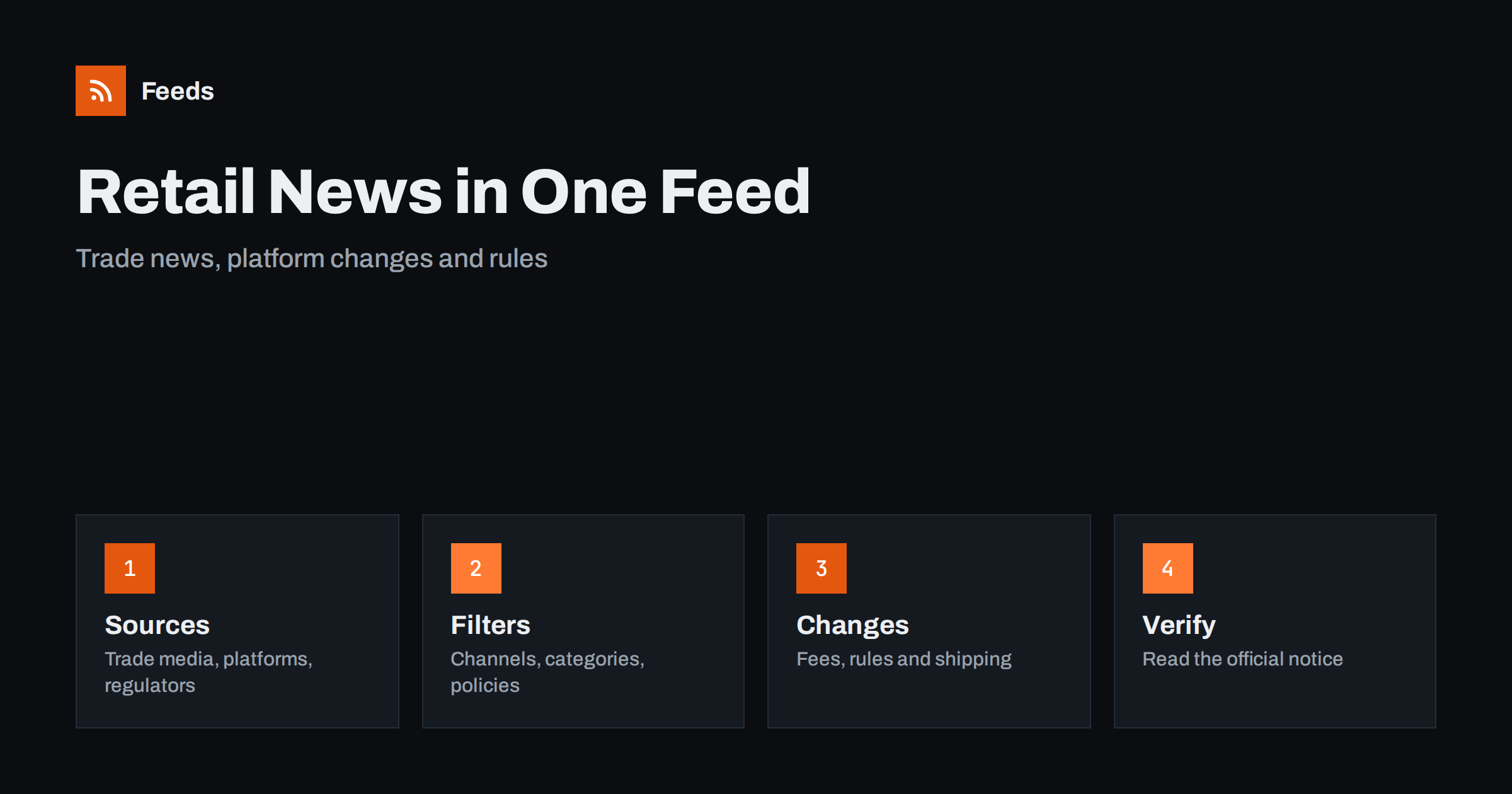
Short answer: Retail and e-commerce change through many small announcements: a marketplace adjusts a policy, a carrier changes a service, a payment provider updates a rule, a regulator publishes guidance and trade media report on all of it. RSS lets you collect the official pages and a few trade sources in one reader, keep only the topics that touch your shop and see new items soon after they appear. Use the trade story for context and the official notice for the facts before you change anything in your business.
Why retail news is hard to follow
A shop owner or e-commerce manager has little time for reading. Yet the information that affects daily work is spread over many places: the help center of your shop platform, the seller pages of each marketplace, the notices of carriers and payment providers, consumer protection bodies, trade associations and a crowd of newsletters that repeat each other. Social media adds opinions and rumours, and the useful part is a small share of the volume.
The cost of missing an item is real. A change in a returns rule, a new labelling requirement or an updated fee table can affect margins and customer promises. A calm reading list that gathers primary sources and a few good trade publications is cheaper than discovering a change when a customer or a platform tells you. The same habit is described in fact-checking with RSS, and it works well here because official notices carry exact wording and dates.
Decide which parts of retail you follow
Start with your own business, not with the industry as a whole. List the platforms you sell on, the carriers you ship with, the payment methods you accept, the countries you sell to and the product categories you stock. Each of these has its own announcements, and a shop that sells only in one country does not need news about rules elsewhere.
Then add the themes that matter to you: marketplace policies, shipping and delivery, returns and consumer rights, product safety, taxes, payments and advertising. That list becomes your filter later. If you sell on marketplaces, tracking marketplace and platform updates goes deeper into that part, and carrier and shipping disruptions covers delivery news.
Find official and trade sources
Official sources first. Look at the seller news or announcement pages of your marketplaces, the blog and changelog of your shop platform, the notice pages of carriers and payment providers, and the news section of the consumer or trade authorities in your markets. Many of them publish RSS or Atom feeds, and some offer separate feeds for product updates and policy changes.
Add two or three trade publications for context, and one industry association if it publishes guidance for members. If a page has no feed, you can build one from its list of posts. Choose a page that lists items in date order and avoid a home page with a changing layout. The methods are explained in how to find the RSS feed of any website and how to create an RSS feed for a website without RSS.
Filter by channel, category and policy
Merge the sources into one reading list and add keyword filters. Words such as “policy”, “fees”, “returns”, “shipping”, “labelling”, “VAT”, “safety” and the names of your platforms and carriers keep the relevant items. Be careful with broad words: “growth” or “trends” appear in almost every headline, so combine them with a channel or a category name. The mechanics are explained in merging multiple RSS feeds into one clean feed and RSS keyword alerts.
Review the filter after two weeks. If you missed an update, look at how the source wrote it. Platforms often use product names or announce a change inside a longer post about something else. Widen the filter first and add exclusions later, for example for event promotions and award announcements.
Read an announcement carefully
Check the scope first: does the change apply to all sellers, to certain categories, to certain countries or to a test group? Then check the date. Many changes start gradually and have a transition period, and some need action by a deadline, such as accepting new terms, updating product data or changing a label. Note whether the change affects fees, shipping options, returns, advertising or reporting.
Keep facts apart from interpretation. A trade headline may say that a change “ends” a practice, while the official note describes a narrow adjustment. When you plan a change in your shop, base it on the original text, check it against your own figures and test on a small part of the catalog before you move everything.
Turn news into decisions in a small shop
News matters when it reaches the person who can act. Send the filtered feed to a shared channel or a weekly digest, and agree who reviews it and who decides. Teams can use a Slack channel or Microsoft Teams, and phone alerts are justified only for urgent items, such as a carrier problem during a busy week or a policy with a short deadline.
Keep a simple log with the date, the source, a one-line summary, the link and the action you took. After a few months you will see which sources change often and which changes affected your results. The log also helps when a colleague asks why a product page or a shipping rule was changed.
Small shops can keep the routine light. Read the filtered list at the start of the week, copy the two or three items that need action into your task list and archive the rest. Once a month, look at the log and ask which items mattered. If nothing did, narrow the sources. If you were surprised by something, widen them. The aim is a list short enough to read in ten minutes and complete enough that you rarely learn about a major change from a customer first.
Competitors, benchmarks and ideas
Retail news is also a source of ideas. Follow the blogs and news pages of competitors and of shops you admire to see what they launch and how they explain it, as described in tracking new products on competitor online stores and tracking competitor blogs and news. Reports and surveys help you set realistic goals, but check the sample, the date and who paid for the study before you rely on a number.
Keep inspiration separate from copying. Use what you read to understand customer expectations and develop your own range, message and service. A folder of examples that the team reviews monthly is more useful than a pile of saved links.
Limits and cautions
A feed shows what a source has published and how often it refreshes. It does not know that a policy was edited this morning, and some changes appear only in a seller account notification or an email. Your own account messages and the official help pages remain the source of truth for what applies to you.
Be careful with predictions, rankings and articles that present guesses as facts. Check the date and the web address before you act on a story or pass it on. When you share news with colleagues, link to the official page instead of copying the text, so that they see the latest version.
How RSS Feed Creator helps
RSS Feed Creator turns the news, seller announcement or changelog page of a platform, carrier, regulator or trade publication into a clean RSS feed, even when the site has no feed of its own. It reads titles, images, summaries and dates, uses an existing feed when there is one, and shows a preview of the items before the feed is created. You can merge several sources into one feed (up to 10 with the PostRSS add-on), keep only the items that contain your keywords and have duplicates removed automatically, which suits a reading list for your platforms and categories. Feeds refresh every 3 hours on the free plan and every 30 minutes on paid plans, and the PostRSS add-on sends an alert when a page changes and a feed stops finding items. The free plan allows up to 20 items per feed, and the details are on the pricing page.
Related reading
- How Online Sellers Can Track Marketplace and Platform Updates
- How Online Stores Can Track Carrier and Shipping Disruptions
- How to Track New Products on Competitor Online Stores
The bottom line
Following retail and e-commerce news with RSS means choosing the platforms, carriers and rules that affect your shop, collecting official announcements in one reader and adding a few trade sources for context. Filter by topic, read scope and dates carefully and keep a short log of what you did. A small, well-filtered list is more useful than a large one.
DUK
Which sources should I follow first?
Start with the seller news pages of the marketplaces you use, your shop platform’s changelog, your carriers’ notice pages and one trade publication for context.
What if a page has no RSS feed?
A page-to-feed tool can read the list of posts on the page and build a feed from it. Check the preview to confirm that it shows real items with titles and dates.
How do I avoid hype and rumours?
Read the official announcement first, check the scope and date, and treat predictions and rankings as opinion until you have checked them against your own figures.
How often should I read the list?
Once a day or a few times a week is enough for most shops. Use phone alerts only for urgent items with deadlines or customer impact.
Can a small team share one reading list?
Yes. Send the filtered feed to a shared channel or a weekly digest, decide who reviews it and keep a short log of the actions taken.