 ENEnglish
 LTLietuviškai
 DEDeutsch
 FRFrançais
 RUРусский
 ESEspañol
 PLPolski
 ITItaliano
 UKУкраїнська
 CSČeština
 PTPortuguês
 JA日本語
JA日本語 LVLatviešu valoda
 ETEesti
 HUMagyar
 IDBahasa Indonesia
 TRTürkçe
 HIहिन्दी
 ELΕλληνικά
 ARالعربية
 THไทย
THไทย VITiếng Việt
 RORomână
 MSBahasa Melayu
 BNবাংলা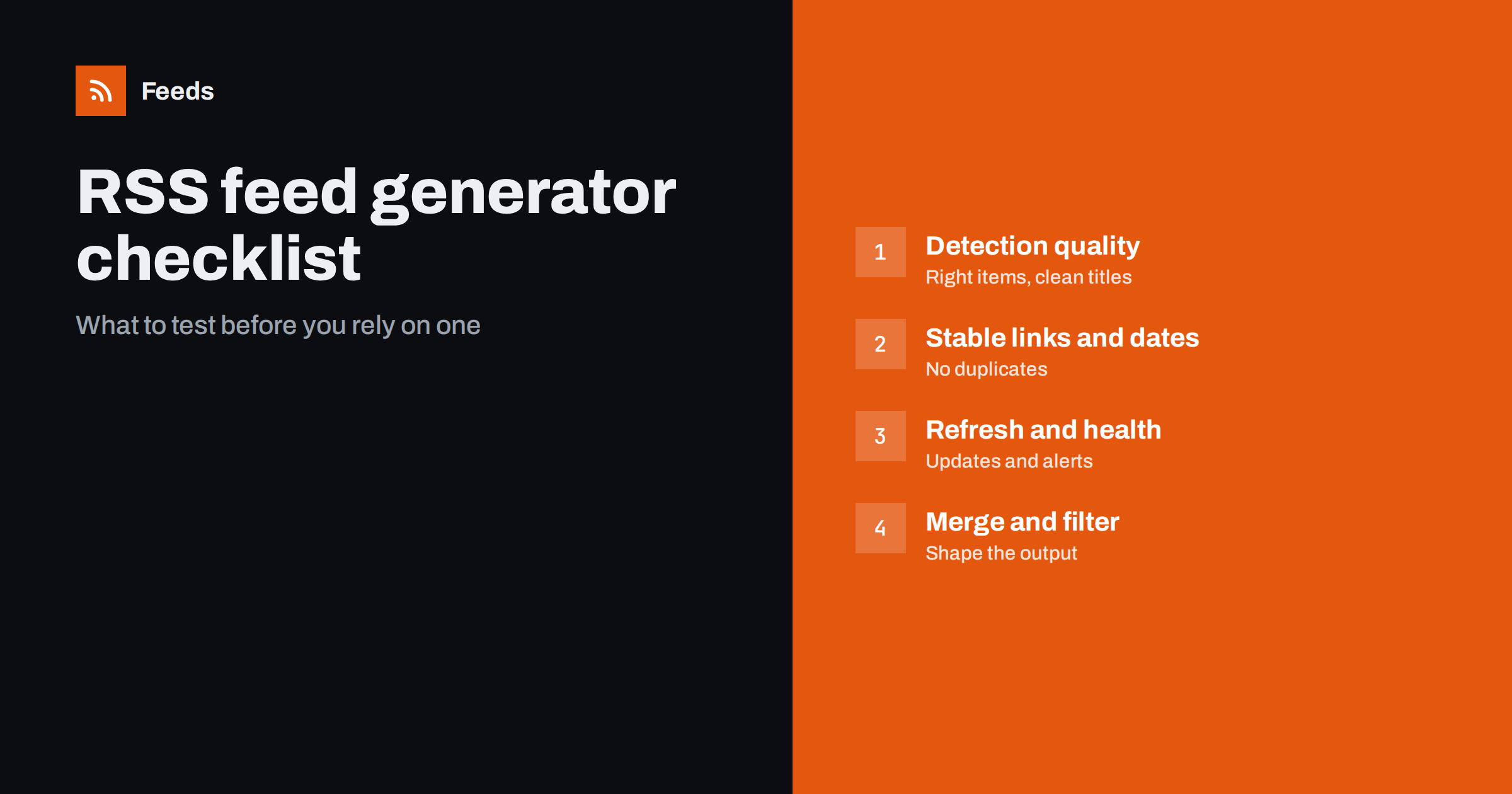
Short answer: Before choosing an RSS feed generator, test it on the real pages you need to follow and check five things: whether it finds the right items with clean titles, links, dates and images; whether items stay stable across refreshes without duplicates; how often feeds refresh and whether you are told when a feed breaks; whether you can merge and filter feeds; and whether it respects existing feeds and behaves politely toward source sites. A preview before creating a feed makes this testing quick.
Feed generators, also called page-to-feed tools or RSS builders, all promise the same thing: paste an address, get a feed. The differences show up later, on awkward pages, after a redesign, or when duplicates start flooding a channel. The only reliable way to choose is to test with your own sources against a clear checklist. Here is one, grouped by what matters most. Work through it with a notebook or spreadsheet open, and write down what you observe for each page and each tool. Side-by-side notes make the final decision easy and give you something to show colleagues who will depend on the feeds.
1. Detection quality on your real pages
Start with the pages you actually need, not demo sites. Pick three to five: an easy blog, a news section, a careers or notices page, and one page you suspect is difficult.
- Right items: does the feed contain the main list of articles or entries, not menus, footers or “popular posts” sidebars?
- Clean titles: are titles just the headlines, without category labels, dates or “Read more” mixed in?
- Correct links: does each item link to its own page, as a full address?
- Images: are images the article images rather than logos, icons or lazy-loading placeholders?
- Summaries: are excerpts included where the page shows them?
A preview before the feed is created makes this check fast. Tools that make you create a feed first and inspect it afterwards slow down testing and clutter your account with failed attempts.
Include at least one page from each type of source you plan to follow. A tool that handles blogs perfectly may struggle with job boards, public notice lists or event calendars, because those pages are often built differently: tables instead of cards, links to PDFs instead of articles, no dates or images at all. If your monitoring depends on such pages, they should be part of the test, not an afterthought.
2. Use of existing feeds and structured data
A good generator does not reinvent what already exists. If the site publishes a feed, the tool should use it, since the publisher’s own feed is the most reliable source. If the page has structured data such as JSON-LD article markup, the tool should read it for accurate titles, dates and images. Test this by entering a page you know has a feed and seeing what the tool does. If it ignores the feed and scrapes the page instead, you get a less reliable result for no benefit.
3. Stable links and sensible dates
Most feed problems come from unstable item identities or wrong dates.
- Stable links: after a couple of refreshes, do the same items keep the same links? Links with changing tracking parameters make every item look new.
- No duplicates: does the feed avoid adding the same article twice when it moves position on the page?
- Dates: are dates taken from the page or structured data when available? When a page shows no dates, does the tool use a sensible fallback such as first-seen time, rather than stamping every item with the current time on every refresh?
Leave a test feed running for a few days before deciding. Stability problems rarely show up in the first minute. Check the feed in a reader after the second and third day and count how many items appeared compared with what was actually published on the page.
4. Refresh frequency and on-demand updates
Check how often feeds are refreshed on the plan you would use, and whether that matches your needs. Fast-moving news sources may need shorter intervals; most monitoring works well with checks every few hours. Some tools also refresh an out-of-date feed when it is requested, which shortens delays for readers that poll the feed. Be wary of plans where intervals are not stated clearly.
A simple timing test tells you more than the documentation: note when a new item appears on a source page, then note when it shows up in your reader. Repeat this a few times over a week. The result includes both the generator’s refresh interval and your reader’s polling, which is the delay you will actually live with.
5. Resilience and feed health alerts
Websites change. The question is what happens then.
- Re-detection: does the tool find the list again on each refresh, or does it rely on fixed selectors saved at setup? Re-detection copes better with redesigns.
- Health alerts: will you be told when a feed stops finding items? Without this, a broken feed looks exactly like a quiet source.
- Easy repair: can you change a feed’s source address and check the preview again without rebuilding everything downstream?
6. Merging, filtering and output
A feed for one page is the start. Most real uses need shaping.
- Merging: can you combine several sources into one feed, with duplicates removed?
- Keyword filters: can you keep items that contain your words, or remove items that contain others?
- Standard output: is the result a normal RSS feed that works in any reader, automation platform or publishing tool?
- Limits: how many feeds, sources per merged feed and items per feed does your plan allow?
7. Behavior toward source websites
You are responsible for how your monitoring affects other sites. A tool’s behavior reflects on you.
- Does the tool identify its bot clearly, so site owners can recognize it?
- Are refresh intervals reasonable rather than aggressive?
- Does it read only public pages, without attempting to get around logins or paywalls?
These points matter beyond courtesy. A tool that hammers sites is more likely to be blocked, and a blocked tool produces feeds that silently stop updating. Polite behavior is also reliability.
8. Practical and commercial questions
- No changes on the source site: you should not need plugins or code on the site you follow.
- Free trial or free plan: can you test on your own pages before paying?
- Cancellation: what happens to your feeds if you downgrade or cancel? Do links stop working, or keep working within free limits?
- Payment and billing options that suit your organization.
- Support: is there a way to get help with a difficult page?
- Portability: because the output is standard RSS, can you move your downstream tools to a different feed later without rebuilding everything?
A simple scoring table
| Criterion | Weight for monitoring | How to test |
|---|---|---|
| Detection on your pages | High | Preview five real pages |
| Stable links and dates | High | Run test feeds for several days |
| Health alerts | High | Check plan features |
| Sujungti ir filtruoti | Medium to high | Build one merged, filtered feed |
| Refresh interval | Medium | Check plan details, time a new item |
| Uses existing feeds | Medium | Enter a page that has a feed |
| Polite bot behavior | Medium | Read documentation |
How Feeds measures up
Feeds was designed around this checklist. It uses an existing feed when a site has one, reads JSON-LD article data, finds the list of articles on pages without RSS, and shows a preview with titles and images before anything is created. The list is detected again on every refresh, duplicates are removed automatically, and paid plans alert you if a feed stops finding items. You can merge sources and keep items with or without your words, and the output works in any RSS reader or tool. No plugin or code is needed on the source site, and the bot identifies itself as FeedsBot. You can cancel any time, and your feeds keep working within the free plan limits. Compare plans on the pricing page.
Related reading
- How Page-to-Feed Tools Find the Articles on a Web Page
- How to Create an RSS Feed for a Website Without RSS
- RSS Feed Stopped Updating? How to Find Out Why
The bottom line
Choose a feed generator by testing it on your own difficult pages, not by its feature list. Check detection quality, stable links and dates, refresh and health alerts, merging and filtering, and how it treats source websites. A few days of test feeds reveal more than any comparison page, and a preview before creation makes those tests quick.
DUK
What is an RSS feed generator?
It is a tool that creates an RSS feed from a web page that does not publish one. It finds the list of items on the page and turns them into standard feed items with titles, links and dates.
How do I test a feed generator?
Try it on three to five real pages you need, including one difficult page, and check the preview for correct items, titles, links and images. Then leave the feeds running for a few days to check stability.
Why does my generated feed show duplicates?
Usually because item links change between refreshes, for example through tracking parameters, or because the tool treats moved items as new. Stable links and automatic duplicate removal prevent this.
Do I need alerts for broken feeds?
For anything important, yes. A generated feed can stop finding items after a site redesign, and without an alert it looks like a source with nothing new.
Should a feed generator use a site’s existing feed?
Yes. When a publisher offers a feed, it is the most reliable source, so a good generator uses it and applies merging or filtering on top.


