 ENEnglish
 LTLietuviškai
 DEDeutsch
 FRFrançais
 RUРусский
 ESEspañol
 PLPolski
 ITItaliano
 UKУкраїнська
 CSČeština
 PTPortuguês
 JA日本語
JA日本語 LVLatviešu valoda
 ETEesti
 HUMagyar
 IDBahasa Indonesia
 TRTürkçe
 HIहिन्दी
 ELΕλληνικά
 ARالعربية
 THไทย
THไทย VITiếng Việt
 RORomână
 MSBahasa Melayu
 BNবাংলা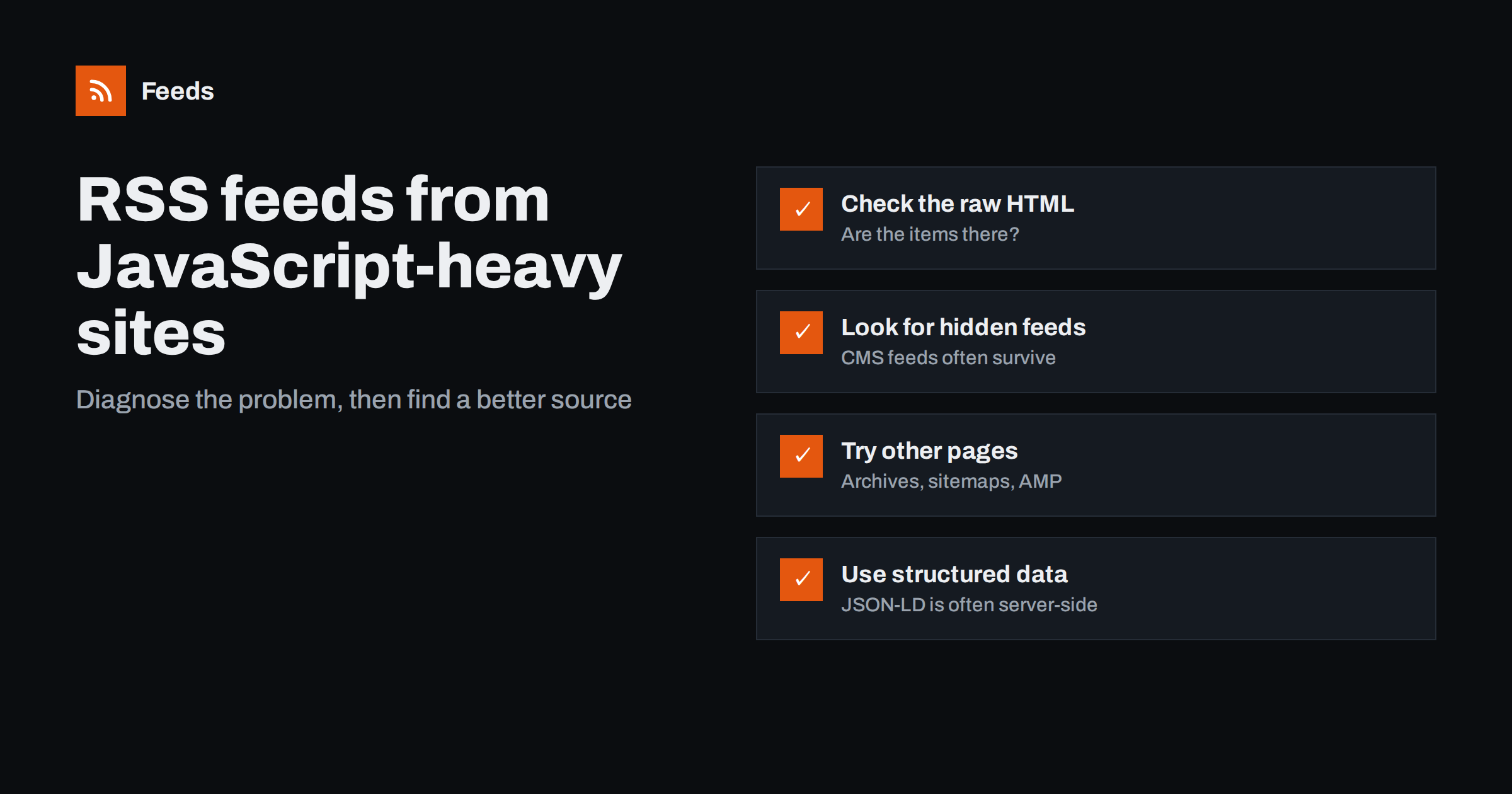
Short answer: Often yes, but not always from the page you first try. If a site loads its list of articles with JavaScript after the page opens, tools that read the page’s initial HTML may find nothing. Check whether the items appear in the page source; if not, look for a hidden feed, a simpler archive or category page, structured data in the HTML, or an alternative version of the page. One of these usually works. Pages that only render content in the browser with no server-side alternative are genuinely hard to follow without a full browser.
Modern websites are increasingly built as JavaScript applications. The server sends a light page skeleton, and scripts in the browser fetch the content and build the list of articles. For visitors, the result looks the same. For feed tools, search crawlers and other automated readers, it can be very different: the HTML they receive may contain no articles at all. Understanding this helps you pick the right workaround quickly instead of concluding that a site “cannot be followed”.
How to tell whether JavaScript is the problem
A quick test takes a minute and tells you what kind of page you are dealing with.
- Open the page in your browser and note the title of one article in the list.
- Open the page source (not the developer tools element inspector, which shows the page after scripts run). In most browsers this is “View page source”.
- Search the source for the article title you noted.
If the title is in the source, the list is server-rendered and any decent page-to-feed tool should be able to read it. If the title is missing, the list is loaded by scripts, and tools that read only the initial HTML will not see it. You may also see a nearly empty body with a single container element and many script tags, which is typical of client-side applications.
There is also a middle case. Some sites render the first few items on the server and load the rest with scripts as you scroll. The view-source test then finds the newest titles but not older ones. For monitoring that is usually fine, because new items appear at the top, and those are exactly the ones in the initial HTML.
Workaround 1: Look for a hidden feed
JavaScript front ends are often placed on top of a traditional CMS that still generates feeds. The front end may not link to the feed, but it can still exist.
- Search the page source for
application/rss+xml. - Try common paths such as
/feed/,/rss.xmland/atom.xml, both on the main domain and on any content or blog subdomain. - If the site uses a known platform, check that platform’s documentation for default feed addresses.
A publisher feed is the best outcome, and it is found more often than people expect.
Workaround 2: Try a different page on the same site
Not every page on a site is built the same way. The home page may be a script-heavy showcase while other pages are ordinary HTML.
- Category, tag or archive pages are often simpler and server-rendered.
- Paginated archives such as “page 2” views sometimes work even when the first page does not.
- Alternative versions of pages, such as print or lightweight mobile versions, may contain the plain list.
- Search result pages on the site can list recent articles as simple HTML.
Try each candidate with the view-source test. The first one where article titles appear in the source is a good feed source.
Workaround 3: Use structured data
Many sites that render the visible list with scripts still include structured data in the server-sent HTML, because search engines benefit from it. JSON-LD blocks with article information, or an item list, may be present in the page source even when the visible list is not. Search the source for application/ld+json and look for article entries with headlines and URLs.
If structured data describes the listed articles, a feed tool that reads JSON-LD can build a feed from it. If it only describes the site or organization, it will not help with the list.
Workaround 4: Use the sitemap for discovery
Script-heavy sites almost always publish XML sitemaps, because they need search engines to find their pages. A sitemap does not give you titles or a clean feed, but it can reveal new article addresses. For low-frequency monitoring, checking a relevant sub-sitemap occasionally may be enough. For daily following, it is a fallback rather than a solution.
Workaround 5: Ask the publisher
It sounds old-fashioned, but it works surprisingly often, especially with organizations that want to be followed: associations, public bodies, companies with partners. A short, friendly message explaining that you would like to follow their news by RSS, and asking whether a feed exists or could be added, sometimes produces a feed within days. Developers of modern sites can usually add a feed with little effort once someone asks. Mention that a feed also helps other tools and readers follow the site; that argument often carries more weight than a single request.
A worked example
A market analyst wants to follow the news section of an industry association whose website was recently rebuilt as a JavaScript application. Pasting the news page into a feed tool returns no items. The view-source test confirms the problem: the page source contains a container element and scripts, but none of the headlines visible in the browser.
She tries the common feed paths first. The main domain returns nothing, but the site’s footer links to a “media” subdomain, and /feed/ on that subdomain returns a working feed: the new front end is powered by a traditional CMS in the background. The feed includes all news posts, so she uses it and filters it for the two topics she follows.
For a second association with a similar site and no hidden feed, the view-source test on the news page fails, but the page source does contain JSON-LD with an item list of the latest articles, including headlines and addresses. A feed tool that reads structured data produces a clean feed from it. For a third site, nothing works: no feed, no structured data, no alternative pages. She writes to the association’s communications team, who reply that a feed is already on their developer’s list and add it three weeks later. In the meantime she subscribes to their monthly newsletter as a fallback.
The lesson is that “the site has no feed” is usually a statement about one page, not about the whole site. Checking a few alternatives in order takes minutes and succeeds more often than not.
What does not work well
| Situation | Why it is hard | Best alternative |
|---|---|---|
| Content only rendered in the browser, no feed, no structured data | Nothing to read without running scripts | Hidden feed, other pages, ask the publisher |
| Infinite scroll with no archive pages | Only the first batch loads, often by script | Category pages or sitemap |
| Content behind login | Not public | The site’s own notifications |
| Aggressive bot protection | Automated requests get a challenge page | Official feed or newsletter |
Some tools run a full browser to render such pages. That can work, but it is heavier, slower and more fragile, and it does not help with login walls or bot protection.
How Feeds approaches these sites
Feeds reads public pages from the outside and works in layers: it uses the site’s existing feed if there is one, reads JSON-LD article data, and finds the list of articles in the page. For script-heavy sites, those first two layers often succeed even when the visible list is built by scripts. The preview shows you immediately whether items were found, before anything is created, so trying a category or archive page instead takes seconds. If a page yields nothing, that is a strong hint to try the workarounds above. You can test a page on the free plan.
Related reading
- How Page-to-Feed Tools Find the Articles on a Web Page
- How JSON-LD Structured Data Helps Turn Pages into Feeds
- Sitemap vs RSS: Which Is Better for Detecting New Pages?
The bottom line
JavaScript-heavy sites are harder to turn into feeds, but rarely impossible. Use the view-source test to confirm the problem, then look for a hidden feed, a simpler page on the same site, structured data or a sitemap, and do not hesitate to ask the publisher. The page you first tried is often not the best source; a different page on the same site usually is.
DUK
Why does a feed tool find no items on a page I can see in my browser?
The list is probably loaded by JavaScript after the page opens, so it is not in the HTML the tool receives. Check the page source for an article title to confirm.
How do I check if a page is rendered with JavaScript?
Use “View page source” and search for the title of an article you can see on the page. If it is missing from the source, the list is rendered by scripts.
Do JavaScript websites have RSS feeds?
Some do, especially when the front end sits on top of a traditional CMS that still generates feeds. Look for feed links in the source and try common feed paths.
Can structured data help with JavaScript sites?
Yes, when the site includes JSON-LD article data in the server-sent HTML. A tool that reads structured data can then build a feed even if the visible list is created by scripts.
What if nothing works?
Ask the publisher whether a feed exists or could be added, or use a newsletter or the sitemap as a fallback. Some sites are genuinely difficult to follow automatically.


