 ENEnglish
 LTLietuviškai
 DEDeutsch
 FRFrançais
 RUРусский
 ESEspañol
 PLPolski
 ITItaliano
 UKУкраїнська
 CSČeština
 PTPortuguês
 JA日本語
JA日本語 LVLatviešu valoda
 ETEesti
 HUMagyar
 IDBahasa Indonesia
 TRTürkçe
 HIहिन्दी
 ELΕλληνικά
 ARالعربية
 THไทย
THไทย VITiếng Việt
 RORomână
 MSBahasa Melayu
 BNবাংলা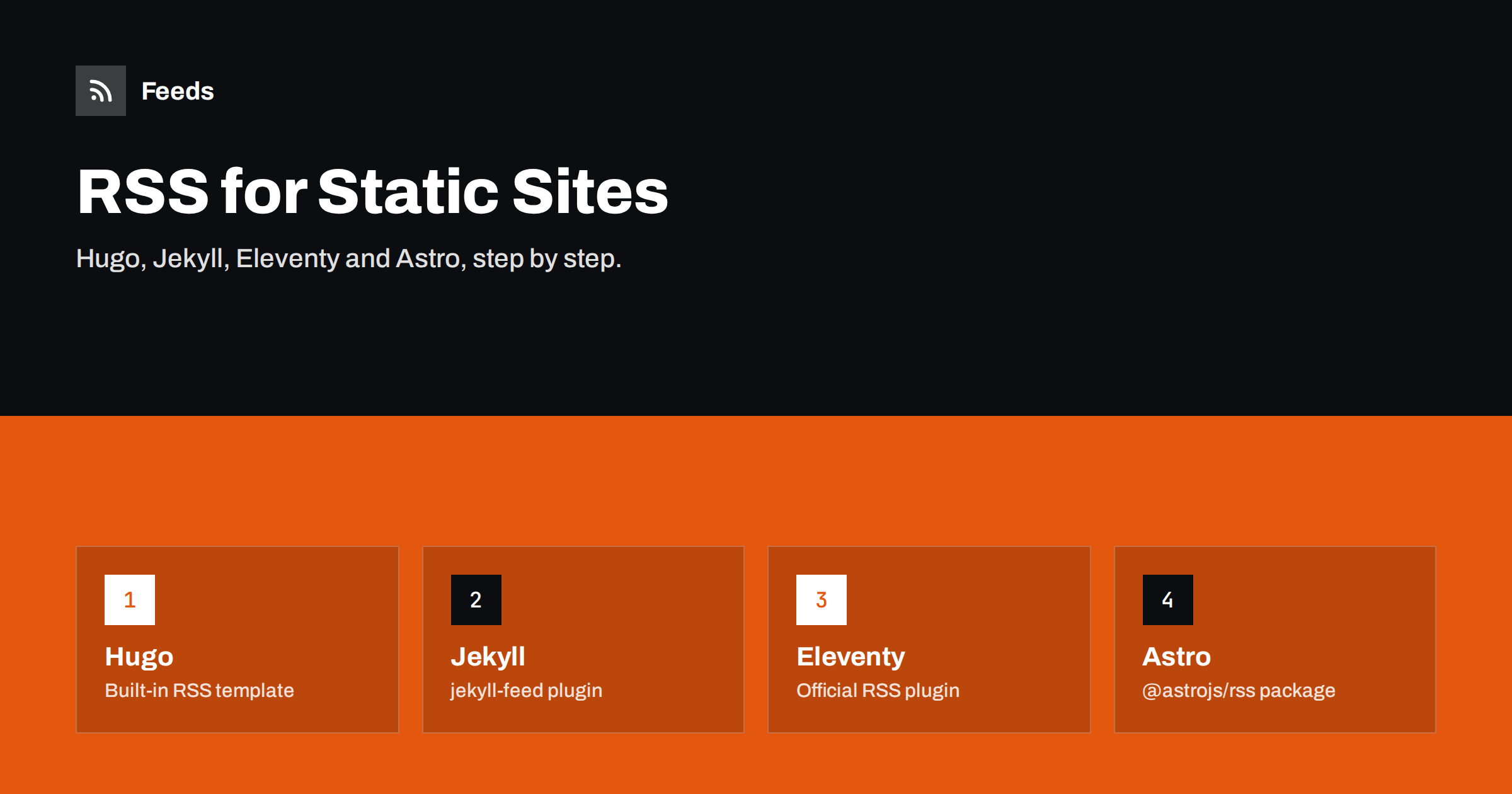
Short answer: Static site generators build feeds at build time, just like pages. Hugo creates RSS for the home page and sections out of the box; Jekyll uses the official jekyll-feed plugin to produce an Atom feed; Eleventy uses its official RSS plugin with a small template; and Astro uses the @astrojs/rss package in an endpoint file. In every case, set the site’s absolute base URL, include full dates with time zones, use permanent IDs, add an autodiscovery link to your layout, and validate the output after each deploy.
Static sites are popular with developers, documentation teams and anyone who wants a fast, secure site without a database. Their feeds, however, are often an afterthought: a template copied from a starter theme years ago, a feed that shows relative links, or no feed at all because nobody enabled it. Because a static feed is generated once per build and served as a plain file, it is extremely reliable once it is right. This guide explains how to get it right in the four most common generators, and what to check whichever tool you use.
How feeds work on static sites
On a dynamic platform such as WordPress, the feed is generated on request from the database. On a static site, the generator writes the feed file during the build, exactly like an HTML page, and the web server or CDN serves it as a file. This has consequences:
- The feed only changes when you rebuild. Scheduled posts appear in the feed only after a build runs after their date, so scheduled builds matter.
- The generator needs to know your absolute URL. Pages can use relative links, but feeds must use absolute ones, so the base URL setting is critical.
- Serving is simple and fast. There are no plugins or database queries to fail at request time.
- Content types come from file extensions. Your host decides the
Content-Typeheader from.xml, so check it once.
Hugo
Hugo generates RSS feeds by default for the home page, sections and taxonomy terms, using an internal RSS template. The home page feed is at /index.xml, and each section has its own, such as /posts/index.xml. Key settings:
- baseURL in the site configuration must be your full production address, including
https://. Many broken Hugo feeds come from abaseURLleft as/or a staging address. - Number of items: Hugo’s configuration lets you limit how many items appear in RSS; by default feeds can include all pages in the section, which may be large on big sites. Set a sensible limit such as 20 to 50.
- Full content: the built-in template uses the summary. To publish full text, create your own RSS template in your layouts directory and output the content instead.
- Output formats: you can disable RSS for taxonomies you do not want feeds for, which keeps the site tidy.
Most Hugo themes include the autodiscovery link using Hugo’s output formats in the head partial. If your theme does not, add a link rel="alternate" for the RSS output format.
Jekyll
Jekyll’s standard solution is the official jekyll-feed plugin, which GitHub Pages also supports. After adding it to your Gemfile and the plugins list in the configuration, it generates an Atom feed at /feed.xml. Points to know:
- Set
urlin_config.ymlto your production address; the plugin uses it to build absolute links. - Add
{% feed_meta %}to the head of your layout to output the autodiscovery link. - The plugin includes full post content by default and supports options for excerpts, per-category feeds and a limit on the number of posts.
- Post dates come from filenames and front matter. Include a time and time zone in front matter if exact ordering matters, and set the site’s time zone in the configuration.
Eleventy
Eleventy provides an official RSS plugin, @11ty/eleventy-plugin-rss. Recent versions can generate a feed from a collection through a virtual template with a few lines of configuration, while older setups use a Nunjucks or Liquid template with filters provided by the plugin. The plugin’s filters handle the tricky parts:
- Converting dates to RFC 3339 for Atom or RFC 822 for RSS.
- Converting relative links inside content to absolute URLs, which is essential for feed readers.
- Finding the newest date in a collection for the feed’s updated element.
Define your production URL in a global data file, use it in the feed template and layout, and add the autodiscovery link to your base layout. Eleventy lets you produce Atom, RSS or JSON Feed; pick one as your main feed.
Astro
Astro uses the @astrojs/rss package. You create an endpoint file, commonly src/pages/rss.xml.js, that returns the result of the package’s rss() function with a title, description, site URL and a list of items built from your content collection. Details:
- Set
sitein the Astro configuration so absolute URLs are correct. - Map each entry to title, link, pubDate and description; add full content if you want full-text feeds, sanitising any HTML you render.
- Add a
link rel="alternate"to your base layout’s head for autodiscovery. - For sites with server rendering, make sure the feed endpoint is prerendered or cached so it is not rebuilt on every request.
Checks that apply to every generator
| Check | Why it matters |
|---|---|
| Absolute base URL set to production | Links and images work in every reader |
| Permanent IDs that do not change on rebuild | No duplicates when you restructure |
| Dates with times and time zones | Correct order and “new” detection |
| Limited number of items | Fast fetching, small files |
| Autodiscovery link in the layout head | Readers find the feed from any page |
| Correct Content-Type from the host | Tools recognise the file as a feed |
| Validation after each significant change | Catches template regressions |
Scheduled posts, drafts and rebuilds
Static sites often publish on a schedule: you write a post with a future date, and it appears when the next build runs after that date. If builds only run when you push code, a scheduled post will not appear until the next push. Most hosting platforms allow scheduled builds, for example once an hour or once a day, or you can trigger builds with a cron job. Also make sure drafts and future posts are excluded from feeds in production; most generators do this by default, but custom templates sometimes include everything in a collection.
Other generators and frameworks
The same principles apply to generators not covered above. Gatsby, Next.js, Nuxt, Zola, Pelican, MkDocs and many others either have an official feed plugin or make it easy to write one. When evaluating any option, check that it:
- Produces valid RSS or Atom and lets you choose between summaries and full content.
- Uses your configured production URL for every link.
- Lets you limit the number of items and exclude drafts.
- Outputs an autodiscovery tag, or gives you the URL so you can add one to the layout.
For documentation sites, a feed of release notes or changelog entries is often more valuable than a feed of every page, because readers want to know what changed, not every edit to a reference page.
Moving an existing feed to a new generator
When migrating from WordPress or another generator, the feed URL and item IDs are the two things to protect. Keep the old feed path working, either by generating the feed at the same path or with a permanent 301 redirect, and reuse the old IDs where possible. If the old feed used permalinks as guids and your URLs are unchanged, IDs will match automatically. If URLs change, readers will see the recent items once more as new; that is usually acceptable, but warn your most important consumers, such as partners or newsletter tools.
If you also need to follow sites that do not publish any feed, or combine your static site’s feed with other sources for a partner or a dashboard, our tool, Feeds, can create feeds from pages without RSS and merge several sources into one link with keyword filters. Nothing needs to be installed on the source sites. See the plans.
Related reading
- Anatomy of an RSS 2.0 Feed: Every Element Explained
- JSON Feed vs RSS: Is the Newer Format Worth Publishing?
- RSS Autodiscovery: Help Readers and Apps Find Your Feed
The bottom line
Every major static site generator can publish a clean feed with a small amount of setup: Hugo does it natively, Jekyll and Eleventy through official plugins, Astro through its RSS package. The details that make or break a static feed are the same everywhere: the production base URL, permanent IDs, full dates, a sensible item limit, autodiscovery and regular validation. Get those right once and the feed will serve you quietly for years.
DUK
Does Hugo create an RSS feed automatically?
Yes. Hugo generates RSS for the home page, sections and taxonomy terms by default, for example at /index.xml. Set baseURL correctly and consider limiting the number of items and customising the template for full text.
How do I add a feed to a Jekyll site?
Add the jekyll-feed plugin, set url in _config.yml, and put {% feed_meta %} in your layout head. The plugin generates an Atom feed at /feed.xml, and GitHub Pages supports it.
Why do links in my static site’s feed not work?
The generator is probably producing relative URLs or using the wrong base URL. Set the production URL in the configuration and make sure links inside content are converted to absolute URLs.
Why doesn’t my scheduled post appear in the feed?
Static feeds are only updated when the site is rebuilt. If no build runs after the post’s date, the post and the feed stay unchanged. Set up scheduled builds on your host.
Should a static site publish RSS, Atom or JSON Feed?
Any of them works. Choose one as the main feed, advertise it with an autodiscovery link, and add others only if your audience needs them.


