 ENEnglish
 LTLietuviškai
 DEDeutsch
 FRFrançais
 RUРусский
 ESEspañol
 PLPolski
 ITItaliano
 UKУкраїнська
 CSČeština
 PTPortuguês
 JA日本語
JA日本語 LVLatviešu valoda
 ETEesti
 HUMagyar
 IDBahasa Indonesia
 TRTürkçe
 HIहिन्दी
 ELΕλληνικά
 ARالعربية
 THไทย
THไทย VITiếng Việt
 RORomână
 MSBahasa Melayu
 BNবাংলা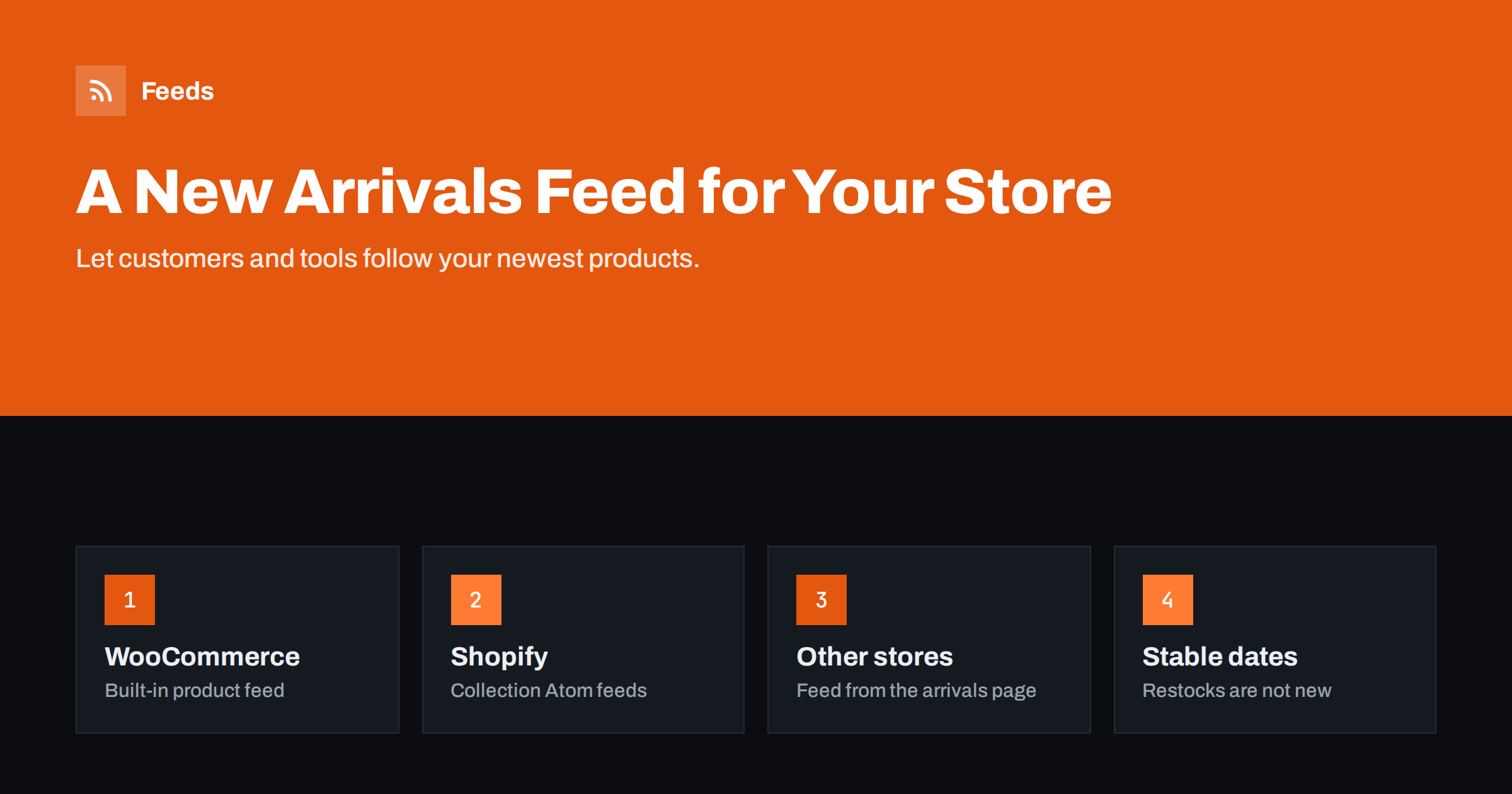
Short answer: A new arrivals feed is an RSS or Atom feed of your newest products that customers can follow in a reader and that tools can use for social posts, newsletters and community channels. WooCommerce stores usually already have a product feed at /feed/?post_type=product, and Shopify stores usually expose an Atom feed for each collection by adding .atom to the collection URL. If your platform has neither, a feed can be created from your “new arrivals” page. Make sure items carry a good image, a clear title and a stable date, and link to the feed from your store.
Why a store should publish a new arrivals feed
Online stores think of feeds mainly as product feeds for Google Shopping and Meta. Those are data files for advertising channels. A new arrivals feed is different: it is a normal RSS feed for people and everyday tools, and it has several uses:
- Loyal customers and collectors who want to know the moment new items arrive, especially in fashion, books, vinyl, collectibles, plants and limited editions.
- Your own automation. A single feed can drive posts to social networks, a weekly “new this week” newsletter and a Telegram or Discord community, as described in sharing new shop products on social media automatically.
- Partners and resellers who follow your range and want to hear about additions without asking.
- Bloggers and curators in your niche, who often follow shops in their RSS readers.
Picture a small record shop that adds a dozen second-hand albums every week. Its most loyal customers check the website several times a week because good records sell within hours. A feed lets them follow new stock in the reader or chat app they already use, and it lets the shop post each arrival to its community channel without any extra work.
It is also cheap: most platforms already generate something close to it, and the rest is configuration.
New arrivals feed versus product feed
The two are easy to confuse, so it helps to be clear:
| New arrivals feed | Product feed for ads | |
|---|---|---|
| Audience | People, readers, posting tools | Google Merchant Center, Meta catalogs |
| Format | RSS or Atom | Google product XML or CSV with required attributes |
| Contents | Newest products, a few dozen items | The whole catalog |
| Key fields | Title, image, summary, link, date | ID, price, availability, GTIN, brand and more |
| Order | Newest first | No particular order |
If you need the advertising kind, start with what a product feed is. This article is about the first kind.
WooCommerce: the feed you probably already have
WooCommerce products are a WordPress post type, and WordPress can publish a feed for any public post type. On most stores these addresses work:
/feed/?post_type=productfor all products, newest first./product-category/category-name/feed/for a single product category./product-tag/tag-name/feed/for a product tag.
Out of the box, these feeds contain the product title, link, date and the short or full description. Prices and product images are often missing, because standard WordPress feeds do not know about them. You can add them with a small code snippet or a plugin that extends the feed, much like adding featured images to a WordPress feed. Check the result in a real reader before promoting it; the full list of WordPress feed URLs helps if an address does not work.
Shopify: collection Atom feeds
Shopify stores usually provide an Atom feed for every collection. Add .atom to the collection address, for example /collections/all.atom or /collections/new-arrivals.atom. The feed typically includes titles, descriptions, images and variant prices. Some themes or apps change this behaviour, so test your own store’s address.
To make it a true new arrivals feed:
- Create a collection called “New arrivals”, either manually curated or automated with a condition such as a tag you add to new products.
- Sort the collection by date added, newest first.
- Use that collection’s
.atomaddress as your public feed.
Shopify also has feeds for blogs, covered in Shopify blog RSS feeds, which you might combine with product news.
Other platforms and custom stores
Many store platforms and custom-built shops publish no customer-facing feed at all. You have two options. A developer can add a feed endpoint that lists the newest products, following standard RSS conventions. Or you can create a feed from the store’s own “new arrivals” or “latest products” page with a page-to-feed tool, which reads the product list on the page and turns each product into a feed item. The second option needs no development work and adapts when you add products. How that works is explained in how page-to-feed tools find the items on a page.
If a developer builds the feed, ask for a few specifics: RSS 2.0 or Atom output, the newest 20 to 50 products sorted by the date they were published, one item per product rather than per variant, the main image as an enclosure or media element, and a permanent ID for each product. That is an afternoon of work on most custom platforms.
What each item should contain
- A descriptive title. Product name plus the key attribute a follower cares about, such as colour, edition or size range.
- An image. Products without images barely register in readers and posting tools. Use the main product photo.
- A short summary. One or two sentences. Include the price in the text if your platform does not provide it as a field, but remember that prices change.
- A clean link to the product page.
- A stable date and ID. The date should be when the product was added, not when it was last edited, and the item’s identifier must never change. Otherwise restocked or edited products reappear as new. The mechanics are in RSS GUIDs and duplicate items.
Consider offering more than one feed. A shop with distinct audiences, such as men’s and women’s clothing, or fiction and non-fiction, can publish one feed per category, so followers only receive what interests them.
Pitfalls to avoid
- Restocks shown as new. If your platform uses the modification date, every stock update pushes old products to the top. Use a curated collection or tag instead.
- Variant floods. A product with twenty variants should appear once, not twenty times.
- Stale prices. Feeds are cached by readers. If you mention prices, expect some readers to see an old price for a while; the product page must remain the reference.
- Too many items. Twenty to fifty recent products is plenty. A feed with the whole catalog is slow and useless to followers; see how many items a feed should include.
- Hidden feed. A feed nobody can find has no followers.
Promoting the feed
- Add an autodiscovery link in the store’s page head so readers and browsers can find it; see RSS autodiscovery.
- Show a small “Follow new arrivals” link on the new arrivals page and in the footer.
- Mention it in your newsletter and on your contact or about page for partners.
- Use it yourself: connect it to your social and community channels so customers see new products wherever they follow you.
To see whether the feed is used, add UTM parameters to the links your automations post, and watch your server logs or feed statistics for readers requesting the feed. Even a modest number of followers is valuable, because feed subscribers are usually among your most engaged customers.
How Feeds helps
If your store platform does not publish a usable new arrivals feed, Feeds can create one from the new arrivals or category page, with titles, images, summaries and dates. You check the preview before the feed is created, and the feed refreshes by itself. The same account can also create Google Merchant Center and Meta product feeds from WooCommerce, Shopify or a CSV link, so both kinds of feed live in one place. Plans are on the pricing page.
Related reading
- How to auto-post an RSS feed to a Telegram channel
- How to turn an RSS feed into an automatic email newsletter
- Shopify vs WooCommerce product feeds: key differences
The bottom line
A new arrivals feed turns your newest products into something customers and tools can follow. WooCommerce stores can start from the built-in product feed and add prices and images, Shopify stores can use a sorted collection’s Atom feed, and other stores can create a feed from their new arrivals page. Keep dates and IDs stable, limit the feed to recent products, avoid restocks and variant floods, and make the feed easy to find.
DUK
Does WooCommerce have an RSS feed for products?
Usually yes. WordPress publishes a feed for products at /feed/?post_type=product, and product category feeds at the category address followed by /feed/. Prices and images often need to be added with a snippet or plugin.
How do I get an RSS feed of a Shopify collection?
Add .atom to the collection’s address, for example /collections/all.atom. Most Shopify stores support this, but some themes or apps change it, so test your store’s address.
Is a new arrivals feed the same as a Google Shopping feed?
No. A new arrivals feed is a regular RSS or Atom feed for people and posting tools. A Google Shopping feed is a data file with required attributes for Merchant Center.
Why do old products keep appearing as new in my store feed?
The feed probably uses the modification date, so edits and restocks push products to the top. Use a curated or tag-based new arrivals collection and keep item identifiers stable.
How many products should a new arrivals feed show?
Twenty to fifty recent products is usually enough. Followers only care about what is new, and smaller feeds load faster in readers and tools.


