ENEnglish
 LTLietuviškai
 DEDeutsch
 FRFrançais
 RUРусский
 ESEspañol
 PLPolski
 ITItaliano
 UKУкраїнська
 CSČeština
 PTPortuguês
 JA日本語
JA日本語 LVLatviešu valoda
 ETEesti
 HUMagyar
 IDBahasa Indonesia
 TRTürkçe
 HIहिन्दी
 ELΕλληνικά
 ARالعربية
 THไทย
THไทย VITiếng Việt
 RORomână
 MSBahasa Melayu
 BNবাংলা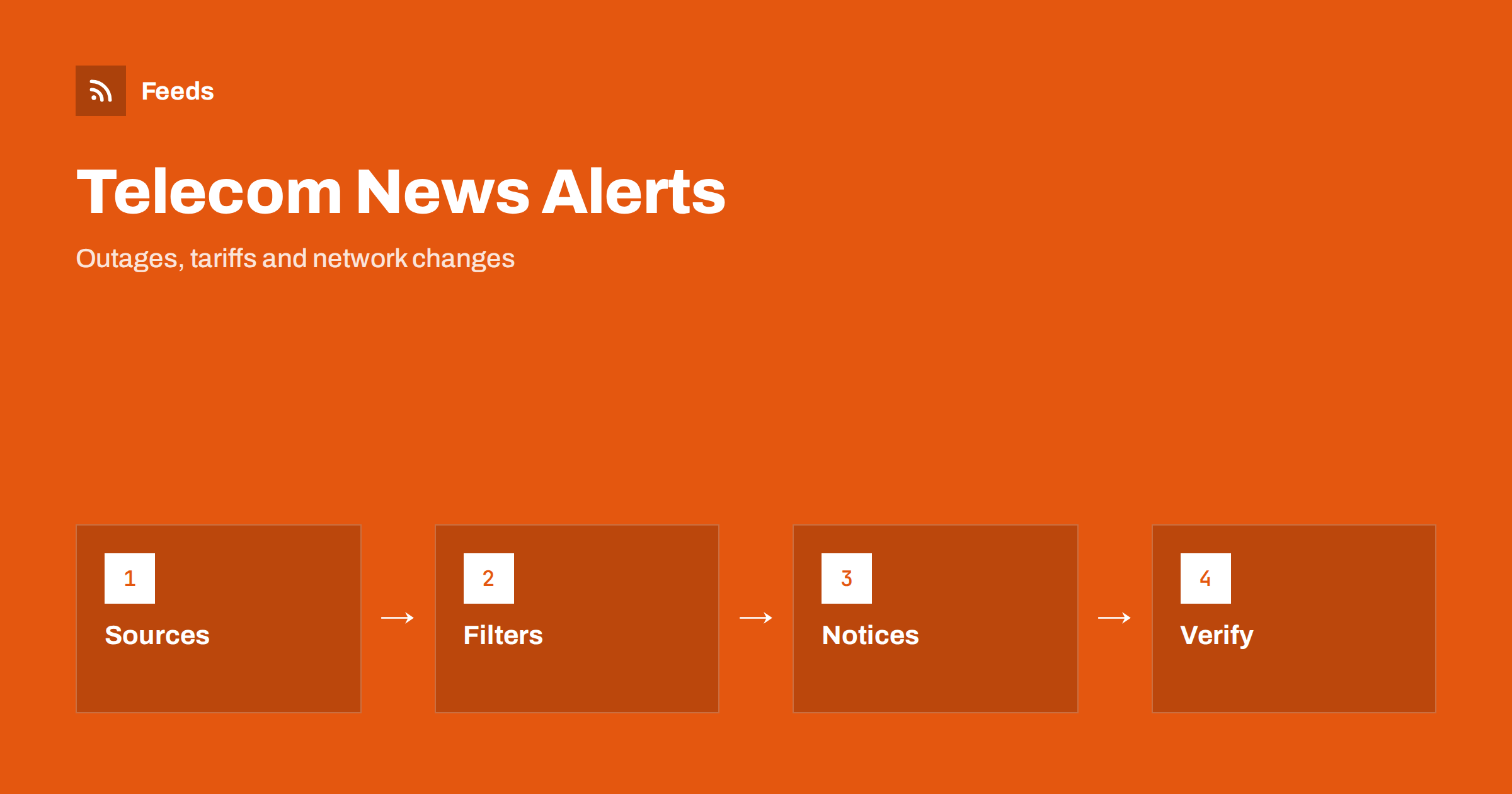
Short answer: Mobile operators, internet providers, network infrastructure companies and telecom regulators publish tariff changes, planned maintenance, coverage news, outage reports and rule changes on their own websites. RSS lets you collect those pages in one reader, keep only the services and areas you use and read a new notice soon after it appears. A feed is a good way to plan around changes. For an outage happening right now, the operator’s live status page or app is still the right place to look.
Why telecom news is easy to miss
Telecom information is spread across many places. A mobile operator announces a price change in a newsletter, a fixed-line provider posts maintenance windows on a support page, a regulator publishes a consultation on spectrum or roaming and a network company shows coverage news on its blog. Customers usually find out when a bill changes or a service stops working.
For individuals the cost is a surprise charge or an unplanned outage. For businesses, an unnoticed maintenance window can interrupt phone lines, card terminals or online services. A calm, central reading list collects the primary sources in one place. The same habit is described in fact-checking with RSS, and it fits this topic because the operator notice carries the exact date, area and service affected.
Decide which services and areas matter
Begin with a short list: the operators you use for mobile, home internet, business lines and hosting, and the places where you need them, such as your home, office, shop or a second location. Add the services that matter most, for example mobile data, fixed broadband, voice lines, SMS gateways or payment terminals that rely on a connection.
A business with several sites can write the list by location. A freelancer may need only two operators. Do not follow every provider in the country, because the volume of news is high. If you also depend on online tools, the notices of those vendors matter too, and monitoring SaaS status pages and outages with RSS shows how to follow them.
Find the official sources and feeds
Look at the news, support announcements, network status and “planned works” pages of each operator. Some publish RSS or Atom feeds, and a few offer separate feeds by region or service. Regulators publish press releases, consultations and consumer information, and infrastructure operators may publish maintenance notices for fibre or tower work.
If a page has no feed, you can build one from the list of notices on it. Choose the page that lists notices in date order, not a home page with a changing layout. The methods are described in how to find the RSS feed of any website, and the page-based approach is explained in how page-to-feed tools find the articles on a web page. Use official domains, and be careful with forums and aggregator sites that copy notices with delay.
Filter by area, service and plan
Merge the sources into one reading list and add keyword filters. Names of towns and districts, the services you use and words such as “outage”, “maintenance”, “price”, “tariff”, “roaming”, “fibre”, “5G” and “coverage” keep the relevant items. Be careful with short or generic words: “5G” appears in almost every marketing post, so combine it with a place name or the word “outage” if you need only service news.
Review the filter after two weeks. If you missed a notice, check how the operator wrote it. Some list affected streets or cell sites in a table or an attached file, and others use internal region codes. Widen the filter first, and add exclusions later, for example for device promotions you do not care about. The mechanics are explained in merging multiple RSS feeds into one clean feed and RSS keyword alerts.
Read a notice carefully
Start with the dates and times. Maintenance notices usually give a window, often at night, and note whether service will be interrupted or reduced. Then look at the scope: which area, which services and which customers are affected. Check whether there is an alternative, such as a backup route, mobile data or a different number for urgent calls, and whether the operator promises any compensation.
For tariff changes, look at the effective date, whether you must act to keep your plan and whether you can cancel without penalty. Note the notice period, because it is often the only time you can change your plan for free. Keep the facts separate from your interpretation, and take actions from the notice itself.
Plan around maintenance and changes
The strongest use of a telecom feed is planning. When a notice announces works at night next week, tell the people who depend on the connection, move a backup or schedule an update for another time. Businesses with remote workers, alarm systems or payment terminals benefit from knowing a day ahead, and shops can add a note on their site.
Keep a simple log with the date, the operator, a one-line summary and the link. After a few months you will see how often a provider has problems in your area, which helps when you decide whether to switch or add a backup connection. Teams can send the narrow feed to a Slack channel so that everyone sees a maintenance window on the same day.
Small businesses can add one more habit: a yearly review of every contract. Put the renewal and notice dates in a calendar, compare the current plan with new offers and check whether the operator still covers your area as well as it did. A feed can alert you to price changes and new plans, but the decision to switch is yours. Keep the old contract details until the new service has been running for a few weeks.
Regulators, consumer rights and rule changes
Telecom is a regulated market, and rules about roaming, contract terms, number portability, consumer protection and emergency services change from time to time. Regulators also publish comparison tools and complaint statistics. Following them helps you learn about your rights and about changes before they reach your contract. The general approach for public bodies is described in tracking government and regulator updates with RSS.
Read consultations and proposals as signals, not as final rules. Look for words such as “draft”, “consultation” and “in force”, and check the date. When a decision affects you, keep a copy of the official page, because pages change and old versions are hard to find later.
Limits and cautions
A feed shows what a source has published and how often it refreshes. It does not know that a cable was cut an hour ago, and many operators report outages only on a status page, in an app or by message to affected customers. Use the live status page for current problems and the feed for planned changes and announcements.
Be careful with unofficial claims, such as social posts about price rises or coverage that the operator has not confirmed. Check the date and the web address before you act on a notice or pass it on, and link to the official page instead of copying the text, so that others see the latest version. Never follow a link in a message that asks for your login details, and go to the operator’s site directly.
How RSS Feed Creator helps
RSS Feed Creator turns the news, support announcements or planned works page of an operator or regulator into a clean RSS feed, even when the site has no feed of its own. It reads titles, images, summaries and dates, uses an existing feed when there is one, and shows a preview of the items before the feed is created. You can merge several sources into one feed (up to 10 with the PostRSS add-on), keep only the items that contain your keywords and have duplicates removed automatically, which suits a feed for your own operators and areas. Feeds refresh every 3 hours on the free plan and every 30 minutes on paid plans, and the PostRSS add-on sends an alert when a page changes and a feed stops finding items. The free plan allows up to 20 items per feed, and the details are on the pricing page.
Related reading
- Utility Outages and Energy Notices: Follow Them with RSS
- How to Monitor SaaS Status Pages and Outages with RSS
- How to Track Terms of Service and Policy Changes with RSS
The bottom line
Following telecom, mobile and internet news with RSS means listing your services and places, collecting official notices in one reader, filtering by area and service and reading dates and scope carefully. Use the feed for planned works, tariffs and rule changes, and the operator’s live status page for what is happening now. A small, well-filtered list saves more time than a large one.
DUK
Which pages should I follow first?
Start with the planned works and news pages of each operator you use, and add the national telecom regulator. Use official domains and only the services and areas that matter to you.
What if my operator has no RSS feed?
A page-to-feed tool can read the list of notices on the page and build a feed from it. Check the preview to confirm that it shows real notices with titles and dates.
Can a feed tell me about an outage right now?
Not reliably. A feed shows publications with a delay set by its refresh interval. For live problems, use the operator’s status page or app.
How do I avoid too many marketing posts?
Filter by place and service words such as outage, maintenance and tariff, exclude device promotions and send only the narrow feed to your phone.
Can businesses use this for several sites?
Yes. List the operators and areas for each site, filter by location and send the feed to a shared channel so the right people see each maintenance notice.