 ENEnglish
 LTLietuviškai
 DEDeutsch
 FRFrançais
 RUРусский
 ESEspañol
 PLPolski
 ITItaliano
 UKУкраїнська
 CSČeština
 PTPortuguês
 JA日本語
JA日本語 LVLatviešu valoda
 ETEesti
 HUMagyar
 IDBahasa Indonesia
 TRTürkçe
 HIहिन्दी
 ELΕλληνικά
 ARالعربية
 THไทย
THไทย VITiếng Việt
 RORomână
 MSBahasa Melayu
 BNবাংলা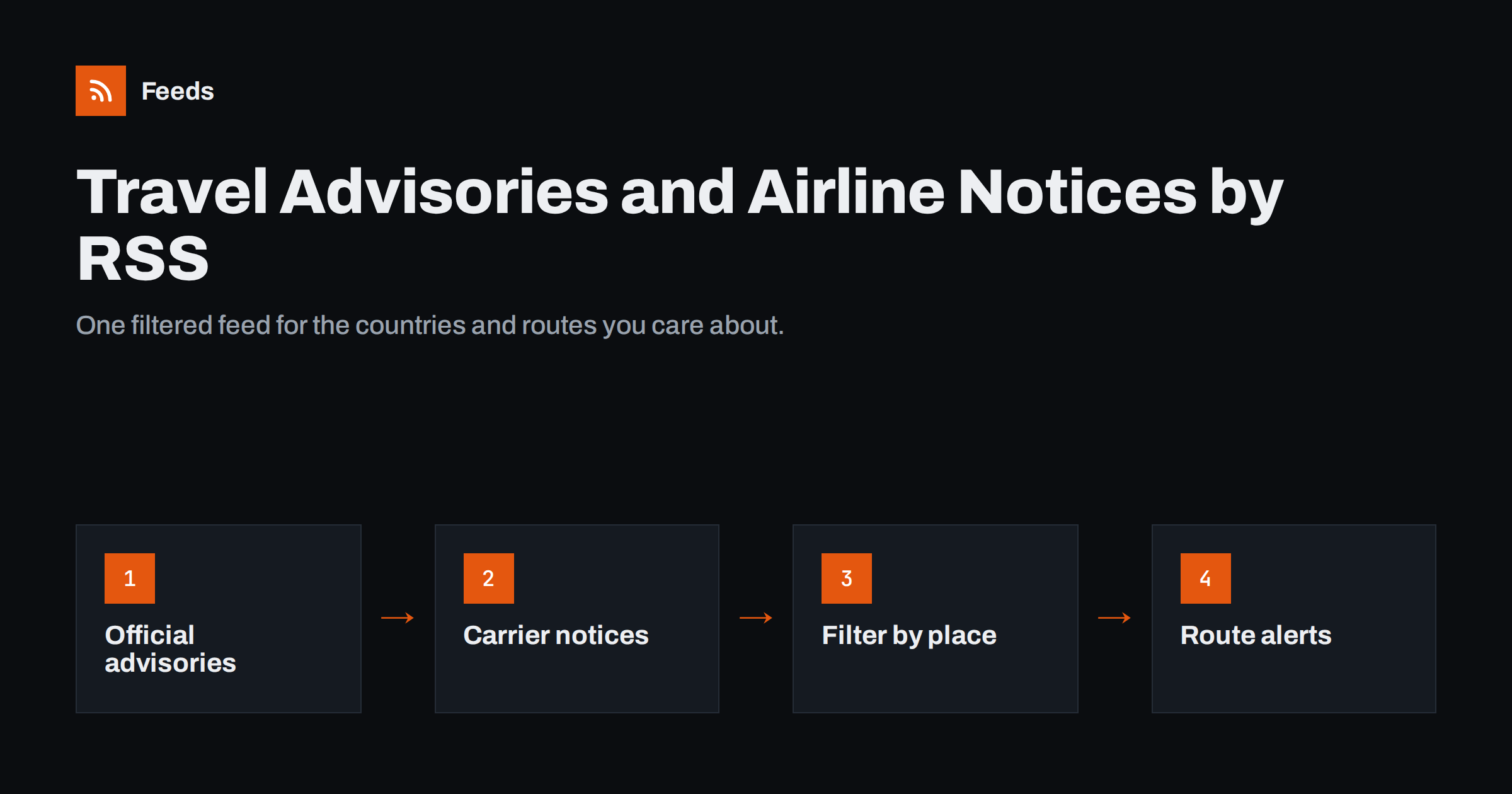
Short answer: To follow travel advisories with RSS, start with the official sources: many foreign ministries publish their travel advice with RSS or Atom feeds or at least an updates page. Add the travel alert pages of the airlines, airports and rail operators you use, turning pages without RSS into feeds, and include weather warnings and strike news for key destinations. Merge everything into one feed, filter it by the countries, cities and routes that matter to you, and send it to a reader, team chat or email digest.
Who needs travel alerts, and why RSS works well
Travel information changes constantly: safety advice is updated, entry rules change, airlines issue disruption notices, airports announce strikes, and storms close routes. Several groups need to know quickly:
- Travel agencies and tour operators that must inform customers and adjust bookings.
- Corporate travel managers and HR teams with a duty of care towards employees abroad.
- Event organisers bringing speakers and guests from several countries.
- Frequent travellers and expats who want to know about problems before they reach the airport.
The usual alternative is to subscribe to many email alerts, follow airline accounts on social networks and check websites manually. That spreads information across too many places. RSS brings it together: each source becomes a feed, feeds can be merged and filtered, and the result can go wherever your team already looks. It also avoids relying on social media algorithms, which may not show you an airline’s disruption notice at all.
Source 1: official government travel advice
Most governments publish travel advice for their citizens, organised by country. This is the most authoritative source for safety, security, entry requirements and health information. Several foreign ministries offer RSS or Atom feeds for advisory updates, often one feed for all countries and sometimes one per country. Others provide email alerts and an updates page, which can be turned into a feed.
- Check your own government first, because its advice may affect travel insurance and employer policies.
- Add one or two other governments whose advice is detailed and frequently updated. Different ministries sometimes react at different speeds.
- Prefer per-country feeds where they exist; they are much quieter than the global list.
- Follow the updates page if there is no feed, rather than each country page separately.
Official advice pages change in place: the same country page is updated rather than a new page published. A feed of “latest updates” or a change log catches this better than watching the country page itself. Our guide to tracking government and regulator updates with RSS covers the same challenge for other public bodies.
Source 2: airlines, airports and rail operators
Carriers publish travel alerts or “travel updates” pages listing disruptions, strikes, weather waivers and schedule changes. Airports publish notices about industrial action, construction, security changes and closures. Rail operators do the same for engineering works and strikes.
Few of these pages offer RSS. They are, however, usually simple lists: each alert has a title, a date and a link or expandable text. That makes them good candidates for page-to-feed: a tool reads the page and turns each alert into a feed item. Check the preview to confirm each alert is detected as a separate item with the right date.
- Focus on the carriers and airports you actually use; a long list of irrelevant sources adds noise.
- Include hub airports on common connecting routes, not only the departure and destination airports.
- For regional carriers and national rail operators, alerts may be published only in the local language. Keyword filters in that language work well; see our guide to monitoring foreign-language websites with RSS.
Source 3: weather warnings, strikes and local news
Many disruptions start before a carrier issues a notice. National meteorological services in many countries publish warnings, often with RSS, Atom or other machine-readable alert feeds. Local news sites report planned strikes, protests and major events days in advance.
These sources are high-volume, so they need filtering. For weather, choose regional feeds where available. For news, filter by words such as “strike”, “airport”, “closure” or “cancellations” in the relevant languages. Our guide to following a town’s local sources with RSS describes how to find and structure local news sources.
Structuring the feeds
How you group sources depends on who reads the alerts.
| Structure | Kaip tai veikia | Best for |
|---|---|---|
| One feed per destination | Advisories, airports, weather and news for one country or city merged together | Tour operators and agencies with fixed destinations |
| One feed per source type | All government advice in one feed, all carrier notices in another | Travel managers who triage by type |
| One feed per trip | A temporary merged feed for a specific event or project trip | Event organisers and project teams |
| One master feed with filters | Everything merged, then filtered by a list of places | Small teams who want a single stream |
Whatever you choose, remove duplicates. The same strike may appear on the airport’s site, the airline’s page and three news sites; you need to see it once or twice, not five times.
Filtering by place, route and severity
Travel sources cover the whole world; you need a small part of it. Build keyword filters in layers:
- Place names: countries, cities, airports and their codes (for example the three-letter airport codes on your routes).
- Disruption words: “strike”, “cancelled”, “suspended”, “closure”, “warning”, “advisory”, “evacuation”.
- Exclusions: words that bring irrelevant items, such as promotions, new route announcements or loyalty programme news.
Test filters against a few weeks of items before relying on them, and review them when travel patterns change. Our guides to keyword alerts with RSS filters and reducing noise without missing anything go deeper into filter design.
A practical setup plan for a small team
If you are starting from nothing, this sequence gets a useful alert feed running in an afternoon:
- List the places. Write down the countries, cities and airports your travellers or customers use most often over the next three months. Keep it to what really matters; you can add more later.
- Collect official sources. For each country, find your government’s advice page and check whether it offers a feed or an updates page.
- Collect carrier and airport sources. Add the travel alert pages of the two or three airlines you use most and the main airports, including connecting hubs.
- Add one weather and one news source per key destination. Choose sources that publish warnings and local disruption news in a consistent format.
- Merge and filter. Combine sources into one feed per destination or one master feed, and apply your place and disruption keywords.
- Route and test. Send the result to the chosen channel, then watch it for two weeks. Note alerts that were missed and items that were noise, and adjust the filters.
Write down which sources are included and why. When someone asks whether the team would have heard about a particular disruption, that list makes the answer quick, and it shows where a source is missing.
Delivering alerts to the right people
- RSS reader: good for an analyst or travel manager who checks alerts several times a day.
- Team chat channel: good for agencies and operations teams who need to react together.
- Email digest: good for managers who want a daily summary rather than a stream.
- Traveller-specific alerts: for an important trip, a filtered feed can be sent to the traveller or their assistant for the duration of the journey.
Be clear about what the feed is and is not. It helps people notice changes early; it does not replace official emergency channels, registration schemes that some governments offer to citizens abroad, or the airline’s own notifications about a specific booking.
How Feeds can help
Feeds turns alert and update pages that have no RSS, such as airline travel notices or airport news pages, into clean feeds, and uses existing feeds where a source already offers one. It can merge several sources into one feed, keep only items with (or without) your place names and disruption words, and remove duplicates automatically. Paid plans refresh more often and alert you if a page changes its layout and a feed stops finding items. See the pricing page for current limits.
Related reading
- Set Up Website Monitoring with RSS in 30 Minutes: A Starter Plan
- How to Monitor Websites for New Content Automatically
- How to Monitor SaaS Status Pages and Outages with RSS
The bottom line
A good travel alert feed combines official government advice, carrier and airport notices, and weather and strike news for the places you care about. Use existing feeds where they exist, turn alert pages into feeds where they do not, merge and deduplicate, and filter by places, routes and disruption words. Deliver the result where your team already works, and treat it as an early-warning system, not a replacement for official channels.
DUK
Do governments publish travel advisories as RSS feeds?
Several foreign ministries offer RSS or Atom feeds for travel advice updates, and many others offer email alerts and an updates page. Pages without a feed can be turned into one with a page-to-feed tool.
How can I get alerts about airline strikes and disruptions?
Follow the travel alert pages of your airlines and airports as feeds, and add local news sources filtered by words such as strike, cancelled and closure in the relevant languages.
Can I filter travel advisories to specific countries?
Yes. Use per-country feeds where they exist, or filter a combined feed by country, city and airport names. Test the filter so you do not miss alerts that use different spellings.
Is an RSS alert feed enough for duty of care?
It is a useful early-warning tool, but not a complete duty-of-care solution. Organisations also need traveller tracking, communication plans and contact with official emergency services.
How often should travel alert feeds refresh?
For operations teams, every 30 to 60 minutes is sensible. For personal travel planning, a few times a day is usually enough.


