 ENEnglish
 LTLietuviškai
 DEDeutsch
 FRFrançais
 RUРусский
 ESEspañol
 PLPolski
 ITItaliano
 UKУкраїнська
 CSČeština
 PTPortuguês
 JA日本語
JA日本語 LVLatviešu valoda
 ETEesti
 HUMagyar
 IDBahasa Indonesia
 TRTürkçe
 HIहिन्दी
 ELΕλληνικά
 ARالعربية
 THไทย
THไทย VITiếng Việt
 RORomână
 MSBahasa Melayu
 BNবাংলা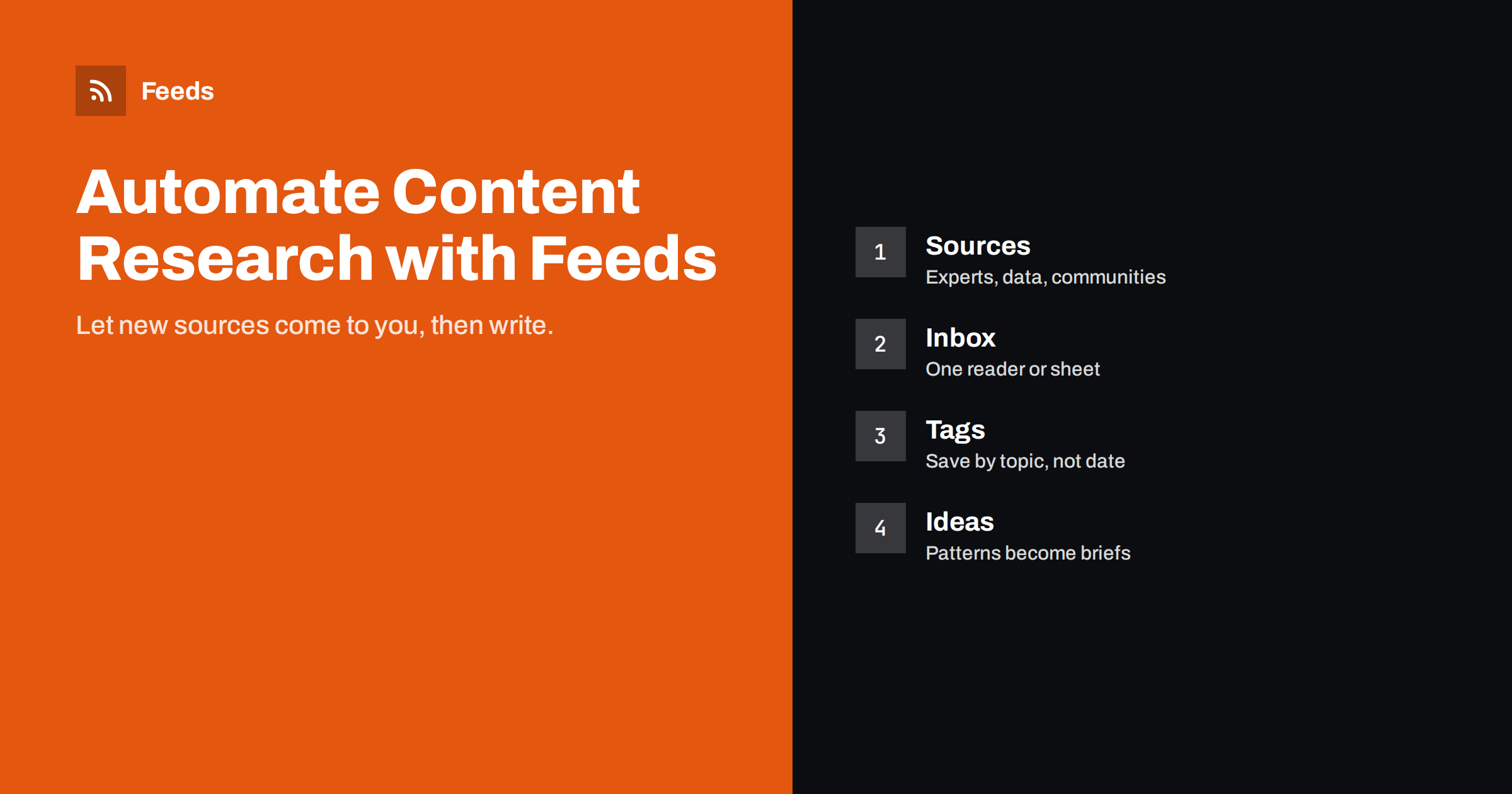
Short answer: Writers can automate most of the collecting part of content research by subscribing to feeds from primary sources, specialist publications, competitor blogs and community discussions, merging and filtering them by topic, and reading them in one place. Save useful items to a tagged research library, note recurring questions and gaps, and turn those patterns into article ideas. Automation replaces daily searching; reading, judging and writing stay with you.
Why research needs a system
Most writers and content marketers research the same way: when a new article is due, they search, open twenty tabs, skim, and start writing. It works, but it has three problems. It is slow, because every article starts from zero. It is shallow, because search results show what already ranks, which means you mostly see what everyone else has already written. And it is reactive, because you only learn about new developments when you happen to search for them.
A feed-based research system flips this. New material from carefully chosen sources arrives continuously in one place. You skim it in short sessions, save what matters with tags, and when an article is due, you start from a library of relevant, recent, often original sources instead of a blank search box.
Over months, the system also shows you patterns: questions people keep asking, topics that are heating up, gaps where no good answer exists. Those patterns are where the best article ideas come from.
Choosing research sources
The value of the system depends on the sources. Aim for a mix that gives you perspectives search results rarely surface.
- Primary sources: official announcements, standards bodies, regulators, statistics offices, product documentation and changelogs. They give you facts before they are filtered through commentary.
- Research and data: university departments, research institutes, industry associations that publish surveys and reports.
- Practitioner blogs: people who do the work you write about and share real experience.
- Competitors and peers: what others in your niche publish, so you can avoid repeating them and find angles they miss.
- Communities: forums, Q&A sites and community platforms where your audience asks questions in their own words. Many offer feeds for specific topics or searches.
- News in your field: trade publications and specialist news sites, filtered tightly.
Start with twenty to forty sources. For each, write one line on why it is there. Sources without a clear reason are the first to cut when the volume grows.
Collecting: one inbox for everything
Put all sources into a single place you enjoy using. Options include:
- A feed reader with folders per topic, keyboard shortcuts and a “save” or “star” function. This is the most comfortable for daily skimming.
- A spreadsheet fed by an automation or import formula, useful if you want to sort, filter and annotate items in columns.
- A note-taking or knowledge tool that can receive items from feeds through an automation, if you already keep your research there.
For sources without RSS, which include many official pages, association news pages and some company blogs, create feeds from the pages that list their articles. Merge overlapping sources and remove duplicates, so the same press release does not appear five times.
Filtering so research stays manageable
A research inbox can grow to hundreds of items a day. Filters keep it useful:
- Topic filters on broad sources: keep items that mention your core subjects.
- Exclusion filters for recurring noise: event promotions, sponsored posts, job listings.
- Separate streams for different purposes: one for your main topic, one for competitor content, one for community questions.
- Different reading rhythms: primary sources daily, communities twice a week, competitor blogs weekly.
Be careful not to filter too tightly. Some of the best ideas come from adjacent topics. A useful compromise is a small “wildcard” folder of broader sources that you skim occasionally.
Saving: build a research library
Reading is only useful if you can find things again. When an item is worth keeping:
- Save it to a read-later tool, bookmark manager, note or spreadsheet, not just a starred item in the reader.
- Tag it by topic, not by date. Tags such as “pricing”, “regulation”, “case for automation” or “common mistakes” map directly to future articles.
- Add one line on why you saved it: a statistic, a quote, a surprising claim, a question.
- Capture the source details needed for citing: title, publisher, date and link.
When you later write about a topic, open the tag and you have a ready-made shortlist of sources, often including primary material that other writers never saw.
From patterns to article ideas
Once a month, look at your library and community stream with one question: what keeps coming up?
- Repeated questions in communities are article topics in waiting, especially if existing answers are poor.
- New regulations, standards or product changes create demand for explainers and how-to guides.
- Disagreements between sources are opportunities for balanced comparison articles.
- Gaps: topics your competitors have not covered, or covered superficially.
Keep an eye on timing as well. When a new standard, law or product version is announced, there is often a window of a few weeks when people search for explanations and little good content exists yet. A research system that surfaces announcements the day they happen lets you publish a careful explainer while demand is growing rather than after it peaks.
Turn each idea into a short brief: working title, the reader’s question, three to five saved sources and the angle that makes your article different.
Using what you collect responsibly
A research system gives you more material than ever, which raises the bar for how you use it. A few principles keep your writing trustworthy.
- Go to the primary source. If a blog post cites a statistic, find the original study or report before repeating it. Numbers change meaning when they are passed from article to article, and some turn out not to exist at all.
- Check dates. Saved items age. A regulation that was proposed when you saved it may have changed or been adopted since. Before citing, reopen the source and check for updates.
- Cite and link. When an idea, figure or quote comes from someone else, name them and link to the source. It helps readers verify and is simply fair to the original author.
- Quote sparingly. Short quotes with attribution support your argument. Long passages copied from sources add little and can raise copyright issues.
- Add what only you can add. Your experience, examples from your own work, a clear structure and practical advice. Research is the foundation; your perspective is the reason someone reads your article instead of the sources.
Competitor content deserves special care. Reading it is useful for spotting gaps and avoiding repetition, but rewriting it is neither ethical nor effective. Articles that merely rephrase what already ranks rarely offer readers anything new.
A weekly routine that takes little time
| When | What | Time |
|---|---|---|
| Daily | Skim primary sources and news; save the few that matter | 10–15 minutes |
| Twice a week | Read community questions; note recurring ones | 15 minutes |
| Weekly | Scan competitor content; tag what is relevant | 15 minutes |
| Monthly | Review tags, spot patterns, write briefs; prune sources | 45 minutes |
Treat these as time boxes. The goal is steady, light contact with your field, not reading everything.
How Feeds supports a research setup
Feeds handles the collection layer. It turns pages that list articles into RSS feeds, which is useful for official and association sites without RSS, and it uses a site’s own feed when one exists. You can merge several sources into one feed, keep only items that mention your topics or leave out items with certain words, and duplicates are removed automatically. Each research stream then becomes one clean feed in your reader or spreadsheet. Feeds refresh on their own. The free plan covers one website; paid plans add more feeds and merged sources.
Related reading
- How to Automate Content Curation Without Losing Quality
- How to Pull RSS Feeds into Google Sheets with IMPORTFEED
- How to Track Competitor Blogs and News with RSS Feeds
- Adding AI Summaries to Feed-Based Content Workflows
The bottom line
A feed-based research system saves writers the daily searching and gives them better material: primary sources, practitioner insight and real audience questions. Choose sources deliberately, collect them in one place, filter to keep the volume manageable, save with topic tags and review monthly for patterns. Then spend the time you saved on what automation cannot do: thinking, judging and writing.
BUJ
What is the best tool for feed-based research?
Any feed reader with folders and a save function works for most writers. Spreadsheets suit people who like to sort and annotate, and note-taking tools suit those who keep all research in one knowledge base.
How many sources should a writer follow?
Start with twenty to forty well-chosen sources and adjust. More sources mean more filtering work, so add new ones only when they bring something your current sources do not.
Can I follow forum or community discussions with feeds?
Many community platforms offer feeds for topics, tags or searches. Where they do not, a feed can often be created from the page that lists new threads.
How do I avoid spending all day reading feeds?
Use fixed time boxes, filter broad sources tightly and separate streams by purpose, so each reading session has a clear goal.
How do feeds help with originality?
They bring you primary sources and real audience questions that search results rarely surface, which gives your articles facts and angles competitors may not have.
Should I cite sources I found through feeds?
Yes. Cite and link the original source, ideally the primary one, whenever you use its facts, figures or ideas. It helps readers verify your claims and credits the original author.


