 ENEnglish
 LTLietuviškai
 DEDeutsch
 FRFrançais
 RUРусский
 ESEspañol
 PLPolski
 ITItaliano
 UKУкраїнська
 CSČeština
 PTPortuguês
 JA日本語
JA日本語 LVLatviešu valoda
 ETEesti
 HUMagyar
 IDBahasa Indonesia
 TRTürkçe
 HIहिन्दी
 ELΕλληνικά
 ARالعربية
 THไทย
THไทย VITiếng Việt
 RORomână
 MSBahasa Melayu
 BNবাংলা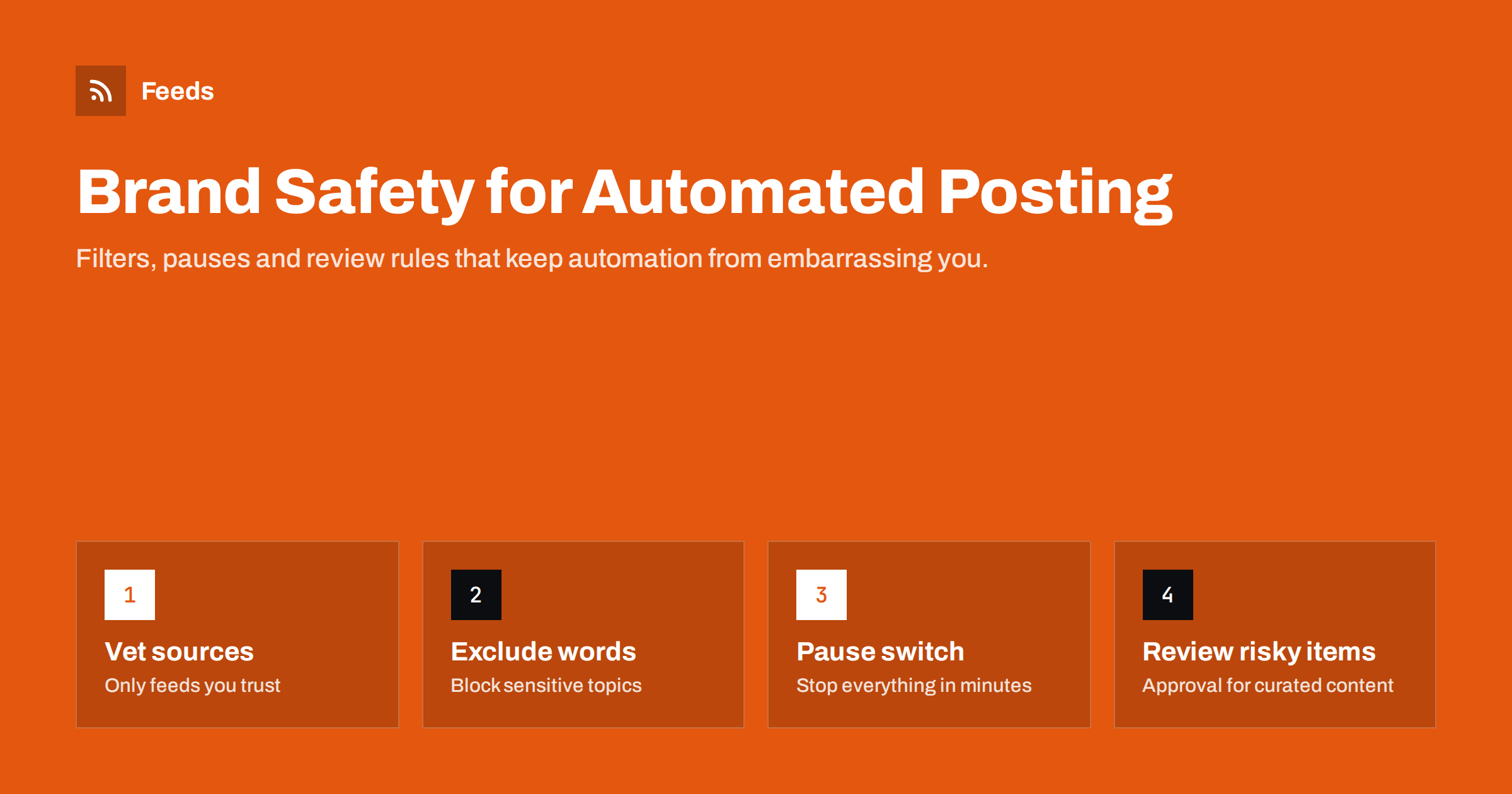
Short answer: Brand safety in automated posting means making sure an automated workflow never publishes something that embarrasses you: an insensitive headline during a tragedy, an off-topic item from a curated source, a competitor’s promotion, or a broken, duplicated post. The protection comes in layers: trust only vetted sources, block sensitive topics with exclusion keywords, route risky items to human approval, keep a quick way to pause everything, and check the live results regularly.
What can go wrong with automated posting
Automation does exactly what it is told, at any hour, without judgment. Most of the time that is its strength. Occasionally it is a liability. Typical brand-safety incidents include:
- Bad timing: a cheerful promotional post goes out minutes after a major tragedy, disaster or local incident.
- Unsuitable curated content: a news feed you share from includes a story about crime, politics or a scandal that has nothing to do with your brand.
- Competitor content: an industry feed posts a competitor’s product launch on your page.
- Wrong tone: a headline written for a news site sounds tasteless or clickbait when posted under your brand name.
- Technical failures: the same post twenty times, posts without images, broken links or raw HTML in the text.
- Compromised sources: a source website gets hacked and its feed starts publishing spam or scam links.
Our list of common content automation mistakes covers many technical failures. This article focuses on content and timing risks, which are harder to see coming.
Layer 1: vet and limit your sources
The most effective filter is choosing what goes into the workflow in the first place.
- Your own content is lowest risk. Feeds from your own blog, shop or news section contain only what you published.
- Partner content is medium risk. You know the source, but you do not control what it publishes next week.
- Third-party news and aggregators are highest risk. They cover every kind of story and change editorial direction without asking you.
For third-party sources, prefer narrow feeds over broad ones: a category or tag feed about your topic rather than a site’s main feed. Review each source’s last few weeks of items before adding it, and write down why it is included. If you cannot explain why a source belongs on your channel, it probably does not.
Automatically republishing third-party content on your website carries additional legal and SEO risks, covered in autoblogging from RSS: risks to know. Sharing a link with a short comment is safer than copying the article.
Layer 2: exclusion keywords
Keyword filters are the workhorse of brand safety. Most people think of include filters (“only items mentioning X”), but exclusion filters are what prevent embarrassment. Build an exclusion list in categories:
| Category | Example words | Why |
|---|---|---|
| Tragedy and violence | killed, dies, shooting, attack, crash, victims | Avoid posting grim news under a brand name |
| Disasters | earthquake, flood, wildfire, explosion | Often tied to events where silence is better |
| Crime and legal trouble | arrested, fraud, lawsuit, charged | Can imply association with wrongdoing |
| Politics | election, party names, candidate names | Unless politics is your subject |
| Competitors | competitor brand and product names | Avoid promoting rivals |
| Promotions | sponsored, giveaway, coupon, advertisement | Keep other people’s ads off your channel |
Adapt the list to your business. A healthcare provider may exclude words about unapproved treatments; a children’s brand may exclude a much wider set. Include plural and other forms, and add the equivalent words in every language your sources use.
Filters are blunt. Excluding “attack” also blocks “heart attack prevention tips”, which a health publisher may want. Review what the filter blocks for a few weeks, then refine. Our guide to setting up keyword filters on RSS feeds explains include and exclude logic in more detail.
Layer 3: human approval where it matters
Not every workflow should run on full autopilot. A useful rule is to match the level of automation to the level of risk:
- Full automation for your own content on your own channels, where the content has already been reviewed before publishing on the website.
- Approval queue for curated third-party content, especially from news sources.
- Manual only for sensitive accounts, such as a chief executive’s personal profile or a crisis communications channel.
An approval queue can still save most of the work: the tool prepares the post, and a person approves or rejects it with one click. For how to choose between these modes, see full automation vs an approval queue.
Layer 4: a pause plan for sensitive moments
Some events call for silence across all channels: a national tragedy, a major local disaster, a crisis involving your own company. Automated workflows will not notice. You need a plan to stop them quickly.
- Know where every automation lives. Keep a short list of all automated workflows, the tools they run in and the channels they post to.
- Make pausing easy. Many tools have a pause switch per workflow or per account. Test it in a calm moment so you know it works.
- Decide who can pause. More than one person should have access and permission, including outside office hours.
- Check scheduled posts too. Manually scheduled posts are just as risky as feed-triggered ones.
- Resume deliberately. When you switch automation back on, check whether a backlog of items will be posted all at once, and clear it if necessary.
Layer 5: technical safeguards
Many embarrassing posts are technical rather than editorial. Protect against them with:
- Duplicate protection based on GUIDs or links, so edited or re-published items are not posted twice. See stopping duplicate posts.
- Rate limits per channel, so a sudden burst of items is spread over time.
- Clean templates that strip HTML, cut summaries at a sentence boundary and handle missing images gracefully.
- Link checks that skip items whose links do not load.
- Source monitoring, so you notice when a feed suddenly changes in volume or starts linking to unfamiliar domains, a common sign of a hacked site.
Different rules for different channels
Brand-safety rules should not be identical everywhere, because each channel has a different audience and a different tolerance for mistakes.
- Company pages on major networks are the most visible. Apply the strictest source list and exclusion keywords here, and keep curated content under approval.
- Messaging channels and communities, such as a Telegram channel or a Discord server, often have engaged followers who notice every post. Frequency and relevance matter even more.
- Internal team channels can be looser. Colleagues following industry news may need to see crime or legal stories about competitors that you would never post publicly.
- Email digests stay in inboxes and cannot be deleted after sending, so a mistake there is permanent. Review digest content before it goes out, or use only your own sources.
Write the rules down per channel: which sources feed it, which filters apply, whether approval is required and who is responsible. A one-page document like this is also the best briefing for a new colleague who inherits the workflows.
Monitoring and recovery
Even with good filters, something will occasionally get through. What matters is noticing quickly and responding well.
- Look at the live channels. Check your pages and profiles themselves, not only the tool’s log. A log saying “posted” does not tell you whether the post looks right.
- Set a regular check. Daily for busy accounts, weekly for quieter ones.
- Delete quickly and fix the cause. Remove the post, then adjust the filter or source that let it through, so it does not happen again.
- Apologise when needed. If a post caused real offence, a short, human acknowledgement is better than silent deletion.
- Record incidents. A short log of what went wrong and what changed makes the system stronger over time.
How a feed tool helps with brand safety
Many safeguards belong in the feed itself, before any posting tool sees it. Feeds lets you keep only items that contain your chosen words or exclude items that contain words you never want to share, merges several sources into one feed, and removes duplicates automatically. It also shows a preview of the items it found before anything is created, which makes it easy to vet a source. The filtered feed then works with any posting tool. You can start with the free plan; see the pricing page for details.
Related reading
- Content Automation Checklist: 30 Checks Before You Go Live
- How to Automate Content Curation Without Losing Quality
- How to Reduce Noise in RSS Alerts Without Missing Anything
The bottom line
Automated posting is safe when it is built in layers. Choose and limit sources carefully, block sensitive topics and competitors with exclusion keywords, use approval for curated content, keep a tested pause plan for sensitive moments, add technical safeguards against duplicates and bursts, and check your live channels regularly. When something slips through, delete it, fix the cause and write it down.
BUJ
What is brand safety in content automation?
It means preventing automated workflows from publishing content that harms your brand, such as insensitive posts during tragedies, unsuitable curated stories, competitor promotions or broken, duplicated posts.
Which keywords should I exclude from automated posts?
Start with words about tragedy, violence, disasters, crime, politics, competitors and promotions, then adapt the list to your industry and languages. Review what the filter blocks and refine it over time.
Should curated news be posted automatically?
It is safer to send curated third-party content to an approval queue. Your own content, already reviewed before publishing, is usually fine to post automatically.
How do I stop automated posts during a crisis?
Keep a list of all automated workflows, know how to pause each one, and make sure several people can do it. Check scheduled posts too, and clear any backlog before resuming.
How can I tell if a source feed has been hacked?
Watch for sudden changes: many more items than usual, off-topic titles, or links to unfamiliar domains. Pause the source immediately and check the website before resuming.


