ENEnglish
 LTLietuviškai
 DEDeutsch
 FRFrançais
 RUРусский
 ESEspañol
 PLPolski
 ITItaliano
 UKУкраїнська
 CSČeština
 PTPortuguês
 JA日本語
 LVLatviešu valoda
 ETEesti
 HUMagyar
 IDBahasa Indonesia
 TRTürkçe
 HIहिन्दी
 ELΕλληνικά
 ARالعربية
 THไทย
 VITiếng Việt
 RORomână
 MSBahasa Melayu
 BNবাংলা
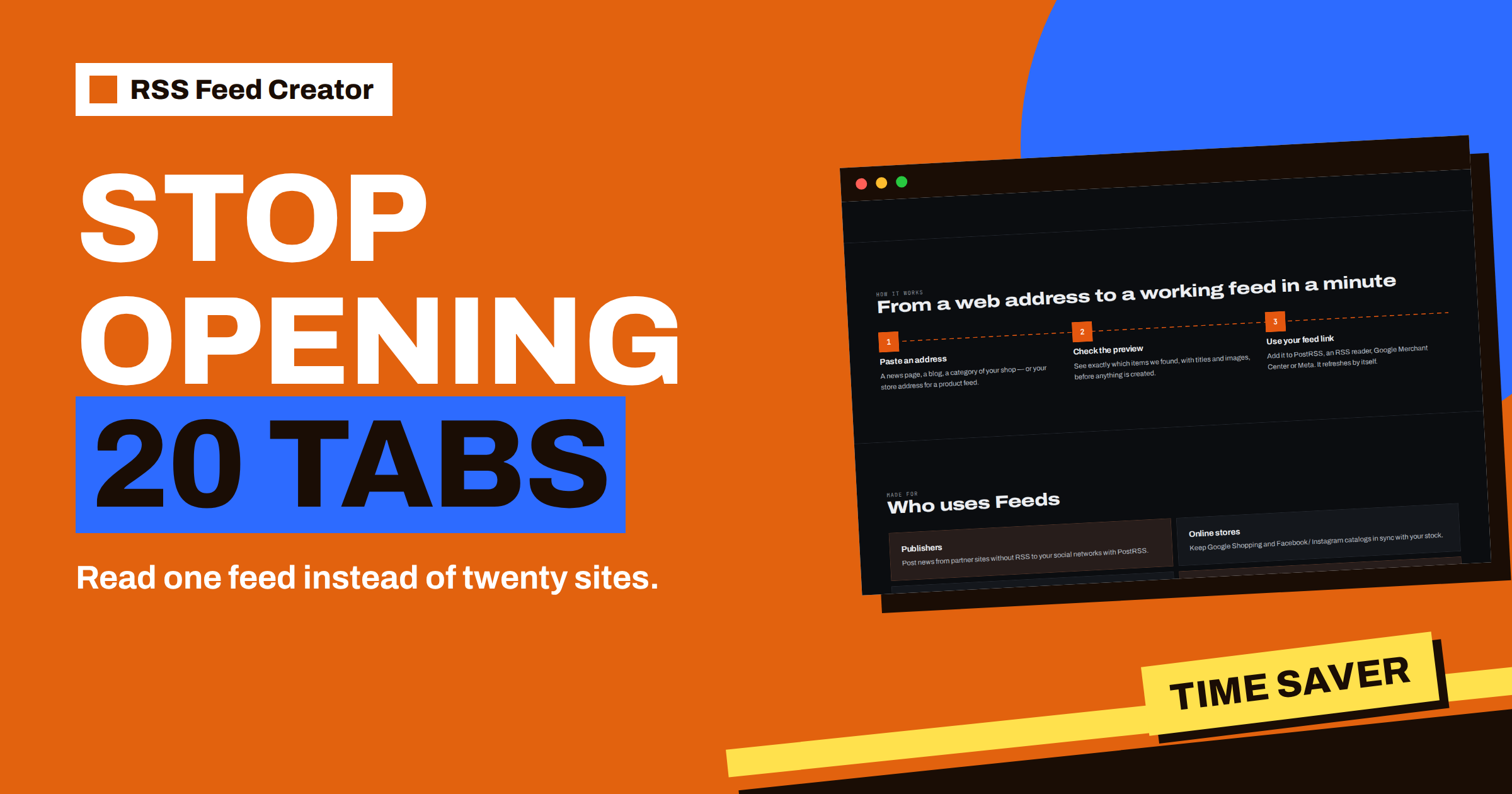
Short answer: Checking twenty websites by hand once a day takes about 40 minutes if each visit takes two minutes, which is more than 240 hours a year. With RSS Feed Creator you set up the sources once, merge up to 10 of them into each feed on a paid plan, filter by keywords and read the result in a few minutes. The numbers below are examples; replace them with your own. The point is the shape of the saving: setup costs minutes once, manual checking costs minutes every day.
The hidden cost of “just a quick look”
Many people follow a set of websites by visiting them. A supplier’s news page, three industry blogs, a regulator’s announcements, a competitor’s press page, a job board. None of the visits feels like work, which is why the total is rarely counted. Each one involves opening the page, scanning the headlines, remembering what was there yesterday and deciding whether anything is new.
Three things make the habit expensive. The time adds up. The result is unreliable, because you skip days and miss items that appeared and moved down the page. And the attention cost is high: every visit pulls you into the site’s design, banners and unrelated stories. A feed removes all three: it collects only the new items and brings them to one place.
The arithmetic
The table uses assumptions that you should replace with your own: 20 sites, two minutes per visit, one visit a day, 250 working days.
| Item | By hand | With feeds |
|---|---|---|
| Setup | None | About 3 minutes per source, 60 minutes for 20 |
| Daily time | 20 × 2 = 40 minutes | About 5 minutes to read two feeds |
| Per year (250 days) | About 167 hours | About 21 hours plus 1 hour of setup |
| Missed items | Likely on busy days | Unlikely, each item is listed |
With these assumptions, the saving is roughly 145 hours a year, nearly a month of working days. Even if your numbers are half as large, the setup pays back in the first week. The estimate is deliberately plain: it counts visits and nothing else, and it leaves out the value of not missing an important announcement.
What 20 sites look like in RSS Feed Creator
A feed can merge up to 10 sources on the paid plans, so twenty sites fit into two feeds. The PostRSS add-on at €5 per month includes 10 feeds from pages, up to 100 items per feed and a refresh every 30 minutes. Grouping by subject works best: one feed for suppliers and partners, another for industry news. The merge feature is explained in merge sources in RSS Feed Creator: up to 10 in one feed.
On the free plan, each feed has one source, with a refresh every 3 hours. That is enough to try the method on a few sites. A free account keeps up to three feeds in one list, which is a good way to test with the sites you visit most often before deciding on anything bigger.
How the setup goes, step by step
- List your sites. Write the twenty sites down and, for each, the address of the page that lists new items, not the home page.
- Group them. Put sites that cover the same subject in one group. Ten per group is the limit of a merged feed.
- Create the first feed. Paste the first address, check the preview and create the feed. Add the other sources one at a time with “Add source”, checking the preview after each.
- Filter. Add keywords for the subjects you care about, and skip words for the noise you keep seeing.
- Add the feed to a reader. One address per group goes into your reader, or into the team channel you use.
Choosing the right address for each site decides most of the quality. The guide which web address to paste: home page, section or search saves time here.
What the feed does that you did not have to do
After setup, the tool takes over several chores that you did in your head:
- Remembering what is new. The feed lists items and your reader marks what you have read.
- Removing duplicates. When two sources list the same address, only one copy remains, as described in how RSS Feed Creator removes duplicates in merged feeds.
- Sorting. Merged items come with the newest first.
- Filtering. Words you choose decide what reaches you.
- Refreshing. Every 30 minutes on paid plans, with an alert on paid plans if a feed stops finding items.
That last point matters for trust. A feed that silently stops would be worse than manual checking, so paid plans send an alert when a feed stops finding items, and the management page shows the last update and any problem.
Three sample groups
To make the idea concrete, here is how twenty sites might be grouped. The numbers are illustrative.
Suppliers and partners (6 sources). The news pages of the companies you buy from or work with. The filter keeps words such as “price”, “discontinued”, “recall” and “new range”, so that you see only items that may need action. Skip words remove event invitations you never attend.
Industry news (10 sources). Trade blogs, associations and a few general news sections that have a page for your sector. This group uses the full 10 sources, and the keywords describe your niche. Because duplicates are removed by address, a story that two of the sources both list appears once.
Competitors and market (4 sources). The blogs and press pages of competitors, which a feed can bring together with your own site’s blog, so that you can compare what everyone says. The guide follow competitor blogs and news pages with RSS Feed Creator goes deeper.
Notice that the second group is already at the limit of a merged feed. If you want more than 10 sources on one subject, split it into two feeds with different focus, for example by region or by topic, and read both. Because each feed address is separate, nothing stops you from putting both into the same reader folder.
Keeping the setup tidy over time
A set of feeds is a small system, and small systems need a little care. Once a month, open the management page of each feed, read the item count and the “Last update” line and ask three questions. Has any source stopped producing items? Does any word in the filter no longer help? Is there a site you now ignore? Remove or replace what no longer pays. The monthly routine is described in a tour of the RSS Feed Creator management page.
A short note listing the sources of each feed, with the reason you follow them, helps when a colleague takes over. And when a site changes its design, the tool detects the list again on every refresh; only if no list can be found does the feed need your attention, and paid plans send an alert in that case.
What does not fit the method
Be fair to the manual way: some visits cannot be replaced. Pages that need a login cannot be read by the tool, which reads public pages like a visitor. Sites that show items only after scripts run may give an empty preview. And a page that is not a list, such as a single announcement page, has nothing to turn into items. Check each of your twenty sites in the preview; you will probably find that most work and a few do not. For those few, keep a short manual list. Empty previews have their own guide: preview shows 0 items: what to try.
Beyond saving time
The time saved is only the first benefit. A feed gives you a record of what appeared and when, and it makes sharing easy: the same feed address can go to a colleague, a client or a posting tool. With PostRSS, new items from a feed can be posted to your social profiles automatically, which turns a monitoring habit into a publishing one. The plans and their limits are on the pricing page.
Finally, consider the rhythm of your day. Reading a feed twice a day, at fixed times, is calmer than checking sites whenever you remember. The feed waits for you, and nothing is lost between visits.
Related reading
- Monitoring Hundreds of Sources with RSS Without Chaos
- Follow Many Sources in One Feed: RSS Feed Creator for Researchers
- Add Your RSS Feed Creator Feed to Any RSS Reader or Tool
The bottom line
Twenty daily visits cost far more than they appear to. A few minutes of setup per source, two merged feeds and a reader turn that into a short daily read. Do the arithmetic with your own numbers, try the preview on your most visited sites and keep a manual list only for the pages that need a login.
BUJ
How many sites fit into one feed?
Up to 10 sources can be merged into one feed on the paid plans. Twenty sites therefore need two feeds.
Can I try this for free?
Yes. The free plan creates single-source feeds, with a preview before anything is created, and a free account keeps up to three feeds in one list.
Will I miss items on a busy day?
The feed holds up to 100 items on paid plans and 20 on the free plan, so read it often enough that the limit does not cut items you have not seen.
Do the sites need to know I follow them?
No. The tool reads public pages from the outside, and no access to the source website is needed.