ENEnglish
 LTLietuviškai
 DEDeutsch
 FRFrançais
 RUРусский
 ESEspañol
 PLPolski
 ITItaliano
 UKУкраїнська
 CSČeština
 PTPortuguês
 JA日本語
JA日本語 LVLatviešu valoda
 ETEesti
 HUMagyar
 IDBahasa Indonesia
 TRTürkçe
 HIहिन्दी
 ELΕλληνικά
 ARالعربية
 THไทย
THไทย VITiếng Việt
 RORomână
 MSBahasa Melayu
 BNবাংলা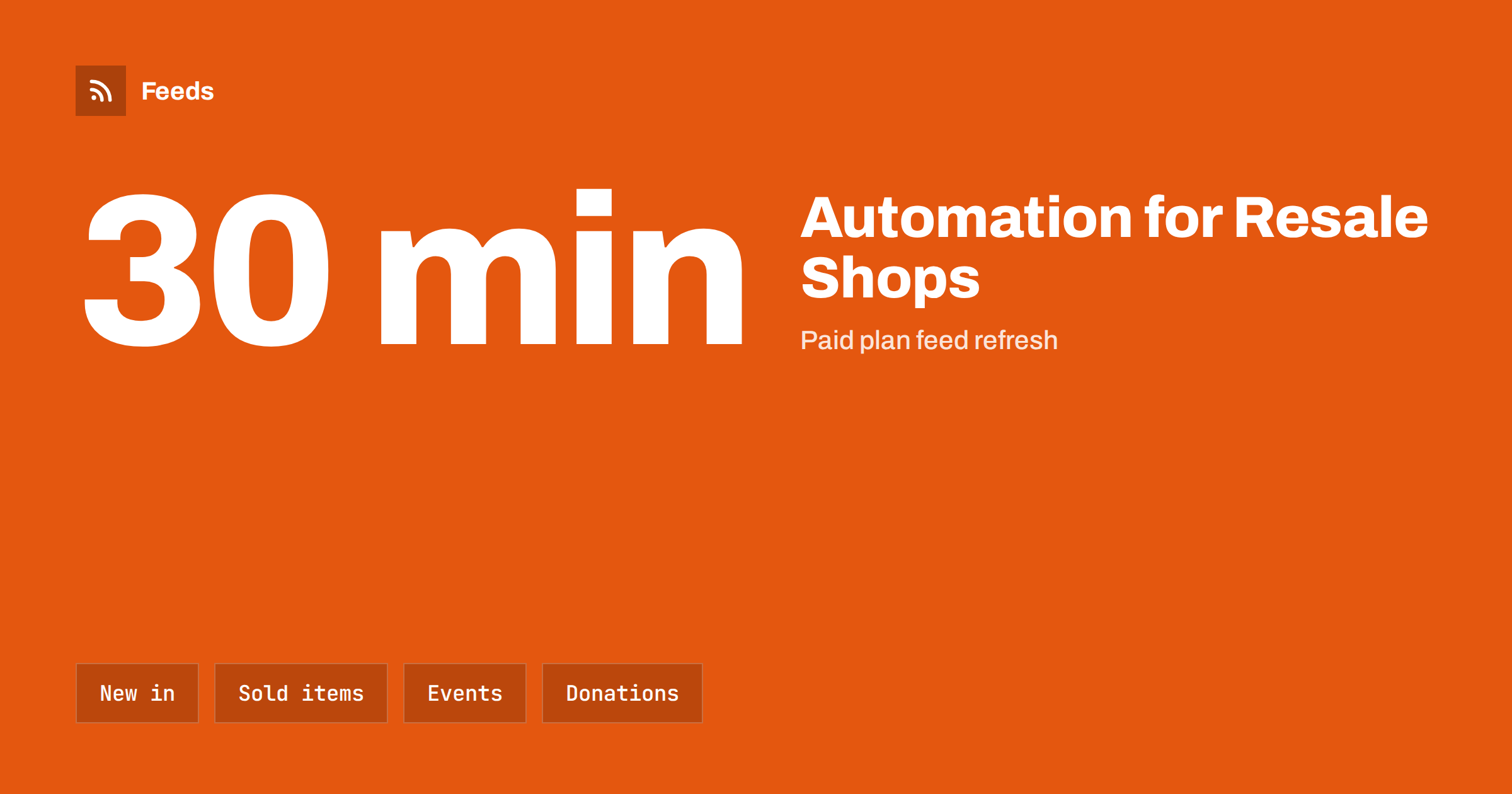
Short answer: A second-hand, vintage or resale shop lives on newness: every item is one of a kind, and the best ones are gone within days. That makes social media essential and also makes it hard, because posts have to be frequent, quick and accurate about what is still available. Content automation can post new-in items from the shop’s own listings, announce market days and donation drives from the calendar and bring in local news, as long as one rule is built in from the start: nothing that has sold is ever advertised.
What makes resale different
A normal shop can post about a product for months. A resale shop cannot. The vintage jacket exists once. When it is sold, any post that is still circulating becomes a small disappointment for the customer who comes in to ask for it. In a shop with an online catalogue, the same applies to every listing: the page may stay up, marked sold, but the social media post that points to it keeps promoting a thing nobody can buy.
The positive side is that resale customers are used to a stream. They check accounts often, they love the feeling of a fresh drop and they respond to “new in today” in a way that regular retail customers do not. The challenge is to keep that stream going without the owner photographing, describing and posting every piece twice. The general approach is explained in what content automation is.
Sources a resale shop already has
Most shops have more material than they realise:
- The online listings. A shop on an e-commerce platform or a marketplace has a page of newest items with photos and prices. That list can become a feed.
- The events calendar. Market days, pop-up stalls, late openings, swap events and sales.
- Donation and volunteer information. For charity shops, what is needed this month, the drop-off hours and the call for volunteers.
- The blog or newsletter. Styling ideas, restoration stories, seasonal edits.
- Local sources. Council notices, market operators, local events and the town centre association.
If the listings page has no feed, a feed can be created from the page itself. The method for a catalogue is explained in how to publish a new arrivals feed for your online store.
New-in posts that stay accurate
The core of a resale automation is a feed of newly listed items, turned into short posts: a photo, a title, the size or period, the price and a link. The rule that matters is timing. The longer the gap between listing and posting, the more likely the item has sold. So post new items soon after they appear, and prefer a short run of posts over a big weekly batch.
Feeds refresh every 3 hours on the free plan and every 30 minutes on paid plans, so there is always a gap between a sale and the feed noticing it. For items likely to sell within hours, such as a designer piece or a sought-after record, add a human check before posting. For the everyday stock, add a line to the post template that reads “ask in store for availability” or point to a page that shows the live status. The wording of templates is covered in writing post templates for automated social media feeds.
Handling sold items
Sold items are the biggest risk, and the answer is a mix of design and habit. First, never post an item that is marked sold; if the feed includes sold items, filter them out by status or by the word “sold” in the title. Second, mark items as sold promptly in the system, since the feed can only reflect what the shop has recorded. Third, treat sold posts as clean-up work: a weekly check of the last few days of posts, with a note on the account such as “sold, thank you” under any that have gone.
The same problem exists in product feeds for ads, where showing unavailable stock causes mismatches and wasted clicks, and the logic is covered in out-of-stock products in your feed. Edits and deletions in the source are not always mirrored in automated posts, as discussed in edited and deleted source items in automated posting.
Markets, pop-ups and events
Resale is event-driven. A stall at a Saturday market, a late-night opening, a “bag day” at a charity shop or a swap evening all need announcing a few days ahead and reminding on the day. Put them in one calendar and let the calendar drive the posts, one announcement when the event is added and one reminder the day before. Keep the location and hours in the template so that customers never have to ask. The setup is the same as for any venue and is covered in how to promote upcoming events automatically.
Weather matters for outdoor markets. A cancelled stall announced by a scheduled post is worse than no post. Keep a manual route for changes, and make sure the person who decides also knows how to post.
Donations, volunteers and trust
For charity and community shops, content is partly a request: what donations are needed, when the drop-off desk is open, what cannot be accepted and where volunteers are wanted. These notices change slowly and repeat well, so they are good candidates for a monthly scheduled rotation. Keep wording accurate and polite, state the limits clearly and review the list of “not accepted” items regularly, since it changes with storage space and safety rules.
Stories about where donations go build trust, but they should be written by people and approved before posting. If you mention customers or donors, ask for their permission first. Safe handling of accounts and access is covered in securing content automation.
Photos, descriptions and honesty
Resale customers rely on condition descriptions. Make sure the source listing states the condition, flaws and measurements, because the post can only repeat what the listing says. Automated posts that omit a flaw create returns and complaints. Use the first image of the listing for the post, and check that images do not contain other people’s faces or personal details in the background.
Avoid claims of authenticity or value that you cannot support. “Vintage” and “designer” are claims. If the shop is not sure, the description should say so.
Pricing needs the same care. A price that changes after the post has gone out, because an item was marked down on Friday, causes awkward conversations at the till. Where markdowns are part of the business, schedule a separate “reduced this week” post from a human-checked list, and leave out prices in the automated new-in posts if they change often. A post that sends people to the listing for the current price is safer than one that quotes it.
Finally, keep the tone of the shop. Resale customers choose small shops for personality, so give the templates room for a sentence written by a person, and rotate a few wordings so the account does not read like a feed.
A weekly rhythm
- Daily or every other day: new-in posts from the listings feed, with sold items filtered out.
- Weekly: events and opening hours from the calendar; one themed post such as a seasonal edit, written by hand.
- Monthly: donation needs and a volunteer call.
- Each month: a clean-up of old posts for sold items and a check that each feed still finds items.
How RSS Feed Creator helps
RSS Feed Creator turns the new-in page, events page or news list of a website into a clean RSS feed, even when the site has no feed of its own. It reads titles, images, summaries and dates, uses an existing feed when there is one, and shows a preview of the items before the feed is created. You can merge several sources into one feed (up to 10 on paid plans), keep only the items that contain your keywords, or leave out the ones that do, and have duplicates removed automatically. Feeds refresh every 3 hours on the free plan and every 30 minutes on paid plans, and paid plans send an alert when a page changes and a feed stops finding items. The free plan allows up to 20 items per feed, and the details are on the pricing page.
Related reading
- Content Automation for Fashion Boutiques and Brands
- Used and Refurbished Products in Feeds: Condition Done Right
- Full Auto vs Approval Queue: Choosing a Content Workflow
The bottom line
A resale shop can keep its accounts fresh without photographing everything twice. Turn the new-in listings and the events calendar into feeds, post new items quickly, filter out anything marked sold, keep a person in charge of fast-moving pieces and of the donation story, and clean up old posts every month. Customers see a lively shop, and nobody is disappointed by a sold item.
BUJ
How do I avoid posting items that have already sold?
Filter out items marked sold, mark sales promptly in your system and post new items soon after they are listed. For fast-moving or high-value pieces, add a human check before posting.
Can a shop with a marketplace listing use feeds?
Often yes. If the new-in list is on a public page, a feed can be created from it, with titles, images and prices. Check the marketplace’s terms before using its pages as a source.
How often should a resale shop post?
New-in posts every day or every other day suit the buying pattern, with a weekly event post and a monthly donation or volunteer notice. Quality of photos matters more than volume.
Should donation requests be automated?
The repeating parts can be scheduled, such as drop-off hours and what is needed, but check the wording regularly and write stories about donors and customers by hand, with their permission.
Is the feed updated immediately when an item sells?
No. Feeds refresh every 3 hours on the free plan and every 30 minutes on paid plans, so there is a short gap. Design posts so that a late update does not mislead, and use a check for items likely to sell quickly.