 ENEnglish
 LTLietuviškai
 DEDeutsch
 FRFrançais
 RUРусский
 ESEspañol
 PLPolski
 ITItaliano
 UKУкраїнська
 CSČeština
 PTPortuguês
 JA日本語
 LVLatviešu valoda
 ETEesti
 HUMagyar
 IDBahasa Indonesia
 TRTürkçe
 HIहिन्दी
 ELΕλληνικά
 ARالعربية
 THไทย
 VITiếng Việt
 RORomână
 MSBahasa Melayu
 BNবাংলা
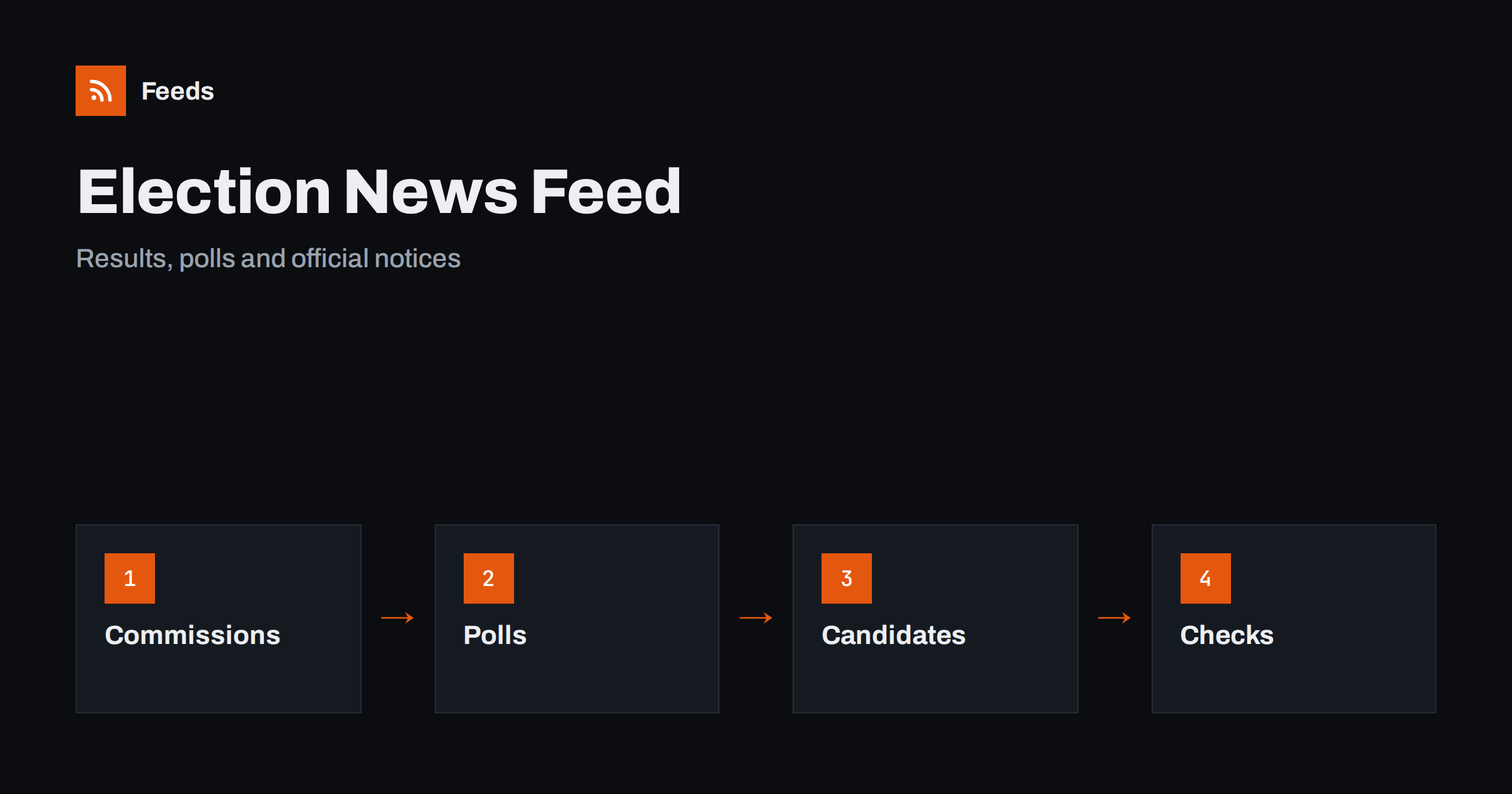
Short answer: Elections generate a flood of information: official dates and rules, candidate lists, results, opinion polls, campaign claims and commentary. RSS lets you follow the primary sources, such as electoral commissions, statistical offices, pollsters and candidate pages, in one reader, filtered by country, region or race. Read official notices for facts, read polls with their method notes and treat commentary as opinion.
Why election information overwhelms people
During a campaign, almost every media outlet, party and platform produces content, and much of it is designed to provoke a reaction. Headlines focus on who is ahead, who made a mistake and who attacked whom. The practical facts, such as registration deadlines, polling station rules and the exact way votes are counted, receive less attention, yet they decide whether a person can vote and how the result is announced.
A feed reader lets you build a calmer picture. You choose sources, you see items in order of publication and you can separate official facts from commentary. If the idea is new to you, what is an RSS feed explains it simply, and how to follow parliament votes and legislative bills with RSS covers the legislative side of public life.
Keep a short note of the key dates for your own situation: the deadline to register or update your address, the last day to request a postal vote, the opening hours of your polling station and the identification you need to bring. Rules differ between countries and sometimes between regions, so read the instructions on the official page for your own area and not a summary from a friend.
Official sources first
Begin with the bodies that run elections. National and regional electoral commissions publish the calendar, registration rules, lists of candidates and parties, voting instructions and results. Statistical offices and parliaments publish turnout data and seat allocations. Local authorities announce polling stations, postal vote arrangements and accessibility information.
Many of these sites have news pages without feeds. A page-to-feed tool can read their lists and make a feed, as described in how to create an RSS feed for a website without RSS. Put the official feeds in a folder of their own, and check them first when you want a fact, such as the deadline for registration or the date of the count.
Look at the questions as well as the answers. A poll about vote intention is different from a poll about the most important issue or the popularity of a leader. Some polls ask only people who say they are certain to vote, and others ask all adults. Each approach gives a different picture, and neither is wrong, but you must know which one you are reading before you compare numbers.
Reading polls with care
Opinion polls are useful, but they are often misread. Look for the method: who was asked, how many people took part, how they were reached, when the survey was done and what the margin of error is. A change of one or two points between two polls may be within normal variation, and a headline that says a party is “surging” may describe nothing real.
Follow the pollsters themselves, because they usually publish full tables and technical notes. Compare several polls over time rather than reacting to a single result, and notice which question was asked. Wording changes answers. Poll aggregators can help, but check how they weight and select polls. Treat any poll as a snapshot of opinion, not a forecast of the result.
Be careful with campaign advertising. Paid messages, sponsored posts and anonymous pages may look like news, but they are designed to persuade. Many countries require ads to state who paid for them. If a message does not say who is behind it, look for the source before you trust or share it.
Candidates, parties and programmes
Candidate and party sites publish programmes, press releases and event dates. They are valid sources for what a party says it will do, and not for facts about opponents. When a claim sounds surprising, find the programme or the voting record and read the original text. Parliamentary records, where they exist, show how members actually voted.
If you follow many parties, keep a folder for each, and read programmes side by side on the topics that matter to you, such as taxes, health or transport. Filters by keyword help here: a feed filtered for your topic shows what each party says about it. Set up keyword alerts using RSS feed filters describes how.
Checking claims and sources
Campaigns are full of numbers, and some are misleading. Statistics may be real but taken out of context, quotes may be shortened and images may come from another place or year. Independent fact-checkers publish their findings, and many have feeds. Add a few that cover your country, and compare their verdicts with the primary sources they cite.
Make it a habit to click through to the source before you share. Fact-checking with RSS and primary sources shows a fast routine, and scam and fraud warnings with RSS is useful too, since campaigns attract fake messages about voting, donations and registration. Official commissions often warn about these.
Plan your own routine. Decide in advance which two or three pages you will watch, how often you will check them and when you will stop. Results nights can last until the morning, and constant refreshing rarely adds information. A feed reader that shows only new items from your chosen sources keeps you informed without taking over your evening.
Election day and results night
On the day itself, rely on the electoral commission and the national statistical or results site. Early numbers can change substantially as more areas report, and projections made by media outlets are estimates. A feed from the official results page, merged with a few trusted news sources, gives a steady update without the pressure of live commentary.
Avoid sharing unofficial results as facts. Say clearly when numbers are partial, name the source and time, and update the post when official data arrives. If you run a website or a community page, think about pausing scheduled posts on sensitive days; when to pause automated posting offers a plan.
Write down your own questions before you read a voter guide: what changes if the proposal passes, who pays, who benefits and what happens if it fails. Answering them from the official text helps you see through slogans on both sides.
Local elections and referendums
Local votes matter, but they receive less coverage. Council websites, local newspapers and community groups publish candidate lists, meetings and ballot questions. Referendum campaigns bring long texts and technical language, so look for the official voter guide and the neutral summary that many authorities publish. Local news monitoring with RSS shows how to build a feed for your own area.
Turnout is often low in local elections, so each vote carries more weight. A small feed that reminds you of the registration deadline and the polling date may be the most useful thing you build.
Whoever shares election information should keep a log of sources and times. If a post turns out to be wrong, a clear correction with the original source builds trust. Neutral wording and the same standard for all parties are essential, and an approval step before posting protects against slips.
For journalists, teachers and organizers
Newsrooms can use a beat feed to track the commission, the candidates and the pollsters; how journalists can build a beat monitoring feed describes the method. Teachers can use the election period to show students how to compare primary sources, as in RSS in the classroom. Civic groups can share neutral information, such as deadlines and voter guides, without taking sides.
How RSS Feed Creator helps
RSS Feed Creator turns electoral commission, statistical office, pollster and council pages into clean RSS feeds, even when the site has no feed of its own. It reads titles, images, summaries and dates, uses an existing feed when there is one, and shows a preview of the items before the feed is created. You can merge several sources into one feed (up to 10 sources), keep only the items that contain your keywords and have duplicates removed automatically, which suits a neutral feed of dates, rules and results. Feeds refresh every 3 hours on the free plan and every 30 minutes on paid plans. The free plan allows up to 20 items per feed, and the details are on the pricing page.
Related reading
- How to Follow Parliament Votes and Legislative Bills with RSS
- Fact-Checking with RSS: Follow Primary Sources, Not Screenshots
- Local News Monitoring: Follow Your Town’s Sources with RSS
The bottom line
RSS lets you follow elections through primary sources: commissions, statistical offices, pollsters, parties and fact-checkers. Read polls with their methods, check claims against the originals, rely on official results and keep commentary in its own folder. A calm, structured feed helps you understand a campaign and vote with confidence.
BUJ
Which sources are most reliable for election facts?
Electoral commissions, official results pages and statistical offices. Use them for dates, rules and results.
How should I read an opinion poll?
Check the method, sample size, dates and margin of error, compare several polls over time and treat the result as a snapshot, not a forecast.
Can I follow a single topic across parties?
Yes. Follow party and candidate pages and filter by keywords such as taxes, health or transport.
What if a commission page has no feed?
A page-to-feed tool can turn its news list into a feed so that you see updates as they appear.
How do I avoid misinformation on results night?
Use the official results page, note that early numbers are partial and avoid sharing unofficial projections as facts.


