 ENEnglish
 LTLietuviškai
 DEDeutsch
 FRFrançais
 RUРусский
 ESEspañol
 PLPolski
 ITItaliano
 UKУкраїнська
 CSČeština
 PTPortuguês
 JA日本語
JA日本語 LVLatviešu valoda
 ETEesti
 HUMagyar
 IDBahasa Indonesia
 TRTürkçe
 HIहिन्दी
 ELΕλληνικά
 ARالعربية
 THไทย
THไทย VITiếng Việt
 RORomână
 MSBahasa Melayu
 BNবাংলা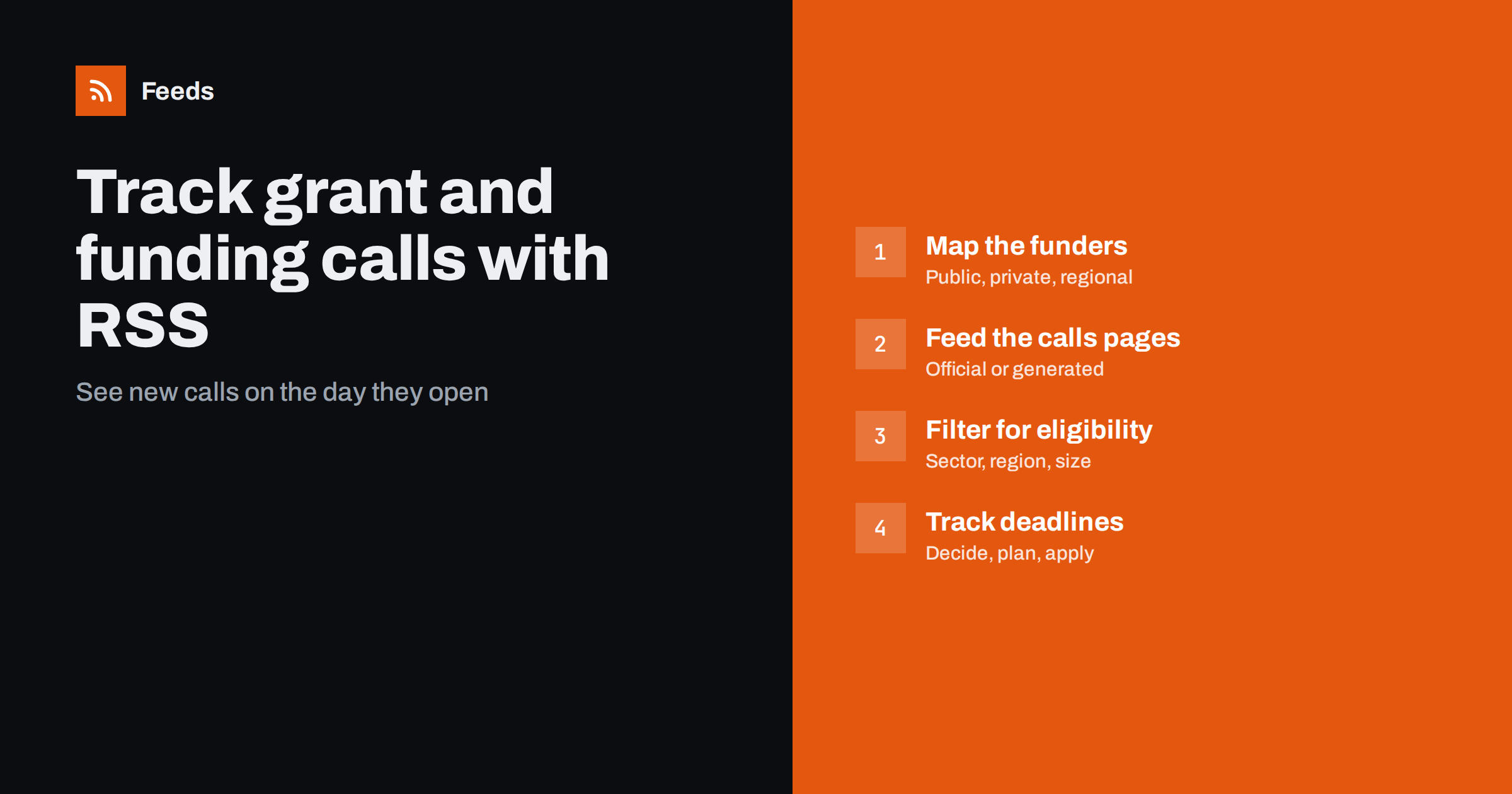
Short answer: List the funders relevant to you, such as public agencies, regional development bodies, foundations, research councils and corporate programs, and find the page where each one publishes open calls or funding news. Use official feeds where available, create feeds from the other calls pages, merge them into one funding feed and filter it for your sector, region and type of activity. Review it weekly, and record each relevant call’s deadline immediately so there is time to prepare a strong application.
Grants and subsidised programs can make a real difference to small businesses, nonprofits, researchers and public bodies. The problem is rarely that funding does not exist; it is that calls are announced on dozens of different websites, often with short windows between opening and deadline. Organizations that find out late submit rushed applications or none at all. A feed-based system turns a scattered landscape into a single stream you can review in minutes.
Email alerts, where funders offer them, help, but they arrive in different formats, mixed with newsletters and event invitations, and many funders offer none. Consultants and paid databases can also track funding, and for large organizations they may be worth it. For most small organizations, a well-maintained set of feeds covers the funders that matter at almost no cost.
Where funding opportunities are published
| Funder type | Typical pages | Feeds available? |
|---|---|---|
| National agencies and ministries | Open calls, funding news, programs | Sometimes, often per topic |
| Regional development bodies | Calls for proposals, business support news | Rarely |
| International programs | Funding and tenders portals, call calendars | Sometimes, via search or notifications |
| Research councils | Funding opportunities list | Often |
| Foundations and charities | Grants or “apply for funding” pages | Rarely |
| Corporate programs and accelerators | Program pages, news | Rarely |
| Chambers and business associations | News about support schemes | Sometimes |
Many of the most relevant funders, especially regional bodies and foundations, publish only simple web pages, and some update them only a few times a year, which makes them easy to forget. That is why page-to-feed tools matter here.
Step 1: Map your funders
Start with what you know: funders you have applied to before, programs peers have mentioned, and support schemes your accountant or business association has recommended. Then widen the search: look at the funding pages of your national and regional government, research councils in your field, and foundations that support your sector or cause.
For each funder, record the page that lists open calls or new programs, whether it offers a feed or email alerts, and what kinds of funding it usually provides. A list of fifteen to forty funders is typical for a small organization.
Do not overlook intermediaries. In many countries, public funding for businesses is distributed through regional agencies, innovation hubs, chambers of commerce and sector associations rather than directly by ministries. These intermediaries often announce local schemes, vouchers and training programs that never appear on national portals. Their news pages are small and rarely have feeds, which makes them easy to miss and ideal candidates for generated feeds.
Step 2: Get a feed for every calls page
Check for official feeds first; research councils and some national agencies provide them, sometimes per program or topic. For portals that allow saved searches with notifications, set up searches that match your profile.
For the remaining pages, create feeds with a page-to-feed tool. Calls pages are usually lists of titles with links, sometimes with opening and closing dates. Check the preview: each item should be one call or program, linking to its details page. If a funder separates open, upcoming and closed calls into different pages or tabs with their own addresses, follow the open and upcoming ones; the closed list adds noise without new opportunities.
Pages that list calls only in documents
Some funders publish a single page with a list of links to PDF call documents. That still works: each new document link becomes a feed item. Others update one long page of text. In that case, a feed may not capture changes cleanly, and a page change monitor on that page is a better complement.
Signals beyond open calls
Open calls are not the only useful items. Three other kinds of pages give you earlier or better information:
- Work programs and call calendars, which many public funders publish months before calls open. They let you prepare partnerships and budgets in advance.
- Lists of funded projects, which show what kinds of applications succeed and who your potential partners or competitors for funding are.
- Information days and webinars, usually announced on news or events pages, where funders explain priorities and answer questions.
Adding these pages to the same funding feed costs little and gives you a much fuller picture of each funder’s intentions.
Step 3: Filter for eligibility and fit
Funding feeds can be noisy, because funders publish many calls for audiences other than yours. Filter for what makes you eligible and what you want to do.
- Sector words: your industry, technologies or cause areas.
- Region words: your region, city or country, where funders cover many areas.
- Activity words: “innovation”, “export”, “digitalisation”, “energy efficiency”, “training”, “research”, depending on what you would fund.
- Organization type: “SME”, “small business”, “nonprofit”, “start-up”, “municipality”.
Keep filters loose. Call titles are often formal or use program names that do not contain obvious keywords. For the most important funders, skip filtering and read every item. It is far cheaper to glance at a few irrelevant titles each week than to miss a call worth tens of thousands because its title used an unexpected phrase.
Step 4: Build a simple funding pipeline
Finding calls is only useful if it leads to good applications. A light pipeline keeps things moving:
- Weekly review: scan the funding feed and open promising calls.
- Quick fit check: eligibility, amount, co-financing requirements, deadline and effort.
- Log it: record the call, deadline and decision in a shared tracker.
- Calendar: add the deadline and an internal deadline two weeks earlier.
- Assign: name one owner per application.
Over time, the tracker shows which funders suit you and which never do, which helps you prune the source list. It also becomes a useful record for future applications: past submissions, feedback from funders and lessons learned are easier to reuse when they are all linked from one place.
Common mistakes
- Following only national portals. Regional bodies and foundations often have less competition.
- Filtering too tightly. Program names hide the words you expect. Read important funders unfiltered.
- Waiting for the deadline to plan. Good applications need partners, quotes and letters of support. Start when the call appears.
- Missing pre-announcements. Many funders publish work programs or upcoming call calendars months in advance. Follow those pages too.
- Silent feeds. Funders reorganize their websites between funding periods. Check that each feed still finds items.
A worked example
A small manufacturing company wants support for energy efficiency and export development. Its operations manager lists the national enterprise agency, the regional development agency, the national energy agency, two EU program portals relevant to SMEs, the chamber of commerce and three foundations that support industry in the region. Only the enterprise agency and one portal provide feeds or notifications; the others become generated feeds from their calls and news pages.
Everything is merged into one funding feed filtered loosely for “energy”, “efficiency”, “export”, “SME”, “manufacturing” and the region’s name, with the regional agency and the energy agency left unfiltered. Each Monday the manager spends ten minutes on the feed. Within a quarter, the company applies for two calls it would previously have heard about too late, including a regional energy audit subsidy that opened with a four-week window.
How Feeds helps
Feeds creates RSS from calls pages and funding news pages that publish no feed, which covers most regional bodies and foundations. It uses existing feeds where available, finds the list of items on other pages, and shows a preview before anything is created. You can merge funders into one feed and keep only items with your words, with duplicates removed automatically. Feeds refresh on their own, and paid plans alert you if a feed stops finding items. Plans are on the pricing page.
Related reading
- How to Monitor Public Tenders and Procurement Notices with RSS
- How to Track Government and Regulator Updates with RSS
- How to Follow Academic Journals and Research with RSS Alerts
The bottom line
Funding opportunities are scattered and time-limited, which makes them ideal for feed-based monitoring. Map your funders, get a feed for every calls page, filter loosely for eligibility and fit, and run a simple weekly pipeline that records deadlines and owners. Seeing calls on the day they open gives you the time a strong application needs.
BUJ
How can I get alerts for new grant calls?
Follow each funder’s calls or news page as an RSS feed, using official feeds where they exist and generated feeds where they do not. Merge them and filter for your sector and region.
Do funding portals offer RSS feeds?
Some do, often per program or topic, and some offer saved searches with notifications. Regional bodies and foundations rarely offer feeds, so generated feeds fill the gap.
Should I filter funding feeds by keywords?
Yes, for broad funders, but keep filters loose because call titles often use program names. Read the most relevant funders’ feeds without filters.
How often should I check funding feeds?
Weekly is enough for most organizations, since calls usually stay open for several weeks. What matters most is recording deadlines as soon as you see a relevant call.
What if a funder only updates a long text page?
A feed may not capture changes on such a page cleanly. Use a page change monitor for that page alongside your feeds.


