ENEnglish
 LTLietuviškai
 DEDeutsch
 FRFrançais
 RUРусский
 ESEspañol
 PLPolski
 ITItaliano
 UKУкраїнська
 CSČeština
 PTPortuguês
 JA日本語
JA日本語 LVLatviešu valoda
 ETEesti
 HUMagyar
 IDBahasa Indonesia
 TRTürkçe
 HIहिन्दी
 ELΕλληνικά
 ARالعربية
 THไทย
THไทย VITiếng Việt
 RORomână
 MSBahasa Melayu
 BNবাংলা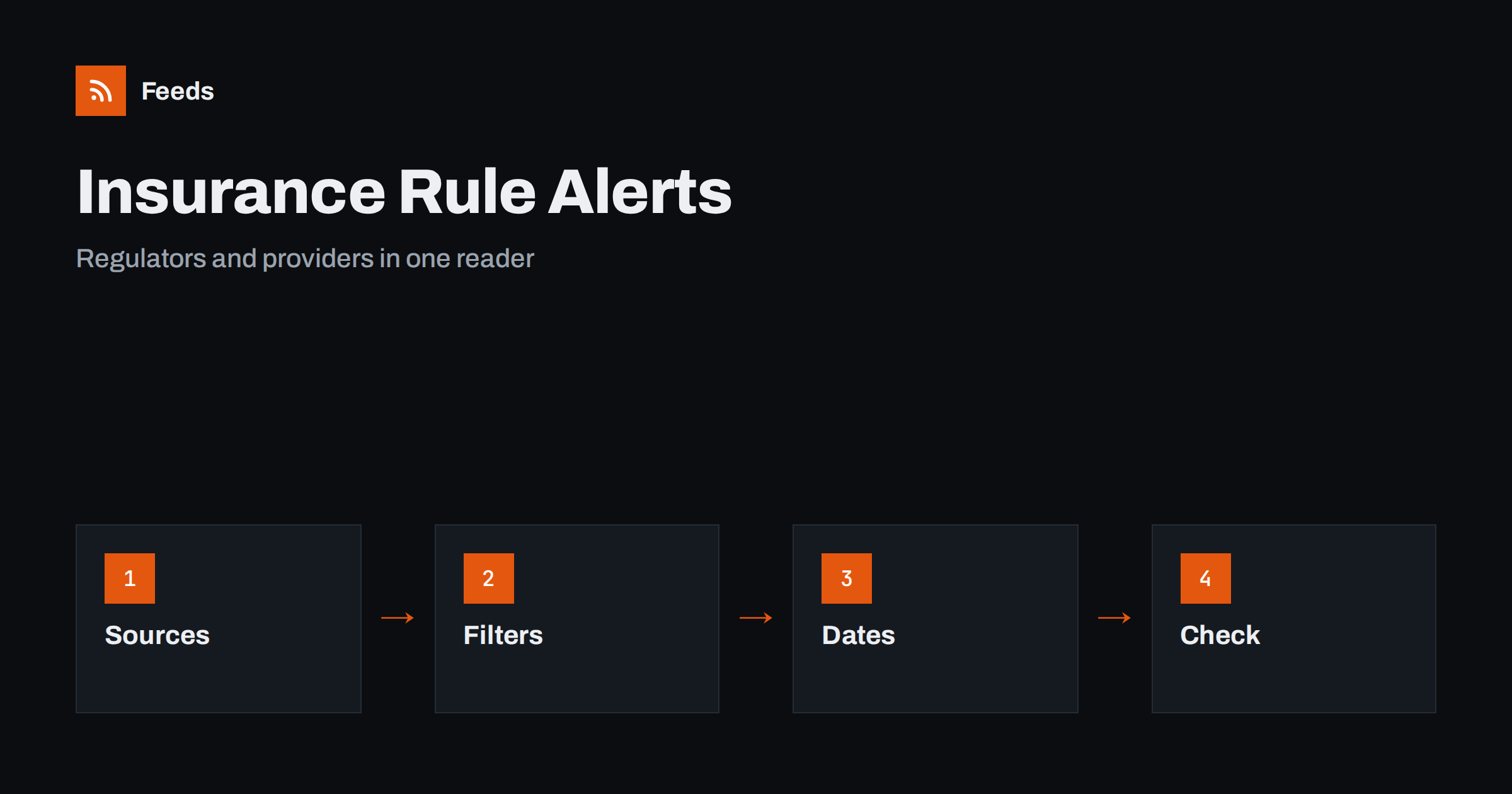
Short answer: Rules for insurance and pensions change through regulators, ministries, industry bodies and the providers themselves, and the changes often arrive as a short notice with a date far in the future. RSS lets you gather those official pages in one reader, filter them by product and country and see a new notice soon after it appears. A feed tells you that something has been published. Read the official text, check the effective date and ask a qualified adviser before you act on a personal or business decision.
Why these notices are worth following
Insurance and pension rules affect household budgets and company costs. A change in contribution limits, a new disclosure rule, an update to the terms of a policy, a change in tax treatment or a new requirement for providers can alter what you pay, what you receive or what you must do. Most changes are announced well ahead, but the notice may sit on a regulator’s page that nobody visits regularly.
For professionals the reasons are practical. Brokers, accountants, HR teams and small business owners need to explain changes to clients and staff, and they need the original text, not a summary. The primary-source habit is described in fact-checking with RSS, and it applies strongly to anything that touches money.
Decide which products and places matter
Start with a short list: the kinds of insurance and pension products you use or advise on, and the countries or regions whose rules apply. Typical categories are health, motor, home, travel, life, business liability, occupational pensions and state pensions. Write down the specific providers you deal with too, since their notices cover contract changes that no regulator announces.
Each category has its own sources, and a person rarely needs all of them. A small employer may want pension contribution rules and employee benefit updates, a driver may want motor rules and premium notices from their insurer and a freelancer may want health and income protection changes. Related topics are covered in tracking tax and employment rules with RSS and tracking government and regulator updates.
Find the official feeds and pages
Look at the news, consultations, press releases and guidance sections of insurance and pension regulators, ministries of finance or social affairs, consumer protection bodies and industry associations. Many publish an RSS feed for each section, often with separate feeds for consultations, decisions and warnings. Providers have news pages and notices for customers, and some have a page for changes in terms.
Where a page has no feed, build one from the list on the page. Choose the page that lists items by date, such as “news” or “notices”, not a home page with a changing layout. The methods are explained in how to find the RSS feed of any website and how page-to-feed tools find the articles on a web page. Use official domains only, since copies on third-party sites may be outdated.
Filter by product, country and type of change
Merge your sources into one reading list and add keyword filters. Use the names of the products and rules you care about, and add words such as “consultation”, “amendment”, “effective”, “deadline” and “guidance” to focus on the type of notice. Exclude topics that do not apply, for example products you never use.
Be ready to adjust. Official language is formal and varies between countries, so a notice about your pension may not use the word you expect. Review the filter after two weeks, and widen it if you find that you missed something. The mechanics are described in merging multiple RSS feeds into one clean feed and RSS keyword alerts.
Read a notice carefully
Start with the date and the status. A consultation is not a decision, a proposal is not a rule and an announcement may have an effective date months or years away. Note who is affected: some changes apply to new contracts only, others to all existing ones, and some only to certain age groups, income levels or employers.
Then look for the action required, if any. A notice may ask providers to inform customers, employers to change a process or individuals to check an option before a deadline. Take the exact wording from the official text, and keep your own interpretation separate. Do not rely on a summary in the news or on social media for a decision that costs money.
Track deadlines and effective dates
The most useful habit is to move each relevant date to a calendar the moment you read a notice. Write the date, the source and a one-line note on what must be done. For businesses, add an owner. A rule that takes effect in nine months is easy to forget, and the work to adapt a process often needs several of them.
A simple log helps professionals explain what they knew and when. Importing feeds into Google Sheets can fill a log automatically, and a monthly review makes sure that no item is left without an owner. For clients or staff, send a short summary with a link to the official text.
Handle provider notices with care
Notices from your own insurer or pension provider are often more important than general rule changes, because they alter your actual contract. Look for changes in premiums, coverage, exclusions, claims procedures and fees. A page-based feed of your provider’s notices helps you spot a change that arrives as a small line in a long document.
Keep a copy of the terms you accepted, and compare versions when something changes. The related habit of watching terms is explained in tracking terms of service and policy changes with RSS. If a change seems unfavourable, check your rights to cancel or compare alternatives before the effective date.
Keep the list manageable. Insurance and pensions are wide fields, and a feed of everything is unreadable. Start with five or six sources, read them for a month and then decide what to add or remove. Sources that rarely publish something relevant can stay if the topic is critical, and sources that publish a lot with little value should go. A lean list is more likely to be read, and the dates in it more likely to be acted on.
Limits and cautions
A feed is a delivery tool, not financial, legal or insurance advice. Rules differ between countries and personal situations, and a general notice may not apply to you. When a decision involves money, retirement or coverage, speak to a qualified adviser or the provider, and check official sources directly.
Be careful with websites that imitate regulators or providers, with pages that offer fast, easy fixes and with old news that appears again as new. Check the web address and the date, and never send personal details in response to an unsolicited message about a policy or pension.
Businesses that advise clients can turn the feed into a service. A short monthly note to clients, listing the changes that affect them, the effective dates and the link to the official text, shows that you watch the rules for them. Keep the note factual, avoid promising outcomes and make clear that individual advice requires a conversation. The same habit helps employers who explain benefit changes to staff.
How RSS Feed Creator helps
RSS Feed Creator turns the news, guidance or notices page of a regulator, ministry, industry body or provider into a clean RSS feed, even when the site has no feed of its own. It reads titles, images, summaries and dates, uses an existing feed when there is one, and shows a preview of the items before the feed is created. You can merge several sources into one feed (up to 10 with the PostRSS add-on), keep only the items that contain your keywords and have duplicates removed automatically, which suits a watch on one product line or country. Feeds refresh every 3 hours on the free plan and every 30 minutes on paid plans, and the PostRSS add-on sends an alert when a page changes and a feed stops finding items. The free plan allows up to 20 items per feed, and the details are on the pricing page.
Related reading
- RSS for Accountants and HR: Track Tax and Employment Rules
- How to Track Government and Regulator Updates with RSS
- Content Automation for Financial Services: Compliance Basics
The bottom line
Following insurance and pension rule changes with RSS means choosing the products and countries that matter, collecting official sources in one reader, filtering by type of notice and moving every effective date into a calendar. Read the official text, keep a short log and ask a qualified adviser before you act. The feed brings the notice to you early, and the decision stays with you.
BUJ
Which sources should I follow first?
Start with the insurance or pension regulator of your country, the ministry responsible and the news page of your own providers. Add industry bodies later if you need them.
What if a regulator has no RSS feed?
A page-to-feed tool can read the list of news or notices on the page and build a feed. Check the preview to make sure it shows real items with dates.
How do I tell a proposal from a final rule?
Read the status in the notice. Consultations and proposals are not rules, and a final decision usually states an effective date and who is affected.
Can a feed replace professional advice?
No. A feed shows what has been published. For decisions about coverage, pensions or tax, speak to a qualified adviser or your provider.
How do I avoid missing a deadline?
Move each date into a calendar as soon as you read the notice, with a short note on the action and the owner, and review the list once a month.