 ENEnglish
 LTLietuviškai
 DEDeutsch
 FRFrançais
 RUРусский
 ESEspañol
 PLPolski
 ITItaliano
 UKУкраїнська
 CSČeština
 PTPortuguês
 JA日本語
JA日本語 LVLatviešu valoda
 ETEesti
 HUMagyar
 IDBahasa Indonesia
 TRTürkçe
 HIहिन्दी
 ELΕλληνικά
 ARالعربية
 THไทย
THไทย VITiếng Việt
 RORomână
 MSBahasa Melayu
 BNবাংলা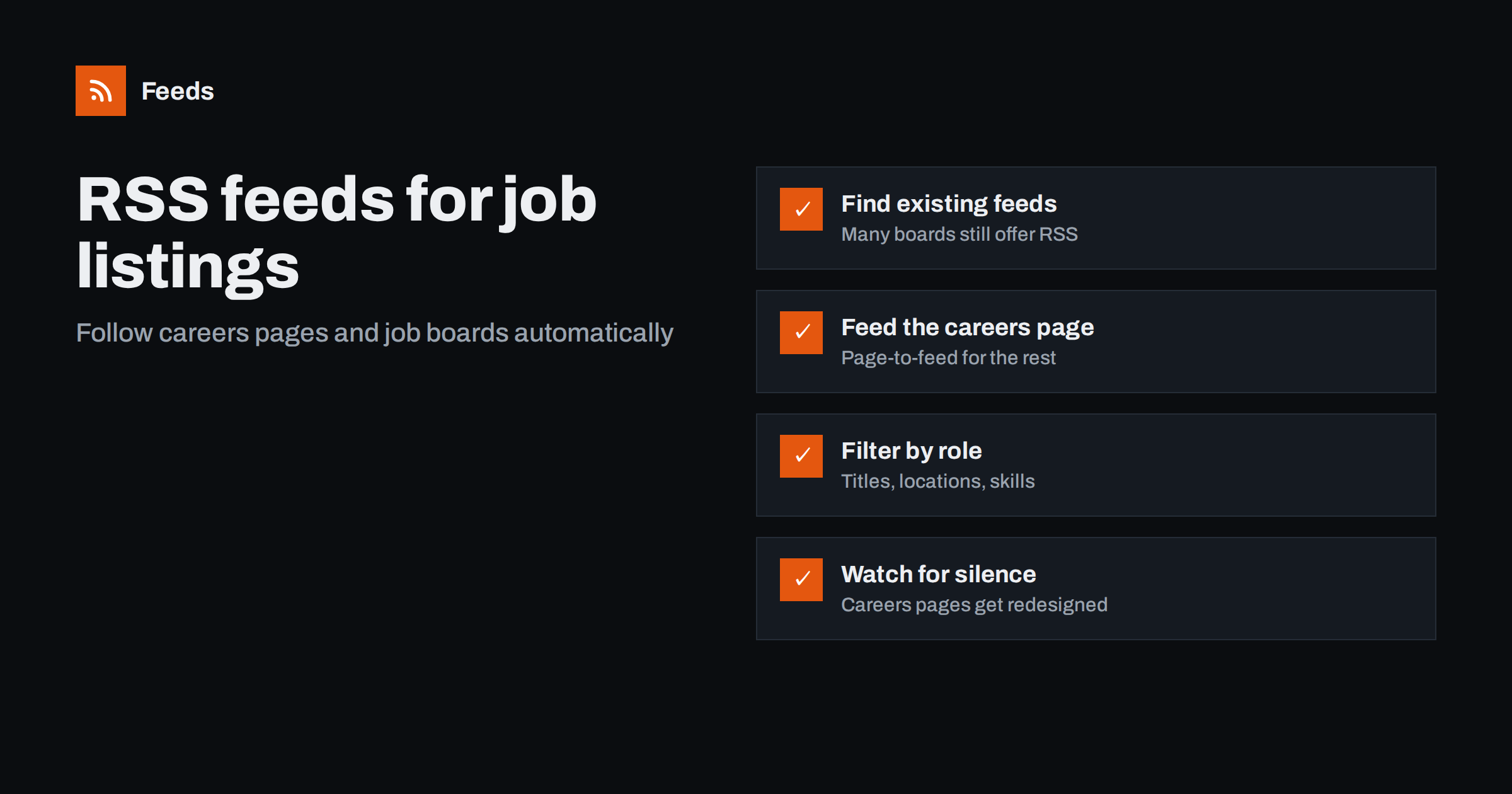
Short answer: Check whether the job board or careers page already offers an RSS feed, often for a saved search or category. If it does not, create a feed from the public listings page with a page-to-feed tool, so each posting becomes an item with its title and link. Then filter the feed by role titles, locations or skills and read it in a feed reader, so new openings reach you without refreshing pages.
Job listings are one of the best uses of RSS that most people never try. Listings appear and disappear quickly, the most attractive roles often receive many applications in the first days, and checking a dozen careers pages by hand is tedious. The same feeds are valuable beyond job hunting: recruiters watch competitors’ hiring, investors and analysts watch where companies expand, and agencies watch prospects that are growing their teams.
Who benefits from job listing feeds
- Job seekers who want to see new roles at target companies the day they appear.
- Recruiters and staffing agencies who track which companies are hiring for the roles they place.
- Sales and business development teams, for whom a wave of hiring is often a signal of budget and new projects.
- Competitive intelligence and strategy teams, who read hiring as a preview of product and market moves.
- Researchers and journalists who follow labor market trends in a sector or region.
The setup is the same for all of them: one feed per source, filters for the roles that matter, and a place to read the results.
Step 1: Look for existing job feeds
Some job boards still provide RSS, especially for search results or categories. It is not always advertised, so check a few places before creating anything yourself.
- Search result pages. Run a search with your filters and look for an RSS icon, a “subscribe” option, or a feed link in the page source.
- Category pages. Boards organized by category or location sometimes publish a feed per category.
- Applicant tracking systems. Many company careers pages are powered by hiring software that exposes a public job list. Some of these provide feeds or public listing endpoints; check the careers page source for
application/rss+xml. - Company blogs. A few companies announce open roles in a blog category that has its own feed.
If you find a feed, use it. It is maintained by the source and usually includes clean titles and posting dates.
Step 2: Create feeds for careers pages without RSS
Most company careers pages have no feed. They show a list of openings, each linking to a detail page, which is exactly the structure a page-to-feed tool can turn into RSS.
- Open the careers page and find the URL that shows the full list of openings. If the page uses tabs or filters, check whether a filtered view has its own address, for example with a department or location in the URL.
- Paste that address into a page-to-feed tool and review the preview. Each item should be one job, with the role title as the item title and a link to that role’s detail page.
- Check that navigation links, “About us” blocks or footer items are not in the preview. If they are, try a more specific listing URL.
- Use the feed link in your reader or monitoring tool.
A note on dates: many careers pages do not show posting dates. In that case a feed tool typically dates each item when it first sees it, which is fine for monitoring because you care about when a role appeared, not its exact internal posting time.
Step 3: Handle pages that load jobs with scripts
Some careers pages load listings with JavaScript after the page opens, often from an embedded hiring widget. These can be harder to turn into feeds. A few practical options:
- Find the hosted job board. Embedded widgets usually come from a hosted page on the hiring software’s domain that lists the same jobs in plain HTML. That hosted page is often a better source.
- Check for structured data. Job detail pages often include JobPosting markup for search engines, and list pages sometimes do too.
- Use a public job board listing. If the company posts the same jobs on a public board, a feed from that board may be simpler.
Step 4: Filter by role, location and skill
A large company may post dozens of roles a week. Filters turn that into the handful you care about.
| Goal | Include words | Exclude words |
|---|---|---|
| Job seeker in data roles | data, analyst, analytics, BI | intern, senior director |
| Recruiter placing developers | engineer, developer, backend, frontend | sales engineer |
| Sales team watching expansion | a target country or city name, “country manager” | none at first |
| Competitor product watch | product manager, machine learning, a technology name | support, warehouse |
Remember that filters usually see only what appears in the feed item, which for jobs is typically the title and sometimes a short summary or location. Choose words that appear in job titles rather than in full descriptions.
Step 5: Merge sources into useful streams
If you follow twenty companies, twenty separate feeds become tiring. Merge them into a few streams based on how you will use them.
- A job seeker might merge all target companies into one filtered feed of relevant roles.
- A recruiter might keep one merged feed per client industry.
- A strategy team might merge competitors’ careers pages into a single “hiring signals” feed reviewed weekly.
Merging also removes exact duplicates, which helps when the same role is listed on a company page and on a public board with the same link.
Reading hiring signals responsibly
Job listings are public, but they are also imperfect signals. Companies post evergreen roles that are always open, repost old roles, and sometimes advertise positions they are not actively filling. Treat hiring feeds as a trend indicator rather than hard fact: a cluster of new roles in one country over a few weeks means more than a single posting. And if you are a job seeker, treat the feed as a way to be early, then read the full listing on the company’s site before applying.
It helps to decide in advance what counts as a signal for you. A recruiter might define it as “three or more engineering roles at one company within a month”. A sales team might look for the first posting in a new country, or for a role that implies a buying decision, such as a head of a function you sell to. Writing these rules down turns a stream of job titles into a short list of actions.
A simple routine
- Job seekers: check the filtered feed once or twice a day, save promising roles, and apply within a few days while the listing is fresh.
- Recruiters: review merged feeds each morning and flag companies with several new relevant roles for outreach.
- Strategy and sales teams: review the hiring stream weekly and add notable patterns to account notes or a shared document.
Whatever the routine, archive notable items with a date. Hiring trends are only visible when you can look back over months.
How Feeds helps
Feeds turns careers pages and job boards into RSS without any access to the source site. It uses an existing feed when there is one; otherwise it finds the list of items on the page and shows a preview, so you can confirm each item is a job before creating the feed. Job boards are one of the source types the tool is built for. You can merge several careers pages into one feed and keep only items with the role words you choose, with duplicates removed automatically. Feeds refresh on their own, and paid plans alert you if a feed stops finding items, which matters because careers pages are redesigned often. See pricing for refresh intervals and limits.
Related reading
- How to Set Up Keyword Alerts Using RSS Feed Filters
- How to Track Competitor Blogs and News with RSS Feeds
- How to Create an RSS Feed for a Website Without RSS
The bottom line
Job listing feeds let you see new roles as they appear, whether you are hiring, job hunting or reading the market. Use existing feeds where boards offer them, create feeds from careers pages that do not, filter by words that appear in job titles, and merge sources into a few streams. Keep an eye on feed health, because careers pages change more often than most pages you monitor.
BUJ
Can I get an RSS feed of jobs from a company’s careers page?
Yes, in most cases. If the careers page lists openings as links in plain HTML, a page-to-feed tool can turn each opening into a feed item. Pages that load jobs only through scripts may need a different source, such as the hosted job board behind the widget.
Do job boards still offer RSS feeds?
Some do, often for saved searches or categories, but many have removed or hidden them. Check the search results page and its source for a feed link before creating your own.
How do I filter a job feed by location?
Add the city, region or country name as an include word, along with common variants such as “remote”. This works when the location appears in the job title or item summary, which is common but not universal.
Why do job feed items have no posting date?
Many careers pages do not display posting dates. Feed tools then usually record the time each job was first seen, which is accurate enough to know when a role appeared.
Are hiring signals from job feeds reliable?
They are useful but imperfect, because companies repost old roles and keep evergreen listings open. Look for patterns over several weeks rather than drawing conclusions from single postings.


