 ENEnglish
 LTLietuviškai
 DEDeutsch
 FRFrançais
 RUРусский
 ESEspañol
 PLPolski
 ITItaliano
 UKУкраїнська
 CSČeština
 PTPortuguês
 JA日本語
JA日本語 LVLatviešu valoda
 ETEesti
 HUMagyar
 IDBahasa Indonesia
 TRTürkçe
 HIहिन्दी
 ELΕλληνικά
 ARالعربية
 THไทย
THไทย VITiếng Việt
 RORomână
 MSBahasa Melayu
 BNবাংলা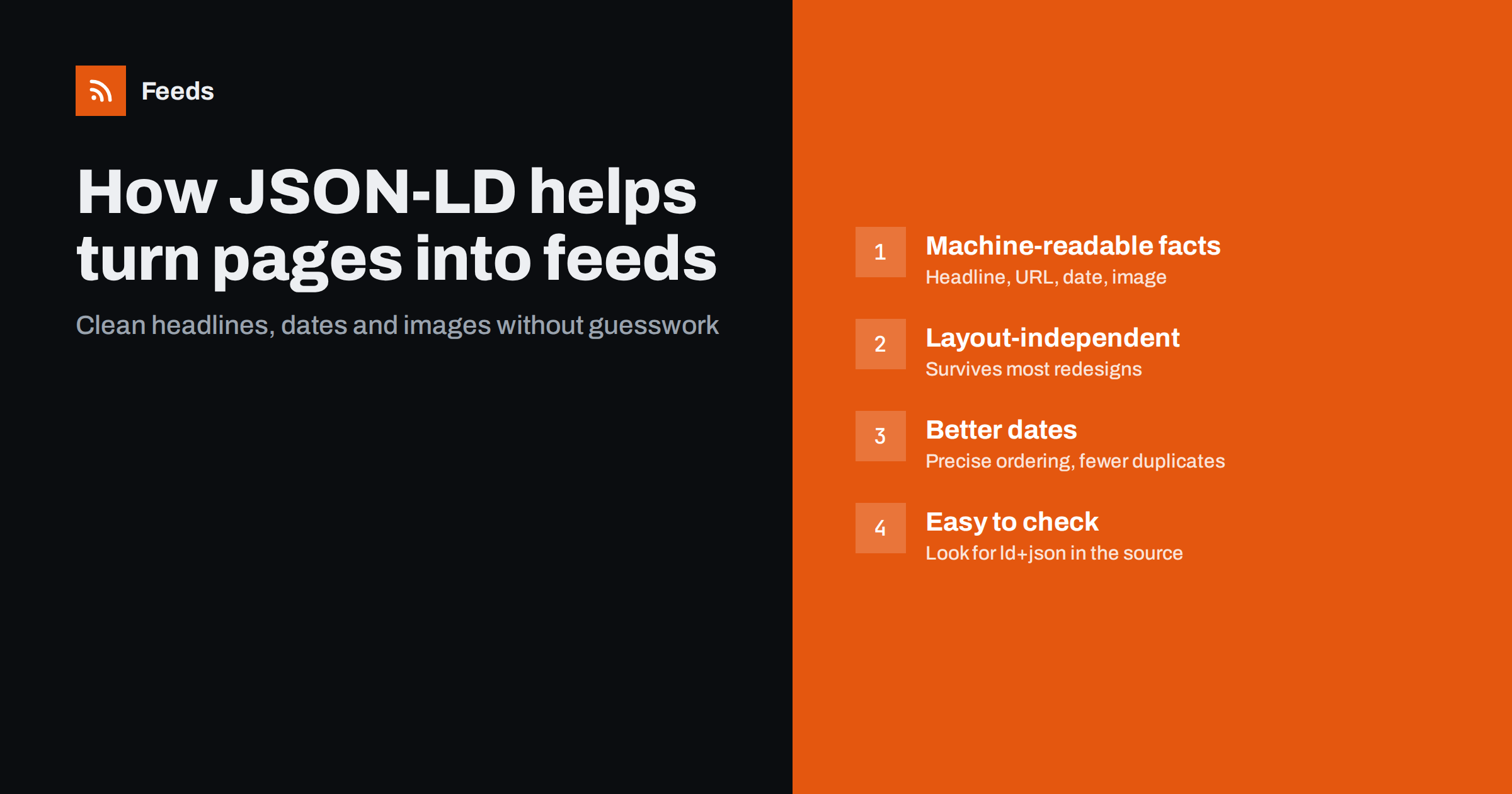
Short answer: JSON-LD is a block of machine-readable data that many websites embed for search engines, describing articles with fields such as headline, URL, publication date and image. A feed tool that reads JSON-LD gets those facts directly instead of guessing them from the visual layout, which produces cleaner items, more accurate dates and feeds that survive most redesigns. You can check whether a page has it by searching its source for application/ld+json.
When a website has no RSS feed, a tool that creates one has to answer a few questions about the page: which parts are the items, what is each item’s headline, where does it link, and when was it published. Looking at the visual layout can answer these questions most of the time, but layouts are designed for people, not machines. Structured data is designed for machines, and when it is present it makes the job much more reliable.
What JSON-LD is
JSON-LD stands for JavaScript Object Notation for Linked Data. On web pages it appears as a script block with the type application/ld+json. The block is not shown to visitors; it exists so that software can read facts about the page without parsing its design. Most sites use the Schema.org vocabulary, which defines types such as Article, NewsArticle, BlogPosting, Event and JobPosting, each with named properties.
Search engines are the main reason sites add it. Google’s documentation on structured data explains how it helps search features understand content, and many content management systems and SEO plugins generate it automatically. As a result, plenty of sites with no RSS feed still describe their articles in clean, machine-readable form.
What an article looks like in JSON-LD
A typical article block contains a handful of properties that map almost one to one onto the fields of an RSS item:
| Schema.org property | Meaning | RSS item field |
|---|---|---|
headline |
The article title | title |
url or mainEntityOfPage |
The canonical address of the article | link and guid |
datePublished |
Publication date and time, usually in ISO 8601 | pubDate |
dateModified |
Last update time | Sometimes used for ordering |
image |
One or more images representing the article | enclosure or media image |
description |
A short summary | description |
author |
Person or organization that wrote it | author or creator |
On list pages such as a blog index, structured data may appear as an ItemList of articles, as a collection page with several article entries, or only on each individual article page. How much of this a list page exposes varies from site to site.
Why structured data makes better feeds
Reading items from the visual layout works, but it involves inference. The tool has to decide that a repeated block is an article card, that the largest text in it is the headline, and that a phrase like “3 days ago” is a date. Structured data removes most of that inference.
- Clean titles. The headline property contains the title only, without category labels, “Read more” links or reading-time badges that sometimes sit next to headlines on the page.
- Canonical links. The URL is usually the canonical address, without tracking parameters. Stable links are what prevent duplicate items across refreshes.
- Precise dates. Dates come in a standard machine format with time and often a time zone, rather than “yesterday” or a localized date string. Items sort correctly and new items are easy to identify.
- Real images. The image property points to the image chosen by the publisher, not to a logo or icon that happened to be near the headline.
- Resilience. A redesign changes classes, layouts and card styles, but structured data is often generated by the same content system and survives unchanged.
Beyond articles: other useful types
Articles are the most common case, but other Schema.org types describe list-like content that people want to follow as feeds:
- Event carries a name, start date, location and URL. It is common on venue, conference and community calendars, and it makes event feeds far more useful because the event date is explicit rather than buried in text.
- JobPosting carries a title, date posted, hiring organization and job location. Careers pages often include it on each job detail page because job search features rely on it.
- NewsArticle and BlogPosting are specific forms of Article used by publishers and blogs, with the same core fields.
- ItemList describes an ordered list of things, sometimes used on category and archive pages to list the entries shown.
Keep in mind that the item date and the date you care about can differ. For an event, the publication date of the listing matters less than the event’s start date. For a job, the posting date matters more than any modification date. When you review a generated feed, check that the date it shows is the one that is meaningful for your purpose, and choose filters and sort expectations accordingly.
How to check whether a page has JSON-LD
You do not need special tools to check. Three quick methods:
- View the page source. Open the source in your browser and search for
ld+json. Each match is a structured data block. Look inside for"@type"values such as Article, NewsArticle or BlogPosting. - Use browser developer tools. In the Elements panel, search for script tags of type application/ld+json. This also catches blocks inserted by scripts after the page loads.
- Use a structured data testing tool. Search engines offer validators that list the structured data found on a page and flag errors. They are aimed at site owners but work on any public page.
Check both the list page and one article page. If the list page itself has no article data but each article does, a feed tool can still use the visual list to find items and structured data where available for details.
Limits and pitfalls
Structured data is helpful, but not magic. Keep these limits in mind:
- Not every site has it. Smaller sites and custom builds often have none, or only an Organization block with no article data.
- It can be incomplete. Some sites include a headline but no date, or a date but no image.
- It can be wrong. Templates sometimes output the same date for every article, or the modification time instead of publication time. A quick look at a few items catches this.
- It may describe the page, not the list. A blog index might carry structured data about the site as a whole rather than about each listed article.
- Script-inserted blocks. Some sites add JSON-LD with JavaScript, so it is not in the initial HTML. Tools that do not run scripts will not see it.
For these reasons, good page-to-feed tools combine sources: an existing feed first, structured data where it is present and plausible, and detection of the visible article list to fill the gaps.
For site owners: make your content easy to follow
If you run a website and want others to follow it easily, you can help in two ways. First, publish an RSS feed and link it in the page head, since that remains the simplest option for readers. Second, add accurate article structured data with headline, URL, publication date and image. Most modern content management systems and SEO plugins can do this for you; the main job is to check that dates and images are correct. Both steps also make your content clearer to search engines and other automated systems.
How Feeds uses structured data
Feeds reads JSON-LD article data as one of its sources when it builds a feed from a page. The order matters: when a site already has a feed, Feeds uses it; when it does not, Feeds finds the list of articles on the page and reads structured article data to get titles, images, summaries and dates. You see a preview of the items before anything is created, so you can confirm the headlines and dates look right. The list is detected again on every refresh, and paid plans alert you if a feed stops finding items. Try it on a page to see what it finds.
Related reading
- How to Create an RSS Feed for a Website Without RSS
- RSS vs Web Scraping: Which Should You Use to Track Sites?
- RSS vs Atom: Which Feed Format Should Your Site Publish?
The bottom line
JSON-LD gives software a clean description of a page’s articles, and those descriptions map neatly onto RSS items. When a page carries good article markup, a feed built from it has cleaner titles, accurate dates, real images and fewer duplicates, and it survives most redesigns. Check the page source for ld+json, verify a few items, and prefer source pages that describe their content well.
BUJ
What is JSON-LD in simple terms?
It is a hidden block of data on a web page that describes the page’s content in a standard, machine-readable way. Search engines and other tools read it to understand things like an article’s headline, date and image.
Can JSON-LD replace an RSS feed?
Not directly, because it is embedded in pages rather than published as a feed that readers subscribe to. But a feed tool can use it as a reliable source of item details when a site has no RSS.
How do I know if a website uses structured data?
View the page source and search for application/ld+json. If you find blocks with types such as Article or BlogPosting, the site describes its articles in structured form.
Why are the dates in my generated feed wrong?
The source may show relative dates like “2 days ago”, or its structured data may use the modification date or a template default. Check a few articles’ structured data and the visible dates to see which is at fault.
Does structured data help with SEO too?
Structured data helps search engines understand content and can make pages eligible for some search features. It does not guarantee better rankings, but accurate markup is widely recommended.


