ENEnglish
 LTLietuviškai
 DEDeutsch
 FRFrançais
 RUРусский
 ESEspañol
 PLPolski
 ITItaliano
 UKУкраїнська
 CSČeština
 PTPortuguês
 JA日本語
JA日本語 LVLatviešu valoda
 ETEesti
 HUMagyar
 IDBahasa Indonesia
 TRTürkçe
 HIहिन्दी
 ELΕλληνικά
 ARالعربية
 THไทย
THไทย VITiếng Việt
 RORomână
 MSBahasa Melayu
 BNবাংলা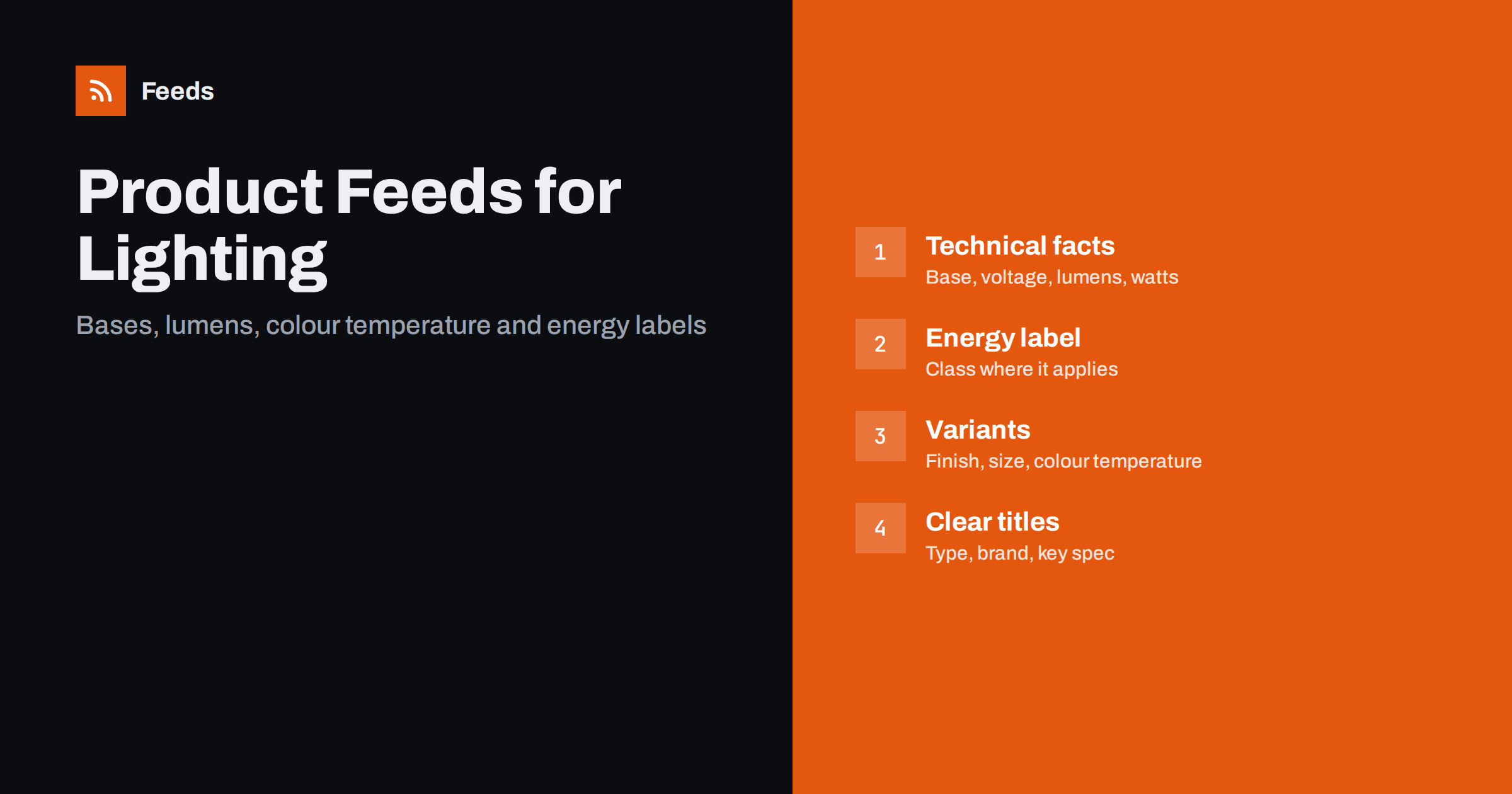
Short answer: Lighting is a technical category, and shoppers often buy by specification: bulb base, voltage, brightness, colour temperature and size. A strong lighting feed puts the type of product and its key facts in the title, keeps the specifications consistent in the description and product details, groups finishes and sizes as variants and includes the energy label where it applies in your country. Accurate data means fewer wrong purchases, fewer returns and better matching in shopping results.
Why lighting data is harder than it looks
A lamp looks simple, but the product page of a lighting shop carries a lot of technical information. A ceiling light has dimensions, a number of bulbs, a bulb base and a finish. A bulb has a base type, a voltage, a brightness in lumens, a colour temperature and a dimming capability. An outdoor fitting has a protection rating. A smart bulb has connectivity. Customers who choose the wrong base or the wrong voltage return the product, and some of them leave a negative review.
A product feed is the structured file that sends this information to shopping platforms. If it is vague, the platforms cannot match your product to a precise search such as “E27 warm white dimmable bulb”, and the customer cannot see at a glance that your product fits. The basic concepts are explained in what a product feed is and how it works.
Titles built around type and specification
Start the title with what the product is, then the brand and model, and then the specification that distinguishes it. Examples: “LED Bulb E27 806 lm 2700 K Dimmable, Brand Name” or “Brand Name Pendant Light Ø40 cm, Black Metal”. Shoppers scan for the type first, and they scan for the base or the size second, so put them near the front.
Keep the order the same across the catalog. If one bulb lists the base last and another lists it first, comparison gets harder for shoppers and for you when you look at reports. Use the units people recognise, such as lumens for brightness, kelvin for colour temperature, volts and the diameter or length in centimetres or millimetres. Avoid promotional phrases and the use of capitals for emphasis, which feed policies do not accept. More guidance is in product feed title optimization.
The specifications shoppers filter by
Make a list of the specifications that matter for each product type and fill them in consistently. For lamps and fittings, this is a typical set:
- Bulbs: base (E27, E14, GU10, G9, and so on), brightness in lumens, equivalent wattage if the manufacturer states it, colour temperature in kelvin, dimmable or not, shape and size, lifetime as stated by the manufacturer.
- Ceiling, wall and pendant lights: dimensions, material, finish, number and type of bulbs, whether bulbs are included, cable length and the room or use.
- Outdoor lighting: protection rating (IP code), material, mains or solar power, sensor type.
- Table and floor lamps: height, shade diameter, switch type, plug type and cable length.
- Smart lighting: connection standard, app or hub requirements, and voice assistant support, as stated by the manufacturer.
Put these facts in the description in a clear form, and use the product detail fields in your store where they exist. Do not invent figures. If you do not know the lumen output of a fitting, ask the supplier or leave it out. Wrong technical data is worse than missing data, because it leads to returns.
Energy labels and regulatory information
In some countries, lighting products carry an energy efficiency class on a label, and shopping platforms have specific attributes for it, such as the energy efficiency class and the range of classes for the product type. Where it applies in your market, include the class from the official label or the supplier’s data sheet, and link to the label image or data sheet if your platform has a field for it. Whether and how it is required depends on the country, the product type and the platform, so read the current help pages of your platform for the market in which you sell.
The same approach applies to other mandatory information. Do not make safety or certification claims unless you can show the document, and make sure that the claims on your product page and in the feed are identical. Policy details change, and the rules for disapproved products are summarised in Merchant Center disapproved products.
Variants: finishes, sizes and light colours
Many lighting products come in several versions: a black, brass or white finish, a small and a large size, a warm or a cool white. Each version has to be its own row with its own identifier, image, price and stock level, linked to the others by the item group identifier. Variants where only the colour temperature differs should say so in the title, since the light itself looks different and the buyer may not notice.
Take care when the variants differ in a technical way. A 5 W bulb and a 9 W bulb of the same model are not interchangeable, and a shade in a different size is not just a “size” option. If the difference changes how the product works, put it in the title. The rules for grouping are in product variants and item_group_id.
Images, bundles and what is included
Lighting images need to show the product as well as the light it produces. Use a clean main image on a plain background, and add pictures of the lamp lit in a room, the base or fitting, the dimensions drawing and the packaging if it helps. Do not use staged lifestyle photos as the main image or add text and logos to it.
Be clear about what is in the box. Bulbs are sometimes included and sometimes not, a remote control or a driver may be sold separately and a set of three spotlights is a different product from a single spot. Use the multipack and bundle fields where they apply, and state the contents in the title or the first sentence of the description. A customer who finds a missing bulb or a missing transformer will remember it.
Think about the purchase journey as well. Many lighting customers are renovating a room, and they buy several items together: a ceiling light, bulbs to go in it, a dimmer switch and perhaps a matching wall lamp. Related products make it easier to build a complete order. You can use custom labels to group these items into campaigns, such as bulbs and accessories, or a collection for a season. The use of labels is covered in custom labels for shopping campaigns.
Seasonality is clear in this category. Demand for outdoor and garden lighting rises in spring and autumn, and for decorative and smart lighting before the holidays. Prepare the feed ahead of these periods, check stock and images for the products you expect to sell and remove sale prices as soon as a promotion ends.
Shipping, fragile goods and returns
Glass shades, chandeliers and large pendants are fragile, and some are bulky. Check the weight, the package size and the shipping cost in the feed against what the checkout shows. A mismatch is a common reason for rejection, and a surprise cost at the end puts customers off. See shipping settings in product feeds for the details. State your return policy for electrical products in clear language, and keep the information consistent between the feed, the product page and the checkout.
A quick review habit pays off: once a month, open the feed and pick ten products at random. Compare the title, the base and the wattage with the product page, and check that the image shows the right finish. Errors in lighting data are usually copied from a supplier sheet, so fixing the source once removes the problem for all the products from that supplier.
How RSS Feed Creator helps
RSS Feed Creator creates Google Merchant Center and Meta catalog XML straight from your store. WooCommerce and Shopify are read automatically, and any other store can use a CSV file link. You can skip out-of-stock products, rewrite titles and adjust prices with rules, and the currency is detected automatically. The free plan builds product feeds with up to 50 products, which is enough to test one range of lamps. The Store plan includes 3 product feeds and up to 2,000 products for one store. Details are on the pricing page.
Related reading
- Product feeds for furniture and home goods stores
- Google product feed required attributes
- Product feed health metrics to watch every week
The bottom line
Lighting shoppers buy by specification, so the best feeds are exact. Put the product type and key specification in the title, keep technical facts consistent, include the energy label where it applies, group finishes and sizes as variants and be clear about what is in the box. Check shipping for fragile items, test a small range first and keep the feed in step with your store.
BUJ
What should a light bulb title include?
Product type, base, brightness in lumens, colour temperature and dimming, followed by the brand. Keep the order the same across all bulbs.
Do I have to include the energy label?
It depends on your country, the product type and the platform. Check the current help pages for your market and use the class from the official label.
How do I list a lamp in several finishes?
Create one row per finish with its own identifier, image and stock level, and give all rows the same item group identifier.
Should I mention if bulbs are included?
Yes. State it in the title or the first line of the description, and make the product page say the same thing.
Can I test the feed before listing the whole catalog?
Yes. The free plan builds product feeds with up to 50 products, which is enough to check one range before you scale up.