 ENEnglish
 LTLietuviškai
 DEDeutsch
 FRFrançais
 RUРусский
 ESEspañol
 PLPolski
 ITItaliano
 UKУкраїнська
 CSČeština
 PTPortuguês
 JA日本語
JA日本語 LVLatviešu valoda
 ETEesti
 HUMagyar
 IDBahasa Indonesia
 TRTürkçe
 HIहिन्दी
 ELΕλληνικά
 ARالعربية
 THไทย
THไทย VITiếng Việt
 RORomână
 MSBahasa Melayu
 BNবাংলা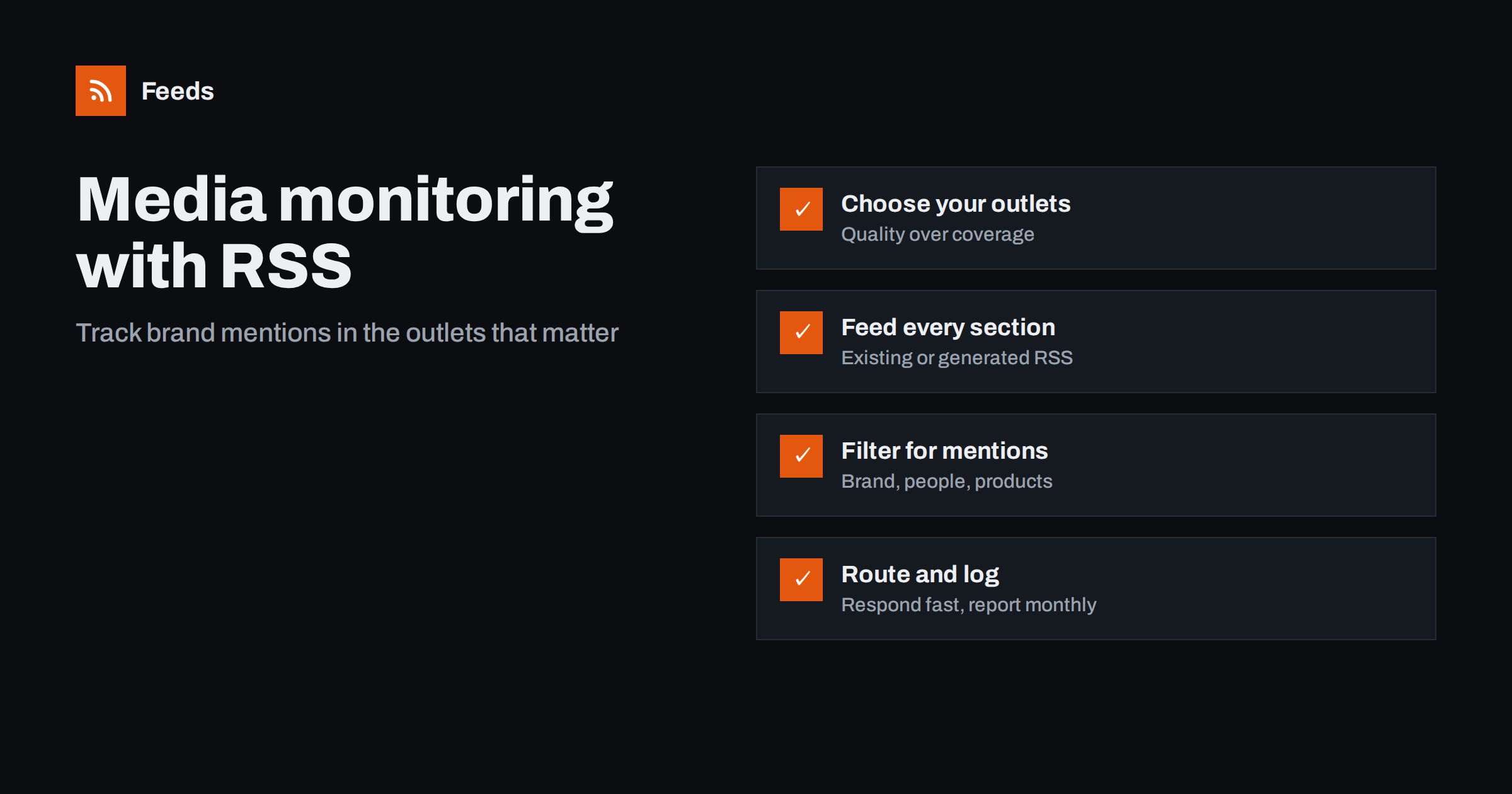
Short answer: For lean media monitoring with RSS, list the outlets and sections that matter to your audience, get a feed for each one (generating feeds for sites without RSS), merge them and filter for your brand, product, executive and competitor names. Route matching items to whoever responds to coverage, and keep a simple log for monthly reporting. It will not match the breadth of a paid media monitoring service, but for the outlets you choose it is fast, transparent and inexpensive.
Media monitoring used to mean clipping services and expensive subscriptions. Those services still have their place, especially for broadcast, print and very broad coverage. But many small and mid-sized companies mostly care about a manageable set of outlets: the trade press in their industry, a few national business titles, regional news where they operate and a handful of influential blogs. For that set, RSS gives you a monitoring system you fully control.
What feed-based monitoring can and cannot do
It helps to be clear about the trade-offs before you start, so you choose the right tool for each need.
| Aspect | RSS-based monitoring | Paid media monitoring service |
|---|---|---|
| Coverage | Only the sources you add | Broad, often including print and broadcast |
| Speed for chosen sources | As fast as your refresh interval | Varies by service and source |
| Transparency | You see exactly why each item matched | Matching rules are partly hidden |
| Cost | Low | Typically significant |
| Analysis and reporting | You build it yourself | Often included: reach, sentiment, dashboards |
| Paywalled and full text | Only headline and summary in feeds | Some services license full text |
Many teams use both: a feed-based system for fast, focused tracking of priority outlets, and a paid service, if budget allows, for broad coverage and formal reporting.
Step 1: Choose outlets by audience, not by size
The question is not “which outlets are biggest?” but “where do our customers, partners and investors read?” A niche trade publication often matters more to a B2B company than a national newspaper.
- Trade press: the publications your industry reads, including their news and analysis sections.
- Business press: national or regional business titles, particularly their sections covering your sector.
- Regional news: local outlets in cities where you have offices, stores or major customers.
- Specialist blogs and newsletters with web archives: individual writers who shape opinion in your niche.
- Press release distribution pages for your industry, to see competitors’ announcements.
Start with twenty to forty sources. You can always add more, and a smaller set is easier to tune.
Step 2: Get a feed for every section
Many news sites still publish RSS, often per section, even if links are hard to find. Check the page source of each section for application/rss+xml links and try common paths. Use section feeds rather than the site-wide feed where possible; they are smaller and more relevant.
For outlets or sections without RSS, create a feed from the section page with a page-to-feed tool. Check the preview: each item should be an article with its headline and link, not navigation or promotional blocks. Regional outlets and trade publications on custom platforms are the most likely to need this step.
Step 3: Build mention filters carefully
Mention filters decide whether your monitoring is useful or noisy. Build them in layers.
- Brand names including common variations, abbreviations, and names with and without legal suffixes.
- Product names, if they are distinctive enough not to cause false matches.
- Key people: your founders and executives, who are often quoted by name without the company name in the headline.
- Competitors, in a separate filtered feed so their coverage does not mix with yours.
- Topic terms for issues where you want to be part of the conversation, in a third feed for content and PR opportunities.
If your brand name is an ordinary word, combine it with context terms or use phrases, and add exclude words for the common unrelated meanings. Test for a week before trusting the filter.
Remember a key limitation: feed filters generally see only the headline and summary. An article that mentions your company in the eighth paragraph will not match unless the summary includes it. For outlets where this matters, consider following a narrower section and scanning all its headlines, or complementing RSS with a broader service.
Step 4: Route coverage to the right people
Coverage has different uses, and the routing should reflect that.
- Direct mentions of your brand go to the PR or communications owner quickly, since they may need a response, a correction or amplification.
- Competitor coverage goes to marketing and sales leaders, usually in a daily or weekly review.
- Topic coverage goes to content and PR teams as story ideas and outreach opportunities, such as journalists who write regularly about your field.
Keep urgent and non-urgent streams separate. Mixing them trains people to ignore the channel.
Responding to what you find
Monitoring only pays off if coverage leads to action. Agree in advance on a few standard responses so nobody has to improvise:
- Positive coverage: share it on your own channels, thank the journalist, and add it to your press page.
- Factual errors: contact the outlet politely with the correct information and a source. Most editors correct genuine errors quickly.
- Negative but fair coverage: decide whether a public response helps or simply extends the story. Often the better response is fixing the underlying issue.
- Journalists writing about your field: add them to a short list for future outreach, with a note on what they cover.
Speed matters most for errors and for opportunities to comment on breaking stories. That is why direct brand mentions deserve the fastest route in your setup, while everything else can wait for a scheduled review.
Step 5: Keep a coverage log
Feeds tell you what appeared; a log turns that into insight. A simple spreadsheet or document is enough:
- Date, outlet, headline and link.
- Type: feature, news mention, quote, opinion piece, press release pickup.
- Tone, judged honestly: positive, neutral, negative.
- Whether it was earned coverage or resulted from your own outreach.
- Any follow-up taken.
Once a month, summarize: how many mentions, in which outlets, around which topics, and how the tone compares with competitors. This is often all the reporting a smaller company needs, and it is based on items you actually verified.
A worked example
Consider a regional manufacturer of industrial equipment. The communications manager lists twelve trade publications, three national business sections, five regional news sites in the towns where the company has plants, and the news pages of four trade associations. Eighteen of these have feeds; the regional news sites and two associations do not, so she generates feeds from their news pages.
She builds three merged feeds. The first filters for the company name, its two main product lines and the CEO’s name, and it goes to a channel she checks throughout the day. The second filters for five competitors’ names and is reviewed every Monday with the sales director. The third filters for topic words like “energy efficiency” and a key industry regulation, and feeds a weekly list of story ideas. After two weeks she adds exclude words for a football club that shares a town name with one plant. Within a month the setup runs with a few minutes of attention per day.
How Feeds helps
Feeds covers the collection and filtering parts. It uses an outlet’s existing feed when there is one, and turns news sections without RSS into feeds by finding the list of articles on the page and reading JSON-LD article data where available, with a preview before anything is created. You can merge several outlets into one feed, keep only items with your words, and duplicates are removed automatically. Feeds refresh on their own and work in any RSS reader or tool, and paid plans alert you if a feed stops finding items. Details are on the pricing page.
Related reading
- How to Set Up Keyword Alerts Using RSS Feed Filters
- How to Merge Multiple RSS Feeds into One Clean Feed
- How to Track Competitor Blogs and News with RSS Feeds
The bottom line
Feed-based media monitoring works best for a focused list of outlets that matter to your audience. Get a feed for every relevant section, filter in layers for your brand, people, competitors and topics, route items by urgency, and keep a simple coverage log. It is transparent and inexpensive, and it can sit alongside a paid service if you also need broad coverage and formal analytics.
BUJ
Can I monitor news mentions of my brand with RSS?
Yes, for the outlets you choose. Collect feeds for their relevant sections, merge them and filter for your brand and related names. Coverage outside your chosen sources will not be included.
What if a news site has no RSS feed?
Create a feed from its section page with a page-to-feed tool. The tool finds the list of articles on the page and turns it into a standard feed you can filter and merge.
Why did my filter miss an article that mentioned us?
Feed filters usually check only the headline and summary. If your name appears only deeper in the article, the item will not match, so consider scanning all headlines from your most important sections.
Is RSS monitoring a replacement for a paid media monitoring service?
For many small companies it covers the most important outlets well. Paid services add breadth, print and broadcast coverage, and analytics, so larger organizations often use both.
How should I report on media coverage?
Keep a simple log of each mention with date, outlet, type and tone, and summarize it monthly. Compare with competitors’ coverage to put the numbers in context.


