 ENEnglish
 LTLietuviškai
 DEDeutsch
 FRFrançais
 RUРусский
 ESEspañol
 PLPolski
 ITItaliano
 UKУкраїнська
 CSČeština
 PTPortuguês
 JA日本語
JA日本語 LVLatviešu valoda
 ETEesti
 HUMagyar
 IDBahasa Indonesia
 TRTürkçe
 HIहिन्दी
 ELΕλληνικά
 ARالعربية
 THไทย
THไทย VITiếng Việt
 RORomână
 MSBahasa Melayu
 BNবাংলা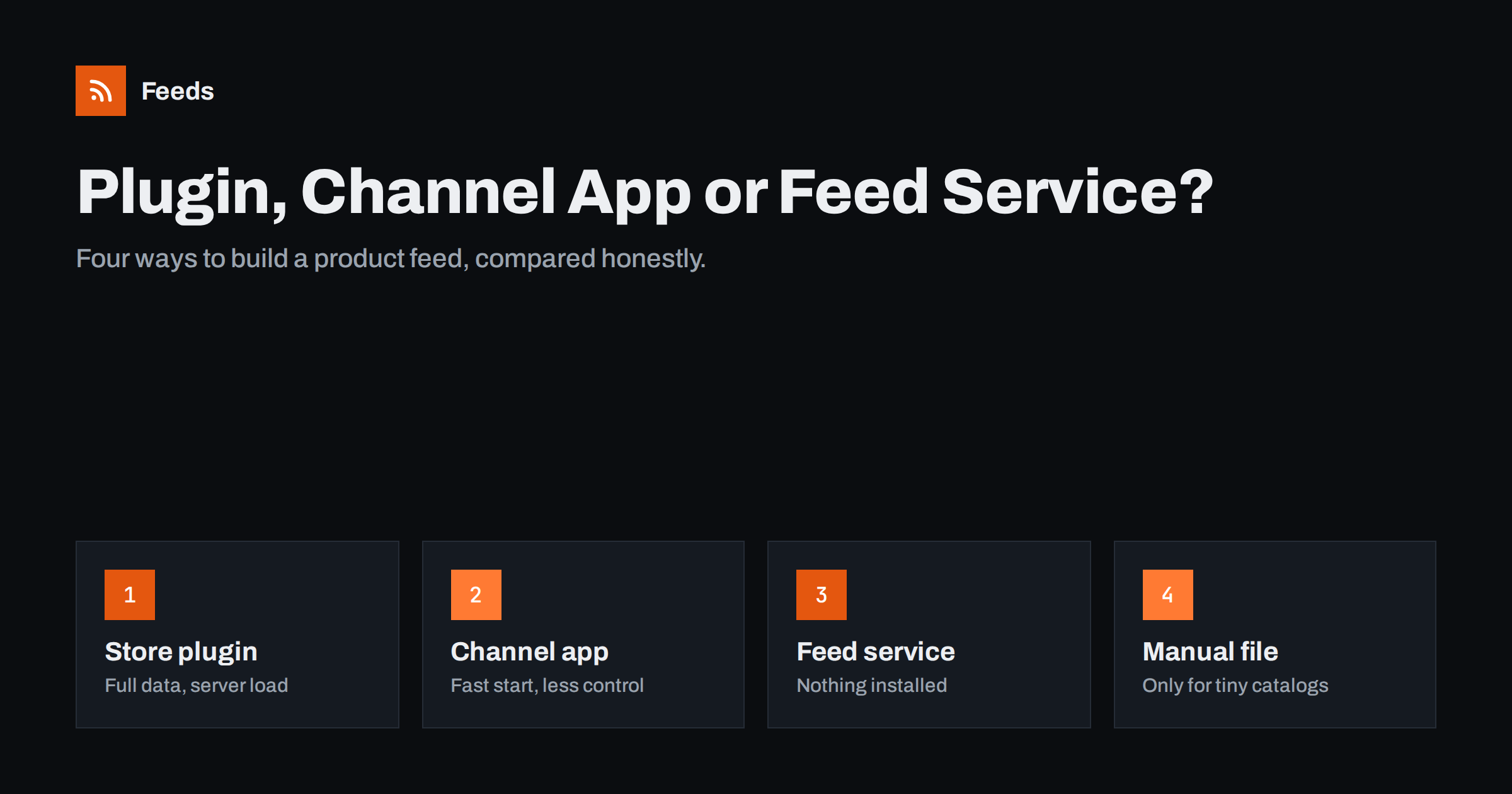
Short answer: There are four common ways to create a product feed: a plugin inside the store, a platform channel app from Google or Meta, an external feed service, or a manually maintained file. Plugins see all store data but run on your server; channel apps are the fastest start but offer limited control; external services add nothing to the store and apply rules outside it; manual files only suit tiny catalogs. Choose by catalog size, how much control you need, and who will maintain the feed.
What every approach has to do
Whatever tool you choose, the job is the same. It reads product data, turns each purchasable variant into an item, maps store fields to platform attributes, applies rules such as exclusions or title changes, publishes the result where platforms can fetch it, and repeats this often enough that prices and stock stay current. The approaches differ in where this happens, how much you can customize, and what it costs in money, server resources and attention.
It helps to evaluate options against a few concrete questions. How many products and variants do you have? How often do prices and stock change? How many channels do you feed? Who will maintain it in a year? Is your store’s hosting already under strain? The answers usually point clearly to one or two approaches.
No approach is best for every store. A small shop with one channel has very different needs from an agency running feeds for twenty clients.
Store plugins
Feed plugins, common for WooCommerce and other self-hosted platforms, run inside your store. They read the database directly, so they can access every product field, custom attribute and piece of metadata. Many offer detailed mapping screens, rules and templates for dozens of channels.
- Strengths: full access to data, including private fields; rich mapping; one-time or low cost.
- Weaknesses: generation runs on your server and can be slow or time out for large catalogs; another plugin to update and secure; compatibility issues after platform updates.
Plugins work well for small and mid-sized catalogs on solid hosting, especially when you need data that is not visible on the storefront, such as cost prices for margin labels. They are less attractive when the store is already slow or when many feeds must be generated frequently.
If you choose a plugin, check how it generates the file. Plugins that build the feed on demand, when a platform requests the URL, are the most likely to time out on large catalogs. Plugins that generate the file in the background on a schedule and serve a static copy are much more reliable. Also check how the plugin handles variations and whether it can keep your existing product IDs.
Platform channel apps
Google and Meta both offer official integrations for major e-commerce platforms, such as sales channel apps for Shopify and extensions for WooCommerce. They connect your store to Merchant Center or Commerce Manager, sync products automatically and often handle account setup steps like site verification.
- Strengths: fastest start; official support; automatic sync without managing files.
- Weaknesses: limited transformation options; less visibility into exactly what was sent; depends on the connection and permissions staying valid; each channel needs its own app.
Channel apps suit stores that want to get products listed quickly with standard data and do not need custom titles, rules or labels. Many stores start with them and move to a more flexible option once they want more control.
Also consider permissions. A channel app typically needs broad access to your store’s product data and sometimes more. Review what it requests during installation and remove apps you no longer use, since stale connections are both a security concern and a source of confusing duplicate product sources.
External feed services
External services generate feeds outside the store. They read product data from the store’s public data, an export or an API, apply mapping and rules, and publish the feed at their own URL for platforms to fetch.
- Strengths: nothing installed in the store; no generation load on your server; one place to manage feeds for several channels or stores; switching tools later does not require changing the store.
- Weaknesses: a subscription cost for larger catalogs; access limited to the data the store exposes or exports; another service in your stack.
External services are a good fit for agencies, for stores on constrained hosting, and for store owners who prefer not to add plugins. They are also practical when the product data lives outside a standard platform and is available as a CSV export.
When evaluating a service, look at a preview of your own products rather than a demo catalog. Check that it reads all your products and variants, that prices and stock match the storefront, and that images are full size. Ask how often feeds refresh and what happens when the store changes its structure, for example after a theme update.
Manual files
A manually maintained spreadsheet or file is where many stores start. You export products, clean the columns and upload the file, or keep a Google Sheet that the platform fetches.
It works for a very small catalog that rarely changes, and it is a good way to learn what the attributes mean. Beyond that, it fails in predictable ways: prices and stock drift, uploads are forgotten, and every correction must be made twice, once in the store and once in the file. If you are updating a feed file by hand every week, it is time to automate.
Some stores keep a manual sheet as a supplemental source even after automating the main feed, for things like campaign labels. That is a sensible use: small, focused, and owned by the person who uses it, while the product data itself comes from the store.
Side-by-side comparison
| Criterion | Store plugin | Channel app | Feed service | Manual file |
|---|---|---|---|---|
| Setup speed | Medium | Fast | Fast to medium | Fast for tiny catalogs |
| Control over data | High | Low to medium | Medium to high | High, by hand |
| Load on store server | Yes | Low | None beyond reading data | None |
| Several channels | Often | One app per channel | Usually | Separate files |
| Stays current automatically | Yes | Yes | Yes | No |
| Maintenance | Plugin updates | Connection health | Service account | Constant |
How to decide
- Fewer than a few dozen products, rarely changing, one channel: a channel app or even a sheet can be enough to start.
- Standard catalog, one or two channels, no special rules: a channel app is the quickest path.
- Need custom titles, exclusions, price rules or labels: a plugin or an external service.
- Slow hosting, many stores or a preference for not installing code: an external service.
- Need private data such as cost prices in the feed: a plugin, or a supplemental feed alongside another approach.
Cost deserves a realistic view. A free plugin that takes a developer half a day to fix after every major update is not free, and a paid service that saves hours of manual checking every month may be the cheaper option in practice. Count the time spent maintaining the feed, not only the license or subscription.
Whichever you pick, keep product IDs stable. If you ever switch approaches, the new tool should produce the same IDs, or you will lose product history in the platforms.
Switching without losing history
Moving from one approach to another is common as stores grow. The risk is not the switch itself but the details: different ID formats, different handling of variants, different image sizes or price sources. Run the new feed as a test source first, compare item counts and a sample of items with the old one, and only then replace the old source. Keep the old source available until the new one has been fetched and reviewed successfully.
How Feeds helps
Feeds is an external feed service. It reads WooCommerce and Shopify stores from their public data, or any other platform through a CSV link, with nothing installed on the store. It publishes a Google product XML feed that Merchant Center and Meta can both fetch, lets you skip out-of-stock products, rewrite titles and adjust prices, and refreshes automatically. There is a free plan; see the pricing page for paid plans.
Related reading
- WooCommerce Product Feed for Google Shopping: A Setup Guide
- Shopify Product Feed for Google Merchant Center Explained
- CSV Product Feeds: How to Build One That Platforms Accept
The bottom line
Store plugins offer full data access at the cost of server load, channel apps offer speed at the cost of control, external services offer independence and multi-channel management, and manual files only suit tiny catalogs. Match the approach to your catalog size, need for rules and who will maintain it, and keep IDs stable whenever you switch.
BUJ
Is a plugin or an external service better for WooCommerce?
Plugins give access to all store data but run on your server. External services add no load and nothing to install. Large catalogs on limited hosting often do better with an external service.
Do I need a feed tool if I use Google’s Shopify app?
Not necessarily. The app syncs products automatically. A feed tool becomes useful when you need custom titles, exclusions, price rules or labels.
Can one feed tool serve Google and Meta?
Many can. Meta reads Google’s product XML format, so a single feed can often serve both platforms.
When should I stop using a manual feed file?
As soon as you update it by hand regularly. Manual files drift from the store and cause price and stock mismatches.
What happens to product history when I switch tools?
It is preserved only if the new tool uses the same product IDs. Test the new feed as a separate source before replacing the old one.


