ENEnglish
 LTLietuviškai
 DEDeutsch
 FRFrançais
 RUРусский
 ESEspañol
 PLPolski
 ITItaliano
 UKУкраїнська
 CSČeština
 PTPortuguês
 JA日本語
JA日本語 LVLatviešu valoda
 ETEesti
 HUMagyar
 IDBahasa Indonesia
 TRTürkçe
 HIहिन्दी
 ELΕλληνικά
 ARالعربية
 THไทย
THไทย VITiếng Việt
 RORomână
 MSBahasa Melayu
 BNবাংলা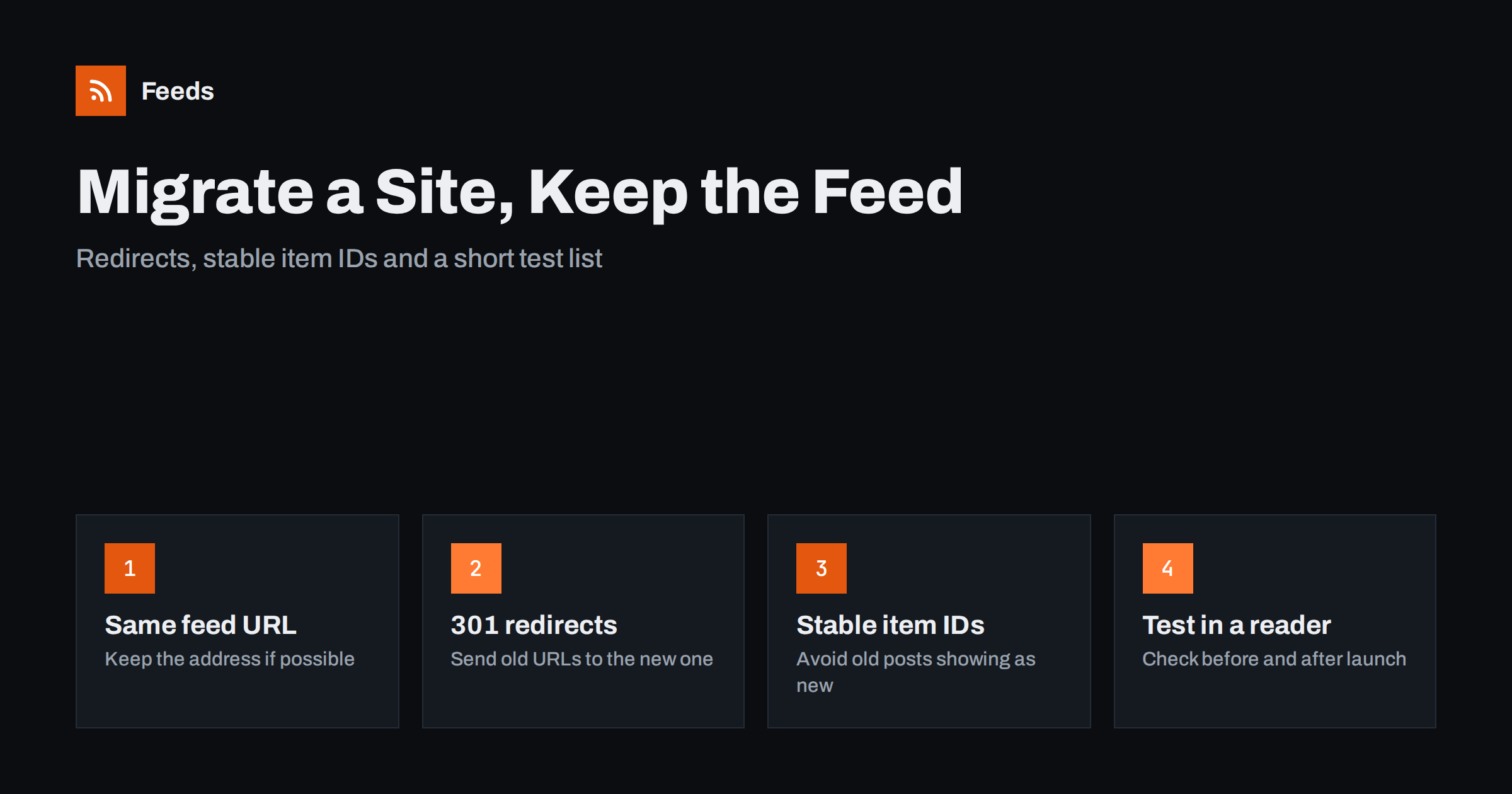
Short answer: A redesign, a platform change or a domain move can silently break an RSS feed, and subscribers will simply stop seeing new posts without any error message. To avoid that, keep the feed URL the same where you can, add permanent (301) redirects from every old feed address to the new one, keep the item identifiers (GUIDs) unchanged, and test the feed in a real reader before and after launch. Keep the redirects in place for a long time.
Why site changes break feeds
A feed is just a file at a fixed address. Every reader, newsletter tool and automation that follows your site stores that address and asks for it again and again. When you rebuild a website, the feed address is rarely on the project checklist, because nobody sees it. The new platform may publish its feed at a different path, the old path may now return a “page not found” error, or the new design may serve an ordinary web page at that address instead of XML.
The result is quiet. A reader that cannot fetch a feed usually shows the last items it knew about and then nothing. Subscribers do not get an email saying that your feed is gone. They just notice, weeks later, that your site has gone silent, and many of them never come back. The same applies to automated tools, such as social posting or email digests, which keep waiting for new items that they cannot see. If you have ever wondered why posts stop appearing, the checklist in why an RSS feed stops updating covers the usual causes.
Make a list of every feed address first
Before changing anything, write down all the feed URLs your current site publishes. Most sites have more than one:
- The main feed for all posts, often at a path such as /feed/ or /rss.xml.
- Category, tag, author and comment feeds.
- Feeds for a podcast, a changelog or a product catalog.
- Older addresses that were once used and are still linked from old pages or external sites.
Open your server logs or analytics if you can and look at which feed URLs are actually requested. The busy ones are the ones you must protect. You can also check a platform’s default paths in the list of WordPress RSS feed URLs, which is useful when you move away from, or onto, that system.
Keep the same feed URL if you can
The safest migration is the one where the feed address does not change. When the new site is built, configure it so the main feed answers at exactly the same path as before, on the same domain. Many content systems let you set the feed path or add a route for it. If the old feed lived at /feed/ and the new system uses /rss.xml, add a rewrite so that both work, rather than hoping that readers will find the new address.
Check also the format. If the old feed was RSS 2.0 and the new one is Atom, most readers will cope, but some automation tools expect a specific format. Keeping the format the same removes one more variable.
Redirect old feed URLs with a 301
If the address must change, for example because you move to a new domain or switch from http to https, set up a permanent redirect (HTTP status 301) from each old feed URL to the matching new one. A permanent redirect tells readers and tools that the move is final. Many of them will update their stored address after the first successful request, and the others will keep following the redirect each time.
A few details matter here:
- Redirect one to one. Send /feed/ to the new main feed, and each category feed to the matching category feed. Redirecting everything to the home page returns HTML, which a reader cannot parse as a feed.
- Avoid chains. Old to older to new adds delay and makes failures more likely. Point each old URL straight to the final one.
- Keep the protocol and host consistent. Decide on https and one host name (with or without www) and redirect all variants to it.
- Do not use a temporary redirect. A 302 may be treated as “the old address is still correct”, and subscribers will keep asking for it.
Keep these redirects for as long as you can, at least a year and ideally permanently. Some subscribers have not opened their reader for months, and some old tools are never updated.
Preserve item identifiers and dates
Redirects protect the address. The content inside the feed needs protection too. Each item in a feed has an identifier, called the GUID, which readers use to remember which items they have already shown. If a migration changes every GUID, for example because the new platform builds them from new URLs, every subscriber may see your whole archive again as unread. Automated tools may even repost old items to social networks, which is both embarrassing and hard to undo.
Before launch, compare the old and new feed side by side. The same articles should have the same GUID value, the same publication date and the same title. The explanation of how readers use these values is in RSS GUIDs and why readers show old posts as new. If the GUIDs must change, ask whether a reader or tool will see this as a flood of new items, and consider limiting how many items the new feed contains for the first few days.
Check dates as well. A migration that resets every publication date to the import day puts all your archive at the top of the feed. Time zones can shift dates by hours, which is described in RSS publication dates and time zones.
Update discovery links and pages that point to the feed
Readers and browsers find a feed through a link tag in the head of each page. A new theme or template often drops it without anyone noticing. Check that your pages contain the autodiscovery tag with the right address, and that it uses the full https address. The details are in RSS autodiscovery link tags.
Also update any visible links to your feed: the subscribe button, the footer link, the page where you list newsletters and feeds, and the profiles where you share them. And check that the server sends the right content type and caching headers for the feed, because a new server setup can change both. The settings are explained in serving an RSS feed with correct headers and caching.
Test before and after launch
A short test list catches almost every problem:
- Open the old feed URL and confirm that it redirects with a 301 to the new feed, and that the final response is valid XML.
- Run the new feed through a validator and fix any errors before launch.
- Subscribe to the old address in a reader and check that new items arrive after the move, without a repeat of old ones.
- Check that images in feed items still load, since media paths often change during a migration.
- Look at the feed again a day, a week and a month after launch.
If you publish through social automation, pause it for the migration window, then turn it on once you have seen a clean feed. A short pause costs nothing, while a burst of repeated posts is visible to everyone.
What if the new site has no feed at all?
Some redesigns remove the feed completely, either on purpose or because the new system does not offer one. If you cannot add it back right away, there is a stop-gap. You can build a feed from the page that lists your articles, so that subscribers and tools keep receiving new items while you plan a proper solution. The approach is described in how to create an RSS feed for a website without one.
How RSS Feed Creator helps
RSS Feed Creator turns the article list of a web page into a clean RSS feed, using the titles, images, summaries and dates it finds, and it uses an existing feed when the page has one. You see a preview of the items before anything is created, so you can check a new site’s list page before you rely on it. On every refresh the list of items is detected again, and paid plans send an alert if a feed stops finding items, which is useful after a redesign changes the layout. The free plan covers one website with up to 20 items per feed. Plans are on the pricing page.
Related reading
- How to validate an RSS feed and fix common errors
- RSS feed best practices for publishers: a 24-point checklist
- How to move a podcast feed and keep your subscribers
The bottom line
Feeds break during migrations because nobody owns them. Make a list of every feed address, keep the main one unchanged if you can and use one-to-one 301 redirects when you cannot. Keep GUIDs and dates stable, restore the discovery tag, and test in a reader before and after launch. Leave the redirects in place for a long time, and your subscribers will not notice that anything changed.
BUJ
Will readers update the address after a 301 redirect?
Many do, and others keep following the redirect on every request. Both work as long as the redirect stays in place, so keep it for at least a year.
Can I redirect the old feed to my home page?
No. A home page returns HTML, and a reader cannot read it as a feed. Redirect each old feed URL to the matching new feed.
What happens if all my GUIDs change?
Readers may show the whole archive as new, and automation tools may repost old items. Keep the GUIDs the same, or limit the new feed to a few recent items at first.
Should I change from RSS to Atom during a migration?
Avoid it if you can. Most readers handle both, but some tools expect one format, and keeping the same format removes a variable from the migration.
How long should I keep the old feed redirects?
At least a year, and ideally permanently. Some subscribers and tools check the old address only rarely, and they will stop receiving updates if the redirect disappears.