 ENEnglish
 LTLietuviškai
 DEDeutsch
 FRFrançais
 RUРусский
 ESEspañol
 PLPolski
 ITItaliano
 UKУкраїнська
 CSČeština
 PTPortuguês
 JA日本語
JA日本語 LVLatviešu valoda
 ETEesti
 HUMagyar
 IDBahasa Indonesia
 TRTürkçe
 HIहिन्दी
 ELΕλληνικά
 ARالعربية
 THไทย
THไทย VITiếng Việt
 RORomână
 MSBahasa Melayu
 BNবাংলা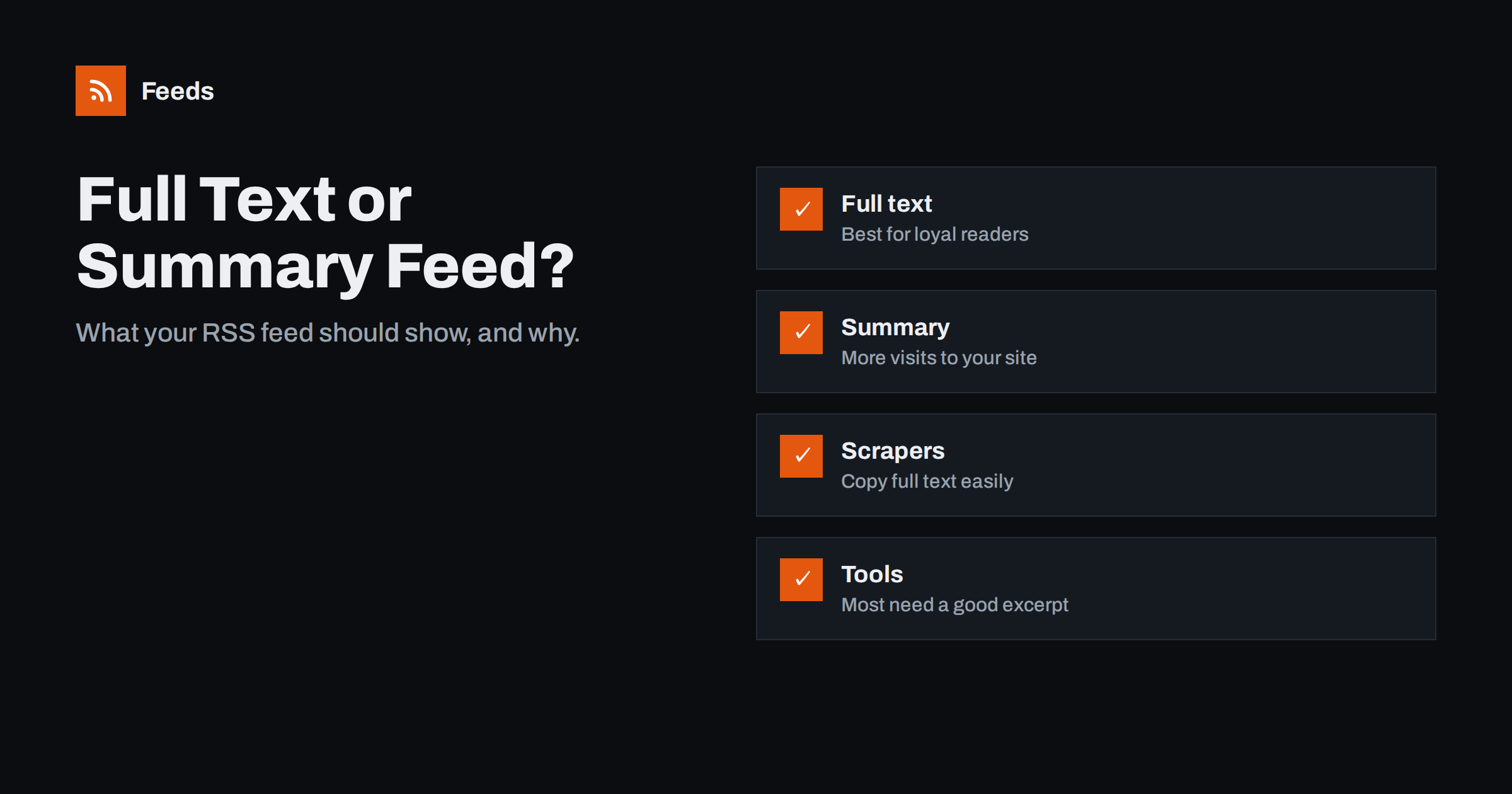
Short answer: A full-text feed gives subscribers the whole article inside their reader, which they strongly prefer and which builds loyalty. A summary feed shows only an excerpt, which sends more readers to your website but frustrates many of them and still does not stop determined scrapers. For most blogs and small publishers, full text with a good manual excerpt is the better default; paywalled sites, heavy ad-supported sites and sites with rich interactive content are the main exceptions.
Every feed has to answer one question for each item: how much of the article do we give away? It sounds like a detail, but it affects how readers feel about your site, how many visits you get from the feed, how easily other sites copy you, and how well automation tools can reuse your content. This guide lays out the trade-offs honestly and then shows how to implement either choice properly, with WordPress as the main example.
What full text and summary mean in a feed
In RSS 2.0, each item has a description element, and many feeds add a content:encoded element for the full HTML. In practice there are three patterns:
- Summary only:
descriptionholds an excerpt, usually 50 to 100 words, and there is no full content. - Full text:
content:encodedholds the complete article HTML, anddescriptionholds a short excerpt that apps use in list views. - Full text in description: older or simpler feeds put the whole article into
description. It works, but apps have no separate short version for list views.
Atom has the same idea with its summary and content elements. The second pattern, excerpt plus full content, gives apps the most flexibility and is what WordPress produces when set to full text.
The case for full-text feeds
People who use feed readers do so because they want a calm, consistent reading experience. Full text respects that:
- Readers can read. No clicking out, no pop-ups, no cookie banners, no slow pages on mobile. Many readers unsubscribe from summary-only feeds for exactly this reason.
- Offline reading works. Apps download full articles for reading on a plane or the underground.
- Accessibility improves. Readers apply their own font sizes, contrast and text-to-speech.
- Loyalty grows. Someone who reads your full articles every week becomes the kind of reader who shares, links, subscribes to a newsletter or buys.
- Tools get better input. RSS-to-email campaigns, digests and internal knowledge tools often produce better results with full text.
The case for summary feeds
Summary feeds exist for real reasons, and for some publishers they are the right choice:
- Visits and revenue. Sites that earn from on-page advertising, memberships or product sales need readers on the page. A summary sends them there.
- Paywalls and gated content. Publishing full text in a public feed would give away paid content.
- Rich content. Interactive charts, calculators, embedded videos and complex layouts often break in readers. A summary that invites people to the page may serve them better.
- Analytics. On-site visits are easier to measure than reads inside feed apps.
- Some protection from scraping. A summary gives low-quality sites less to copy automatically, though it does not stop scraping of the page itself.
A side-by-side comparison
| Factor | Full text | Summary |
|---|---|---|
| Subscriber satisfaction | High; the preferred option for most reader users | Lower; many readers find it annoying |
| Visits to your site | Fewer from the feed | More from the feed |
| Ad and conversion revenue | Lower per feed reader | Higher per feed reader |
| Scraping risk | Easier to copy automatically | Less to copy from the feed |
| Newsletter and digest tools | Richer input | Works well if excerpts are good |
| Rich or interactive content | May render poorly in apps | Sends readers to the proper page |
Scraping: a realistic view
The fear that full-text feeds invite content theft is understandable, but it is often overstated. Scrapers that want your content can fetch the web page just as easily as the feed. Switching to summaries makes the lowest-effort copying harder, but it will not stop a determined operation. More effective measures:
- Include a canonical link to your site in each item’s content, such as “This article first appeared on [site name]”, with a full URL. Automatic copies then carry a link back.
- Use absolute URLs for internal links in your content, so copied articles still link to your pages.
- Keep canonical tags correct on your own pages so search engines understand which version is the original.
- Use DMCA or platform reporting for serious cases of copying.
Search engines are generally good at identifying the original source when your site published first and is well established, but they are not perfect, which is why the link back matters.
Write excerpts that do real work
Whichever option you choose, the excerpt matters. In full-text feeds, readers and tools show it in list views, email digests and social posts. In summary feeds, it is all readers get. A few principles:
- Write excerpts by hand for important posts instead of relying on the first 55 words, which often start with a greeting or an image caption.
- Answer the “why read this” question in the first sentence.
- Keep them to one to three sentences, around 25 to 60 words.
- Avoid “Read more…” as the only content. Readers skip items that say nothing.
Setting it up in WordPress
WordPress makes the basic choice easy. Go to Settings → Reading and find “For each post in a feed, include”. Choose Full text or Excerpt. Some details to know:
- Manual excerpts are used when present. Fill the Excerpt field in the post editor for control over what appears in list views and summary feeds.
- The “more” tag does not cut feed content in full-text mode by default, although some themes change this.
- Page builders sometimes output shortcodes or empty content in feeds. Check the feed after publishing a builder-made post, and use a manual excerpt if needed.
- Adding a footer to each item, such as a copyright line and a link back, can be done with the
the_content_feedfilter or an SEO plugin’s RSS settings. Many SEO plugins offer “content before/after each post in the feed” fields. - Caching: after changing the setting, clear page and CDN caches so the new version is served.
Some sites use a middle path: full text for most categories, summaries for premium or sponsored content. That takes a small custom filter, but it lets you serve loyal readers and protect paid content at the same time.
Measuring the effect of your choice
If you are unsure, test instead of guessing. Feed usage is hard to measure precisely, but a few signals are good enough for a decision:
- Tag links in your feed with UTM parameters so visits from feed readers show up as a separate source in your analytics. Many SEO plugins can add them to feed links automatically.
- Watch subscriber counts reported by readers. Several hosted readers include the number of subscribers in the user agent when they fetch your feed, which your server logs record. Trends over a few months matter more than exact totals.
- Track newsletter and digest performance if an email tool uses your feed. Open and click rates often change when the feed content changes.
- Listen to readers. Complaints about summary feeds are common and usually polite; they are a useful signal.
Run one setting for at least two or three months before switching, because feed readers react slowly and short tests mostly measure noise. Record the date of the change so you can compare periods fairly.
Choosing for your situation
- Personal blog, company blog, knowledge base, documentation: full text. Your goal is readership and trust.
- Ad-funded news or magazine site: summaries or a partial excerpt, possibly with full text for loyal members through a private feed.
- Paywalled publication: summaries in the public feed, full text in authenticated member feeds if your platform supports them.
- Online shop blog: full text usually works well; the articles support products rather than earning directly from page views.
If you follow other sites whose feeds only have summaries, or none at all, our tool, Feeds, can build a feed of their items with titles, images, summaries and dates, and merge or filter several such sources into one link. It reads public pages and uses existing feeds where available; see the plans.
Related reading
- WordPress RSS Feed URLs: Every Feed Your Site Already Has
- How to Add Featured Images to Your WordPress RSS Feed
- RSS vs Atom: Which Feed Format Should Your Site Publish?
The bottom line
Full-text feeds serve readers best and build loyalty; summary feeds send more visits to your site and protect paid or interactive content. For most blogs and small publishers, full text with well-written excerpts and a link back in each item is the right default. Whatever you choose, write excerpts deliberately and check how your feed looks in a real reader.
BUJ
Should my RSS feed show full text or a summary?
For most blogs, full text is better for readers and loyalty. Choose summaries if you rely on on-page revenue, run a paywall, or publish interactive content that does not work inside feed readers.
Does a full-text feed hurt SEO?
Not by itself. The risk is scrapers republishing your content. Keep canonical tags correct, use absolute internal links, and add a link back to the original article in each feed item so copies point to you.
How do I switch my WordPress feed to full text?
Go to Settings → Reading and set “For each post in a feed, include” to Full text, then clear any page or CDN caches. Readers will receive full text for new posts.
Why does my feed show only a few words even in full-text mode?
A page builder, shortcode or theme may be interfering with feed output, or a plugin may override the setting. Check the raw feed, test with a default theme, and use manual excerpts as a fallback.
Can I offer both a full-text and a summary feed?
Yes. Some publishers offer a public summary feed and a full-text feed for members. It requires a plugin or custom code, and each feed should have a clear title so readers know which one they are subscribing to.


