ENEnglish
 LTLietuviškai
 DEDeutsch
 FRFrançais
 RUРусский
 ESEspañol
 PLPolski
 ITItaliano
 UKУкраїнська
 CSČeština
 PTPortuguês
 JA日本語
 LVLatviešu valoda
 ETEesti
 HUMagyar
 IDBahasa Indonesia
 TRTürkçe
 HIहिन्दी
 ELΕλληνικά
 ARالعربية
 THไทย
 VITiếng Việt
 RORomână
 MSBahasa Melayu
 BNবাংলা
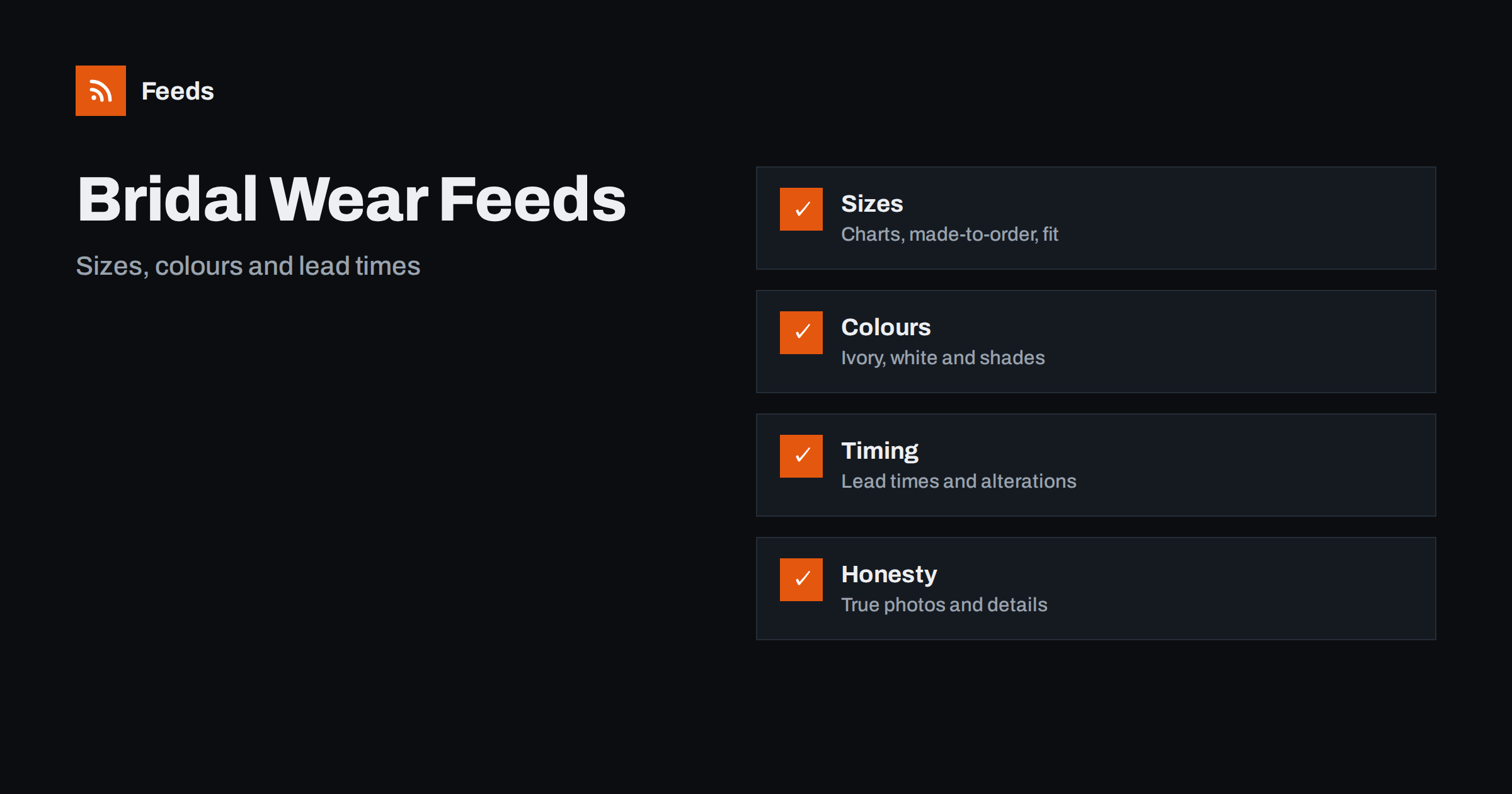
Short answer: Wedding and bridal wear is bought rarely, planned months ahead and judged by fit, colour and delivery date. A clean feed gives each gown, suit or accessory a title with brand, type and style, shows sizes and colours as variants with honest names, states clearly when an item is made to order and how long it takes, avoids descriptions that promise a result and uses photos that show the real product. Check the preview and diagnostics before you submit.
Why bridal wear needs careful feeds
A wedding outfit is one of the most important purchases a customer makes, and it comes with a deadline that cannot move. A late delivery, a wrong colour or a poor fit is more than a return, because the event will not wait. Customers read details carefully and compare shops with the same care they bring to the dress.
The category also has features that confuse a feed. Many items are made to order or ordered in a sample size first, sizes follow special charts, colours are described in words such as ivory, champagne and blush, and alterations are part of the journey. If you are new to the idea, what a product feed is explains the basics, and this guide covers what is special about bridal wear.
Titles that show type, style and colour
Shoppers search by type and style: “A-line wedding dress”, “lace long-sleeve gown”, “slim fit wedding suit”, “bridesmaid dress”. Start the title with the brand and product type, add the style words that define the product, then the colour and the model name. “Brand A-Line Lace Wedding Dress Ivory Model Name” is easier to compare than a title made of adjectives.
Use the same order across the whole catalog and write colour names consistently, because “ivory” and “off-white” are not the same to a bride. Keep the key words in the first 70 characters. Product feed title optimization has formulas and examples, and a related category is covered in product feeds for shoe stores.
Sizes, charts and made-to-order items
Sizes are the heart of the matter. Bridal sizes often run differently from everyday clothing, and many labels use their own charts. Put the size system and the size value in the feed in the form that platforms expect, and keep the full chart on the product page. If a dress is ordered to measurements, say it clearly and describe the process on the page.
The rules for apparel attributes are explained in apparel product feeds: color, size, gender and age group. Give each size its own variant with its own stock level, and do not mark a size as in stock when only a sample is available. A mismatch between the feed and the page creates disapprovals and unhappy customers.
Colours, fabrics and honest descriptions
Colour in bridal wear is subtle, and screens change it. Use the maker’s colour name, state the base colour in the form the platform asks for and show photos taken in natural light. Describe fabrics exactly, for example lace, tulle, satin or crepe, and name any lining or boning. Do not call a synthetic fabric silk, and do not describe a product as hand-made unless it is.
Avoid promises such as “you will look stunning” or “perfect for every body shape”, which cannot be checked and can be disapproved. Richer fields help you present facts clearly, and product_highlight and product_detail show how to give details such as neckline, train length, fabric and closure. Keep the wording in the feed and on the page identical.
Lead times, alterations and availability
Timing is a key part of the offer. Customers want to know when the dress will arrive, how long alterations take and what happens if the date is tight. If an item is made to order, mark it correctly and give the realistic production and delivery time on the page. If you use the pre-order or backorder setting, preorder and backorder products in feeds explains how to do it without confusing customers or the platform.
Keep stock and availability accurate. A dress that is marked as available when it must be ordered for months will lead to complaints and returns. Out-of-stock products in your feed: keep, mark or remove explains the options. Where a size is only available for a try-on in a shop, say so and do not list it as a purchasable item.
Accessories, bridesmaids and the wider wedding
Wedding shops sell much more than gowns: veils, headpieces, gloves, shoes, jewellery, bags, bridesmaid dresses, flower girl dresses and groom’s wear. Each category has its own details, and each should have its own title pattern. Link related items on the page, for example a veil that suits a certain neckline, and keep one product per distinct item.
Sets and bundles are common, such as a gown with a veil or a groom’s suit with a waistcoat. Give each set its own product with a clear title, its own price and a photo of the real contents, as described in bundles and multipacks in product feeds. For jewellery, product feeds for jewelry and watch stores goes into materials and sizes.
Seasons, appointments and local stock
Weddings follow seasons, and demand for gowns starts a year or more before the date. Prepare the feed ahead of the busy months, check stock and lead times and remove items that can no longer be delivered in time. Many bridal shops also work by appointment, so make clear on the page whether a product can be bought online, ordered after a fitting or only tried in the shop.
If you have a physical shop, show what is available locally. Local inventory feeds: show in-store stock in Google Ads explains the setup. Be careful with sample sales and discontinued styles, which should have their own listings with clear conditions, as explained for second-hand and sample goods in used and refurbished products in feeds.
Think about the customer journey. A bride often visits a shop, looks online for months, saves favourites, brings family and returns to buy. The feed supports the first part of that journey by bringing the right people to the right page. Offer clear information on appointments, fittings, deposits and returns on the page, because these are as important as the product itself. State what happens if a size needs to be ordered, how alterations are handled and what the policy is for a made-to-order item that cannot be returned. Customers forgive a long lead time more easily than a surprise.
Images, shipping and landing pages
Use clean photos of the real product from several angles, including the back, the train and a detail of the fabric. Avoid text overlays and promotional badges, and do not use model pictures that show a different product. If you use sample photos, say so on the page. Delicate dresses need careful packing, and some countries have customs rules for clothing, so check that your shipping settings match what you offer, as covered in shipping in product feeds.
The landing page must open the same product with the same price and availability, and the size chart and lead time must match the feed. Product landing pages: what feed links must lead to explains the rules. A weekly look at disapproved items, prices and lead times keeps the feed healthy.
Reviews and trust matter in a category with high emotional stakes. Real photos from customers, honest reviews and clear contact details make shoppers more comfortable with a large purchase. If your shop collects ratings, make sure they come from real customers and link them to the right product, as explained in product ratings in Google Shopping. Do not copy reviews from other sites or show ratings for products that the customer did not buy.
Finally, keep a calendar of the year. Plan feed checks before the engagement season, before trade shows and before the busiest months of appointments. A short routine of weekly checks and a longer review each quarter, using the product feed checklist, keeps problems small and catches them before a customer does.
How RSS Feed Creator helps
RSS Feed Creator builds Google Merchant Center and Meta catalog XML straight from your store. WooCommerce and Shopify are read automatically, and any other store can use a CSV link. You can skip out-of-stock products, rewrite titles with rules so that brand, product type and style appear in the same order every time, and adjust prices. Before you submit anything, check the preview and the Merchant Center diagnostics to confirm that sizes, colours and stock arrive as you expect. The free plan includes product feeds with up to 50 products, and the Store plan covers one store with 3 product feeds and up to 2,000 products. The details are on the pricing page.
Related reading
- Apparel Product Feeds: Color, Size, Gender and Age Group
- Product Feeds for Shoe Stores: Sizes, Widths and Systems
- Preorder and Backorder Products in Feeds: availability_date
The bottom line
Clean feeds for bridal wear shops come from titles with type, style and colour, honest sizes and charts, accurate made-to-order and lead time information, careful accessories and sets and a landing page that matches the ad. Check the preview before you submit and fix what the diagnostics report. Clear details help couples choose with confidence and receive their outfits on time.
BUJ
What should go first in a wedding dress title?
Use the brand, the product type, the main style words such as A-line or lace, then the colour and the model name.
How do I handle made-to-order dresses?
Mark them correctly, state the production and delivery time on the page and keep availability accurate in the feed.
How should I describe colours like ivory?
Use the maker’s colour name consistently, show photos in natural light and state the base colour in the form the platform asks for.
Can I write that a dress suits every body shape?
It is safer not to. Describe the cut and the fabric and let the size chart and the fitting guide do the work.
What if my store is not WooCommerce or Shopify?
Use a CSV file link. Check the preview and the diagnostics to confirm that sizes, colours and stock arrive correctly.