 ENEnglish
 LTLietuviškai
 DEDeutsch
 FRFrançais
 RUРусский
 ESEspañol
 PLPolski
 ITItaliano
 UKУкраїнська
 CSČeština
 PTPortuguês
 JA日本語
JA日本語 LVLatviešu valoda
 ETEesti
 HUMagyar
 IDBahasa Indonesia
 TRTürkçe
 HIहिन्दी
 ELΕλληνικά
 ARالعربية
 THไทย
THไทย VITiếng Việt
 RORomână
 MSBahasa Melayu
 BNবাংলা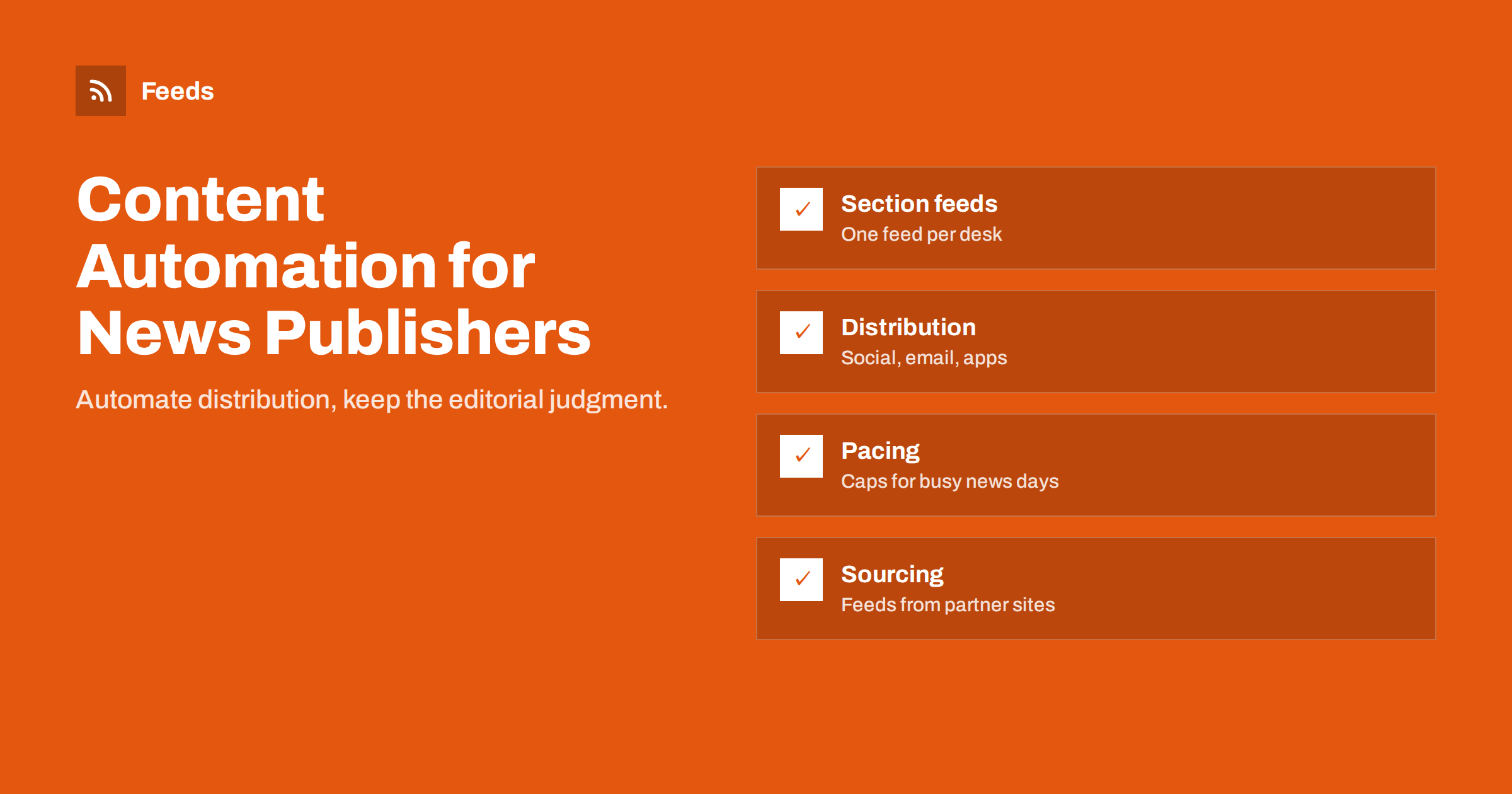
Short answer: News publishers get the most from automation on two sides: distribution, where section feeds drive social posts, newsletters, apps and partner platforms, and sourcing, where feeds from agencies, official bodies and partner sites bring new material to the newsroom. Keep editorial control by automating only after an article is published, pacing social posts on busy days, sending breaking news manually and giving every automated channel a clear owner.
Where automation fits in a newsroom
A newsroom’s core work, reporting, writing, editing and deciding what matters, is human and should stay that way. Around it, though, sits a lot of repetitive work: posting each story to several social accounts, assembling newsletters, updating partner platforms, watching official sources for announcements and checking what other outlets have published. For small and mid-sized publishers with lean teams, these tasks eat hours every day.
Automation takes over the repetitive parts in two directions:
- Outbound: distributing published stories to every channel where readers are.
- Inbound: bringing new information from sources into the newsroom quickly and in one place.
The line between the two is clear: automation starts only after an editor has published something, or before a journalist has looked at something. It never replaces the editorial decision in between. Keeping that line explicit makes automation easy to accept in a newsroom, where concerns about quality and accuracy are rightly strong.
Both depend on feeds. Most publishing systems produce RSS feeds per section, tag or author, and most sources that matter to a newsroom either publish feeds or can have one created from their news pages.
Outbound: build on section feeds
The main site feed is rarely the right source for distribution. It mixes every section, including items that do not suit every channel. Section and tag feeds give you control:
- Local news to the regional Facebook page and a local Telegram channel.
- Perniagaan to LinkedIn.
- Sport to its own X account or channel.
- Opinion to the newsletter only, where readers expect longer pieces.
Check that your CMS generates clean feeds for each section: stable links, correct publication dates, good titles and an image field. If the CMS uses full-text feeds, consider whether partners and aggregators should receive summaries instead.
Social distribution with editorial control
Automated social posting works well for the steady flow of stories, with a few publisher-specific rules:
- Breaking news stays manual. The first post on a breaking story should be written by an editor who knows what is confirmed. Automation can follow with the full article.
- Sensitive stories are excluded. Stories about deaths, crimes involving minors or court cases may need careful wording. Use a tag, such as “no-autopost”, that editors add in the CMS, and filter it out of the automated feed.
- Headlines must stand alone. A headline that works next to a photo on the homepage may be misleading on its own in a social feed.
- Pace busy days. On heavy news days, dozens of stories may be published. Caps per channel and minimum spacing prevent floods; lower-priority stories can wait or be skipped.
- Corrections are handled manually. If a published story is corrected, the automated post does not update itself; someone must edit or follow up on each network.
Newsletters and apps
Morning briefings and section newsletters can be assembled automatically from feeds, with an editor adding a short introduction or choosing the order. Many publishers use a hybrid: the email platform builds a draft from the feed, and the editor has a fixed window to adjust it before it sends.
Feeds also power other channels: news aggregator apps, partner portals, smart speakers and in-house apps often ingest RSS. Each has its own requirements for images, text length and categories. Keep a list of which partner receives which feed and what format they expect, because partner requirements change and feeds are easy to forget.
Inbound: sourcing with feeds
On the sourcing side, feeds turn the newsroom’s “things we should check every day” list into a single stream.
- Official sources: police, courts, municipalities, ministries, regulators and statistics offices. Many publish news lists without RSS.
- Agencies and partners: wire services and content partners, usually via their own feeds or APIs.
- Local organisations: sports clubs, schools, hospitals and companies that publish announcements on their websites.
- Other outlets: to know what competitors have published, without copying.
Treat inbound feeds as tips, never as copy. A press release from a municipality is a starting point for a story, not a story in itself. Automation shortens the time between an announcement and a journalist seeing it; verification and reporting still follow the usual standards.
Route these into a newsroom chat channel, a shared reader or a desk-specific digest. Filter by region and topic so each desk sees what matters to it. A reporter covering the city council does not need every national ministry announcement.
Speed versus noise on the inbound side
Newsrooms value speed, so it is tempting to route every source instantly into chat. That quickly becomes unreadable. A workable split:
- Instant for a short list of high-priority sources, such as police and emergency services.
- Hourly or twice-daily digests for everything else.
- Merged sources with duplicates removed, so the same press release from three websites appears once.
- Keyword filters per desk for place names, institutions and recurring topics.
A day in a lightly automated newsroom
To make this concrete, picture a regional news site with six journalists and one person responsible for social media.
Early morning: a digest of overnight items from official sources, the police, the city, the regional hospital and several municipalities, arrives in the newsroom chat. The duty editor scans it in a few minutes and assigns two follow-ups. The morning newsletter, built automatically from yesterday’s most important stories, is waiting as a draft; the editor reorders it, writes two sentences of introduction and approves it.
During the day: each published story flows to the right social accounts through section feeds, spaced out by caps. When a serious accident happens, the social editor writes the first post by hand, then lets the automated post of the full article follow. A court story tagged “no-autopost” is shared manually with carefully chosen wording.
Afternoon: the sports desk receives new announcements from local clubs, turned into feeds from their websites and merged into one stream. A club’s page redesign breaks one feed; an alert arrives, and the feed is recreated before anyone misses a match report.
Evening: the social editor spends ten minutes checking the day’s automated posts on each network, fixes one headline that read oddly out of context, and notes it for the morning meeting.
No part of the journalism was automated. What disappeared was the copy-pasting and the manual checking of dozens of websites.
How Feeds helps publishers
Many sources that matter to local and specialist newsrooms have no RSS. Feeds turns any page that lists articles, such as a municipality’s news page or a club’s announcements, into a feed with titles, images, summaries and dates. You can merge several sources, keep items with your keywords or drop items with others, and duplicates are removed automatically. Feeds refresh on their own, and paid plans alert you when a page changes and a feed stops finding items, which matters for sources that redesign without warning. On the outbound side, the same feeds can be used by social posting tools and newsletters. The pricing page lists plans for publishers who need several feeds.
Roles and routines
- An owner per channel, usually the social media editor or desk editor, who checks automated output daily.
- A register of feeds and workflows, including partner feeds and their formats.
- A pause procedure for major breaking events, when automated routine posts would be inappropriate.
- Monthly review of which automated channels bring readers, using UTM parameters on links.
- A check after every CMS update, since template changes often affect feeds.
Related reading
- How to Automate Social Media Posts from an RSS Feed
- How Often Should Automated Feeds Post to Social Media?
- Full Auto vs Approval Queue: Choosing a Content Workflow
- Full Text or Summary? Choosing What Your RSS Feed Shows
The bottom line
For news publishers, automation is most valuable around the edges of editorial work: distributing published stories to every channel and collecting new information from many sources. Build distribution on section feeds, keep breaking and sensitive stories manual, pace busy days and give every channel an owner. On the sourcing side, turn official and local pages into filtered feeds so the newsroom hears about news quickly without drowning in it.
FAQ
Should breaking news be posted automatically?
Usually not as the first post. An editor should write the first update on a breaking story based on what is confirmed, and automation can distribute the full article afterwards.
How can editors keep specific stories out of automated posting?
Use a tag or category in the CMS, such as no-autopost, and filter it out of the feeds that drive social posting.
Should publishers provide full-text or summary feeds?
It depends on the partner and the business model. Many publishers use summary feeds for public consumption and full-text feeds only for licensed partners.
Can feeds help with sourcing from official websites?
Yes. Official news pages can be turned into feeds even when they have no RSS, filtered by keywords and delivered to the relevant desk.
How do we prevent floods on busy news days?
Set daily caps and minimum spacing per channel, prioritise sections, and let lower-priority stories wait for quieter hours or skip social distribution.
What happens to automated posts when a story is corrected?
The social post does not update itself. Assign someone to edit or follow up on automated posts whenever a significant correction is published.


