ENEnglish
 LTLietuviškai
 DEDeutsch
 FRFrançais
 RUРусский
 ESEspañol
 PLPolski
 ITItaliano
 UKУкраїнська
 CSČeština
 PTPortuguês
 JA日本語
JA日本語 LVLatviešu valoda
 ETEesti
 HUMagyar
 IDBahasa Indonesia
 TRTürkçe
 HIहिन्दी
 ELΕλληνικά
 ARالعربية
 THไทย
THไทย VITiếng Việt
 RORomână
 MSBahasa Melayu
 BNবাংলা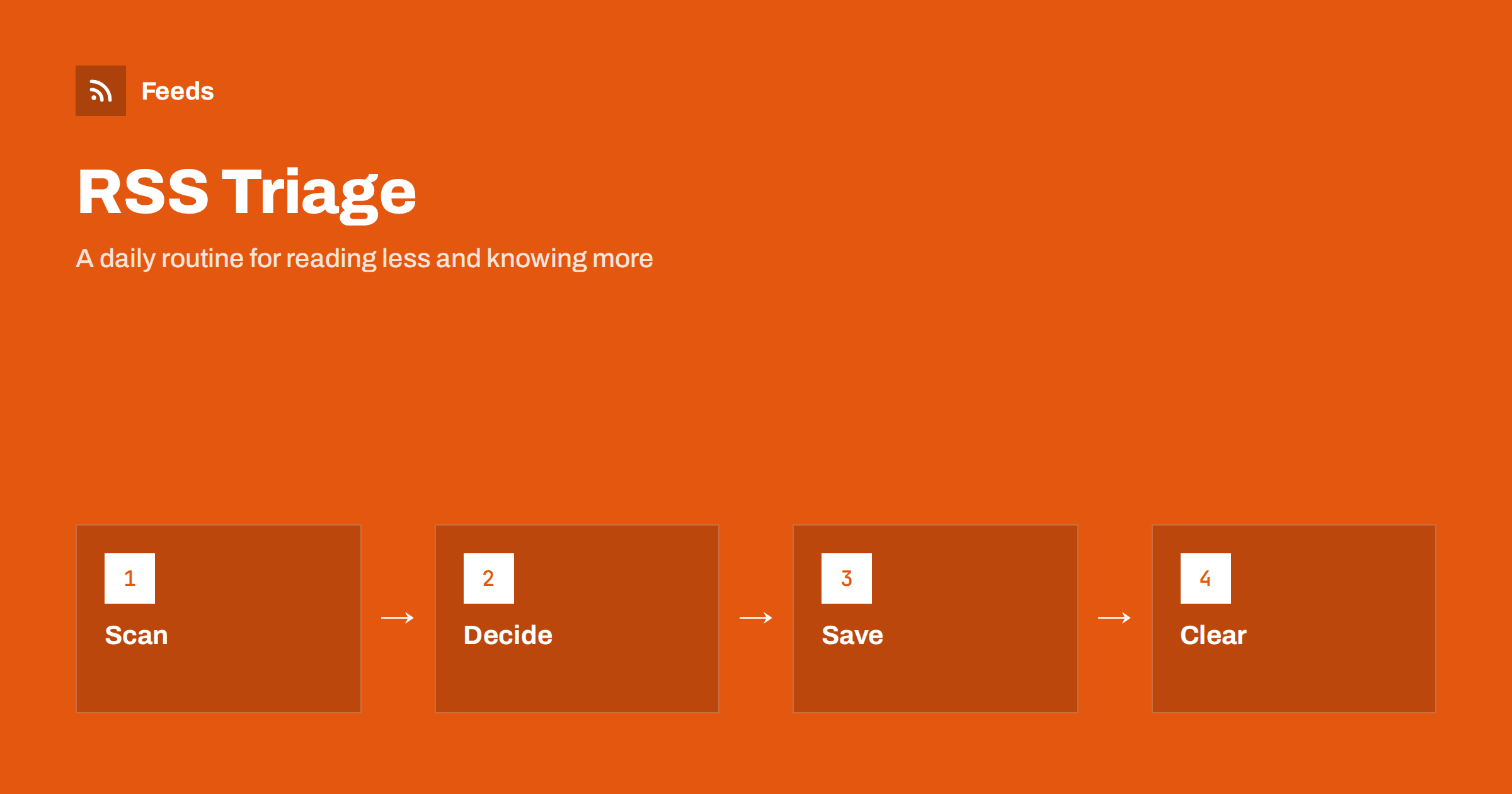
Short answer: RSS triage means treating your reader like an emergency room, not a library. Once a day, scan the headlines in a single pass, decide for each item in a few seconds whether to read it now, save it for later or skip it, and then mark everything else as read without guilt. Pair the routine with a few simple limits on sources and saved items, and the reader stops being a backlog that grows by itself and becomes a short, useful briefing.
The problem is not too many feeds
People who abandon RSS rarely say that the technology failed. They say that the unread count got out of hand. A reader that shows 1,400 unread items makes every visit feel like a debt. The natural reaction is to avoid it, and the count grows further.
The cause is usually a mismatch between how the reader is built and how people use it. A reader presents items as an inbox, and an inbox suggests that everything must be handled. But a feed is a stream, not a to-do list. Items you did not read are not failures. Most of them were never going to matter. Accepting this is the first step of triage, and the rest of the routine follows from it. If you want to look at the structure of your sources too, the guide to organizing an RSS reader to avoid overload covers folders and pruning.
Set a time and a limit
Pick a fixed slot, ten to fifteen minutes, once or twice a day: with morning coffee, on the commute, after lunch. The routine only works if it has an end. When the time is up, you stop, mark the rest as read and move on. Reading that has no limit expands to fill whatever time is available.
Put the reader where you can open it in a second. On a phone, that might be a home-screen icon; on a laptop, a pinned tab. For ideas on reading in different places, see RSS feeds on iPhone and Android and RSS feeds in your browser. Remove other friction as well: turn off notifications for ordinary feeds so that the reader is something you visit by choice, not something that calls for you.
Pass one: scan the headlines
Switch the reader to a compact list view that shows titles, source names and perhaps one line of summary. Scan from top to bottom without opening anything. Your only task in this pass is to notice. Titles that interest you get a star or a flag. Titles that clearly do not interest you are ignored. Do not stop to read, and do not follow links; you will lose the thread and the time.
It is surprising how fast this is. A person can judge a headline in two or three seconds, and a typical day of well-chosen feeds has fifty to a hundred items. If the scan takes more than ten minutes regularly, the problem is not your speed but the sources. Titles that tell you nothing, such as “Update” or “News”, are a signal about the quality of the feed; the article on RSS item titles and summaries that get opened explains why good titles matter to readers.
Pass two: read, save or skip
Go through the flagged items and decide for each one, quickly, between three options.
- Read now. It takes under two minutes and is relevant today: a price change, a notice, a short post. Read it and move on.
- Save for later. It is longer, and worth your full attention. Send it to a read-later list, a notes app or a folder, and do not open it now.
- Skip. You were curious, but it does not matter. Let it go.
Be honest about “save for later”. A read-later list is only a better routine if you actually read it, and many people use it as a place where guilt goes to wait. Limit the list to a number you can finish in a week, for example ten items, and when it is full, you must read or delete before you add. The difference between a reader and a read-later tool is discussed in RSS reader vs read-later apps.
Pass three: clear the rest
When you have finished with the flagged items, mark everything else as read. All of it. This is the step people find hardest, and it is the most important. The items you did not flag did not earn your attention today. If something important was hidden among them, the source will probably mention it again, or another source will.
If this feels reckless, test it. After a month of marking things as read, ask yourself how often you missed something you needed. For most people the answer is “almost never”, and the few misses were things a keyword alert would have caught. For items that cannot be missed, such as a regulator’s notice or a supplier’s price list, create an alert rather than relying on the daily scan. The method is described in RSS keyword alerts.
Use filters to shrink the stream
Triage works best when the stream is already reduced before you meet it. Two tools help. The first is a keyword filter on busy feeds: a general news site might be reduced to items that contain your topic words. The second is merging many small sources into one feed with duplicates removed, so that the same story does not appear five times. The approach is described in how to merge RSS feeds.
Be careful not to filter too hard. A filter that is too narrow hides the surprises that make RSS worth reading. A reasonable compromise is to filter noisy sources strictly and leave a handful of trusted ones unfiltered. If alerts become noisy as well, the advice in how to reduce RSS alert noise applies.
Weekly and monthly maintenance
Once a week, spend five minutes on the sources. Look at which feeds produced items you flagged and which produced nothing. Unsubscribe from one source that never earns its place, and note one that you wish you had. Once a month, check for feeds that have stopped updating, as they quietly make your list look healthier than it is; see how to find and remove dead RSS feeds.
Also review your saved list. Anything older than a month should be read or deleted. A list that keeps old items teaches you to ignore it. A short, fresh list is something you will look forward to reading on a train or at a weekend.
Common mistakes
The most common is skipping the “mark as read” step and letting the count rise. The second is opening every interesting link in the first pass, which turns a ten-minute routine into an hour. The third is treating all sources as equal; a trusted source deserves a star in the reader or a place at the top, while a source that is merely nice to have can sit in a low-priority folder you open on slow days.
Another mistake is to look for a perfect tool. The routine is the point, and almost any reader supports it. If you need help choosing, the guide to choosing an RSS reader lists the features that matter, and the best of them are keyboard shortcuts, a compact list view and a quick way to mark all as read.
How RSS Feed Creator helps
Triage is easier when the stream is clean. RSS Feed Creator turns the list of items on a web page into a clean RSS feed, uses an existing feed when there is one, and shows a preview of the items before the feed is created. You can merge several sources into one feed (up to 10 on paid plans), keep only the items that contain your keywords and have duplicates removed automatically, which shrinks a noisy topic into one short daily list. Feeds refresh every 3 hours on the free plan and every 30 minutes on paid plans, and paid plans send an alert when a page changes and a feed stops finding items. The free plan allows up to 20 items per feed, and the details are on the pricing page.
Related reading
- How to Build a Personal RSS Dashboard or Start Page
- How to Monitor Hundreds of Sources with RSS
- How to Subscribe to RSS Feeds: A Beginner’s Guide
The bottom line
RSS triage is a habit with three passes: scan, decide, clear. Give it a time limit, keep the saved list short, let filters do the first cut and mark the rest as read without regret. A reader that you can finish every day is a reader you keep using.
FAQ
How long should a daily RSS routine take?
Ten to fifteen minutes is enough for most people. If it regularly takes much longer, reduce the number of sources or add keyword filters to the noisy ones.
Is it all right to mark everything as read?
Yes. A feed is a stream, not a to-do list. Items you did not flag did not earn your attention, and truly important sources can be covered by keyword alerts.
How many items should I save for later?
Only as many as you can read in a week, around ten for most people. When the list is full, read or delete something before you add another item.
Should I turn on notifications for all feeds?
No. Notifications suit a few urgent sources. For everything else, a scheduled visit keeps the reader something you choose to open.
What if I miss something important?
Set up a keyword alert or a dedicated feed for anything that cannot be missed. Do not rely on a daily scan for it, since a scan is designed to let most items pass.