ENEnglish
 LTLietuviškai
 DEDeutsch
 FRFrançais
 RUРусский
 ESEspañol
 PLPolski
 ITItaliano
 UKУкраїнська
 CSČeština
 PTPortuguês
 JA日本語
JA日本語 LVLatviešu valoda
 ETEesti
 HUMagyar
 IDBahasa Indonesia
 TRTürkçe
 HIहिन्दी
 ELΕλληνικά
 ARالعربية
 THไทย
THไทย VITiếng Việt
 RORomână
 MSBahasa Melayu
 BNবাংলা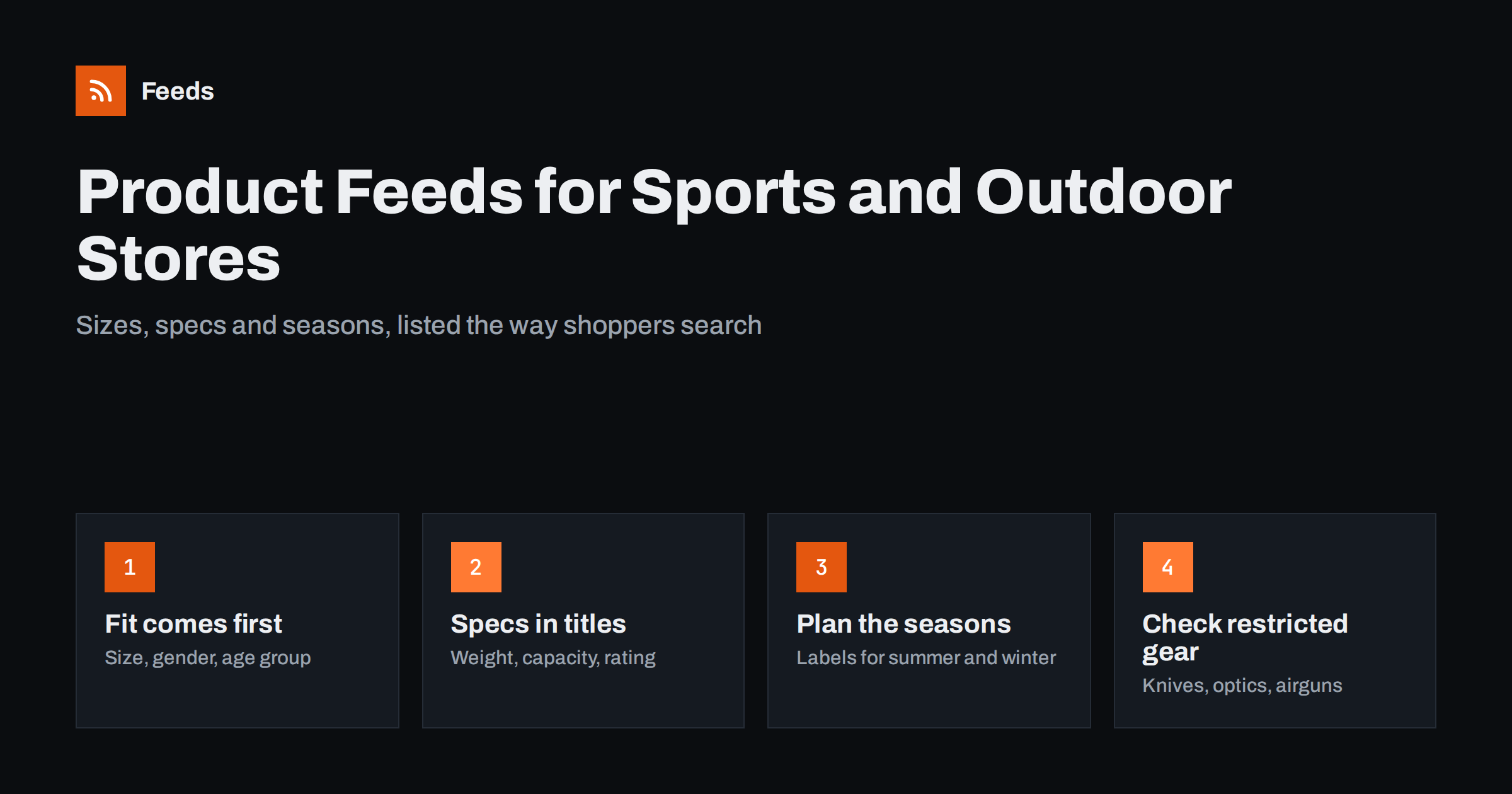
Short answer: Sports and outdoor feeds work when shoppers can see fit and function at a glance. Clothing and footwear need size, colour, gender and age group on every variant; equipment needs the specification that decides the purchase, such as weight, capacity, length or temperature rating, in the title. Use real GTINs for branded gear, group variants correctly, label seasonal products so campaigns can follow the weather, and check channel policies before listing knives, airguns or similar restricted equipment.
Why sports and outdoor feeds need extra detail
Sports and outdoor stores sell a mix of apparel, footwear and technical equipment. A single shop might carry running shoes, hiking jackets, tents, bicycles, fishing reels, yoga mats and climbing ropes. Shoppers in each of these subcategories compare different things, and a feed that only lists brand, title and price leaves out what they need to decide.
Fit and function are the deciding factors. A runner wants to know if a shoe comes in their size and width. A hiker comparing sleeping bags looks at the temperature rating and weight. A cyclist needs the frame size. If these details are missing from the feed, the listing either does not appear for the right searches or attracts clicks from people who leave as soon as they see the product page.
The category is also strongly seasonal and often involves expensive items. Ski equipment, swimwear and camping gear have short peaks, and high-value products like bicycles or tents mean every wasted click costs more. Accurate feed data is the cheapest way to make advertising in this category efficient.
Returns are the other cost to keep in mind. Sports clothing and shoes are returned often when the fit is wrong, and outdoor equipment is returned when it turns out heavier, smaller or less warm than expected. Many of those returns start with a listing that did not show the decisive detail. Putting size, weight or rating where shoppers see it before they click is one of the simplest ways to reduce them.
Apparel and footwear: fit attributes on every variant
Sports clothing and shoes follow the same feed rules as other apparel. Each size and colour combination is a separate item, all variants share one group identifier, and attributes such as size, colour, gender and age group are filled in for each item.
- Use the size exactly as shown on the product page, such as 42, 9.5 or M.
- Add the size system or size type where the channel supports it, for example regular, petite or big and tall.
- Set gender to male, female or unisex, and age group to adult or kids as appropriate.
- Give each colour its own image, so shoppers see the variant they clicked.
Width options for shoes and leg lengths for trousers are often only in the description. Where they are an important choice, put them in the title or size value so they are visible. Our guide to apparel product feeds: colour, size, gender and age group covers the details, and product variants in feeds explains how grouping works.
Equipment: put the deciding specification in the title
For equipment, the title should name the brand, model and the one or two specifications that shoppers compare. The right specification depends on the product type.
| Produk | Specs worth including |
|---|---|
| Tents | Number of persons, season rating, weight |
| Sleeping bags | Temperature rating, fill type, weight |
| Backpacks | Capacity in litres, gender fit, weight |
| Bicycles | Type, frame size, wheel size, gears or motor |
| Fitness equipment | Weight or resistance range, dimensions |
| Fishing reels and rods | Size, length, line rating, action |
Keep the title factual and avoid claims such as “best tent” or “unbreakable”. Add further details to the description and, where the channel supports them, product highlights and product details attributes. These let you present technical data as clear points, which helps shoppers compare similar products. For more title patterns, see product feed title optimization.
Identifiers, brands and model years
Branded sports and outdoor products usually carry a GTIN, and each size and colour of a shoe or jacket has its own. Use these real barcodes for every variant, write the brand exactly as the manufacturer does and add the manufacturer part number where you have it. Platforms rely on these identifiers to recognise the product and show your offer alongside others.
Model years add a complication. Bicycles, skis and many outdoor products are released in new versions every season, often with similar names. Include the model year in the title where it helps shoppers tell versions apart, and make sure last season’s stock keeps its own identifiers rather than borrowing those of the new version. If you sell discounted previous-season items, mark the reduction with a sale price so the history stays clear.
Own-brand products, such as accessories made for your store, may have no GTIN. Use your own brand name and say that no identifier exists instead of inventing a number.
Seasonal stock and custom labels
Few categories are as seasonal as sports and outdoor. Winter sports equipment, swimwear, camping gear and cycling products all have clear peaks, and the same store may want to push very different products in March and in November.
Custom labels are the simplest way to handle this. Add a label such as “winter”, “summer” or “all-year” to each product, and a second label for margin or price range. Campaigns can then raise or lower bids for whole groups without editing individual items. See custom labels in product feeds for practical label schemes.
- Mark out-of-season products with a seasonal label rather than removing them, so they are ready for next year.
- Exclude products that are out of stock until a new shipment arrives, if they cannot be ordered.
- Use preorder availability for upcoming models with a known availability date.
Restricted and regulated equipment
Some outdoor products fall under weapons or safety policies on shopping channels. Knives, airguns, crossbows, some optics and certain pyrotechnic signals can be restricted or prohibited depending on the channel and country. Products for hunting and self-defence are especially sensitive.
- Check each channel’s current policy for weapons and weapon-related products before including them.
- Exclude items that cannot be advertised rather than letting them collect disapprovals that affect your account.
- Describe tools and knives by their intended use, such as camping or kitchen, only where that is accurate.
- Do not try to bypass restrictions by vague titles; misleading listings carry bigger risks than a missing listing.
Our guide on which products to exclude from your feed shows how to keep restricted items out without losing them from the store.
Policies differ between channels and change from time to time, so a product that is accepted in one place may be rejected in another. Keep a short internal list of the restricted product types you sell and the decision you made for each channel. When a policy update is announced, you only need to review that list rather than the whole catalog.
Images, shipping and bulky items
Images should show the product clearly on a plain or simple background, with each colour shown separately. For equipment, a second image showing scale or the product in use helps shoppers judge size. Avoid text overlays, badges and watermarks, which platforms often reject.
Bulky items such as bicycles, kayaks, trampolines and gym equipment usually cost more to ship. Make sure shipping costs in the feed or account settings match what shoppers see at checkout, and consider shipping labels to group oversized products under their own shipping rule. Unexpected shipping costs at checkout are a common reason for abandoned carts and for mismatch warnings. See shipping in product feeds for the options.
How RSS Feed Creator helps
RSS Feed Creator (Feeds) creates Google Merchant Center and Meta catalog XML directly from a WooCommerce or Shopify store, or from a CSV link for other platforms, without plugins or code on your site. The feed uses the Google product XML format with id, title, link, image, price, availability and brand, and Meta reads the same file. You can skip out-of-stock products, rewrite titles to put size, capacity or other key specs first and adjust prices with rules, while the currency is detected automatically. Additional attributes, such as gender, age group or custom labels, can be added in Merchant Center with a supplemental feed. Compare plan limits on the pricing page.
Related reading
- Supplemental feeds in Merchant Center: when and how to use them
- Preparing your product feed for Black Friday and peak season
- GTIN, MPN and brand: product identifiers explained
The bottom line
Sports and outdoor shoppers buy on fit and function. Give every apparel and footwear variant its size, colour, gender and age group, put the deciding specification in equipment titles, use real identifiers and model years, label products by season and check policies before listing restricted gear. Accurate data brings the right buyers to the right product, which matters most in a category with high prices and short seasons.
FAQ
Do sports shoes need gender and age group in the feed?
Yes. Footwear is treated as apparel by shopping channels, so size, colour, gender and age group are expected for each variant. Missing values can limit where the products appear.
What should a tent title include?
Brand, model, number of persons, season rating and weight are the details most shoppers compare. Put the most important ones first and keep the title factual.
Can I advertise knives and airguns in shopping ads?
It depends on the channel and the country, and these products are often restricted. Check the current weapons policy of each platform and exclude items that are not allowed.
How should I handle last season’s models?
Keep their own identifiers, include the model year in the title where it helps, and mark discounts with a sale price. Do not reuse identifiers from the new version.
Should out-of-season products stay in the feed?
If they are in stock and can be ordered, yes, with a seasonal custom label so campaigns can reduce their priority. Remove or exclude them only when they cannot be bought.