 ENEnglish
 LTLietuviškai
 DEDeutsch
 FRFrançais
 RUРусский
 ESEspañol
 PLPolski
 ITItaliano
 UKУкраїнська
 CSČeština
 PTPortuguês
 JA日本語
JA日本語 LVLatviešu valoda
 ETEesti
 HUMagyar
 IDBahasa Indonesia
 TRTürkçe
 HIहिन्दी
 ELΕλληνικά
 ARالعربية
 THไทย
THไทย VITiếng Việt
 RORomână
 MSBahasa Melayu
 BNবাংলা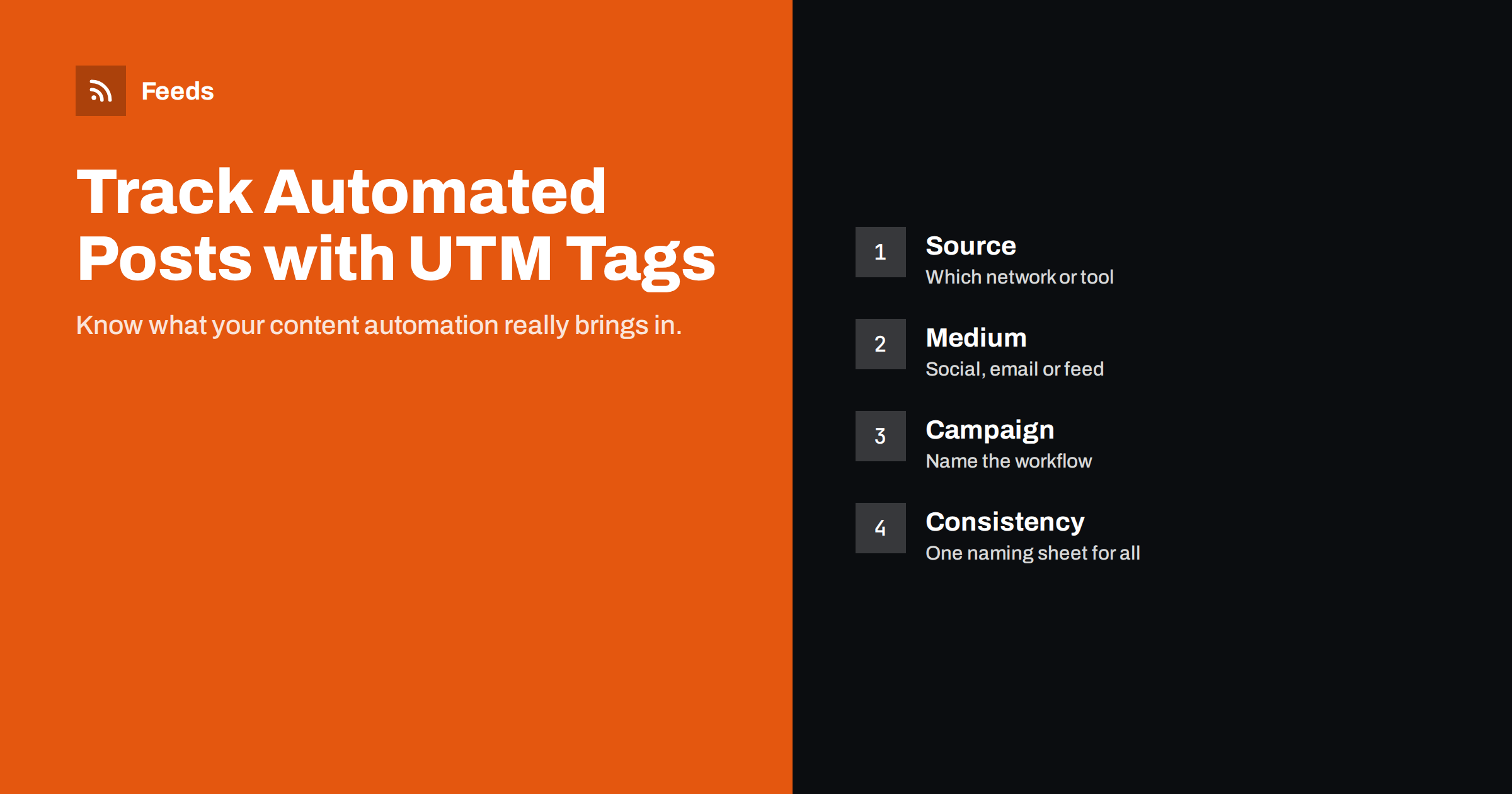
Short answer: Add UTM parameters to every link your automations publish so analytics tools can separate that traffic from everything else. Use utm_source for the network or tool, utm_medium for the channel type (such as social or email) and utm_campaign for the workflow, written in lowercase from one shared naming sheet. Add the tags in the posting tool or template rather than in the feed itself, and check a real published link to confirm they arrive intact.
Why automated posts need tracking
Automation is easy to set up and easy to forget. Months later, someone asks whether the automatic LinkedIn posts or the weekly digest are worth keeping, and nobody knows. Without tracking, visits from automated posts blend into generic referral traffic or, worse, into “direct” traffic when links are opened in apps that do not pass referrer information.
UTM parameters solve this. They are small labels added to a link’s query string that analytics tools read when a visitor arrives. They do not change the page, and visitors can still share the link normally. With consistent tags you can answer practical questions:
- How many visits did automated social posts bring last quarter, per network?
- Does the daily digest bring more engaged visitors than the weekly one?
- Which curated or product feeds lead to sign-ups or purchases?
- Did traffic drop when a workflow broke, and when exactly?
These answers matter because automation has hidden costs: subscription fees, the time spent maintaining workflows and the attention of followers who see every post. A workflow that brings a steady stream of engaged visitors is worth improving. One that brings almost nothing may be worth switching off, or replacing with fewer, better hand-written posts. Without tracking, both look the same in your reports, and decisions are made on gut feeling rather than evidence.
The five UTM parameters explained
| Parameter | What it describes | Example for automation |
|---|---|---|
utm_source |
Where the visitor came from | linkedin, facebook, newsletter, telegram |
utm_medium |
The type of channel | social, email, feed |
utm_campaign |
The campaign or workflow | rss-autopost, weekly-digest |
utm_content |
Which variant or placement | headline-template-a, item-1 |
utm_term |
Mainly paid search keywords | Usually not needed for automation |
Only source, medium and campaign are needed in most cases. Google’s documentation for Analytics explains how these parameters map to its reports; other analytics tools follow the same convention.
A naming convention that survives
The biggest UTM problem is not missing tags; it is inconsistent ones. “LinkedIn”, “linkedin” and “linked-in” appear as three different sources in most reports. The fix is a written convention that everyone and every tool follows.
- Lowercase only. Many analytics tools treat values as case-sensitive.
- Hyphens instead of spaces. Spaces get encoded as
%20or+and look messy. - Fixed medium values. Stick to the medium names your analytics tool recognises for its default channel grouping, such as
socialandemail, so traffic lands in the right channel automatically. - Campaign names that describe the workflow, not the date.
rss-autopostis clearer thanaugust-posts, because the workflow runs all year. - One shared sheet listing every allowed value, who owns each workflow and when it was set up.
Where to add the tags in an automated workflow
There are three places you could add UTM parameters, and they are not equally good.
In the posting tool or template (recommended)
Most RSS-to-social tools, email platforms and automation platforms let you add parameters to links automatically, either through a setting or by building the link in the template, for example {link}?utm_source=linkedin&utm_medium=social&utm_campaign=rss-autopost. This keeps the feed clean and lets each destination use its own source value.
In the feed itself (avoid)
Adding UTM parameters to the links inside your RSS feed means every consumer of the feed, including feed readers, other sites and search engines, gets tagged links. It also misattributes traffic: a visit from someone’s feed reader would be labelled with whatever source you hard-coded. Worse, changing tags later changes every item’s link, which can cause duplicate posts in link-based automations.
With a link shortener (optional)
A shortener can hide long tagged URLs and add click counts of its own. It adds a dependency, though, and some audiences distrust shortened links. Use one only if the destination has strict character limits or you need its extra reporting.
Example: a complete setup for one small business
Consider a small business with a blog, a company page on LinkedIn, a Facebook page, a Telegram channel and a weekly email digest, all fed automatically from the blog’s RSS feed. A consistent setup could look like this:
- LinkedIn posts:
utm_source=linkedin&utm_medium=social&utm_campaign=rss-autopost - Facebook posts:
utm_source=facebook&utm_medium=social&utm_campaign=rss-autopost - Telegram posts:
utm_source=telegram&utm_medium=social&utm_campaign=rss-autopost - Weekly digest:
utm_source=newsletter&utm_medium=email&utm_campaign=weekly-digest
With this, one report filtered to the rss-autopost campaign shows the total value of automated social posting, and breaking it down by source shows which network pulls its weight. The digest stays separate because it is a different channel with a different purpose.
If the business later tests two post templates on LinkedIn, it adds utm_content=template-a and utm_content=template-b for a few weeks, compares engagement, then keeps the winner and removes the parameter again. Everything else stays unchanged, so historical reports remain comparable.
The whole convention fits on half a page. Write it down in the shared sheet with the date each workflow started, and the next person who inherits these automations will understand the numbers immediately instead of guessing what each tag means.
Handling links that already have parameters
If an item’s link already contains a question mark, such as a product URL with a variant parameter, adding ?utm_source=… breaks it. The correct separator in that case is &. Good tools handle this automatically; in hand-built templates, test with a link that has existing parameters.
Also check that your site does not strip query strings during redirects. If http:// redirects to https://, or a non-trailing-slash URL redirects to a trailing-slash version, the parameters must survive the redirect. Open a tagged link in a private browser window and watch the address bar and your analytics real-time report.
Reading the results
Once tags are in place, give them a few weeks before drawing conclusions. Then look at:
- Sessions by source and medium for the automated campaigns, compared with the same period before.
- Engagement, such as engaged sessions or time on page, which shows whether automated traffic actually reads.
- Conversions attributed to each campaign, if you track sign-ups, leads or purchases.
- Sudden drops, which often mean a workflow broke rather than that interest vanished.
Remember that attribution is imperfect. Some visitors see an automated post, then return later by typing your address, which analytics will record differently. Treat UTM data as a strong indication, not a complete picture.
Tracking curated and third-party links
When you share other people’s content, such as curated news in a digest, UTM tags on those links tell the other site where its visitors came from, not you. That is harmless and sometimes appreciated, but it does not help your own reporting. To measure your curation, look at clicks inside your email platform or social network, or route links through your own tracked redirect if you have one.
Product feeds are a special case. Google Merchant Center and Meta catalogs use the product link from the feed, and many shops add tracking parameters for these channels. Follow each platform’s own guidance on tracking templates, and keep the product’s canonical URL stable.
Where Feeds fits
Feeds creates clean RSS feeds from any page, merges and filters sources, and generates product feeds for Google Merchant Center and Meta catalogs from WooCommerce, Shopify or a CSV link. Because the feeds carry the original article or product links, tracking parameters are best added in the tool that publishes from them, following the convention above. You can see how the plans differ on the pricing page.
Related reading
- How to Automate Social Media Posts from an RSS Feed
- How to Turn an RSS Feed into an Automatic Email Newsletter
- How to Stop Duplicate Posts in Automated Content Workflows
The bottom line
UTM tags turn “we think automation helps” into numbers you can act on. Agree a lowercase naming convention, add tags in the posting tool or template rather than in the feed, test a real link through any redirects, and review the results every few months. That small amount of discipline tells you which automations earn their place and which can be switched off.
FAQ
Do UTM parameters affect SEO?
UTM parameters on links shared on social media or in emails do not harm SEO as long as your pages declare a canonical URL. Avoid adding them to internal links on your own site, which can fragment analytics sessions.
Should I add UTM tags to my RSS feed links?
Generally no. Tags in the feed affect every reader and tool that uses it and misattribute traffic. Add them in the tool that publishes from the feed instead.
Which UTM parameters are required?
For most automated workflows, source, medium and campaign are enough. Content is useful for testing template variants, and term is mainly for paid search.
Are UTM values case-sensitive?
In many analytics tools they are, so “Email” and “email” become separate rows. Use lowercase everywhere to keep reports clean.
How do I know if my UTM tags work?
Click a published link in a private browser window, check that the parameters are still in the address bar after any redirects, and look for the visit in your analytics real-time report.
Can I track automated posts without UTM tags?
Partly. Analytics will show some visits as social referrals, but many app clicks arrive without a referrer and are counted as direct traffic. UTM tags make the attribution far more reliable.


