ENEnglish
 LTLietuviškai
 DEDeutsch
 FRFrançais
 RUРусский
 ESEspañol
 PLPolski
 ITItaliano
 UKУкраїнська
 CSČeština
 PTPortuguês
 JA日本語
JA日本語 LVLatviešu valoda
 ETEesti
 HUMagyar
 IDBahasa Indonesia
 TRTürkçe
 HIहिन्दी
 ELΕλληνικά
 ARالعربية
 THไทย
THไทย VITiếng Việt
 RORomână
 MSBahasa Melayu
 BNবাংলা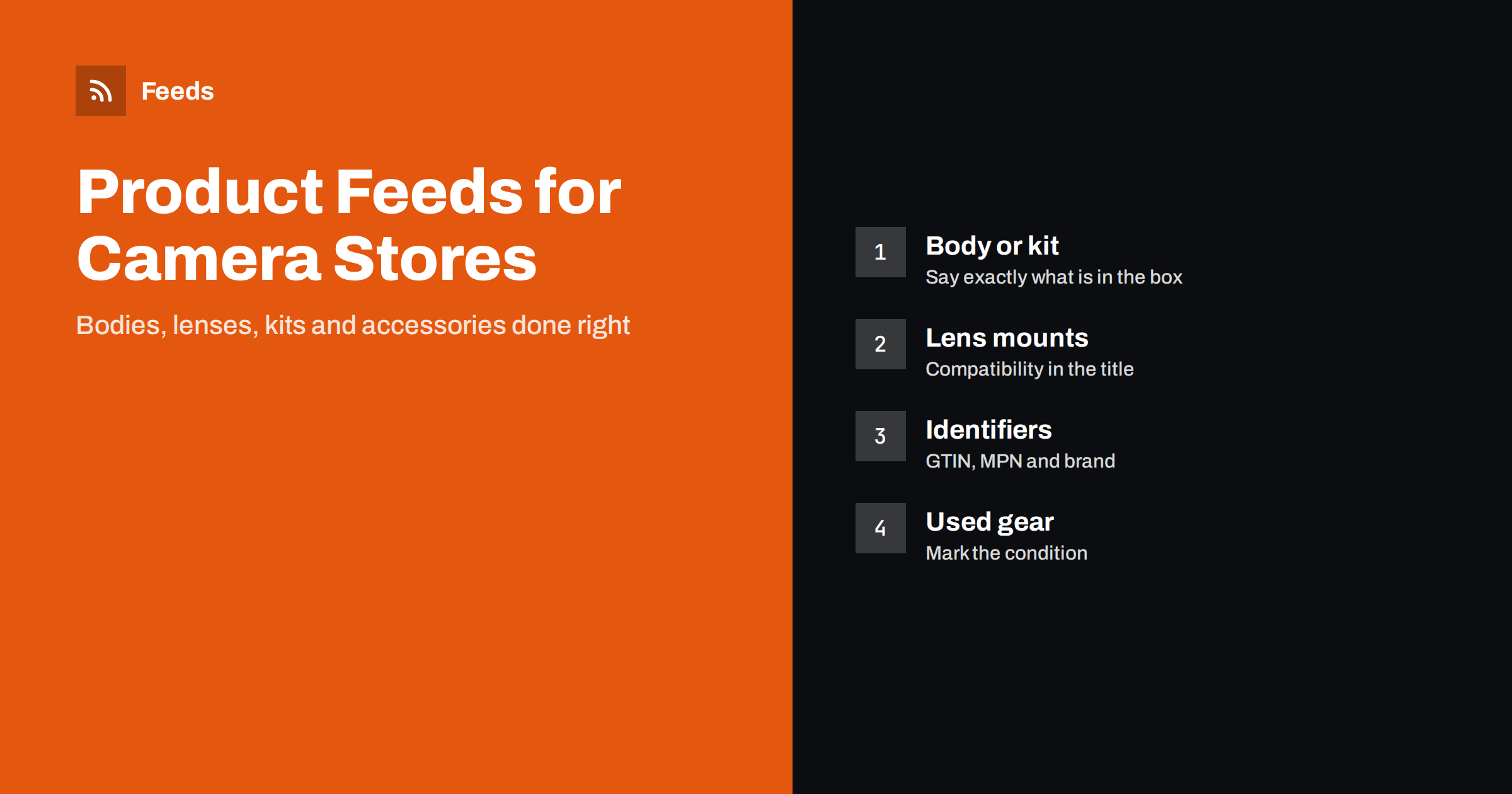
Short answer: A camera shop feed works when every listing says exactly what the buyer receives: body only or kit, with which lens, in which condition. Use the real brand, model number and GTIN, put the lens mount or compatible camera system into titles of lenses and accessories, group colour or kit variants under one item group, and keep stock and prices in step with your store. The most expensive mistakes in this category come from vague listings that mix up bodies, kits and accessories.
Why camera and photo gear needs careful feeds
Photography equipment is a category of high prices, precise technical language and very specific buyers. A shopper who searches for a camera body does not want to see a kit with a lens at a higher price, and someone who needs a lens for one system cannot use a lens made for another. Returns are costly, and a feed that hides the difference between two similar products produces clicks that never become sales.
At the same time, a camera catalog is rich in data that suits a feed: model numbers, manufacturer codes, standard identifiers and clear technical attributes. The task is to turn this data into a clean file that Google Merchant Center and the Meta catalog can read. If the format is new to you, start with what a product feed is and how it works and the list of required Google product feed attributes.
Body only, kit or bundle: name it in the title
Many cameras are sold in several forms. The same model may be offered as a body only, as a kit with a standard zoom lens, or as a bundle with a bag and a memory card. These are different products with different prices, and each one needs its own row in the feed with its own identifier.
Write the form in the title, close to the model name. For example: “Brand Model X Mirrorless Camera Body Only” and “Brand Model X Mirrorless Camera with 18-55 mm Lens Kit”. Do not rely on the description to explain the difference, because many placements show only the title and the price. If you create your own bundles, follow the rules in how to list bundles and multipacks in a product feed, including the description of what is in the set.
Lens mount and compatibility
For lenses, flashes, batteries, chargers and many other accessories, compatibility is the main reason to buy or not to buy. Put the mount or the camera system in the title, such as “for Brand E-mount” or “for Brand DSLR”. For battery grips, straps and cases that fit specific models, name the models in the title or in the first sentence of the description.
Use the same words as the manufacturer and as your customers. If the maker writes “RF mount” or “Z mount”, use exactly that. Keep one style across the catalog so that your reports and your product rules stay simple. Never claim that an accessory is compatible with a model unless the manufacturer says so. Wrong compatibility is the most common reason for returns of accessories. More on writing titles is in product feed title optimization.
Titles and attributes that shoppers search for
A good camera title follows the order of a shopper’s thinking: brand, model, product type, key specification and form of sale. For bodies, add the sensor format if the brand uses several, for example full frame or APS-C. For lenses, give the focal length and the maximum aperture, such as “50 mm f/1.8”. For tripods and bags, include the main size or capacity.
In addition to the title, fill in the attributes that platforms use for matching and filtering:
- The brand and the manufacturer part number.
- The GTIN printed on the packaging barcode.
- The colour, when the product comes in more than one.
- The condition, new, used or refurbished.
- The product category, using the Google taxonomy for cameras and optics.
The difference between the Google category and your own product type is described in google_product_category versus product_type.
Identifiers: brand, GTIN and MPN
Camera equipment from known brands has reliable identifiers, so there is no reason to leave them out. Take the GTIN from the manufacturer or the supplier data, not from guesswork. Each variant, such as a black body and a silver body, normally has its own GTIN. If your supplier sends the code for the model and not for each variant, ask for the full list.
The manufacturer part number helps platforms recognise the product even when a GTIN is missing, which is common for older or niche items. The rules and the common mistakes are covered in GTIN, MPN and brand: product identifiers in feeds explained. Do not invent codes and do not reuse the same code for different products, as this can lead to disapproved items.
Colours, kits and variants
When a camera model comes in black and silver, or in several kit forms, give all variants the same item group identifier and separate identifiers of their own. Then they appear as variants of one model and not as unrelated listings. The mechanics are explained in product variants and item_group_id. Keep only truly different options in one group. A body and a kit have different prices and contents, so decide whether you treat them as variants or as separate models, and do it the same way for the whole catalog.
Used, refurbished and demo equipment
Used cameras and lenses are a large part of the market, and they are also a source of errors. Set the condition to used or refurbished for every such item, say in the description what the grade means in your shop, and show real photos of the product when you can. If a used item has the same GTIN as a new one, make sure the condition and the price are clear to avoid confusion. Details of the conditions and typical problems are in used and refurbished products in feeds. Mention the warranty you give, but only the warranty that you really offer.
Images, descriptions, price and stock
Photography customers look closely at pictures. Use sharp, clean images of the product from the front, and add views of the ports, the back and the contents of the box when they matter. Do not add watermarks, price badges or promotional text on the main image. The technical limits are listed in product feed image requirements for Google and Meta.
In the description, state what is included in the box, the main specifications and any limits, for instance if a lens needs an adapter for a certain system. Write for people first. The guide to writing product descriptions for shopping feeds shows a structure that works for technical products.
Camera prices change often with promotions and manufacturer rebates, so refresh the feed regularly and make sure the price in the feed equals the price on the product page, including the currency. A mismatch is one of the most common causes of disapproval, as described in how to fix price mismatch errors. Do the same with stock: new cameras often sell out, and a product that is not available should show it. Delivery cost and time for heavy or fragile items should be set in the account settings or in the shipping attribute, and the options are explained in shipping in product feeds.
How RSS Feed Creator helps
RSS Feed Creator builds Google Merchant Center and Meta catalog XML straight from your store. WooCommerce and Shopify are read automatically, and any other store can use a CSV link. You can skip out-of-stock products, rewrite titles and adjust prices with rules, and the currency is detected automatically. The free plan includes product feeds with up to 50 products, which is enough to test a first set of bodies and lenses. The Store plan covers one store with 3 product feeds and up to 2,000 products, and the details are on the pricing page.
Related reading
- Product feeds for electronics stores: specs, GTINs and variants
- Merchant Center disapproved products: causes and fixes
- Product feed checklist: 25 checks before you submit
The bottom line
A camera store feed is a promise about what is in the box. Name the form of sale in the title, write the mount or system for lenses and accessories, use correct identifiers, group the variants and mark used items honestly. Keep prices and stock in step with your store, and check the feed before every promotion.
FAQ
Should a camera body and a kit be separate products?
Yes, in most cases. They have different contents and prices, so each needs its own identifier and a title that names the form of sale. Group only colour options of the same form.
Where do I put the lens mount?
Put it in the title of every lens and of accessories that depend on it, and repeat it in the description. Use the manufacturer’s own wording.
Do used cameras need a GTIN?
If the model has a GTIN, you can normally use it for a used item, and the condition attribute must say used or refurbished. If you have no code, use the brand and the part number and do not invent an identifier.
Can I list third-party accessories with the camera brand name?
You may say that an accessory fits a brand’s system if it does. The brand attribute, however, should be the maker of the accessory, not the camera brand.
How often should the feed refresh?
Often enough that price and stock match the store. For active shops with frequent changes, a short refresh interval is better than a daily one.