ENEnglish
 LTLietuviškai
 DEDeutsch
 FRFrançais
 RUРусский
 ESEspañol
 PLPolski
 ITItaliano
 UKУкраїнська
 CSČeština
 PTPortuguês
 JA日本語
JA日本語 LVLatviešu valoda
 ETEesti
 HUMagyar
 IDBahasa Indonesia
 TRTürkçe
 HIहिन्दी
 ELΕλληνικά
 ARالعربية
 THไทย
THไทย VITiếng Việt
 RORomână
 MSBahasa Melayu
 BNবাংলা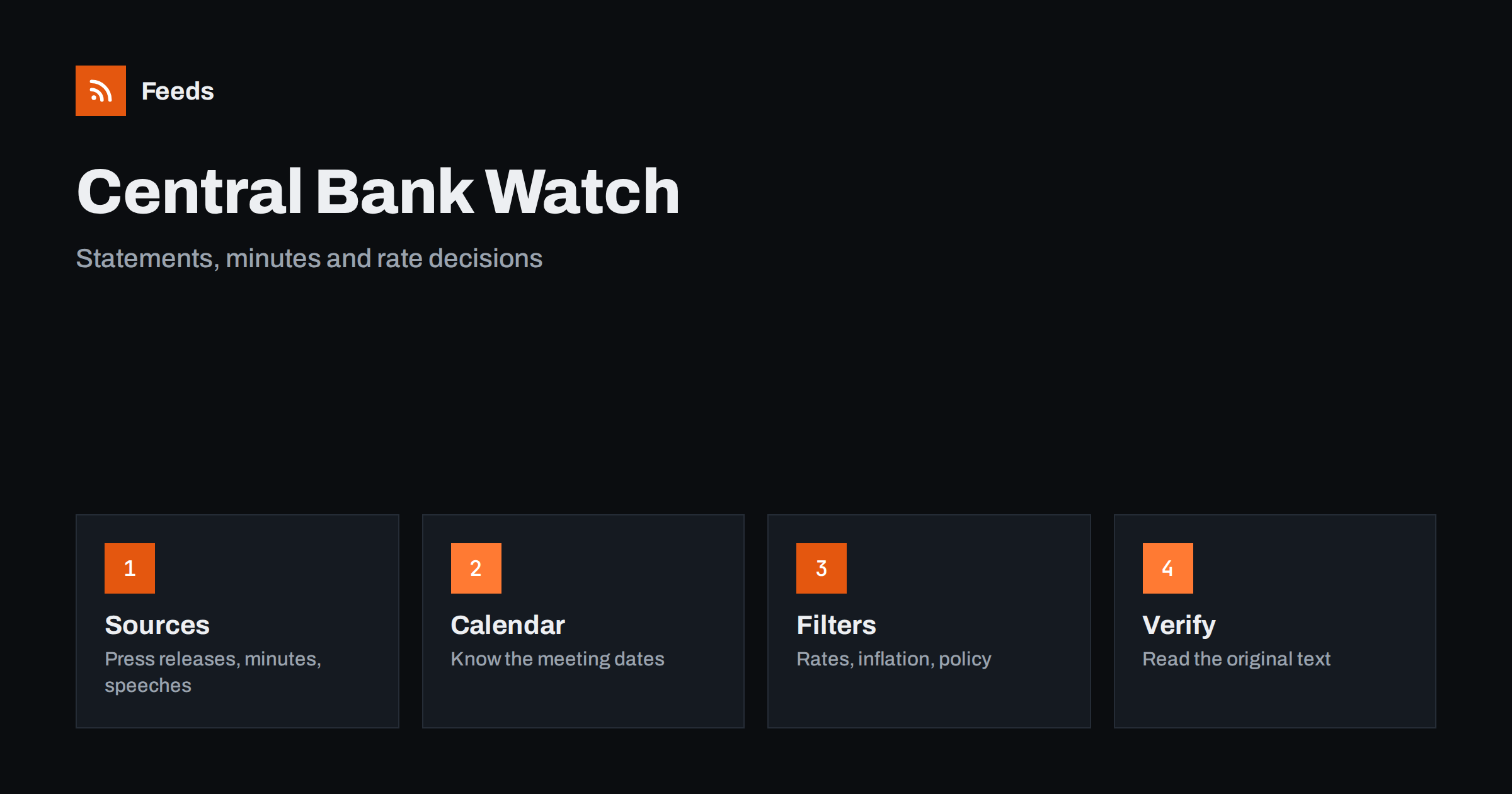
Short answer: Central banks publish their most important information on their own websites: policy statements, meeting minutes, speeches, statistical releases and press conference transcripts. RSS lets you collect those official pages into one reader, filter them by the topics you care about, such as interest rates, inflation or lending conditions, and see each release as soon as it appears. A feed will not interpret a decision for you or predict the next one, so read the original text of anything important and treat commentary as a second step, not the first.
Why the official page beats the headline
When a central bank changes a policy rate, the news travels fast and arrives in simplified form. A headline says “rates rise” or “rates held”, but the statement itself contains the reasoning, the wording about future decisions and the vote or the range of views. Those details are what businesses, savers, borrowers and analysts actually need. Small changes in wording between two statements are often more informative than the rate itself.
The official page is also the only source that is complete and neutral. Commentary sites select what they consider interesting, social media posts shorten it and screenshots remove context. If you follow decisions for work, such as pricing loans, planning purchases or writing market notes, it is safer to start with the primary document. The same logic is described in media monitoring with RSS.
Know what central banks publish
Most central banks publish several kinds of material, and each has a different rhythm. Policy statements and press releases appear after every decision meeting. Minutes or accounts of the meeting come out some days or weeks later and show how members argued. Speeches by governors and board members appear irregularly and often hint at the direction of thinking. Statistical releases cover money supply, lending, bank rates and balance sheet data, and economic projections are published several times a year.
In addition there are financial stability reports, regulatory notices, consultations and announcements about payments systems or banknotes. Decide which of these matter to you. A mortgage broker may only need rate decisions and lending statistics, while a treasury analyst may also want speeches and projections. Writing this down before you start keeps the feed focused. Related official sources are covered in how to track regulator updates with RSS and statistics and open data alerts.
Find the right pages and feeds
Many central banks offer RSS feeds for press releases, speeches or publications, usually linked from a news or media section. Look for a feed icon, a link labelled RSS, or check the page source for a feed link. If a feed exists, use it. If it does not, or if it covers everything and floods you with items, you can create a feed from the specific page that lists the releases you want, such as the page for monetary policy decisions.
Check that the page you choose is stable and official. Use the central bank’s own domain, not a copy hosted by a third party. For countries or currency areas you follow, repeat the process, but start small: two or three banks are usually enough for a clear picture. Methods for finding feeds on any site are in how to find the RSS feed of any website, and the page-based approach in how page-to-feed tools find the articles on a web page.
Merge and filter by topic
Once you have several sources, merge them into one reading list so that you do not have to switch between pages. Then filter. Keywords such as “interest rate”, “policy rate”, “inflation”, “lending”, “monetary policy” and “projections” keep the relevant items, while words like “banknotes”, “events” or “tender” can be excluded if they do not concern you. Review the results after the first weeks and adjust, because official titles are often more formal than you expect.
Remember that titles may not contain the word you are looking for. A statement titled “Monetary policy decision” might not mention “interest rate” in the title but only in the text. If the filter hides items you want, widen it or filter on a smaller set of sources. The mechanics are explained in merging multiple RSS feeds into one clean feed and RSS keyword alerts, and ways to avoid overload in how to reduce RSS alert noise.
Use the calendar as part of the system
Decisions follow a published calendar. Add the meeting dates, the minutes dates and the time of day to your own calendar, because a feed tells you what has appeared, not when to expect it. On decision days the page can be updated within minutes, and shortly afterwards a press conference or Q&A text may follow. Checking the feed on those days is more useful than checking it every hour of every week.
Be aware of time zones. A release at 14:15 in one city can be late evening somewhere else, and feed readers show times according to their own settings. If dates look wrong, see RSS pubDate and time zones. For work that depends on exact timing, such as a pricing change linked to a decision, rely on the timestamp published on the official page.
Read a release carefully
Start with the decision itself: what changed, by how much and from when. Then read the forward-looking language, because this is the part markets and businesses react to. Note whether the statement says decisions will depend on incoming data, whether it describes risks as balanced or tilted, and whether it mentions specific indicators. Compare the wording with the previous statement; a copy of the last text next to the new one makes changes visible.
Keep facts and interpretation apart. The statement says what the bank decided and why. A forecast of what will happen to your loan, your currency or your prices is an opinion, even when it comes from an expert. Write down your own assumptions and the date, and review them when the next release arrives. Do not take an action that depends on a single reading of a single headline.
Build a simple record
A small table makes the feed useful over time. Columns might include date, institution, decision, rate level, key phrase about the outlook, link to the original and a note on what it means for you. Copy items into a spreadsheet or a notes tool; the methods are described in importing feeds into Google Sheets and sending feed items to a Notion database.
After a few months you will see patterns in the wording and in the gap between announcements and the action you took. A record also protects you from remembering decisions inaccurately. For teams, a shared record means that everyone quotes the same figures and dates when they talk to customers or management.
Limits and cautions
A feed is a delivery tool, not a source of advice. It does not know your financial situation, and nothing in an official release is a recommendation for you personally. If you make decisions about borrowing, saving or investing, consider the advice of a qualified professional who knows your circumstances.
Be careful with unofficial pages that imitate official ones, with unverified summaries that circulate quickly and with documents that have been revised. Official pages sometimes correct statistics after publication, so note the version and date you used. Do not repost a rate figure in your own communication unless you have checked it against the original the same day.
How RSS Feed Creator helps
RSS Feed Creator turns the press release, speeches or publications page of a central bank or financial authority into a clean RSS feed, even when the site has no feed of its own. It reads titles, images, summaries and dates, uses an existing feed when there is one, and shows a preview of the items before the feed is created. You can merge several sources into one feed (up to 10 on paid plans), keep only the items that contain your keywords and have duplicates removed automatically, which suits a themed watch on policy and rate announcements. Feeds refresh every 3 hours on the free plan and every 30 minutes on paid plans, and paid plans send an alert when a page changes and a feed stops finding items. The free plan allows up to 20 items per feed, and the details are on the pricing page.
Related reading
- How to Track Investor Relations Announcements with RSS
- How to Get Alerts for New Statistics and Open Data Releases
- How to Organize Your RSS Reader So It Never Overwhelms You
The bottom line
Following central bank decisions with RSS means going straight to the official pages, merging the ones you need, filtering by topic and reading the original text before you act. Combine the feed with a calendar of meeting dates and a short record of what each release said, and you will understand decisions faster and with fewer surprises, without paying attention to every headline.
FAQ
Which central bank pages should I follow?
Start with press releases and policy statements, then add minutes, speeches and statistical releases if you need them. Use the bank’s own domain and follow only the institutions that affect you.
What if the central bank has no RSS feed?
A page-to-feed tool can read the list of releases on the page and build a feed from it. Check the preview to confirm it shows real releases with titles and dates, not menu links.
Which keywords work best?
Words such as interest rate, policy rate, inflation, lending, monetary policy and projections. Official titles are formal, so start broad and narrow the filter after a few weeks.
Can I use a feed to react instantly to a decision?
A feed shows a release soon after it appears, but it is not a trading tool and its refresh interval limits its speed. For time-critical needs, rely on the official page and the published timestamp.
Is this financial advice?
No. A feed only delivers official information. Decisions about borrowing, saving or investing depend on your situation, and a qualified professional can advise you on them.