 ENEnglish
 LTLietuviškai
 DEDeutsch
 FRFrançais
 RUРусский
 ESEspañol
 PLPolski
 ITItaliano
 UKУкраїнська
 CSČeština
 PTPortuguês
 JA日本語
 LVLatviešu valoda
 ETEesti
 HUMagyar
 IDBahasa Indonesia
 TRTürkçe
 HIहिन्दी
 ELΕλληνικά
 ARالعربية
 THไทย
 VITiếng Việt
 RORomână
 MSBahasa Melayu
 BNবাংলা
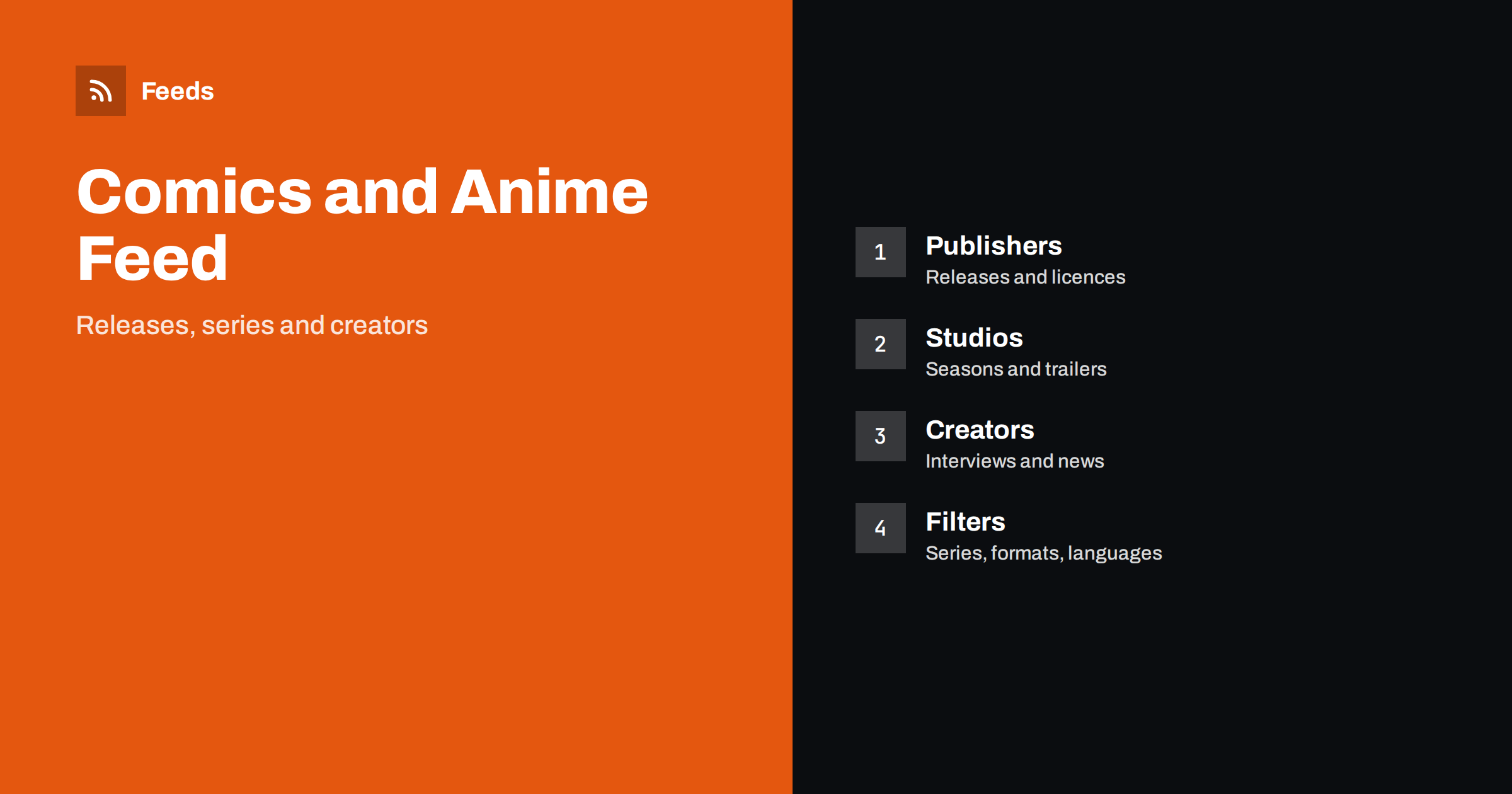
Short answer: News about comics, manga and anime is spread across publishers, studios, distributors, creators, festivals and fan sites. RSS lets you follow them all in one reader: release dates, new volumes, licences, trailers and convention news. Add the publishers and studios you care about, filter by series or creator, separate official announcements from rumours and keep a calendar of release dates so that you do not miss a volume.
A good habit is to review your sources every season. Series end, sites close and new favourites appear. Remove feeds that no longer post and add the ones you keep visiting by hand. A feed list that matches your current interests is far more useful than a long list from years ago.
Why fans need a better system
A fan of several series has a lot to track. New volumes come out on different days, anime seasons begin and end, licences move between publishers and special editions sell out quickly. News appears on publisher pages, social posts and fan sites, and it is easy to see a rumour first and the official answer a week later.
A feed keeps everything in order. You choose the sources, you see items as they are published and you decide what to read. If the idea is new to you, what is an RSS feed explains it in a few minutes. For fans, the biggest benefit is the calm: no need to refresh pages or fear missing a pre-order window.
Pay attention to regional differences. A licence announced in one country does not mean that it is available in yours, and dates differ between regions. When you read an announcement, look for the market, the language and the format before you plan a purchase.
Official sources first
Start with the people who make and sell the work. Publishers announce new volumes, translations, reprints and special editions. Anime studios and production committees announce seasons, cast and staff. Distributors and streaming services announce what is available in your region and when. Creators often post news on their own sites or blogs.
Official sources give you dates and facts. Put them in a folder and read it first. If a source publishes in another language, a feed can still help: you can open the item and use a translation tool for the details. Monitor foreign-language sites with RSS explains how to follow sources in other languages without losing track of the meaning.
Release calendars and pre-orders
Release dates are the heart of the hobby. Publishers and retailers publish calendars, often as pages without a feed. A page-to-feed tool can turn a calendar page into a feed, so you receive new entries when they are added. New releases alerts with RSS shows the general method for books, music and games, and the same method works well for volumes and box sets.
Pre-orders for special editions can close quickly. When a feed item announces one, write the closing date in your calendar and check the price, the shipping and the return rules. Back-in-stock alerts with RSS helps when a volume is sold out and you want to learn when it returns.
Do not forget artists who work across formats. A creator may publish a web comic, a printed volume and an illustration book, and each has its own news. A filter on the creator’s name catches all of them, while a filter on one title catches only that series. Use both kinds in different folders.
Filter by series, creator or format
Use filters to see only what you follow. Add the titles of your series, the names of creators and formats such as “omnibus”, “box set”, “hardcover” or “simulcast”. Because titles are written in several ways, add the English, original and romanised forms where you can. Add the names of publishers in your country, since licences differ by region.
Exclude words that bring noise, such as sale banners or unrelated merchandise, if they appear in your sources. Set up keyword alerts using RSS feed filters describes the method, and how to reduce RSS alert noise helps when the list is too long. Review the filters after each season, because new series appear and old ones end.
Remember that dates in Japan and in your country can differ by a day or more, especially for simulcasts. Write the time zone in your note, and check the platform’s own schedule page. A feed from the platform helps you see changes, such as delayed episodes, before you sit down to watch.
Anime seasons and trailers
Anime is organised in seasons. Studios and committees announce new series months in advance, then trailers, key visuals and dates follow. A feed of the official sites and of a few trusted news sites lets you build a watch list well before the season begins. Streaming services publish their line-ups too, and these pages are useful for finding out where a series will be available.
Keep a note for each series: the platform, the day of the week and the number of episodes. During the season, a feed of the official site shows delays and special episodes. For film and series news in general, follow film, TV and streaming release news with RSS shows more sources.
Plan travel early. Hotels near big conventions fill up months ahead, and train or flight prices rise. A feed that alerts you the moment a convention publishes its dates gives you a head start, and a shared folder lets friends coordinate who is going and when to buy tickets.
Conventions, festivals and signings
Comic conventions, anime festivals and book fairs announce guests, schedules and ticket sales. Tickets for popular events can sell out within hours. Follow the official pages of the events you want to attend, and use ticket release alerts with RSS to learn about the start of sales. Local comic shops and libraries also announce signings and club meetings.
Creators and small presses often sell at artist alleys and fairs. Their announcements are on personal sites and social posts. If a personal site has no feed, a page-to-feed tool can help, and the process is explained in how to create an RSS feed for a website without RSS.
A useful test for any news item is to ask who benefits from it. A publisher benefits from announcing a date, and a creator from showing new art. A site that lives on clicks benefits from dramatic titles. Knowing the motive of a source helps you read it with the right amount of trust.
Rumours, spoilers and reliability
Fan communities are creative and fast, but not always accurate. Treat unofficial news as rumour until a publisher, studio or creator confirms it. Notice whether a site cites its source and whether it corrects mistakes. Move sources that repeat unverified claims to a folder you read with care, or remove them.
Spoilers are a problem for feeds, since a title can reveal a plot twist. Use filters to exclude words that identify the arcs you have not finished, and mute folders until you catch up. Many readers allow you to hide item summaries, which helps. A small amount of care keeps the pleasure of discovering a story.
Teachers and librarians can use anime and comics news as a bridge to reading. A new film adaptation, a prize or a translation announcement is a reason to promote the original book. Keep a short list of titles with a line about the age group and the themes, so that recommendations are quick and safe.
For shops, libraries and clubs
Comic shops, libraries and school clubs can use the same feed to prepare orders and displays. Seeing a new licence announced helps a shop decide what to stock. A library can plan a display around a new anime adaptation. A club can schedule a reading or screening around a release.
If you post this news to your own followers, add a comment of your own and link to the official source. Content automation for bookshops and independent retailers and product feeds for board games and puzzles are close neighbours for shop owners who want to extend the idea.
How RSS Feed Creator helps
RSS Feed Creator turns publisher, studio and release calendar pages into clean RSS feeds, even when the site has no feed of its own. It reads titles, images, summaries and dates, uses an existing feed when there is one, and shows a preview of the items before the feed is created. Keyword filters keep only the items that contain your words, and the paid add-on lets you merge up to 10 sources into one feed with duplicates removed automatically, which suits a feed of volumes, seasons and convention news. Feeds refresh every 3 hours on the free plan and every 30 minutes on paid plans. The free plan allows up to 20 items per feed, and the details are on the pricing page.
Related reading
- How to Track New Book, Game and Music Releases with RSS
- How to Follow Film, TV and Streaming Release News with RSS
- How to Follow Game Patch Notes and Esports News with RSS
The bottom line
A feed makes it easy to follow comics, manga and anime: official sources first, release calendars in your own calendar, filters for series and creators, and a healthy distance from rumours and spoilers.
FAQ
Which sources should I add first?
The publishers, studios and creators of the series you follow, plus one or two news sites that cite their sources.
How can I avoid spoilers?
Exclude words that name arcs or characters you have not reached, and hide summaries in your reader.
Can I follow a release calendar without a feed?
Yes. A page-to-feed tool can turn a calendar page into a feed, and you should check the preview.
How do I know if news is official?
Look for the publisher, studio or creator as the source, and wait for confirmation before acting on rumours.
How often should I check?
Once a day is enough for most fans, and weekly works for a small list of series.


