ENEnglish
 LTLietuviškai
 DEDeutsch
 FRFrançais
 RUРусский
 ESEspañol
 PLPolski
 ITItaliano
 UKУкраїнська
 CSČeština
 PTPortuguês
 JA日本語
JA日本語 LVLatviešu valoda
 ETEesti
 HUMagyar
 IDBahasa Indonesia
 TRTürkçe
 HIहिन्दी
 ELΕλληνικά
 ARالعربية
 THไทย
THไทย VITiếng Việt
 RORomână
 MSBahasa Melayu
 BNবাংলা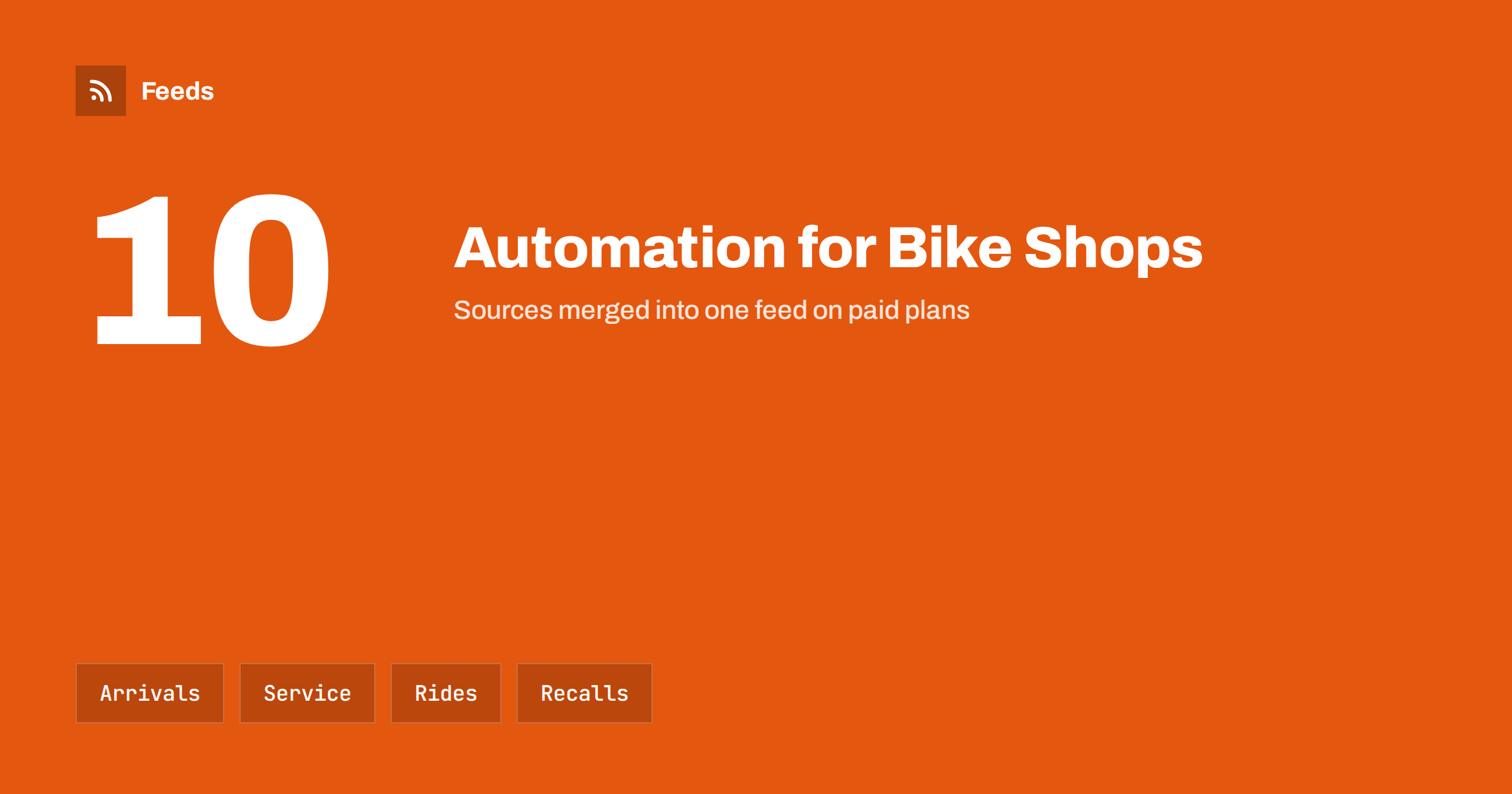
Short answer: A bike shop has a rhythm that repeats every year: new models in winter, a rush of servicing in spring, summer rides, autumn lights and winter maintenance. It also has plenty to say: new arrivals, workshop slots, local events, route closures and safety notices from manufacturers. Content automation turns the pages where this news already appears into feeds, then posts from them to social media and a newsletter on a calm schedule. The owner or a mechanic still decides the voice and checks anything about safety, prices or availability.
A business with a calendar
Bike retail and repair are strongly seasonal. A cold snap in March empties the workshop; the first warm weekend fills it for a month. Customers think about their bike at predictable moments: before the season, after a puncture, when the clocks change and when the weather turns. A shop that speaks to them at those moments earns bookings. A shop that is silent in the busy weeks, because everyone is behind a workbench, loses them.
The challenge is that the same people who must post are the ones who are busiest at the busiest times. Automation does not replace the owner’s voice, but it can keep a steady stream of useful information going when nobody has time. It does so by watching the sources that already carry news, and by turning the shop’s own pages, such as new stock and workshop availability, into scheduled posts. The ideas apply to other small retailers as well, and content automation for local businesses gives the general approach.
Sources a bike shop can use
Make a short list of places where news appears before you hear about it.
- Your own new-arrivals page. Every bike, helmet or accessory added to the shop is a post waiting to be written; the principle is in a store new-arrivals RSS feed.
- Supplier and brand news pages. New models, price changes, discontinued lines and availability notes.
- Safety notices and recalls. Manufacturers and consumer safety bodies publish recalls for bikes, helmets and components. See product recall alerts with RSS.
- Local council and transport pages. Cycle path closures, roadworks and new routes, as covered in road works and traffic disruption alerts.
- Clubs and event organisers. Rides, races and charity events in your area, many of which publish a calendar or a news page.
- Local news and weather. Stories about cycling in your town and warnings that affect rides; see local news monitoring with RSS.
If a source has no feed, a page-to-feed tool can read its list of items and create one. Merge related sources, such as supplier news and recall notices, so that one stream carries everything the workshop must know.
New arrivals and stock
Customers love to hear that a bike has arrived, especially in a popular size. A feed from your store’s new-products page, or from a “just in” collection, can turn each new listing into a short post with a picture and a link. Add a person to the loop: check that the price and the stock level are right before the post goes out, and do not announce a bike that is already sold. A post saying “last one in your size” should only go out if it is true.
Seasonal stock deserves its own schedule. Lights and mudguards in October, repair kits and locks in spring, children’s bikes in the weeks before holidays. A content calendar built from your own feeds and from the seasons keeps these on time; the method is described in building a content calendar from feeds. For the product side, including how to list bikes and parts for shopping ads, see product feeds for bicycle and cycling shops.
Workshop reminders that earn bookings
The most valuable post a bike shop can make is the one that fills the workshop. A reminder in early spring, “book your service before the rush”, a note in autumn about lights and brakes, and a mid-winter offer for off-peak servicing, each tied to a date and a booking link. These are recurring, predictable and easy to schedule in advance, and they do not need a feed at all. Where a feed helps is in timing: weather and daylight notices can trigger a reminder at the right moment.
Use real capacity. If the workshop is fully booked for three weeks, say so, and offer a waiting list or a drop-off day. A reminder that sends customers to a full calendar is a poor reminder. Keep the information on the page the post links to up to date, since a wrong price or lead time is more damaging than a missing post.
Local rides, routes and events
Cyclists follow shops that are part of the local scene. A weekly post with rides and events in the area gives people a reason to follow you whether or not they need a new tyre. Collect the calendars of local clubs, charity events and tourist boards into one merged feed, filter it by place and by words such as ride, sportive and gravel, and review it before posting. The approach for event calendars is described in creating an event calendar RSS feed and promoting an event calendar automatically.
Always credit the organiser and link to their page, and check dates and safety information before sharing. Route closures and diversions change often, so refer people to the official page rather than copying details that might be out of date. If your shop organises its own rides, add them to the same feed so that your posts and your partners’ posts look like one calendar.
Safety notices need a human
Recalls and safety notices about helmets, brakes, frames and child seats are the most sensitive content a shop handles. Automation is excellent at noticing them and poor at deciding what to say. Let the feed alert you immediately, and let a person write the response: which products are affected, what customers should do, how to contact the shop. Check whether you sold the product and, if so, contact those customers directly where you can.
The same caution applies to the rest of the queue. Automated, cheerful promotion of a product with an open safety issue is a serious mistake. Keep a quick way to pause scheduled posts for any product or for the whole account, and agree who can do it. The plan in pausing automated posting: a crisis plan is a good template, and brand safety for automated posting covers topics to keep out of scheduled posts.
A simple weekly routine
On Monday, review the merged feed of supplier news, recalls and local events, and choose what to share. Midweek, check the new-arrivals posts that are scheduled and remove anything sold. On Friday, post the weekend rides and the weather outlook, with a line from the workshop on availability. Once a month, send a newsletter with new arrivals, workshop tips and the next events; turning a feed into a newsletter is covered in turning an RSS feed into an email newsletter. The whole routine takes less than an hour a week once the sources are set up, and the posts keep going when the shop is busy.
How RSS Feed Creator helps
RSS Feed Creator turns the new-arrivals page, news page or events list of a website into a clean RSS feed, even when the site has no feed of its own. It reads titles, images, summaries and dates, uses an existing feed when there is one, and shows a preview of the items before the feed is created. You can merge several sources into one feed (up to 10 on paid plans), keep only the items that contain your keywords and have duplicates removed automatically, which suits a stream of supplier news, recalls and local rides. Feeds refresh every 3 hours on the free plan and every 30 minutes on paid plans, and paid plans send an alert when a page changes and a feed stops finding items. The free plan allows up to 20 items per feed, and the details are on the pricing page.
Related reading
- Content Automation for Event Organizers: Announce, Remind, Repeat
- Content Automation Checklist: Before You Switch It On
- Sports Club News and Fixtures with RSS
The bottom line
A bike shop already follows the calendar; automation keeps the shop talking while the mechanics work. Turn new stock, supplier news and local events into feeds, schedule seasonal workshop reminders, keep safety notices in human hands and know how to pause the queue. The shop stays visible in the busy weeks, which is when it matters most.
FAQ
What should a bike shop automate first?
Start with new arrivals and seasonal workshop reminders. Both follow a predictable pattern and come from information the shop already has. Add local rides and supplier news afterwards.
Can I post new bikes automatically?
Yes, from a new-arrivals page or collection, but check price and stock before each post goes out and remove anything that has sold. A post about a bike that is gone damages trust.
How do I handle product recalls?
Use a feed to be alerted at once, and have a person decide what to say. Identify whether you sold the product, contact affected customers directly and pause promotion of the product until the issue is resolved.
Where do I find local rides and events?
Club calendars, tourist boards, charity event pages and council sites. Merge them into one feed, filter by place and keywords, review the results and always credit and link to the organiser.
How often should a small shop post?
A few times a week is enough for most shops. Add extra posts for seasonal workshop reminders and big events, and avoid filling the gaps with posts that say nothing.