 ENEnglish
 LTLietuviškai
 DEDeutsch
 FRFrançais
 RUРусский
 ESEspañol
 PLPolski
 ITItaliano
 UKУкраїнська
 CSČeština
 PTPortuguês
 JA日本語
JA日本語 LVLatviešu valoda
 ETEesti
 HUMagyar
 IDBahasa Indonesia
 TRTürkçe
 HIहिन्दी
 ELΕλληνικά
 ARالعربية
 THไทย
THไทย VITiếng Việt
 RORomână
 MSBahasa Melayu
 BNবাংলা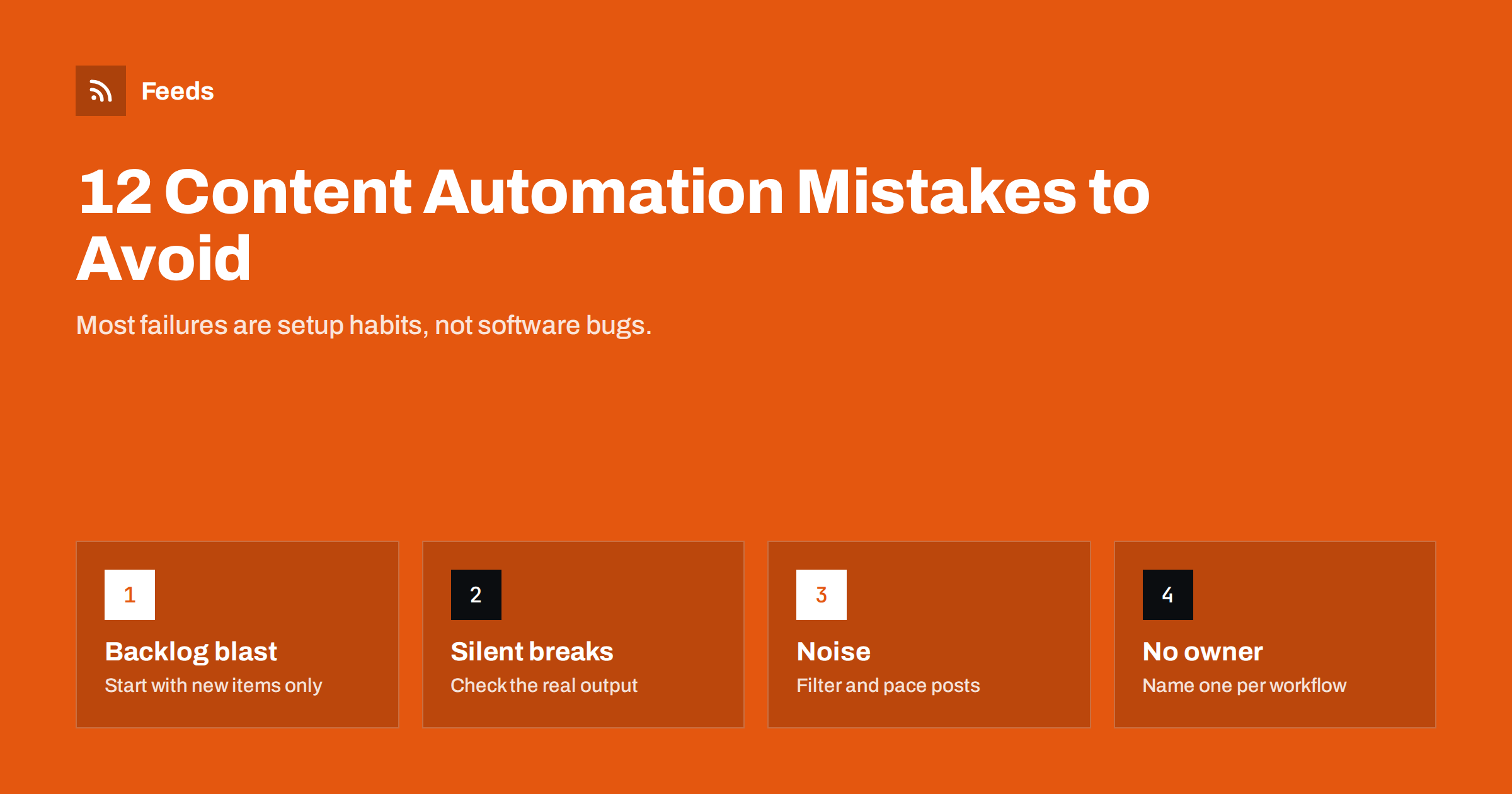
Short answer: The most common content automation mistakes are publishing an entire archive on day one, never checking the real output, posting everything everywhere with the same template, ignoring images and link previews, letting workflows break silently, and building automations that nobody owns. Almost all of them are prevented by the same habits: start with new items only, filter and pace what goes out, look at the live result after every change and write down who owns each workflow.
Why automation mistakes are costly
A manual mistake affects one post. An automation mistake repeats itself on every run, on every channel, until someone notices. Fifty old articles posted to a company page within minutes, a newsletter sent twice, a product catalog advertising sold-out items for a week: these are the typical results of small setup errors.
The good news is that the same mistakes appear again and again, across tools and industries. Knowing them in advance makes most of them easy to avoid. The twelve below are grouped into setup, content, operations and strategy mistakes, followed by a few extra pitfalls that are specific to newsletters and product feeds.
None of them requires expensive tools to fix. They require a little attention at setup and a routine afterwards.
Setup mistakes
1. Publishing the whole archive on day one
When you connect a feed to a new posting tool, the tool sees every item in the feed as new. Unless you tell it otherwise, it may post all of them. Fix: always choose the option to post only items published from now on, or run the first check in test mode.
2. Testing only in the tool, not on the channel
A green “success” in the tool’s log does not mean the post looks right. The image may be missing, the text truncated or the link broken. Fix: after setup and after every change, open the actual post on the network, the actual email in an inbox, or the actual channel message on a phone.
3. Changing feed URLs on live workflows
Switching the feed address, even from HTTP to HTTPS, can make a tool treat the feed as brand new and repost everything. Fix: pause the workflow, change the URL, and restart it with “only new items”.
Content mistakes
4. One template for every network
What works on LinkedIn looks odd on X, and a Telegram post needs a different tone than a Facebook page. Fix: create a template per destination: shorter for character-limited networks, a little more context for professional audiences, hashtags only where they are used.
5. Ignoring images and link previews
Networks build previews from a page’s Open Graph tags. Without a proper og:image, previews appear empty or pick a random logo. Fix: give every article and product a clear featured image and make sure your pages output Open Graph tags; test a link with the network’s own preview or debugging tool when available.
6. Titles that only make sense on your site
“Part 3”, “Update” or “Our news” tell a social media reader nothing. Automation copies titles as they are. Fix: write titles that make sense on their own, or include the summary in the template.
7. Posting everything the feed contains
Main feeds often include job ads, internal notices, event reminders and sponsored posts. Not all of it belongs on every channel. Fix: use category feeds or keyword filters, and decide per channel which content fits.
Operational mistakes
8. Silent failures
Social connections expire, passwords change, a page layout changes and a feed stops finding items. The workflow does not complain; it simply stops. Weeks later someone asks why the page is quiet. Fix: turn on failure notifications where the tool offers them, choose tools that alert you when a feed breaks, and add a monthly calendar reminder to look at every destination.
9. Bursts and no pacing
Publishing ten articles in one afternoon, or importing a batch of products, can produce a wall of posts within minutes. Followers mute, and some platforms may throttle accounts that post in rapid bursts. Fix: set a minimum interval between posts or a daily maximum, or use a digest for high-volume sources.
10. Workflows nobody owns
Automations built by a former employee, a freelancer or an agency often live in someone’s personal account. When that person leaves, nobody knows how they work or how to change them. Fix: keep a simple register: workflow name, tool, account, owner, what it does and when it was last checked. Use shared or company accounts for business workflows.
Strategic mistakes
11. Automating before you have something worth distributing
Automation multiplies reach, not quality. If the content is thin, automation spreads thin content faster. Fix: make sure the content is good and the audience is right before investing time in distribution workflows.
12. Never measuring whether it works
Many automations run for years without anyone checking whether they bring visitors, subscribers or sales. Fix: add UTM parameters to automated links, review traffic by channel every quarter and switch off workflows that bring nothing.
Extra pitfalls in newsletter automation
Email adds its own traps on top of the general ones. The most frequent is sending too often: an RSS campaign set to “every new item” turns an active blog into several emails a week, and unsubscribes climb. A weekly or daily digest is almost always the better default. The second is full-text feeds: when the feed contains complete articles, the digest becomes an endless scroll that nobody finishes. Switch the feed or the template to excerpts.
The third is consent. Automation does not change email law. Only send to people who subscribed, keep a working unsubscribe link and your business address in every template, and authenticate your sending domain as your email provider recommends. A digest that lands in spam is worse than no digest, because it quietly damages the reputation of your domain for all other email too.
Extra pitfalls in product feed automation
Product feeds for Google Merchant Center and Meta catalogs are a form of content automation too, and mistakes there cost money directly. Advertising products that are out of stock wastes ad budget and frustrates shoppers. Prices in the feed that differ from prices on the product page can lead to disapproved products. Titles copied from the shop without brand, size or colour are harder to match with searches.
The fixes follow the same pattern as for content feeds: refresh the feed regularly so stock and prices stay current, skip products that are not available, keep titles descriptive and check the diagnostics in Merchant Center and Commerce Manager after every significant change to the shop or the feed.
A quick self-check
If you already run automations, answer these questions. Every “no” points to one of the mistakes above.
- Have you looked at the real output of each workflow in the last month?
- Does each destination have its own template?
- Are feeds filtered so each channel gets only relevant items?
- Is there a limit on how many posts go out per hour or day?
- Would you be notified if a workflow or feed stopped working?
- Is every workflow documented with a named owner and company account?
- Can you see in analytics how much traffic each automation brings?
How the right feed prevents several mistakes at once
Many of these mistakes start at the source: a noisy feed with everything in it, several overlapping feeds that cause duplicates, or a source without any feed that someone copies by hand. Fixing the feed before it reaches the posting tool is often simpler than fixing each workflow.
Feeds creates RSS feeds from pages without RSS, merges several sources into one feed, keeps or drops items by keyword and removes duplicates automatically. You check a preview before a feed is created, feeds refresh on their own, and paid plans send an alert if a page changes and a feed stops finding items, which addresses the silent-failure problem at the source. The free plan is enough to try it; the pricing page lists what each plan includes.
Related reading
- What Is Content Automation? A Practical Guide for Small Teams
- How to Stop Duplicate Posts in Automated Content Workflows
- How to Automate Social Media Posts from an RSS Feed
- How to Track Traffic from Automated Posts with UTM Tags
The bottom line
Content automation mistakes are rarely exotic. They come from skipping a few habits: starting with new items only, checking the real result, tailoring templates, filtering and pacing, watching for silent failures, documenting ownership and measuring results. Build those habits into every workflow from the start, and automation becomes a quiet, reliable helper instead of a source of embarrassing surprises.
FAQ
What is the most common content automation mistake?
Publishing an entire archive when a feed is first connected. Always choose the option to post only new items, or test with posting disabled first.
How do I know if an automation has stopped working?
Enable failure notifications in your tools, use feed tools that alert you when a feed stops finding items, and look at every destination at least monthly. The absence of posts is easy to miss without a routine.
Can too many automated posts hurt my social media accounts?
Posting in rapid bursts irritates followers and may trigger platform limits. Spacing posts out and filtering irrelevant items protects both reach and reputation.
Should I use the same text on every social network?
Usually not. Each network has different length limits and conventions, so a separate template per destination produces posts that look native rather than automated.
How often should automations be reviewed?
A short monthly look at the real output and a quarterly review of results and ownership is enough for most small teams. Also check immediately after any website redesign, migration or tool change.


