ENEnglish
 LTLietuviškai
 DEDeutsch
 FRFrançais
 RUРусский
 ESEspañol
 PLPolski
 ITItaliano
 UKУкраїнська
 CSČeština
 PTPortuguês
 JA日本語
JA日本語 LVLatviešu valoda
 ETEesti
 HUMagyar
 IDBahasa Indonesia
 TRTürkçe
 HIहिन्दी
 ELΕλληνικά
 ARالعربية
 THไทย
THไทย VITiếng Việt
 RORomână
 MSBahasa Melayu
 BNবাংলা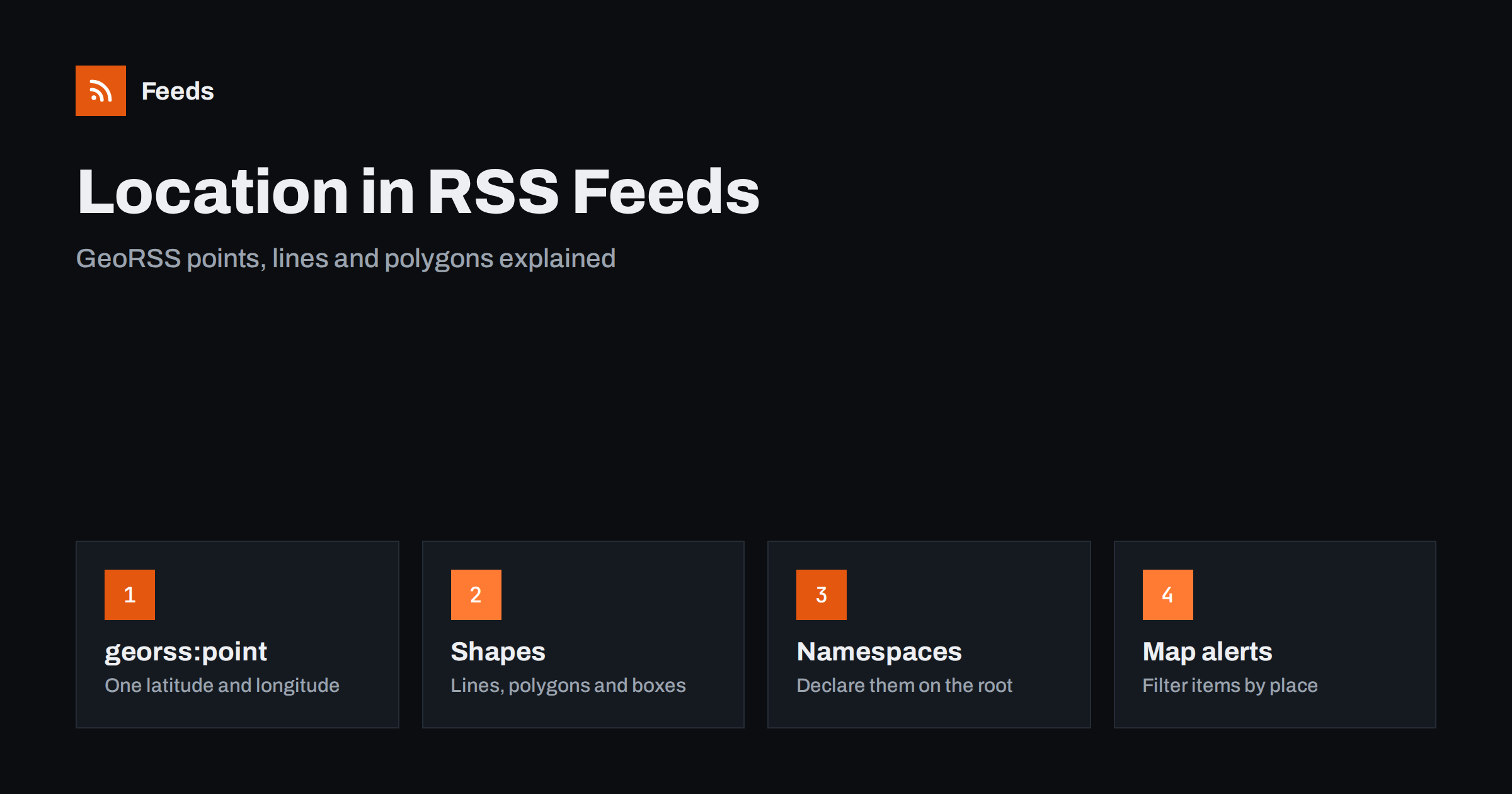
Short answer: GeoRSS is a small set of extra elements that lets an RSS or Atom item say where it happened. The simplest form is georss:point, which holds a latitude and a longitude separated by a space, and the same family also covers lines, polygons and boxes. A feed that uses GeoRSS must declare the namespace on the root element, and a reader or map tool that understands it can then plot items, filter them by area or build alerts for a neighbourhood instead of a whole country.
What GeoRSS is and why it exists
Most feed items are about something that has a location: a road closure, a planning application, a weather warning, a lost-and-found notice, a local event, a shop that has just opened. The standard RSS 2.0 elements, such as title, link and description, can only describe the place in words. A reader cannot tell that “Mill Street” is at a particular point on a map, and a script cannot tell whether a notice affects your district.
GeoRSS was created to close that gap. It does not replace the feed format; it adds optional elements that sit inside an item (or at the top of the channel) and carry machine-readable coordinates. Because RSS and Atom both allow extensions through namespaces, a feed with GeoRSS is still a normal feed, and any reader that does not understand the extra elements simply ignores them. If you need a refresher on how extensions work in general, read RSS namespaces explained.
The simple form: georss:point
For most uses one element is enough. It looks like this:
<georss:point>51.5007 -0.1246</georss:point>The value is two decimal numbers separated by whitespace: latitude first, then longitude, both in degrees on the WGS 84 datum, the same system used by GPS receivers and by most web maps. Positive latitude is north, positive longitude is east. The order catches many people out, because some map libraries and file formats put longitude first. In GeoRSS the order is always latitude, then longitude.
An item can also carry georss:featureName or georss:featureTypeTag, which describe the place and the kind of place in words, but these are rarely used. In practice georss:point plus a clear item title covers the majority of real-world feeds.
Lines, polygons and boxes
Not everything is a point. A road closure runs along a stretch of street, a flood warning covers an area, a planning application has a site boundary. GeoRSS Simple has elements for these shapes:
georss:lineholds two or more points in order, for a route or a stretch of road.georss:polygonholds a closed ring of at least four points, where the last point repeats the first, for a boundary.georss:boxholds two corners, the lower-left and the upper-right, for a rectangular area.georss:circleholds a centre point and a radius in metres, for an area around a place.
The values are always pairs of numbers on one line. A polygon with five points is ten numbers in a row. Software that reads GeoRSS Simple treats the shapes consistently, which is why this form is the one most feed publishers choose.
GML and the older W3C geo tags
There are two other ways of writing location that you will meet. The first is GeoRSS GML, a more verbose encoding inside a georss:where element that uses the Geography Markup Language. It supports more coordinate systems and more complex geometry, and it is used mostly by specialist geographic systems. For a news feed or a local alerts feed it is overkill.
The second is the older W3C Basic Geo vocabulary, which puts geo:lat and geo:long as two separate elements in an item. It is limited to points, but it is simple, and many older feeds and some current ones still use it. If you are consuming feeds, support both, because you cannot choose what publishers wrote. If you are publishing, pick GeoRSS Simple for new feeds and keep it consistent across all items.
Declaring the namespace
Like every extension, GeoRSS needs its namespace declared once on the root element of the feed. For GeoRSS Simple the declaration is xmlns:georss="http://www.georss.org/georss". In an RSS 2.0 feed it sits on the rss element; in an Atom feed it sits on the feed element. If the declaration is missing, the XML is not well formed and many parsers refuse the whole feed, not only the location elements.
The prefix georss is only a label. What matters is the namespace address, so a feed may use another prefix as long as it points to the same address. Most generators use the conventional one, and so should you. After any change to the feed template, run the file through a validator; the common errors and how to read them are covered in how to validate an RSS feed.
Where location in feeds is useful
Coordinates in a feed are most valuable for items that people want to filter by place. Examples that already exist in the wild include public body notices, weather and hazard warnings, traffic and roadworks, planning notices and local events. A reader or script that understands GeoRSS can show the items on a map, sort them by distance from home or drop everything outside a chosen area. Without coordinates, the same filtering has to be done by guessing from words in the title.
That guessing is often good enough, which is worth saying plainly. A keyword filter on a district name or a street catches most relevant local notices, and many sources publish no coordinates at all. The approach is described in local news monitoring with RSS and in road works and traffic disruption alerts. GeoRSS is the better option when the source provides it, because a point on a map is exact and a place name is not.
Common mistakes
A few errors appear again and again in feeds that use location data:
- Swapped order. Writing longitude before latitude puts a London item in the Indian Ocean. If a plotted item lands in the wrong country, check the order first.
- Commas and symbols. The values are separated by spaces, not commas, and carry no degree signs or letters such as N and W. Use signed decimal numbers.
- Too much precision. Six decimal places is already about a tenth of a metre. Longer numbers add nothing and make the feed larger.
- A point for an area. A flood warning for a river valley shown as one point is misleading. Use a polygon or box when the item covers an area.
- Missing namespace. Described above, and the most common reason a location-aware feed fails validation.
Reading and filtering location feeds
If you consume feeds rather than publish them, remember that support is uneven. Some readers show nothing special for a GeoRSS item, some show a small map link and some map tools import the whole feed as a layer. Scripts are the most flexible option: a few lines in Python or JavaScript can read the coordinates and keep only items inside a rectangle. Parsing libraries expose the extra elements, and the basics are explained in how to parse an RSS feed in Python, JavaScript and PHP.
When the source has no coordinates, you can still build a useful local stream by merging the feeds of the relevant public bodies and keeping only the items that mention your streets, districts or postcodes.
How RSS Feed Creator helps
RSS Feed Creator turns the list of notices on a web page into a clean RSS feed, even when the site has no feed of its own. It reads titles, images, summaries and dates, uses an existing feed when there is one, and shows a preview of the items before the feed is created. You can merge several sources into one feed (up to 10 on paid plans), keep only the items that contain your keywords and have duplicates removed automatically, which suits a local alerts stream built around the names of your streets and districts. Feeds refresh every 3 hours on the free plan and every 30 minutes on paid plans, and the free plan allows up to 20 items per feed. The details are on the pricing page.
Related reading
- Anatomy of an RSS 2.0 Feed: Every Element Explained
- Weather and Natural Hazard Alerts with RSS for Businesses
- How to Track Planning Applications and Building Permits with RSS
The bottom line
GeoRSS gives feed items a place on the map. Use georss:point for single locations, a polygon or box for areas, write latitude before longitude, declare the namespace on the root element and validate after every change. As a reader, expect uneven support and fall back to keyword filters when a source has no coordinates.
FAQ
What is GeoRSS?
GeoRSS is a set of optional elements that add geographic location to RSS and Atom items. The simple form uses georss:point for a latitude and longitude, and has matching elements for lines, polygons, boxes and circles.
Which comes first in georss:point, latitude or longitude?
Latitude comes first, then longitude, separated by a space, in signed decimal degrees. Putting them the other way round is the most common mistake and places the item in the wrong part of the world.
Do I need to declare a namespace for GeoRSS?
Yes. Declare xmlns:georss=”http://www.georss.org/georss” on the root element of the feed. Without it the XML is not well formed and many parsers will reject the whole feed.
Will every RSS reader show GeoRSS locations?
No. Support varies. Many readers ignore the elements without any error, while mapping tools and custom scripts can read them. Always keep the place name in the title or summary so that readers without GeoRSS support still get the information.
Can I filter local news by area if the feed has no coordinates?
Yes. Keyword filters on district names, streets and postcodes catch most relevant items. It is less exact than coordinates, but it works with any feed.