 ENEnglish
 LTLietuviškai
 DEDeutsch
 FRFrançais
 RUРусский
 ESEspañol
 PLPolski
 ITItaliano
 UKУкраїнська
 CSČeština
 PTPortuguês
 JA日本語
JA日本語 LVLatviešu valoda
 ETEesti
 HUMagyar
 IDBahasa Indonesia
 TRTürkçe
 HIहिन्दी
 ELΕλληνικά
 ARالعربية
 THไทย
THไทย VITiếng Việt
 RORomână
 MSBahasa Melayu
 BNবাংলা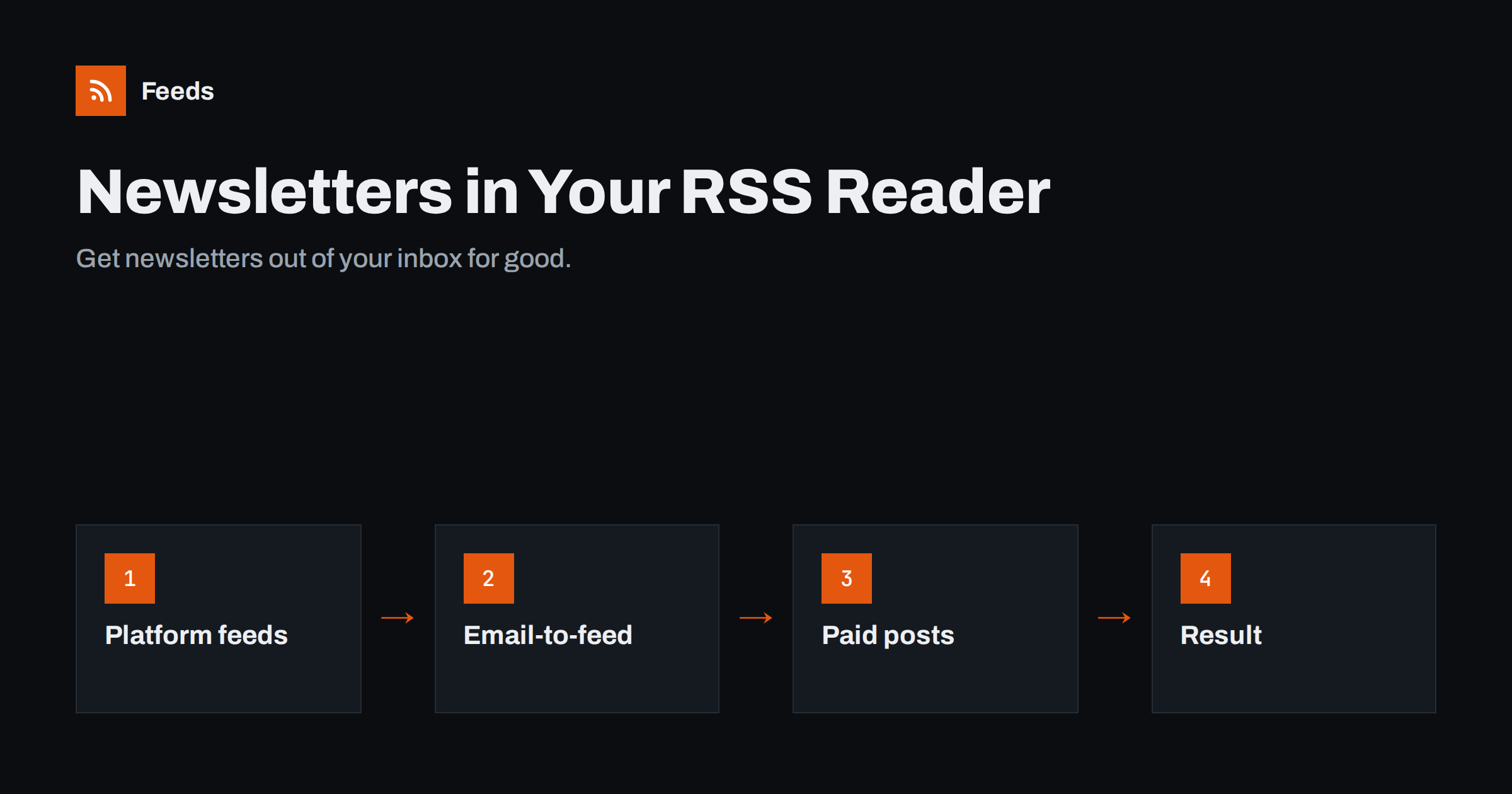
Short answer: You can read most newsletters in an RSS reader in one of two ways. Many newsletter platforms publish a public web archive with an RSS feed, so you can subscribe to that feed instead of the email. When there is no feed, several readers give you a personal email address that turns incoming newsletters into feed items. Either way, newsletters move out of your inbox into the same calm, chronological list as your other sources.
Email is a wonderful delivery channel for messages, but it was never designed as a reading app. Newsletters have become one of the best ways to follow writers, analysts and niche experts. They have also turned many inboxes into cluttered reading lists, where important emails compete with twenty unread essays. Moving newsletters to a feed reader separates reading from correspondence: your inbox is for people, your reader is for publications. This guide explains how to do it for different platforms, what to expect for paid newsletters, and how to organise the result.
Why move newsletters out of the inbox
- A cleaner inbox. Messages that need action are no longer buried among long reads.
- Better reading tools. Readers offer folders, filters, read-later lists, highlights and a consistent reading view.
- One place for everything. Newsletters sit next to blogs, news and podcasts on the same topics.
- Less tracking. Reading the web archive or feed avoids some of the open tracking built into email, although links may still carry tracking parameters.
- Easier unsubscribing. Removing a feed is instant and does not depend on the sender honouring an unsubscribe link.
Method 1: subscribe to the newsletter’s feed
Many newsletter platforms publish every public issue on a web page, and many of those pages have a feed. Common patterns:
| Platform | Where the feed usually is | Notes |
|---|---|---|
| Substack | Publication address plus /feed | Paid posts appear as previews |
| Ghost | Site address plus /rss/ | Members-only content is not included in full |
| Buttondown | The newsletter’s archive page has an RSS feed | Public archive must be enabled by the author |
| beehiiv | RSS feed available when the publication enables it | Not every publication turns it on |
| Medium newsletters | Author or publication feed on medium.com/feed/ | Recent posts only |
Independent newsletters hosted on a personal website or WordPress blog almost always have a feed too, because the newsletter is often just the blog’s posts sent by email. In that case, the blog’s main feed or a “newsletter” category feed gives you the same content. Platforms change over time, so the most reliable method is to open the newsletter’s web archive, copy its address and paste it into your reader. The reader will find the feed through the page’s autodiscovery link if there is one. If your reader finds nothing, look for an RSS icon or “RSS” link on the archive page.
After subscribing to the feed, you can unsubscribe from the email version, or keep the email only for newsletters where you want the email-specific extras some authors include.
Method 2: an email-to-feed address
Not every newsletter has a public archive or feed. For those, several feed readers, including Feedbin and Inoreader, offer a special email address. You sign up to newsletters with that address, and each incoming issue appears in your reader as an item. Some independent services do the same and give you an RSS feed per newsletter.
Points to consider:
- Confirmation emails also arrive as items; open them in the reader to confirm your subscription.
- Formatting is usually good, because readers display the email’s HTML, but some complex layouts look slightly different.
- Privacy: the reader service receives your newsletters. Check its privacy policy, as you would for any email provider.
- Portability: if you change readers, you must update the address with each newsletter, whereas public feeds move with an OPML file.
Paid newsletters
Paid newsletters are a special case. Public feeds of paid publications typically include only previews of paid posts, cut at the paywall. Options:
- Some platforms offer private feeds for paying subscribers, similar to private podcast feeds, with a personal URL. Check the publication’s account settings.
- An email-to-feed address works for paid issues too, since you receive the full email there.
- Otherwise, read previews in the reader and click through to the web version while logged in.
Never share private feed URLs; they are tied to your subscription, and a shared link can usually be traced back to your account and revoked. If you cancel a paid subscription, expect the private feed to stop updating or to fall back to previews.
Step by step: moving your first ten newsletters
Moving everything at once is tedious and error-prone. A gradual approach works better:
- List your newsletters. Search your inbox for “unsubscribe” over the last month to see which ones actually arrive.
- Pick the ten you read most. Start with these; the rest can follow or be dropped.
- For each, open the “view in browser” or archive link in the latest issue and paste the archive address into your reader.
- If a feed is found, subscribe, check that the latest issue appears, and unsubscribe from the email once you are happy.
- If no feed is found, re-subscribe with your reader’s email-to-feed address, confirm the subscription from the reader, then unsubscribe your normal address.
- Wait a week and check that new issues arrive as expected before moving the next batch.
Keep a simple note of which method each newsletter uses. If a newsletter later disappears from your reader, you will know whether to check the author’s feed or your email-to-feed settings.
Troubleshooting
- Issues arrive in email but not in the feed. Some authors publish to the archive later than they send, or send email-only issues. Check the archive page directly.
- The feed shows only a summary. The platform or author publishes excerpts in the feed. Use the email-to-feed method if you want full text.
- Images are missing. Some newsletter images are blocked for readers or require loading remote content; enable images for that source in your reader if it has such a setting.
- Welcome emails fill the reader. Mark them as read or filter them out by keyword.
Organising newsletters in your reader
Once newsletters live in your reader, treat them as a library rather than a queue. You do not need to read every issue the day it arrives, and the reader will keep them until you are ready. Newsletters tend to be long and less frequent than news. A few habits help:
- Put them in a dedicated “Newsletters” folder, or in topic folders alongside related blogs.
- Use a read-later list for long issues rather than reading them the moment they arrive.
- Mute recurring sponsor sections with keyword filters, if your reader supports them.
- Prune regularly. If you have skipped a newsletter for a month, unsubscribe.
For newsletter writers: make your archive followable
A feed also gives your archive a second life: readers who discover you through a single shared issue can follow everything you publish without committing their email address first. If you publish a newsletter, offering a feed costs little and wins readers who avoid email. Enable the public archive on your platform, turn on RSS if it is optional, and mention the feed on your signup page: “Prefer RSS? Follow the archive feed.” Make sure the feed has good titles, a summary for each issue and a link to the web version. You will not know these readers’ email addresses, but you will reach people who would never sign up by email at all.
Combining newsletters with other sources
Some readers like to combine several newsletter feeds and blogs on one topic into a single stream, or to keep only issues that mention specific subjects. Our tool, Feeds, merges several public feeds into one RSS link, removes duplicates and filters items by your keywords, and it can create feeds for web pages that list articles but have no feed. The combined link works in any reader. See the plans.
Related reading
- RSS vs Email Newsletters: How Should Readers Follow You?
- RSS Feeds on Substack, Ghost, Medium and Other Platforms
- How to Organize Your RSS Reader So It Never Overwhelms You
The bottom line
Newsletters do not have to live in your inbox. Subscribe to their web archive feeds where they exist, use a reader’s email-to-feed address where they do not, and handle paid newsletters through private feeds or the email address. Organise them in their own folder, prune regularly, and your inbox goes back to being a place for messages that need you.
FAQ
Can I read Substack newsletters in an RSS reader?
Yes. Add /feed to the publication’s address and subscribe in your reader. Free posts usually appear in full, and paid posts show a preview up to the paywall.
What if a newsletter has no RSS feed?
Use a reader that offers an email-to-feed address, such as Feedbin or Inoreader, and subscribe to the newsletter with that address. Each issue then appears in your reader.
Can I read paid newsletters in a feed reader?
Often, yes. Some platforms offer private feeds for paying subscribers, and an email-to-feed address receives full paid issues. Public feeds usually show only previews of paid posts.
Will the newsletter author know I read it in a reader?
If you use the public feed, the author cannot see who you are. With an email-to-feed address, the author sees that address as a subscriber, but not which app you read in.
Should I unsubscribe from the email version?
If the feed contains the full issues, yes, to avoid reading everything twice. Keep the email only if the author includes extras that are not published in the archive.


