 ENEnglish
 LTLietuviškai
 DEDeutsch
 FRFrançais
 RUРусский
 ESEspañol
 PLPolski
 ITItaliano
 UKУкраїнська
 CSČeština
 PTPortuguês
 JA日本語
JA日本語 LVLatviešu valoda
 ETEesti
 HUMagyar
 IDBahasa Indonesia
 TRTürkçe
 HIहिन्दी
 ELΕλληνικά
 ARالعربية
 THไทย
THไทย VITiếng Việt
 RORomână
 MSBahasa Melayu
 BNবাংলা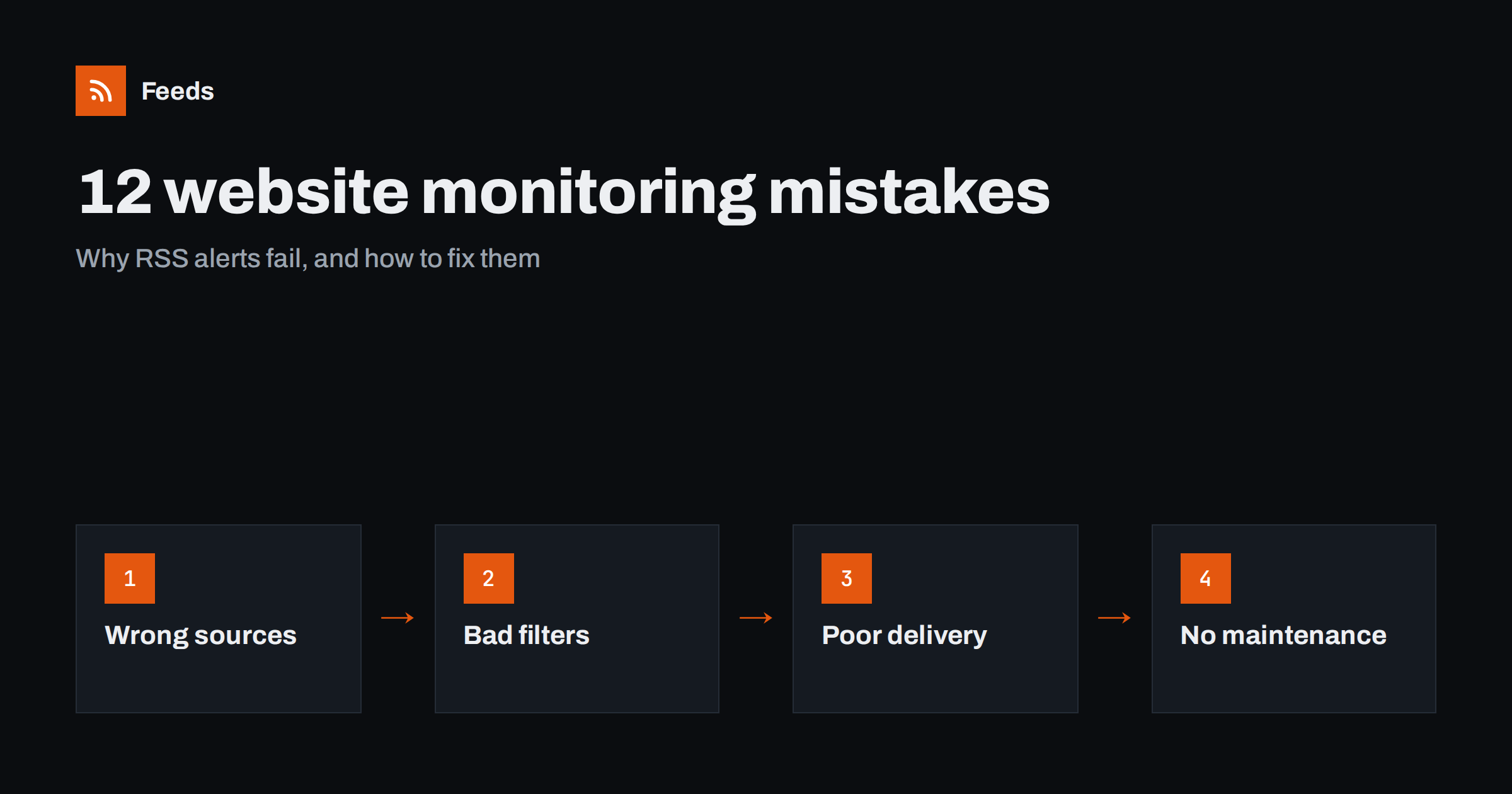
Short answer: RSS-based monitoring usually fails for one of four reasons: the wrong sources (home pages, missing pages, too many), badly tuned filters (too loose or too strict), poor delivery (alerts in the wrong place or with no owner), and no maintenance (broken feeds and outdated lists nobody notices). Each has a simple fix: narrower sources, filters tested on real items, delivery by urgency with a named owner, and a monthly health check.
Setting up website monitoring with feeds is easy. Keeping it useful is harder. Many teams build a set of feeds with enthusiasm, then quietly stop reading them within a few months, often without anyone deciding to stop, either because the stream became noise or because it went quiet and nobody noticed why. The mistakes behind this are predictable, which means they are also avoidable. Here are twelve of the most common, grouped by where they happen. You do not need to fix them all at once. Read through the list, note the three that sound most familiar, and start there; the self-check table further down helps you find them quickly.
Source mistakes
1. Following home pages instead of sections
A home page mixes every type of content, featured stories, promotions and navigation. A feed made from it, or a site-wide feed, brings far more than you need. Fix: follow the specific section, category, tag or filtered list that contains what you care about. Source-level focus beats any filter. For example, a publication’s “energy” section produces a handful of relevant items a day, while its home page might produce a hundred, most of which no filter could reliably sort.
2. Only following the obvious pages
Teams follow competitors’ blogs but not their changelogs or careers pages, regulators’ newsrooms but not their consultations, councils’ news but not their public notices. The most useful information is often on the less obvious pages. Fix: for each organization, list every page that publishes updates, and decide deliberately which to follow. A useful prompt is to ask, for each organization, “where would they announce a price change, a new product, a closure or a new rule?” Each answer points to a page.
3. Giving up on sites without RSS
Many valuable sources have no feed, so they get dropped from the setup or left to manual checking that never happens. Fix: look for hidden feeds first, then create feeds from the list pages with a page-to-feed tool. Sites without feeds are often the ones competitors and peers are not watching, which makes them more valuable, not less.
4. Too many sources at once
Adding every possible source on day one produces a stream nobody can read. Fix: start with the sources that matter most, run them for a few weeks, and add more only when a gap becomes clear. A gap usually reveals itself as a piece of news you learned from a colleague or customer first; that is the moment to add the source that would have told you.
Filter mistakes
5. Ambiguous include words
Short or common words match unrelated items: a brand name that is also an everyday word, a technical term with other meanings, an abbreviation used in many fields. Fix: use phrases, add context words, and test filters against a week of real items before relying on them. Include spelling variants and abbreviations, and check how your tool matches words, since some match inside longer words and some do not.
6. Over-filtering important sources
Applying strict filters to sources where almost everything matters, such as a key competitor’s changelog or a regulator’s consultation page, hides relevant items whose titles use unexpected words. Fix: read important low-volume sources unfiltered, and filter only broad, high-volume ones.
7. Careless exclude words
An exclude word that seemed safe can silently remove exactly the item you needed, and you will never know. Fix: add exclude words one at a time, based on real noise, and keep an unfiltered weekly view of your most important sources as a safety net. Review your exclude list every few months and remove words that no longer do useful work.
Delivery mistakes
8. Everything in one stream
Urgent brand mentions, weekly industry news and background research mixed together mean urgent items wait and background items interrupt. Fix: split delivery into tiers, urgent, daily and weekly, each in a place that suits it. Urgent items go where someone looks during the working day, daily items into a reader, weekly items into a digest or a folder reviewed on a fixed day.
9. No owner
A shared feed or channel that “everyone” can read is often read by no one. Fix: name an owner for each stream, with a backup for holidays, and make reading it part of their routine.
10. Reading without acting
Items are read, found interesting and forgotten. Deadlines pass, opportunities close. Fix: for each relevant item, record a decision, put dates into a calendar and share short notes with the people who need them. Even a one-line note in a shared channel, “new consultation on X, deadline 30 June, I will draft a response”, turns reading into action.
Maintenance mistakes
11. Not noticing silent feeds
A generated feed stops finding items after a redesign, or a publisher’s feed moves after a migration. The stream looks calm, and nobody notices that a source is missing. Fix: once a month, check the date of the newest item in each source feed against how often it usually publishes, or use a tool that alerts you when a feed stops finding items.
12. Never reviewing the setup
Interests change, competitors come and go, new sources appear. A setup built a year ago may no longer reflect what matters. Fix: review sources, filters and owners every quarter. Remove what no longer earns its place, and add what you learned about elsewhere. Also check that owners are still the right people; roles change, and a stream owned by someone who moved teams is effectively unowned.
A quick self-check
| Question | If the answer is no |
|---|---|
| Does every source point to a specific section or list page? | Narrow the sources (mistake 1) |
| Have we followed changelogs, careers pages, notices and consultations where relevant? | Add missing pages (mistake 2) |
| Did we find or create feeds for important sites without RSS? | Generate feeds (mistake 3) |
| Can the owner read each stream in the time they have? | Reduce sources or filter broad ones (mistakes 4 and 5) |
| Are key low-volume sources read unfiltered? | Remove filters on them (mistake 6) |
| Is urgent material delivered separately? | Split by tier (mistake 8) |
| Does each stream have a named owner and backup? | Assign them (mistake 9) |
| Did we check every feed’s newest item this month? | Run a health check (mistake 11) |
How to audit an existing setup in an hour
- List every feed with its source page, filters, destination and owner. Many teams discover feeds nobody remembers creating, and duplicates of the same source set up by different people.
- Check freshness. Note the newest item date for each feed and compare with the source’s normal rhythm.
- Sample a week. For each stream, look at the last week’s items and mark them useful, marginal or noise.
- Ask for misses. Ask the owners what important news they learned from elsewhere in the last month, and trace each miss to a missing source, a filter or a broken feed.
- Fix the top three problems first, usually one noisy source, one missing source and one broken feed. Then schedule the next audit in three months.
An hour spent this way usually restores trust in a monitoring setup that people had quietly stopped reading.
How Feeds helps
Feeds addresses several of these mistakes directly. It creates feeds from specific section and list pages, including sites without RSS, and uses existing feeds when they exist, with a preview before anything is created. You can merge sources and keep items with or without your words, with duplicates removed automatically. Feeds refresh on their own, and paid plans alert you if a feed stops finding items, which removes the most common silent failure. The output is standard RSS, so you can deliver each stream wherever its owner will actually read it. See the plans.
Related reading
- How to Reduce Noise in RSS Alerts Without Missing Anything
- RSS Feed Stopped Updating? How to Find Out Why
- How to Monitor Websites for New Content Automatically
The bottom line
Monitoring with RSS fails in predictable ways: wrong sources, poorly tuned filters, delivery without ownership and no maintenance. Choose specific sources, filter only where volume demands it, deliver by urgency to named owners, and check feed health monthly. A short quarterly review keeps the whole setup worth reading.
FAQ
Why do teams stop reading their monitoring feeds?
Usually because the feeds became too noisy or the important items were mixed with everything else. Narrower sources, better filters and delivery by urgency fix most cases.
How do I know if a monitoring feed is broken?
Compare the newest item date with how often the source usually publishes. A long silence from a normally active source is a sign to check the feed, or use alerts for feeds that stop finding items.
Should I filter every feed?
No. Filter broad, high-volume sources, and read important low-volume sources unfiltered so relevant items with unexpected wording are not lost.
How often should a monitoring setup be reviewed?
Check feed health monthly and review sources, filters and owners quarterly. Monitoring needs change as your market changes.
What is the most common monitoring mistake?
Following home pages or whole sites instead of the specific sections that matter. It creates noise that no filter fully removes.


