ENEnglish
 LTLietuviškai
 DEDeutsch
 FRFrançais
 RUРусский
 ESEspañol
 PLPolski
 ITItaliano
 UKУкраїнська
 CSČeština
 PTPortuguês
 JA日本語
 LVLatviešu valoda
 ETEesti
 HUMagyar
 IDBahasa Indonesia
 TRTürkçe
 HIहिन्दी
 ELΕλληνικά
 ARالعربية
 THไทย
 VITiếng Việt
 RORomână
 MSBahasa Melayu
 BNবাংলা
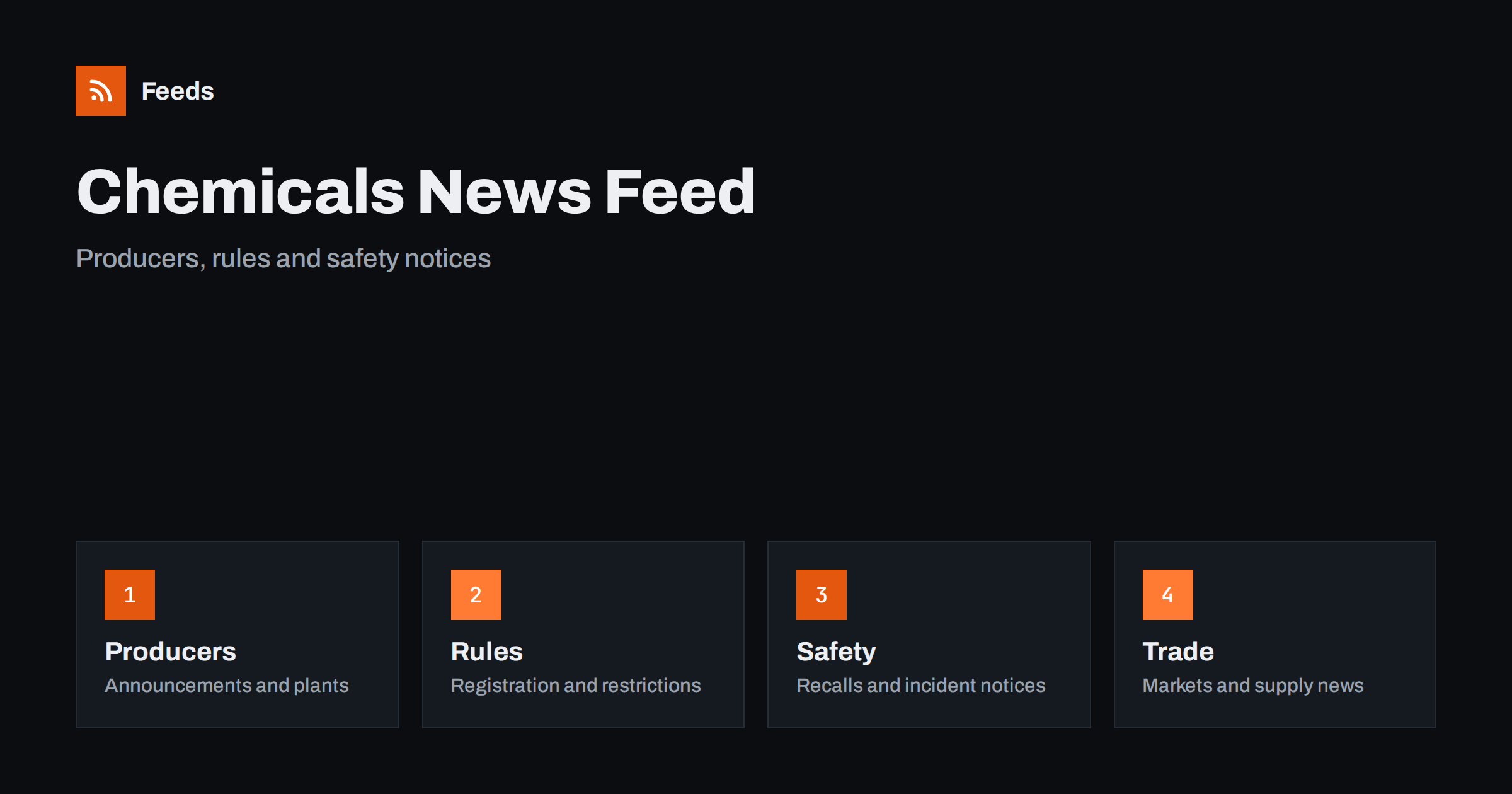
Short answer: Chemicals news comes from three kinds of sources: producers and distributors, regulators and standards bodies, and the trade press. RSS brings them into one reader, so you can filter by substance, region or company and read items in the order they were published. Start with official notices for facts, add trade titles for context, and always open the original document before you act on a restriction, a date or a safety instruction.
Why chemicals news is hard to follow
The industry touches almost everything, from paint and packaging to batteries and farming, so the news is scattered. A plant closure, a new registration rule, a supply shortage, a transport restriction and a product recall may all matter to the same buyer, and each appears on a different site. General news searches show what is popular, not what is new, and a small notice from a regulator can be buried under company marketing.
The readers have different needs. A purchasing manager follows supply and price signals, a safety officer follows restrictions and incident notices, a student follows research, and a small manufacturer follows rules that change how a product can be labelled or sold. If feeds are new to you, what is an RSS feed explains the idea in plain words.
Begin with producers and distributors
Producers publish press releases, plant and capacity announcements, product launches and safety data updates. Distributors publish stock and delivery notices, and industry groups publish position papers and statistics. These pages are the best place to learn what a company intends to do, but they are also written to present the company well, so read them as announcements, not as analysis.
Keep the first list short: the five or six suppliers and customers you depend on, and the two or three trade associations in your field. Many investor pages have their own announcement streams, and following investor relations announcements with RSS shows how to use them. For the companies you depend on, monitoring suppliers and partners with RSS describes a routine that fits well.
Regulators, registers and restrictions
Chemical rules change often, and the changes have dates. A substance may be restricted, a registration deadline may be announced, a labelling rule may be updated or a transport regulation may be amended. The official pages of regulators and agencies are the only reliable source for these, because a summary in the press can leave out the one condition that applies to you.
Follow the agencies of the countries where you manufacture or sell, and save the pages that list consultations and new decisions. Many of them have news sections without an RSS link, and how to create an RSS feed for a website without RSS shows how to turn them into feeds. A wider routine for rule changes is in tracking government and regulator updates with RSS.
Always note the date from which a rule applies, and save the link to the official text in your own notes. A rule that applies from next year needs a plan, and a rule that applies from tomorrow needs action today.
Language is another practical point. Producers and regulators often publish in the local language first and in English later, or only in a summary. If your work depends on one country, add the original-language sources and let a translation tool help you read them, but check any figure, name or date in the original text. A feed of the local page will often show a notice days before the translated version appears.
Safety notices, incidents and recalls
Safety information has the highest priority. Recall notices, incident reports, transport warnings and updated safety data are published by authorities and companies, and a missed notice can have real consequences. Keep these feeds in a folder you open every day, apart from general news, and check them at a fixed time.
Read the original notice, not a summary. Product codes, batch numbers, dates and instructions matter, and they are often shortened or omitted in news stories. If you work with a product that may be recalled, add its name and the manufacturer to a keyword filter, so that a match is easy to see. Product recall alerts with RSS describes the method in more detail.
Separate the fast signals from the slow ones. A recall, an incident report or a transport warning may need action the same day, so those feeds belong in a folder you open daily. Annual reports, policy papers and statistics change slowly and can be checked weekly. Mixing the two makes the important items hard to see, and splitting them costs only a minute when you set up the reader.
Trade press, markets and supply
Trade publications explain why events matter: what a new plant means for a regional market, how a shortage affects downstream users or how a policy change alters investment. Add a few well-known titles and one or two specialist blogs for your segment, such as coatings, polymers, fertilizers, adhesives or cleaning products.
Prices and supply move quickly, and an RSS reader is not a market screen. What it does well is collect slower signals around them: notices about maintenance shutdowns, shipping disruptions, tariff changes and statistics releases. Commodity prices and supply chain news with RSS covers the adjacent topic, and customs, tariff and trade rule changes helps when borders are involved.
Filter by substance, region and company
A useful chemicals feed is narrow. If you work with solvents, you do not need every announcement about pharmaceuticals, and if you sell in one region, you can drop notices from others. Use keyword filters to keep items that mention your substances, brands or regions and to drop what you do not need. Think of two lists of words, one to include and one to exclude, and review them every month.
Names are the difficult part. A substance may have a common name, a trade name and a technical name, and a company may appear under a short and a long name. Test your filters on ten recent items before you rely on them. Set up keyword alerts using RSS feed filters explains the method, and reduce noise in RSS alerts without missing anything helps when the list grows.
A short routine that you can keep
Do not read chemicals news all day. Open the safety and rules folder once a day if your work depends on it, and read general news two or three times a week. For each item you plan to use, open the primary source, mark the rest as read and move on. A short routine such as RSS triage: a fast daily routine for reading less keeps the list under control.
Once a month, review the sources. Remove feeds that stopped publishing, add the site you keep opening by hand and adjust the filters. If colleagues in purchasing, safety and sales follow the same companies for different reasons, share one set of sources with separate folders, as described in shared RSS reading lists for teams.
Think about who else needs the list. A purchasing team, a safety team and a sales team often follow the same companies for different reasons, and a shared set of feeds with separate folders serves all of them. Keep a short note on why each source is in the list, such as supplier, customer, regulator or competitor, so that a new colleague understands the setup in a few minutes.
How RSS Feed Creator helps
RSS Feed Creator turns the news, notice or announcement pages of producers, regulators, agencies and trade associations into clean RSS feeds, even when the site has no feed of its own. It reads titles, images, summaries and dates, uses an existing feed when there is one, and shows a preview of the items before the feed is created. You can merge several sources into one feed (up to 10 sources), keep only the items that contain your keywords and have duplicates removed automatically, which suits a reading list for one substance group or region. Feeds refresh every 3 hours on the free plan and every 30 minutes on paid plans. The free plan allows up to 20 items per feed, and the details are on the pricing page.
Related reading
- How to Monitor Suppliers and Partners for Early Risk Signals
- How to Track Product Recalls and Safety Notices with RSS
- How to Track Government and Regulator Updates with RSS
The bottom line
RSS gives you an ordered view of chemicals and materials news. Start with producers and regulators, add a few trade sources for context, filter by substance, region and company, and keep safety notices in a folder of their own. Open the original document before you act on an item, and review the list every month.
FAQ
Which sources should I follow first?
Begin with your main suppliers, the regulator in each country where you sell and one trade association. Add trade publications later for context.
What if a regulator site has no RSS feed?
A page-to-feed tool can read the list of news items on its page and build a feed. Check the preview to make sure it shows real items with titles and dates.
Can RSS replace a safety data service?
No. Use RSS to be alerted to notices, and use the official documents and your safety processes for decisions.
How do I avoid a flood of items?
Use keyword filters for substances, regions and companies, and keep safety notices in a separate folder from general news.
How often should I read the list?
Safety and rules once a day if your work depends on them, and general news two or three times a week.