ENEnglish
 LTLietuviškai
 DEDeutsch
 FRFrançais
 RUРусский
 ESEspañol
 PLPolski
 ITItaliano
 UKУкраїнська
 CSČeština
 PTPortuguês
 JA日本語
JA日本語 LVLatviešu valoda
 ETEesti
 HUMagyar
 IDBahasa Indonesia
 TRTürkçe
 HIहिन्दी
 ELΕλληνικά
 ARالعربية
 THไทย
THไทย VITiếng Việt
 RORomână
 MSBahasa Melayu
 BNবাংলা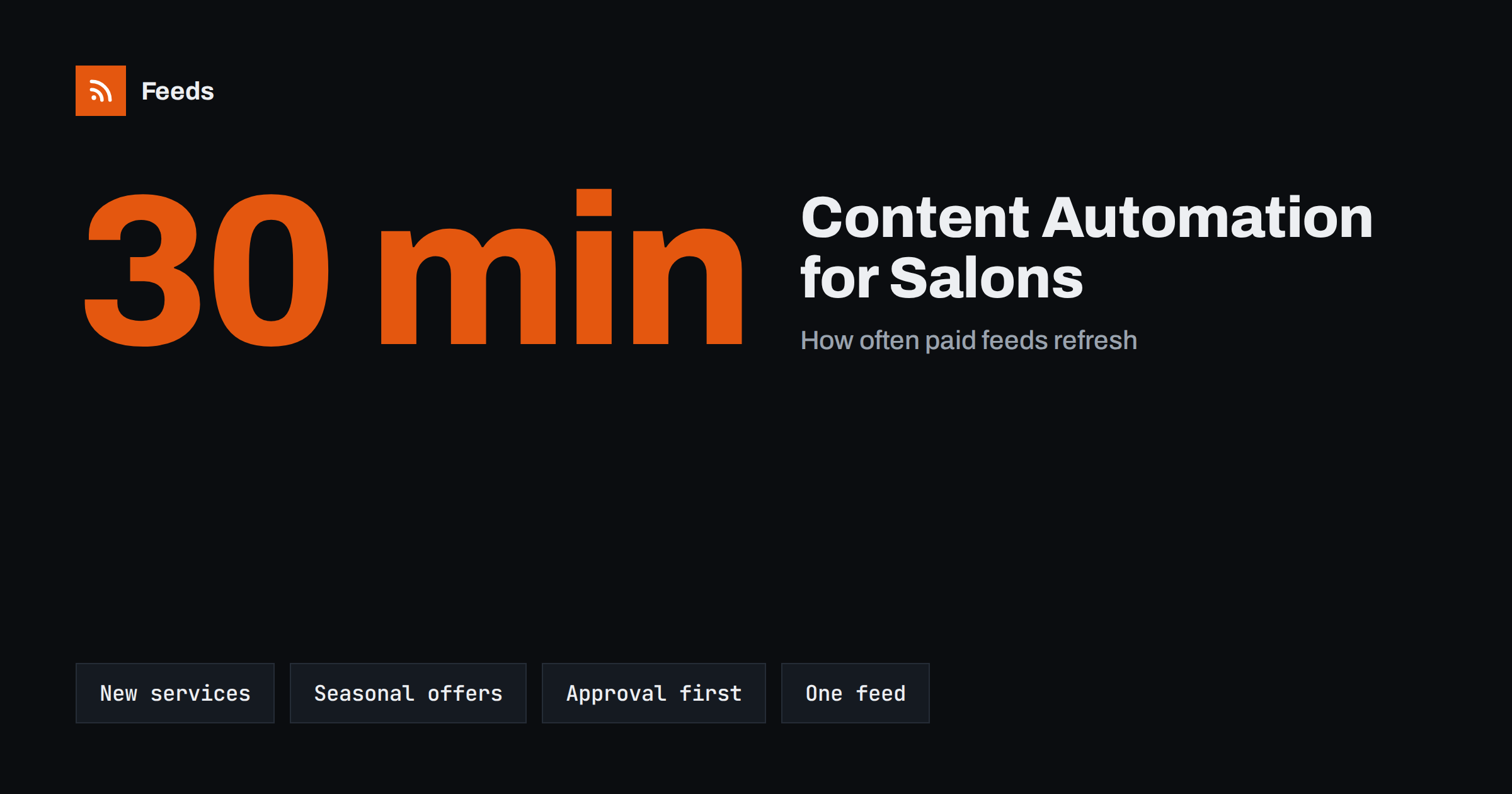
Short answer: A beauty salon or spa does not need a marketing team to stay visible. Keep a small set of sources that already change when your business does (offers, new treatments, team news, opening hours and events), turn them into a feed, and let an automation tool turn each new item into a post. Start with approval before posting, use your own photos and keep the tone personal. This saves hours each week and keeps your channels active.
Why salons struggle with regular content
Beauty businesses live on visual and personal marketing. Clients choose a stylist, a therapist or a studio because of trust and photos, and social networks are where they look. But the people who create that content are also the ones doing appointments all day. Posts get written in the evening, in gaps between clients, or not at all. A salon that posts three times in one week and then disappears for a month looks less reliable than one that posts a little, every week.
Automation does not replace the personal side. What it can do is remove the repeated work: copying a new offer from the website to three networks, writing a reminder before a holiday or announcing a new service. The principle is explained in what content automation is, and the general approach for small shops and studios in content automation for local businesses.
Find the content you already produce
Before setting up a tool, list where new information appears first. For most salons the sources are:
- Your website: a page with the price list, a news or offers page, a blog and a page for each treatment.
- Your booking system: new services, new time slots or a page that lists current promotions.
- Team pages: a new stylist joining, a therapist’s new training or a guest artist visiting.
- Events and seasons: bridal season, school-leaver parties, winter skin care, holiday opening hours.
- Partners and suppliers: product brands that publish news about new ranges or training.
If a source changes, it can produce a post. The best candidates are pages that list items, since each new item can become a post.
Turn pages into feeds
Automation tools work best with feeds. If your website platform produces one, you can use it directly. Many small business sites, especially custom-built ones and some booking pages, have no feed at all. In that case you can create one from the list page itself, as described in creating an RSS feed for a website without one. The feed contains the title, link, image and summary of each item, and any tool that reads RSS can then use it.
If you have several sources, such as the offers page and the news page, combine them in one feed or keep them separate. Merging means one place to check, and keyword filters let you keep only the items you want, for example only those that mention a specific treatment. The method is in how to merge RSS feeds.
Design the posts for the beauty audience
An automatic post is only as good as the template behind it. Decide what each type of post looks like once, and then reuse it:
- New treatment: a clear photo, the name of the treatment, one sentence on what it does and a booking link.
- Offer: what is included, who it is for and the dates it runs. Always state the end date.
- Team news: the person’s name, specialty and a friendly line, with their permission.
- Seasonal reminder: a short tip linked to a service, such as skin care before winter.
Keep captions short and written in the way you speak to clients. Use a few relevant hashtags, not a long block. Templates and variables are covered in writing post templates for automated social media feeds.
Check the pictures with the same care as the words. Photos of hair colour, nails and skin care sell the service, so use your own images where possible, not stock pictures that clients will recognise from other businesses. Make sure the feed passes along a decent image for each item, or add one in the template. If an item has no picture, it is better to hold the post for a manual check than to publish a grey box.
Keep a human in the loop
Beauty is a trust business, and a mistake such as a wrong price, an expired offer or a photo of a different treatment costs real appointments. Start in approval mode: the tool prepares each post, and you or a colleague check it and press publish. After a few weeks, when you trust the sources, you can let routine posts go out automatically and keep approval for offers and prices. The trade-offs are discussed in full automation versus an approval queue.
Some topics always deserve a second look: anything that makes a health or results claim, before-and-after photos (which need the client’s consent) and anything about reviews. Never automate replies to clients, and never post a client’s image without permission.
Seasonality is where beauty businesses gain most from planning. Wedding and prom seasons, the start of the school year, the weeks before holidays and the dry winter months each have predictable demand. Prepare the pages for these periods early, such as a bridal package page or a gift voucher page, and add them to the source list. When the page goes live, the feed picks it up and the post goes out, without anybody remembering to copy it to every channel.
Gift vouchers deserve a mention of their own. They sell in bursts before holidays, and a reminder post with a link a week or two ahead is often enough. Keep the wording factual: what the voucher covers, how long it is valid and how to buy it.
Plan posting frequency and timing
For most salons, three to five posts a week is plenty, and consistency matters more than volume. Spread them across the week and avoid posting twice about the same treatment on the same day. If you publish to several networks, adapt the first line and the picture rather than repeating exactly the same text. Guidance on rhythm is in how often to post on social media with automation.
Leave room for spontaneous content too: a photo of a finished style, a short video from the studio or an answer to a question. Automation covers the regular base, and your own posts add the personality.
Think also about reviews and local visibility. A short post that thanks a client or shares a testimonial, with permission, builds trust, but keep it manual, because the wording matters. Make sure your opening hours and holiday closures are correct everywhere, and post a notice when they change. Clients are forgiving about a late post, and much less about arriving at a closed door.
It also helps to write down your rules in one short page: which sources feed which channel, who approves, what is never posted automatically and who to call when something goes wrong. When a colleague is on holiday or a new team member joins, the page keeps the routine running and the voice consistent.
Measure what helps
After a month, look at what produced bookings rather than likes. Add tracking parameters to links in automated posts so you can see which ones lead to visits and appointments, as explained in UTM tags for automated posts. Keep the posts that work, and change or remove the ones that do not. Your list price page, a new treatment page and a seasonal offer will usually behave differently, and the numbers tell you where to spend your effort.
How RSS Feed Creator helps
RSS Feed Creator turns a page such as an offers list or a news page into an RSS feed, with titles, images, summaries and dates, and shows a preview before anything is created. You can merge sources (up to 10 on paid plans) and keep or exclude items by keywords, and duplicates are removed automatically. Feeds refresh every 3 hours on the free plan and every 30 minutes on paid plans, and paid plans send an alert if a feed stops finding items. The feed link works in any RSS reader or automation tool. See the pricing page for plan limits.
Related reading
- A small business content automation stack that actually works
- Brand safety in automated posting: rules that protect your reputation
- Content automation checklist before you switch it on
The bottom line
Salons and spas can keep their channels active without extra hours by automating the repeated parts: offers, new services, team news and seasonal reminders. Use the pages you already have as sources, create a feed where none exists, build a few templates and start with approval. Keep the personal content for yourself, measure what leads to bookings and adjust each month.
FAQ
Can a small salon use content automation without a developer?
Yes. If your website has a page that lists offers or news, a tool can turn it into a feed and an automation tool can post from it, with no coding.
How often should a salon post?
Three to five posts a week is enough for most businesses. Regular posting matters more than posting a lot at once.
Should I approve every automated post?
At the start, yes. Later you can let routine posts go out automatically and keep approval for prices, offers and anything with a health or results claim.
Is it safe to post before-and-after photos automatically?
Only with the client’s written consent, and preferably with a manual check. Do not automate posting of client images.
What if my booking page has no RSS feed?
You can create a feed from the page that lists your services or offers. You see a preview of the items before the feed is created.