ENEnglish
 LTLietuviškai
 DEDeutsch
 FRFrançais
 RUРусский
 ESEspañol
 PLPolski
 ITItaliano
 UKУкраїнська
 CSČeština
 PTPortuguês
 JA日本語
JA日本語 LVLatviešu valoda
 ETEesti
 HUMagyar
 IDBahasa Indonesia
 TRTürkçe
 HIहिन्दी
 ELΕλληνικά
 ARالعربية
 THไทย
THไทย VITiếng Việt
 RORomână
 MSBahasa Melayu
 BNবাংলা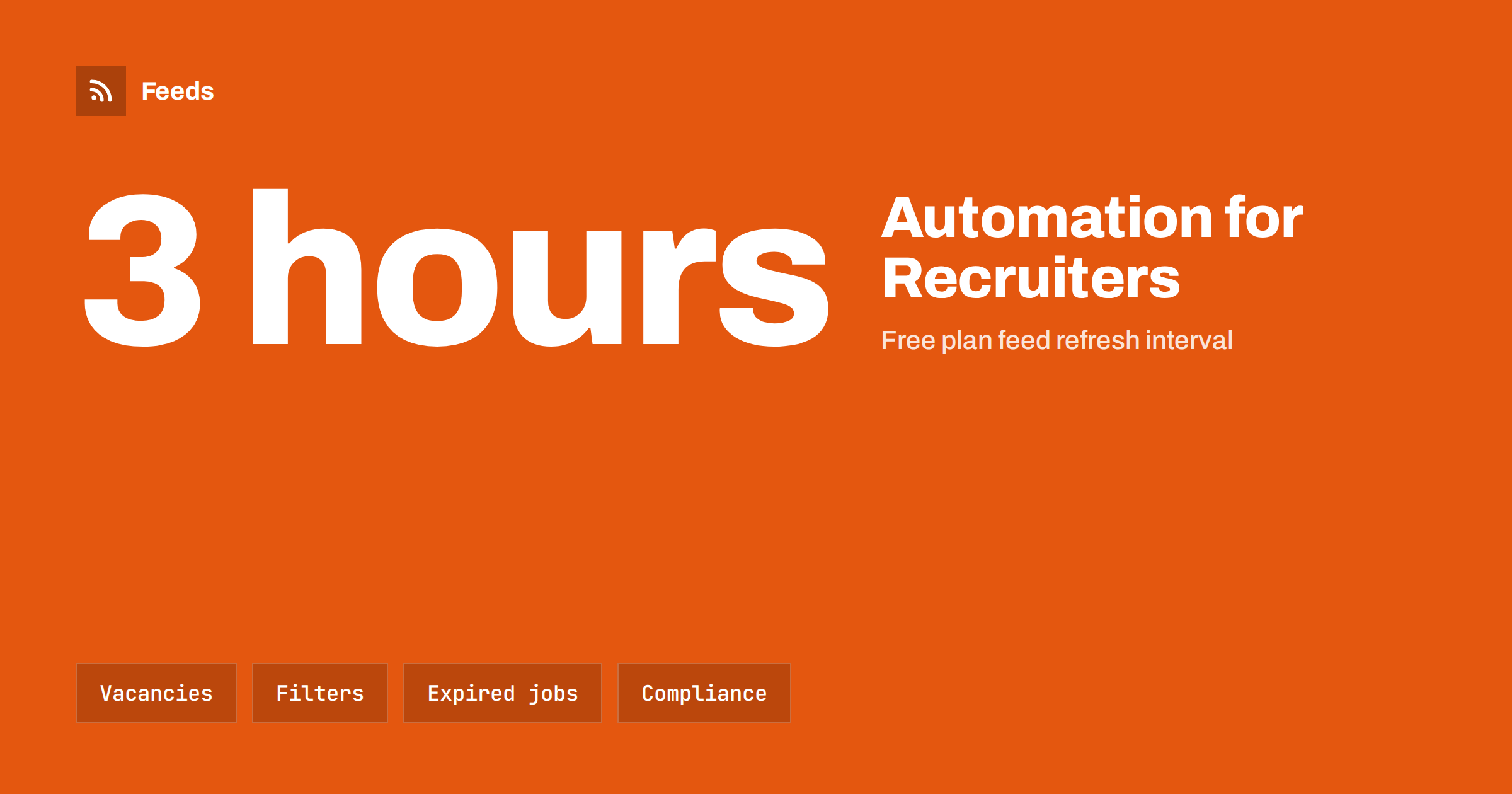
Short answer: Recruitment agencies produce a steady flow of content by nature: new vacancies, updated jobs, filled positions, candidate advice and market news. If the vacancies live on a web page, that page can become a feed, and an automation tool can share each new job in a consistent format. Filter by role, region or sector, remove closed vacancies quickly, keep a person in charge of wording and never post candidate information.
Why recruiters benefit from automation
A recruiter’s day is spent on calls, interviews and negotiations, and promotion of vacancies is often squeezed into whatever time is left. Yet vacancies are the heart of the business. Each one has to reach the right candidates fast, and each one is an opportunity to show clients that the agency is active. A page that shows jobs is already the source of truth for what is open. Posting each job to social networks, newsletters and chat groups by hand is repetitive work, and it is easy to forget or to make mistakes.
Automation takes over the copying, not the judgement. The structure is the same as in sharing job openings automatically, and the idea of vacancy feeds is explained in job listings as an RSS feed. In this article we look at what an agency needs in addition: filters for audiences, control over expired jobs and care for fairness and privacy.
Start from your own vacancy page
The first requirement is a clean source. Your vacancy page should list each job with a clear title, a short description or summary, the location, the date and a link to the full advert. If your job platform or website already offers a feed, you can use it. If it does not, create a feed from the list page. The steps are in creating an RSS feed for a website without one. A preview of the found items shows whether titles, links and dates are read correctly before you rely on the feed.
Titles matter more than in other industries, because the vacancy title is the post. “Senior Accountant, Manchester” is clear. “Great opportunity!” is not. If you control the job templates, agree a pattern for titles such as role, level and place, so that feeds and posts stay consistent. The advice on clear, specific titles in RSS feed best practices for publishers applies directly.
Filter for each audience
An agency with many sectors should not post every vacancy to every audience. A finance candidate does not need to see warehouse roles, and a regional page is more useful when it shows only local jobs. Use keywords to split one source into several streams:
- By sector or role: accountancy, engineering, healthcare, IT, logistics.
- By location: city, region or “remote”.
- By seniority or contract type: graduate, senior, interim, part-time.
- By client or campaign: a priority vacancy that needs more push.
Each stream can feed its own page, group or channel. You can also exclude words, for instance to keep out internal test adverts. If you combine several sources, such as a main site and a partner board, merge them and let the tool remove duplicates, as in how to merge RSS feeds.
Handle closed and filled jobs
An automatic post about a job that has just been filled harms the agency’s reputation and wastes candidates’ time. The risk comes from the way feeds work: they announce new items, and they do not take back a post when the job is removed. So your routine must cover this:
- Remove or mark closed jobs on the page promptly, so that they leave the feed.
- Do not schedule reminders for jobs more than a short time in advance, because the job may be gone before the reminder.
- Pause or delete scheduled posts when a vacancy is filled.
- Link to the live advert, so that a visitor who clicks late sees the current status rather than a copy of the old text.
The general issue, and a workflow for it, are described in edited and deleted source items in automated posting.
Accuracy, fairness and privacy
Recruitment is a regulated and sensitive area, and rules differ by country. Without giving legal advice, a few principles apply almost everywhere. State the facts of the role accurately, including the location, the type of contract and the pay range if you publish one. Avoid wording that excludes people for reasons that are not related to the job, and follow the rules on discrimination in advertising that apply where you operate. Do not publish the identity of a client who wants to stay anonymous, and never post anything about a candidate without their clear consent.
Keep a human responsible for the templates and for exceptions. Automatic posts should use text that the agency has already approved on the vacancy page, not a rewrite by a tool. If you use a generated summary, read it before it is published. The balance is discussed in full automation versus an approval queue, and the rules to protect the brand in brand safety in automated posting.
Go beyond vacancies
Jobs are the obvious content, but candidates and clients also look for expertise. An agency can share salary guides, interview tips, CV advice, market reports and notes on hiring trends. Put these on a blog or news page, and the same feed system can carry them to your channels at a lower frequency. A good proportion for social channels might be mostly vacancies, with a regular piece of advice mixed in. Share your own content, and curate a limited amount from trusted sources as well, as described in automating content curation.
Also think of the client side: success stories, new office openings and team news build trust with employers. Use a different tone for them than for candidates. For the frequency, see how often to post on social media with automation.
Speed is a competitive factor in recruitment. Candidates often apply to several agencies at the same time, and the first to publish a vacancy in the right place gets more applications. A feed that refreshes frequently shortens the time between the moment you publish a job and the moment it reaches your channels. Paid feed plans refresh every 30 minutes, and the free plan refreshes every 3 hours, which is enough for a first test. Choose the speed that matches how quickly your vacancies change.
Finally, write down the routine in a short document: who publishes jobs, who checks the feed, who removes closed adverts and who answers questions that come in through social channels. When responsibilities are clear, automation saves time instead of creating a second list of tasks.
Measure what produces applications
Track the results. Add tracking parameters to links in automated posts, so you can see which channels and which job types produce clicks and applications, as explained in UTM tags for automated posts. Compare channels by applications and not only by clicks. If a channel produces many visits and no applications, change the audience or the message. If a sector responds better on one network than another, move the effort there.
Talk to your clients about what will be posted. Some employers are happy to be named and to have their logo in a post, and others want to stay anonymous until a candidate is shortlisted. Record each client’s preference in your system and make sure the vacancy page respects it, since the feed can only repeat what the page shows. A short agreement on this avoids awkward calls later and keeps the automation within what each client has approved.
How RSS Feed Creator helps
RSS Feed Creator turns a vacancy page, or any list of items, into an RSS feed with titles, images, summaries and dates, and shows a preview before anything is created. It uses an existing feed when there is one. You can merge up to 10 sources on paid plans, keep or exclude items by keywords, and duplicates are removed automatically. Feeds refresh every 3 hours on the free plan and every 30 minutes on paid plans, and paid plans send an alert if a feed stops finding items. The feed link works in any RSS reader or automation tool. See the pricing page for plans.
Related reading
- Content automation for professional services firms
- Content automation checklist before you switch it on
- Content automation mistakes and how to avoid them
The bottom line
Vacancies are content, and a recruitment agency already maintains them. Turn the vacancy page into a feed, filter it by sector, role and region, and let a tool share each new job in a consistent format. Remove closed jobs quickly, keep people responsible for wording, protect candidate and client privacy and measure applications, not just clicks. The routine saves time and makes the agency visible every day.
FAQ
Can I share vacancies automatically without a job board integration?
Yes. If your vacancy page is public, it can be turned into a feed, and each new job becomes an item that an automation tool can post.
How do I avoid posting jobs that are already filled?
Remove filled jobs from the page promptly and delete any scheduled posts for them. Avoid scheduling reminders far ahead.
Can I send different jobs to different channels?
Yes. Use keyword filters to create streams by sector, role or location, and send each stream to the channel for that audience.
Is it safe to post candidate information automatically?
No. Do not post anything about candidates without their clear consent, and keep that kind of content out of automated routines.
How often should an agency post vacancies?
Post new vacancies as they appear, and limit reminders. Mix in advice and market news so that channels do not become a list of adverts only.