ENEnglish
 LTLietuviškai
 DEDeutsch
 FRFrançais
 RUРусский
 ESEspañol
 PLPolski
 ITItaliano
 UKУкраїнська
 CSČeština
 PTPortuguês
 JA日本語
JA日本語 LVLatviešu valoda
 ETEesti
 HUMagyar
 IDBahasa Indonesia
 TRTürkçe
 HIहिन्दी
 ELΕλληνικά
 ARالعربية
 THไทย
THไทย VITiếng Việt
 RORomână
 MSBahasa Melayu
 BNবাংলা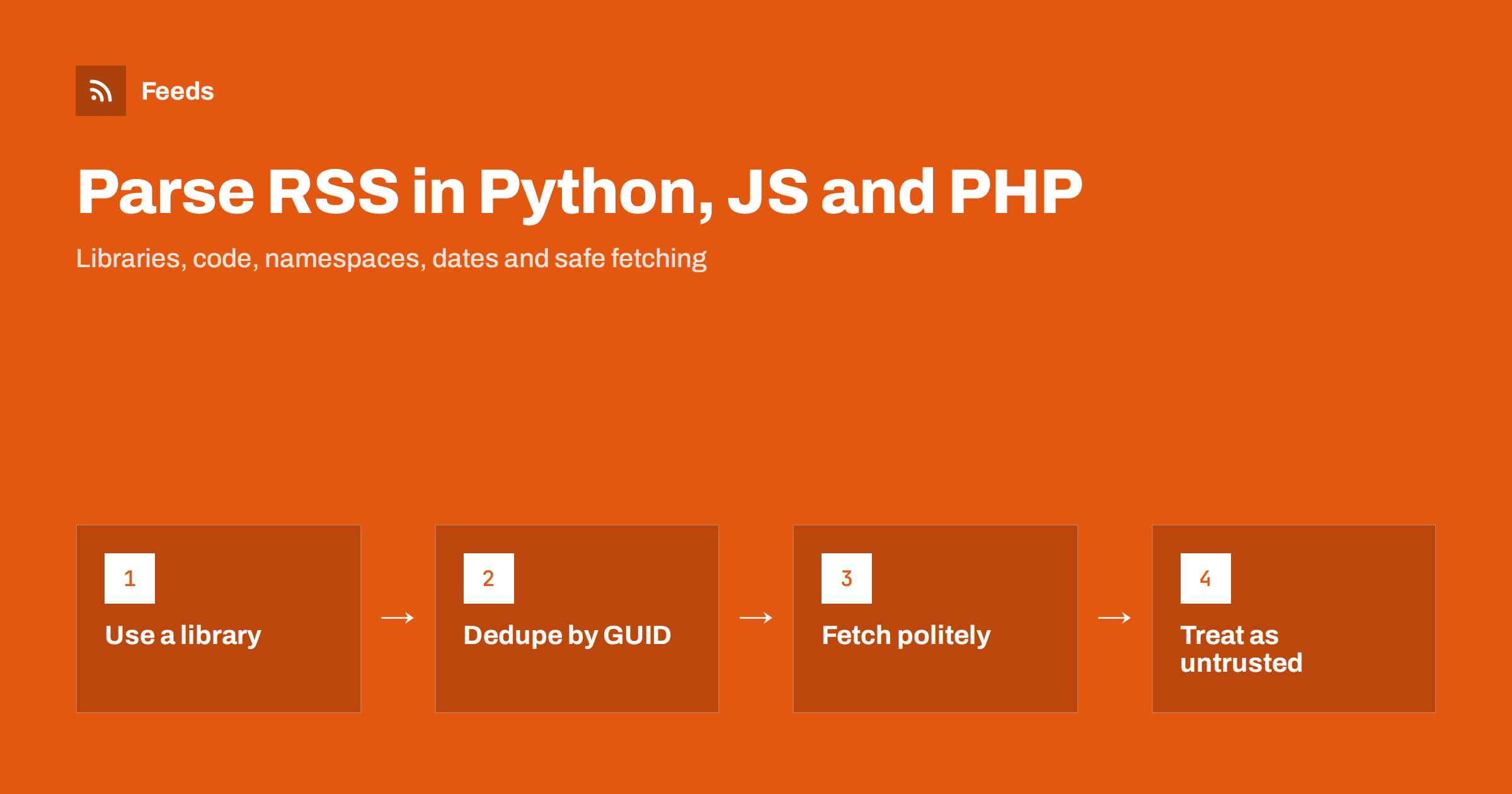
Short answer: Use a feed library rather than raw XML parsing: feedparser in Python, rss-parser in Node.js and SimpleXML or SimplePie in PHP. Each one downloads the feed, handles RSS and Atom differences and gives you a list of items with title, link, date and content. Then store each item’s GUID or link to avoid duplicates, parse dates carefully, cache requests with ETag and Last-Modified, and treat all feed content as untrusted input.
What parsing a feed really involves
An RSS feed is an XML document with a channel and a list of items. Each item usually has a title, a link, a description, a publication date and a unique identifier. Atom feeds have the same ideas with different element names: entries instead of items, updated instead of pubDate, and links as attributes. A full walk through the RSS elements is in anatomy of an RSS 2.0 feed.
In practice, “parsing a feed” means five steps:
- download the feed over HTTP, ideally with caching headers;
- parse the XML into a structure, tolerating small errors;
- normalise RSS and Atom into one item format;
- extract the fields you need, including namespaced ones such as full content or images;
- compare items with what you have already processed and act only on new ones.
Writing all of this by hand is possible, but real feeds are messy. Some use RSS 2.0, some Atom, some RDF; dates come in many formats; some feeds have encoding problems or HTML inside titles. A mature library deals with most of this for you.
Choosing a library
| Idioma | Common choice | Built-in alternative |
|---|---|---|
| Python | feedparser | xml.etree.ElementTree (with defusedxml for safety) |
| JavaScript (Node.js) | rss-parser | An XML parser such as fast-xml-parser |
| JavaScript (browser) | Fetch through your own server | DOMParser |
| PHP | SimplePie | SimpleXML |
Libraries change over time, so check that the one you choose is maintained before you depend on it. The examples below show the basic pattern; error handling is kept short for readability.
Parsing RSS in Python
feedparser is the long-established Python library for feeds. It accepts a URL, a file or a string, understands RSS and Atom, and returns entries with consistent field names.
import feedparser

feed = feedparser.parse("https://example.com/feed/")
print(feed.feed.get("title"))

for entry in feed.entries[:10]:
    print(entry.get("title"))
    print(entry.get("link"))
    print(entry.get("published", entry.get("updated")))
    print(entry.get("id", entry.get("link")))
Use .get() instead of attribute access, because not every feed has every field. feedparser also sets feed.bozo to a true value when the XML is not well formed; it still tries to parse the feed, so log the problem rather than stopping.
Dates are available as text and, where feedparser can read them, as a parsed time tuple in entry.published_parsed. Convert that to a timezone-aware datetime in UTC before storing it. Time zone problems in feeds are common, as explained in RSS dates and time zones: getting pubDate right.
If you prefer the standard library, xml.etree.ElementTree can read a feed, but you have to handle RSS and Atom separately. For XML from sources you do not control, use the defusedxml package, which blocks known XML attacks.
Parsing RSS in JavaScript
On a server with Node.js, rss-parser is a popular choice. It downloads and parses the feed and returns an object with an items array.
import Parser from "rss-parser";

const parser = new Parser();
const feed = await parser.parseURL("https://example.com/feed/");
console.log(feed.title);

for (const item of feed.items.slice(0, 10)) {
  console.log(item.title, item.link, item.isoDate, item.guid);
}
rss-parser also lets you request extra fields, such as namespaced elements, through its options. Check its documentation for the exact syntax of custom fields.
In the browser, the main obstacle is not parsing but CORS. Most sites do not allow other websites to fetch their feeds directly from a visitor’s browser, so a direct request is blocked. The usual solution is to fetch the feed on your own server and send the parsed result to the page. For feeds that do allow it, or for XML you already have, the built-in DOMParser turns a string into a document you can query:
const xml = new DOMParser().parseFromString(text, "application/xml");
const items = [...xml.querySelectorAll("item, entry")].map(el => ({
  title: el.querySelector("title")?.textContent,
  link: el.querySelector("link")?.getAttribute("href") || el.querySelector("link")?.textContent
}));
If all you need is to show a feed on a website, a server-side approach is usually simpler and faster for visitors. The options are compared in how to display RSS feeds on your website the right way.
Parsing RSS in PHP
PHP’s SimpleXML extension reads simple RSS feeds with very little code:
$xml = simplexml_load_string(file_get_contents('https://example.com/feed/'));

foreach ($xml->channel->item as $item) {
    echo $item->title, ' - ', $item->link, ' - ', $item->pubDate, PHP_EOL;
}
For Atom, the entries are at $xml->entry and the link is an attribute: (string) $entry->link['href']. Namespaced elements, such as full content in content:encoded, are read with children() and the namespace URI:
$content = (string) $item->children('http://purl.org/rss/1.0/modules/content/')->encoded;For production use, SimplePie is the more complete option. It handles RSS and Atom, caching, encoding and sanitising of HTML. WordPress itself uses it for feed reading. More on SimpleXML is in the PHP manual.
Avoiding duplicates and handling updates
The most common bug in feed code is processing the same item twice. Feeds are lists of recent items, and the same items appear on every request until they fall off the end. Your code must remember what it has already seen.
- Use the item’s GUID (RSS) or id (Atom) as the key. If it is missing, fall back to the link.
- Store keys in a database table or file, with the date you first saw them.
- Do not rely on dates alone. Publishers edit posts, change dates or republish old ones.
- Decide what to do with changed items. Usually, a known GUID with a new title is an update, not a new item.
Why some feeds still produce duplicates even with this logic, and how publishers cause it, is explained in RSS GUIDs explained: why readers show old posts as new.
Fetching politely: caching and intervals
Every request to a feed costs the publisher bandwidth and server time. Polite clients get blocked less and run faster.
- Send conditional requests. Store the ETag and Last-Modified headers from each response and send them back as If-None-Match and If-Modified-Since. A 304 Not Modified answer means nothing changed.
- Choose sensible intervals. Most feeds do not need checking every minute. Every 15 to 60 minutes is typical for news; daily is enough for slow blogs. See how often do RSS feeds update.
- Set a User-Agent. Identify your client and, ideally, include a contact address.
- Use timeouts and back off on errors. If a feed fails repeatedly, wait longer before trying again.
If you need near-instant updates, check whether the feed supports WebSub, or whether the source offers webhooks. The trade-offs are covered in webhooks vs RSS polling.
Security: feeds are untrusted input
A feed is content written by someone else, and your code should treat it that way.
- Parse XML safely. Disable external entity loading, or use a library that does, to avoid XML external entity (XXE) attacks.
- Sanitise HTML. Descriptions and content often contain HTML. Before showing it on a page, remove scripts, event handlers and unsafe attributes with a proper sanitiser.
- Validate links. Only accept http and https URLs before using them in pages or redirects.
- Limit sizes. Set a maximum download size so a huge or broken feed cannot exhaust memory.
Encoding problems are another frequent source of errors; RSS feed encoding errors explains how to recognise them.
When the site has no feed
Sometimes the source you need has no RSS feed at all, only a list of articles on a page. You can write a scraper, but you then have to maintain it every time the site changes. RSS Feed Creator turns a public page into a clean RSS feed with titles, links, images, summaries and dates, reads JSON-LD article data where it exists, and follows the site’s further pages and sitemap to collect older posts, up to the plan’s item limit. Your code then parses a normal RSS feed with the libraries above. Plans and limits are on the pricing page.
Related reading
- RSS vs Atom: which feed format should your site publish
- JSON Feed vs RSS: is the newer format worth publishing
- How to validate an RSS feed and fix the most common errors
The bottom line
Parsing an RSS feed is easy to start and harder to get right. Use feedparser, rss-parser, SimpleXML or SimplePie instead of hand-written XML code, normalise RSS and Atom into one format, deduplicate by GUID, store dates in UTC, fetch with caching headers at sensible intervals, and treat every feed as untrusted input. With those habits, feed-based features stay reliable for years.
FAQ
What is the best Python library for parsing RSS?
feedparser is the most widely used Python library for RSS and Atom. It handles different feed formats and many malformed feeds, and returns entries with consistent field names. For simple, well-formed feeds, the standard library with defusedxml also works.
Why can’t I fetch an RSS feed from JavaScript in the browser?
Most sites do not send the CORS headers that allow other websites to read their feeds from a visitor’s browser, so the request is blocked. Fetch the feed on your own server and pass the parsed items to the page.
How do I avoid processing the same feed item twice?
Store the GUID or id of each processed item, falling back to the link, and skip items you have already seen. Do not rely only on publication dates, because publishers edit and republish posts.
How do I read content:encoded in PHP?
Use SimpleXML’s children() method with the content namespace URI, http://purl.org/rss/1.0/modules/content/, and read the encoded element. SimplePie also exposes full content through its own methods.
How often should my code check a feed?
For most feeds, every 15 to 60 minutes is enough, and slow blogs can be checked daily. Use ETag and Last-Modified headers so unchanged feeds return a quick 304 response.