 ENEnglish
 LTLietuviškai
 DEDeutsch
 FRFrançais
 RUРусский
 ESEspañol
 PLPolski
 ITItaliano
 UKУкраїнська
 CSČeština
 PTPortuguês
 JA日本語
JA日本語 LVLatviešu valoda
 ETEesti
 HUMagyar
 IDBahasa Indonesia
 TRTürkçe
 HIहिन्दी
 ELΕλληνικά
 ARالعربية
 THไทย
THไทย VITiếng Việt
 RORomână
 MSBahasa Melayu
 BNবাংলা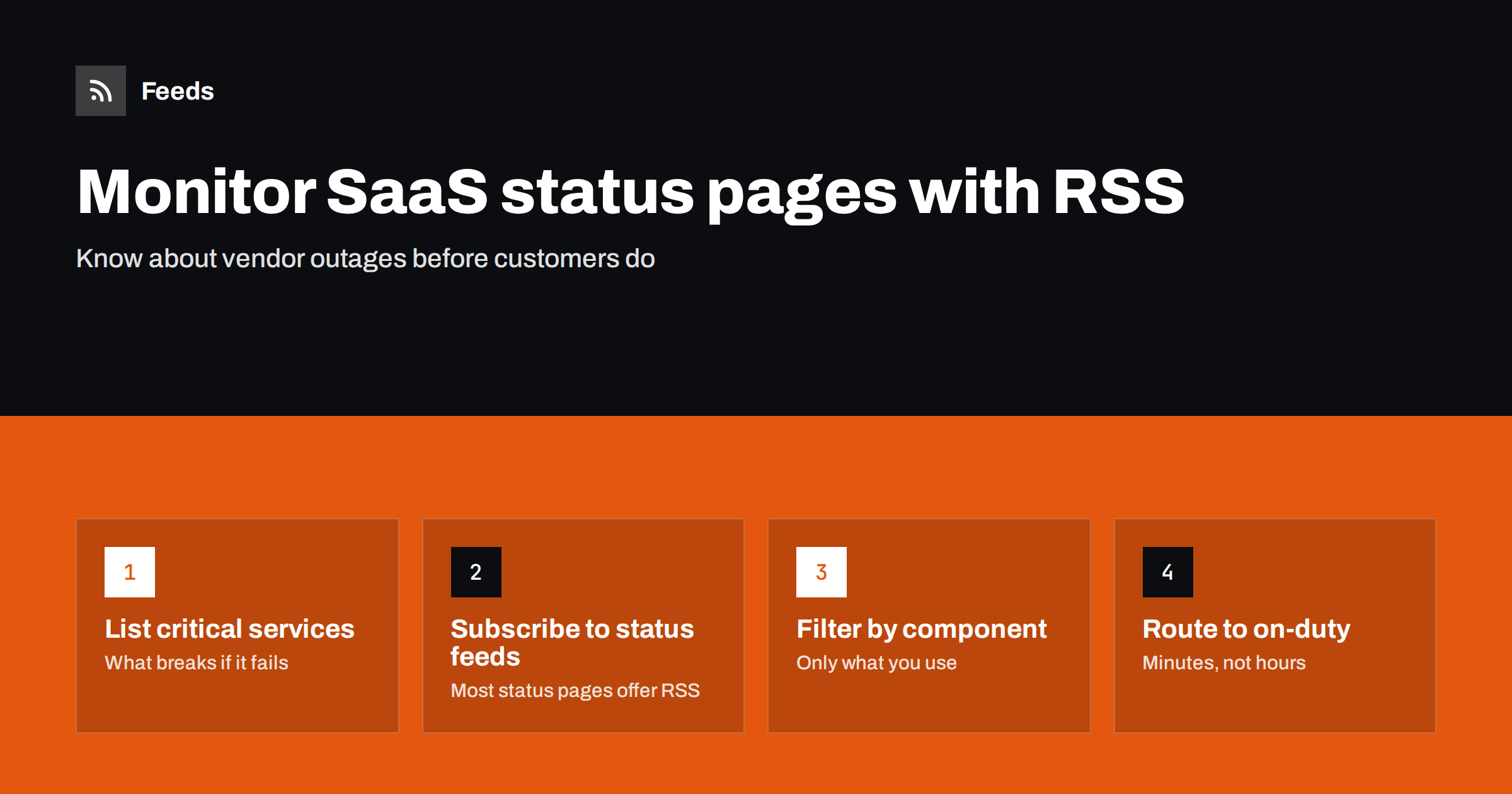
Short answer: List the external services your business depends on, find each vendor’s public status page and subscribe to its RSS or Atom feed, which most status pages provide. Merge the feeds into one incident stream, filter out components and regions you do not use, and deliver it to whoever handles problems during working hours. For vendors without a status feed, follow their incident or announcements page as a generated feed.
Modern businesses depend on a long chain of services: website hosting, content delivery networks, payment providers, email delivery, customer support tools, analytics and dozens of software-as-a-service products. When one of them has a problem, the first sign is often a confused customer or a colleague saying “is the checkout broken?” Knowing about a vendor incident quickly lets you pause campaigns, inform customers, switch to a fallback or simply stop debugging your own systems for a problem that is not yours.
Most vendors publish this information openly on status pages, and most status pages offer feeds. The work is in collecting them, filtering out what does not concern you and making sure someone sees the rest. That takes an hour to set up and saves a great deal of confusion the first time a key service has a bad day.
Why status feeds are worth setting up
- Faster diagnosis. When something breaks, the first question is “is it us or them?” A status feed often answers it in seconds.
- Better customer communication. You can acknowledge a problem proactively instead of waiting for complaints.
- Planned maintenance. Status pages announce maintenance windows in advance, which helps you avoid scheduling launches or campaigns at the wrong time.
- A record for vendor reviews. A history of incidents helps when you evaluate whether a vendor still suits you.
None of this requires special software. A feed reader or a team channel that receives new feed items is enough for most small and mid-sized businesses. Larger organizations may feed the same status streams into their incident management tools, but the principle is identical: collect the vendors’ own announcements in one place and make sure someone is looking.
Step 1: List the services that matter
Walk through what your customers and team rely on, and ask what would break if each service failed. Include:
| Area | Examples | Impact of an outage |
|---|---|---|
| Website and hosting | Hosting provider, CDN, DNS | Site unavailable or slow |
| Commerce | Store platform, payment gateway, shipping integrations | Lost orders and payments |
| Communication | Email delivery, SMS, chat and helpdesk tools | Missed messages, delayed support |
| Internal tools | Office suite, CRM, project management | Team productivity |
| Marketing | Advertising platforms, analytics, social publishing | Campaigns paused or mis-measured |
Rank them by impact. The top tier needs fast alerts; the rest can be reviewed less urgently. For each service, also note who inside your company owns the relationship with the vendor, since that person should hear about repeated incidents and planned maintenance that affects their area.
Step 2: Find each status page and its feed
Most vendors run a public status page, often at an address like status.vendorname.com, linked from their help center or footer. Popular status page platforms provide RSS or Atom feeds of incidents and maintenance, usually through a “subscribe to updates” button that also offers email, SMS or webhook options. Choose the feed option and copy its address. If you are unsure whether a vendor has a status page, search for the vendor name plus “status”, or look in their help center under service availability.
Check that the feed contains what you expect: incident titles, updates and maintenance notices. Some feeds post a new item for each update to an incident, others one item per incident; either works, but it affects how busy the stream feels.
Vendors without a status feed
Some vendors have a status or announcements page without a feed, or post incidents on a news or community page. For these, create a feed from the page that lists incidents with a page-to-feed tool, and check the preview. It will not be as fast as a native feed if refresh intervals are long, so reserve this for lower-tier services or combine it with the vendor’s email alerts.
Step 3: Filter by component and region
Large vendors run many products in many regions, and their status feeds report all of them. Filter the merged stream so you only see what affects you:
- Include the names of the components you use, such as “API”, “checkout”, “dashboard” or a specific product name.
- Include the regions where your services run, if the vendor reports by region.
- Exclude products and regions you never use.
Keep maintenance notices in a separate, unfiltered feed if you want to see all planned work, since maintenance titles are sometimes less specific.
Keeping an incident history
Status feeds also build a useful history. Once a quarter, look back at the incidents that affected you: how many, how long, which components, and how well each vendor communicated. This is valuable input when a contract comes up for renewal or when you consider an alternative. A vendor whose status page is honest and prompt is easier to work with than one that posts updates only after customers complain, even if their raw uptime is similar. Keep the review factual and based on the incidents you actually experienced.
Step 4: Route incidents to someone who acts
An incident feed only helps if someone sees it quickly. Decide who is responsible during working hours and where they will see new items: a team chat channel, a phone reader with notifications, or an operations dashboard. Outside working hours, rely on the vendors’ own urgent notification options for the few services where an outage cannot wait.
A simple incident note
When a relevant incident appears, a short internal note keeps everyone aligned: which vendor, which component, what we see on our side, what we are doing (pausing a campaign, informing customers, waiting), and when we will check again. Posting this in a shared channel saves many duplicate questions. When the vendor posts a resolution, add a final line confirming that things work on your side too.
Common mistakes
- Subscribing by email to everything. Incident emails get lost in busy inboxes. A merged feed in a dedicated channel is easier to watch.
- No filters on large vendors. Unfiltered feeds from big platforms report incidents in products and regions you never use, which trains people to ignore the stream.
- Forgetting indirect dependencies. Your payment provider may depend on another service; your email tool may depend on a cloud platform. Add the big underlying providers too.
- Relying only on vendor status. Status pages are sometimes updated later than problems begin. Use them alongside your own uptime monitoring.
- Keeping feeds for services you have dropped. Clean up the list when you change vendors.
A worked example
An online shop depends on its store platform, a payment gateway, a shipping label service, an email delivery provider, a CDN and a helpdesk tool. Five of the six have status pages with RSS; the shipping service only posts incidents on a “service announcements” page, so the shop’s operations lead generates a feed from it. She merges all six into one feed, filters the store platform’s feed for “checkout”, “payments” and “storefront”, and sends the stream to the team’s operations channel.
Two weeks later, customers start reporting failed payments on a Saturday morning. The operations channel already shows a payment gateway incident posted a few minutes earlier. Instead of spending an hour checking the shop’s own settings, the team posts a short banner on the site, pauses a running ad campaign and waits for the gateway’s resolution notice.
How Feeds helps
Feeds is useful for the vendor incident and announcement pages that have no feed, turning them into RSS by finding the list of items on the page, with a preview before anything is created. Where a status page already offers a feed, Feeds uses it. You can merge several vendors into one incident feed and keep items with or without your words, with duplicates removed automatically. Refresh intervals depend on the plan, so for the most critical services, combine feeds with the vendors’ own urgent notifications. See the pricing page for intervals.
Related reading
- How to Follow Software Changelogs and Release Notes with RSS
- How to Monitor Security Advisories for Your Website Stack
- How Often Do RSS Feeds Update? Refresh Intervals Explained
The bottom line
Vendor outages are inevitable; being the last to know is not. List your critical services, subscribe to their status feeds, generate feeds for vendors without one, filter by the components and regions you use, and route the merged stream to someone who acts during working hours. It turns “is it us or them?” into a question you can answer in seconds.
FAQ
Do status pages have RSS feeds?
Most do. Popular status page platforms offer RSS or Atom feeds, usually through a “subscribe to updates” option alongside email and other channels.
How can I get alerts for outages of services I use?
Subscribe to each vendor’s status feed, merge them into one stream and deliver it to a channel your team watches. Filter out components and regions you do not use.
What if a vendor has no status page feed?
Create a feed from the page where it posts incidents or announcements, or use its email notifications. For critical services, prefer the vendor’s fastest notification option.
Are vendor status pages always accurate?
They are useful but sometimes updated after problems begin. Combine them with your own uptime monitoring and customer reports.
Should maintenance notices be in the same feed?
They can be, but many teams keep maintenance in a separate feed reviewed weekly, so planned work does not mix with urgent incidents.


