 ENEnglish
 LTLietuviškai
 DEDeutsch
 FRFrançais
 RUРусский
 ESEspañol
 PLPolski
 ITItaliano
 UKУкраїнська
 CSČeština
 PTPortuguês
 JA日本語
JA日本語 LVLatviešu valoda
 ETEesti
 HUMagyar
 IDBahasa Indonesia
 TRTürkçe
 HIहिन्दी
 ELΕλληνικά
 ARالعربية
 THไทย
THไทย VITiếng Việt
 RORomână
 MSBahasa Melayu
 BNবাংলা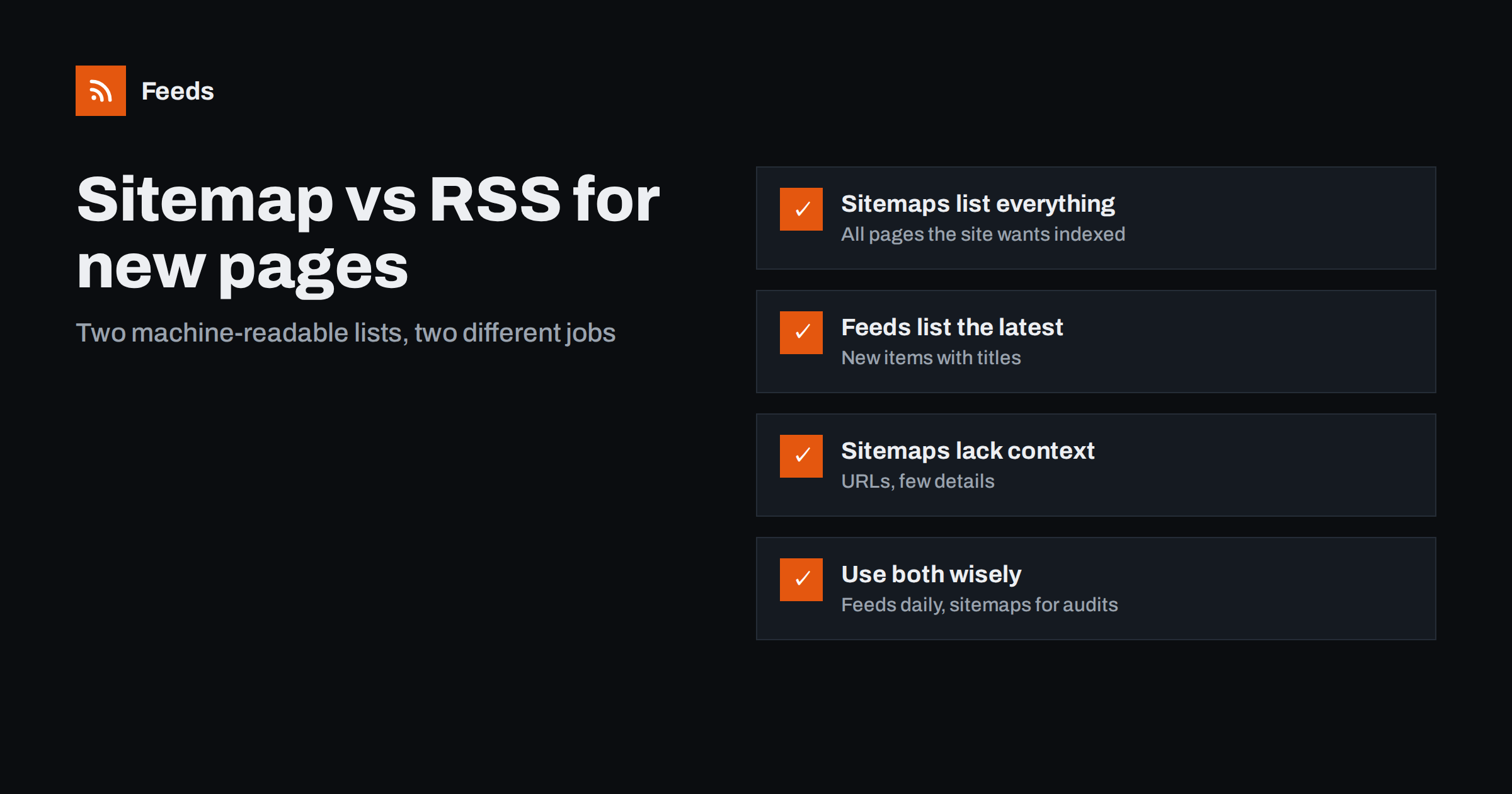
Short answer: An XML sitemap lists all the pages a site wants search engines to know about, while an RSS feed lists the newest items with titles, dates and summaries. For following new content day to day, a feed is better because each item is readable and already sorted by date. A sitemap is useful for spotting new pages in parts of a site that have no feed, such as new product categories, landing pages or documentation, but it gives you addresses with little context.
People who monitor websites sometimes discover sitemaps and wonder whether they are a better source than feeds. After all, a sitemap lists every page, including ones that never appear in a blog or news list. The two formats were designed for different audiences, though, and they behave quite differently when you try to use them for monitoring.
What an XML sitemap is
A sitemap is an XML file, usually at /sitemap.xml or referenced in the site’s robots.txt, that lists page addresses the site wants search engines to crawl. The sitemap protocol allows each address to carry an optional last-modified date and a few hints. Large sites split their sitemaps into several files grouped under a sitemap index, often by content type: posts, pages, products, categories.
Sitemaps are for machines, specifically crawlers. They usually contain no titles, no summaries and no images, only addresses and perhaps dates.
Sitemaps are also a statement of intent rather than a record of events. They say “these are the pages we want indexed right now”, not “this page was published today”. A page added to the sitemap may have existed quietly for weeks, and pages sometimes vanish from the sitemap without being deleted. Keep this in mind when you interpret changes.
What an RSS feed is
A feed lists the most recent items of a particular kind, such as articles, news or episodes, with a title, a link, a publication date and usually a summary. It is designed for people using readers and for tools that act on new items. Feeds typically include only the latest ten to fifty items, not the whole site. That limited scope is a feature for monitoring: a feed answers “what is new?” directly, without you having to compare large lists.
Side-by-side comparison
| Aspect | XML sitemap | RSS feed |
|---|---|---|
| Purpose | Help search engines discover pages | Let people and tools follow new items |
| Scope | All indexable pages, often thousands | The latest items of one type |
| Per-item details | Address, sometimes last-modified date | Title, link, date, summary, often image |
| Order | Arbitrary or grouped by type | Newest first |
| Readability | Poor for humans | Designed for readers |
| Detects new pages outside blogs | Yes | Only for the content type it covers |
| Detects edits | Sometimes, via last-modified dates | Usually not |
When a sitemap helps with monitoring
Sitemaps shine in a few specific situations where feeds do not reach.
- New landing pages. A competitor launching a page for a new industry or use case rarely announces it in a blog feed, but it will usually appear in the sitemap.
- New product categories or collections on e-commerce sites.
- Documentation and help centers, where new articles signal new features or common problems.
- Site-wide audits, such as counting how many pages a competitor has in each section, or seeing how fast a section grows over months.
- Location pages for businesses expanding to new cities.
In all of these cases, you are interested in the existence of new addresses, and you are prepared to open them to find out what they are.
Why sitemaps are awkward for daily monitoring
Using a sitemap as a daily news source runs into practical problems.
- No titles. You get a list of addresses. Unless the site uses descriptive slugs, you must open each page to know what it is.
- Size. Sitemaps can contain tens of thousands of entries split across many files. Comparing them daily means downloading and diffing large files.
- Unreliable dates. Last-modified values are optional, and many sites set them for every page on every regeneration, which makes them useless as a change signal.
- Noise. Sitemaps include tag pages, author pages, attachment pages and other entries that change for technical reasons.
- Incomplete coverage. Not every site keeps its sitemap current, and some omit sections deliberately.
For following what a site publishes day to day, these problems add up. A feed, even a generated one, gives you a cleaner signal: the new item with its headline, at the top of the list.
A practical combined approach
- Feeds for publishing streams. Blogs, news, changelogs, job listings and announcements are followed through feeds, either the site’s own or generated from list pages.
- Sitemaps for structural changes. For a few important competitor or partner sites, check the sitemap periodically, for example monthly, to spot new sections, landing pages or location pages.
- Focus on sub-sitemaps. If a site splits its sitemap by type, watch only the relevant file, such as pages or product categories, rather than the whole index.
- Turn discoveries into feeds. If the sitemap reveals a new section that publishes regularly, such as a new resources hub, create a feed from that section’s list page and follow it properly.
How to read a sitemap quickly
You do not need special software for an occasional review. Open the sitemap address in a browser; most browsers display the XML as a readable tree, and many sitemap plugins add a styled table. If the file is a sitemap index, open the sub-sitemap that matches what you care about, for example pages or product categories. Many sites use descriptive slugs, so the addresses themselves often reveal what a page is about. Save a copy each time you review, and compare the new list with the previous one using any text comparison tool. The additions are what you are looking for.
A worked example
A marketing consultant follows five competitors. Their blogs, newsrooms and changelogs are covered by feeds she reads weekly. Once a month she also opens each competitor’s pages sitemap and compares it with last month’s copy. In one review, a competitor’s sitemap shows six new pages with addresses like /industries/logistics/ and /industries/healthcare/, none of which were mentioned on the blog. The competitor is clearly preparing to target new sectors. She notes the finding for her client and, because the competitor also added a new /resources/ hub, creates a feed from that hub’s list page so future resources arrive with the rest of her weekly reading.
This split keeps effort low: feeds handle the steady stream, while the monthly sitemap check catches structural moves that no feed would announce.
For site owners: provide both
If you run a website, a sitemap and a feed serve different visitors, and both are worth having. The sitemap helps search engines find all your pages; the feed helps people and tools follow what you publish. Most content management systems generate both. Check that your sitemap is referenced in robots.txt and submitted in search engines’ webmaster tools, and that your feed is linked in the page head. Neither replaces the other.
Common mistakes
- Treating last-modified dates as truth. Many sites update them automatically for every page. Verify before relying on them.
- Diffing the whole sitemap index daily. It is heavy and noisy. Watch specific sub-sitemaps, less often.
- Ignoring feeds because the sitemap is “complete”. Completeness without titles and order is poor for daily reading.
- Forgetting that sitemaps show intent, not publication. A page can appear in a sitemap before it is linked anywhere, or linger after it is removed from navigation.
How Feeds helps
Feeds focuses on the feed side of this combination. It turns the list pages of a site, such as blogs, newsrooms, resource hubs or job boards, into RSS feeds with titles, links, dates and images, and it uses a site’s own feed when there is one. You see a preview before anything is created, you can merge sources and filter by keywords, and feeds refresh on their own. When a sitemap review reveals a new section worth following, a page-to-feed tool is the quickest way to start following it. See how it works on the home page.
Related reading
- How to Track Competitor Blogs and News with RSS Feeds
- Page Change Monitoring vs RSS Feeds: Which Do You Need?
- Does an RSS Feed Help SEO? What Feeds Really Do for Search
The bottom line
Sitemaps and feeds are both machine-readable lists, but they answer different questions. A sitemap tells you what pages exist; a feed tells you what was just published, with enough detail to read it. Use feeds for daily monitoring, check selected sitemaps occasionally for structural changes, and turn new sections you discover into feeds.
FAQ
Can I use a sitemap instead of an RSS feed?
You can detect new addresses from a sitemap, but you get little context and no reliable order. For following new content regularly, a feed is far more practical.
Where do I find a website’s sitemap?
Try /sitemap.xml or /sitemap_index.xml, or look in the site’s robots.txt file, which often lists the sitemap address.
Are sitemap last-modified dates reliable?
Not always. Some sites set accurate dates, while others update every entry whenever the sitemap is regenerated. Check a few pages before relying on them.
What can a sitemap reveal that a feed cannot?
New landing pages, product categories, location pages and documentation articles that are never announced in a blog or news feed. These show structural changes to a site.
Should my website have both a sitemap and an RSS feed?
Yes. The sitemap helps search engines discover all your pages, and the feed helps people and tools follow what you publish. Most content management systems generate both.


