 ENEnglish
 LTLietuviškai
 DEDeutsch
 FRFrançais
 RUРусский
 ESEspañol
 PLPolski
 ITItaliano
 UKУкраїнська
 CSČeština
 PTPortuguês
 JA日本語
JA日本語 LVLatviešu valoda
 ETEesti
 HUMagyar
 IDBahasa Indonesia
 TRTürkçe
 HIहिन्दी
 ELΕλληνικά
 ARالعربية
 THไทย
THไทย VITiếng Việt
 RORomână
 MSBahasa Melayu
 BNবাংলা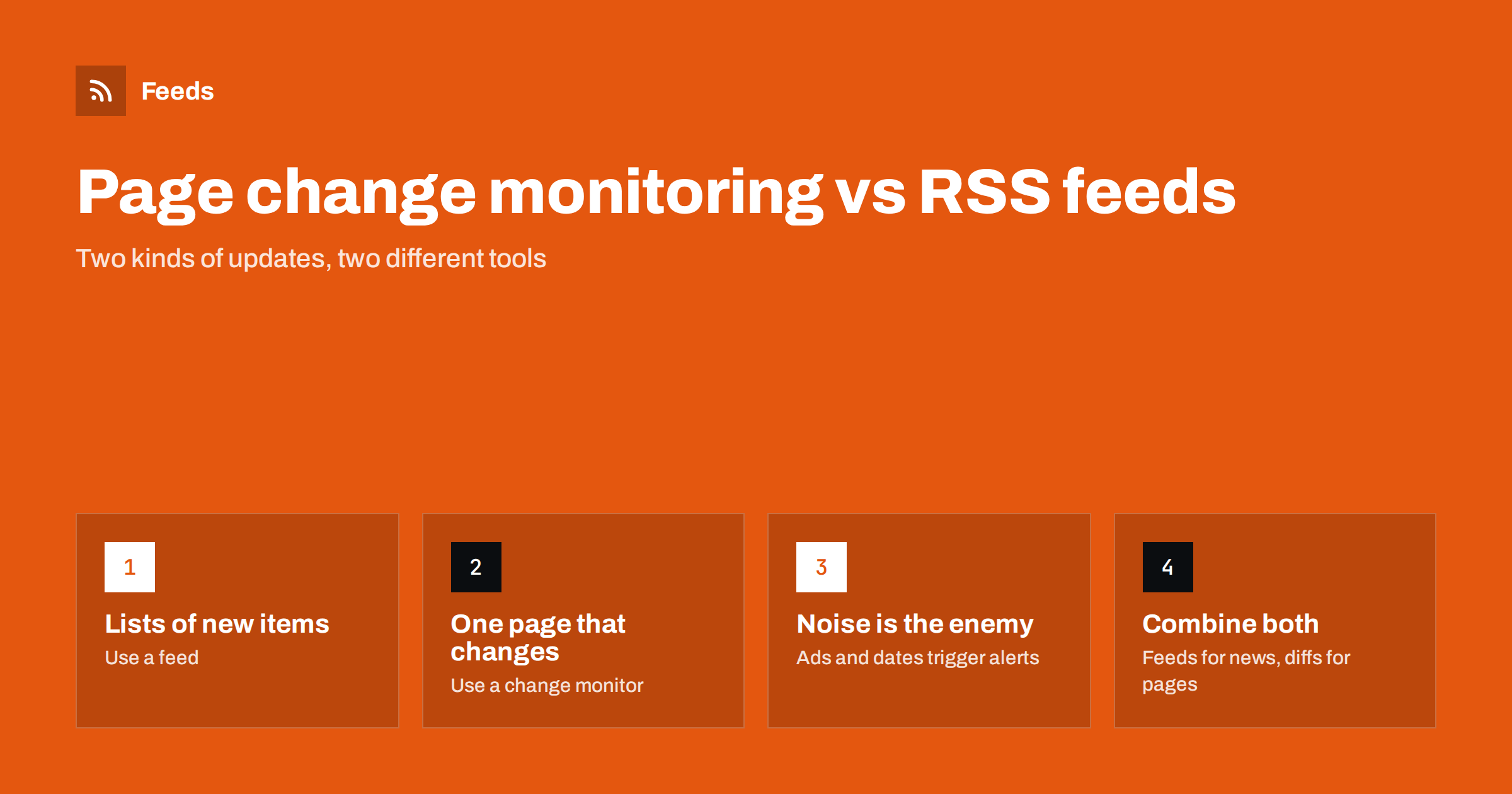
Short answer: Use RSS feeds when you want to know about new items on a list, such as articles, press releases, jobs or events, because each new item arrives once with its own title and link. Use page change monitoring when you care about edits to one specific page, such as terms, prices or a status notice, where there is no list of items. Many teams need both, applied to different pages.
“Tell me when this website changes” sounds like one request, but it hides two very different needs. If you apply the wrong tool, you either drown in meaningless alerts or miss the updates you wanted. This article explains how each method works, where each one breaks down, and how to decide quickly for any page you want to watch.
How page change monitoring works
A change monitor downloads a page on a schedule, compares it with the previous version and alerts you if something differs. Better tools let you restrict the comparison to part of the page, ignore numbers or whitespace, and show a visual or text diff highlighting what changed.
The strength of this approach is generality: any page can be watched, whether or not it has a list. The weakness is that “changed” is a blunt signal. Modern pages contain many elements that change constantly without meaning anything to you: rotating banners, “5 minutes ago” timestamps, counters, cookie notices, personalized recommendations and tracking parameters in links. Each of these can trigger an alert unless the tool is carefully configured to ignore it.
How RSS feeds work
A feed is a list of items, each with a title, a link, a date and usually a summary. When a site publishes something new, a new item appears at the top of the feed. A reader or monitoring tool notices the new link and shows you that item, once.
The strength of feeds is precision for lists: you get exactly the new article, job or announcement, with a headline you can scan and a link to open. Banners, counters and layout changes do not matter, because the feed only describes items. The limitation is that feeds describe new entries, not edits to existing text. If a company quietly changes a paragraph in its refund policy, no feed will tell you.
Side-by-side comparison
| Question | RSS feed | Page change monitor |
|---|---|---|
| What it detects | New items added to a list | Any difference between two versions of a page |
| What you receive | Title, link, date, summary of each new item | A notice that the page changed, often with a diff |
| Typical noise | Low; mostly duplicate stories across sources | High unless you target a page region |
| Best pages | Blogs, newsrooms, job boards, event lists, changelogs | Policies, pricing pages, status notices, specific product pages |
| Works in other tools | Yes, RSS is a standard format | Usually only inside the monitoring tool |
| Scales to many sources | Very well, with merging and filters | Harder, each page needs tuning |
When to choose RSS
Choose a feed whenever the page is a list that grows over time and you want to know about each new entry. Typical examples include:
- A competitor’s blog, newsroom or release notes.
- A regulator’s announcements or consultations page.
- A careers page or job board.
- An events calendar or webinar listing.
- A news section of a trade publication.
- A public procurement or tender list.
In these cases a change monitor would fire whenever the list changes, but it would also fire on unrelated edits, and it would not neatly give you the title and link of the new entry. A feed does exactly that, and it keeps working when the page’s design changes around the list. If the site has no feed, a page-to-feed tool can create one from the list page.
When to choose page change monitoring
Choose a change monitor when the thing you care about is text or numbers on one page, not new entries. Examples:
- Terms of service, privacy policies and other legal documents of suppliers or platforms you depend on.
- A competitor’s pricing page, where plans and limits change occasionally.
- A status or notice page that shows the current state of a service.
- A specific product page, for availability or specification changes.
- Official guidance documents that are edited in place rather than republished.
For these pages, configure the monitor to watch the relevant section only. Watching a whole pricing page including its testimonials carousel will alert you far more often than the prices actually change.
Common mistakes with each method
Mistakes with change monitors
- Watching the entire page, so every banner or date string triggers an alert.
- Using them on news or blog pages, where every new post creates a messy diff instead of a clean headline.
- Setting very short intervals on pages that change rarely, adding load without benefit.
Mistakes with feeds
- Expecting a feed to report edits to existing articles. Most feeds only surface new items.
- Following a home page rather than the specific list you care about, which brings in unrelated items.
- Not noticing when a generated feed stops finding items after a site redesign. A silent feed looks like a quiet source.
A combined setup that covers both needs
In practice, most monitoring programs combine the two. A sensible division looks like this:
- Feeds for everything that is a list. Blogs, news, jobs, events and announcements go into merged, filtered feeds read in one place.
- Change monitors for a short list of critical pages. Perhaps ten to twenty pages where an edit matters: key competitors’ pricing, your main suppliers’ terms, important guidance.
- One review routine. Feed items are reviewed daily or weekly; change alerts are rare and reviewed as they come.
This keeps the noisy tool on a small number of pages where it earns its keep, and uses feeds for the high-volume work.
Keep a simple register of everything you watch: the page, the method, the reason and the owner. When someone asks why an alert exists, or when an alert has been silent for months, the register makes it easy to decide whether to keep, adjust or remove it. It also prevents the common drift where the same page ends up watched twice by different people with different tools, producing duplicate alerts that train everyone to ignore both.
A quick decision test
When someone asks you to “watch this page”, ask one question: will the thing we care about appear as a new entry with its own link? If yes, use a feed. If the thing we care about is a change to text that stays at the same address, use a change monitor. If both apply, for example a changelog where entries are also edited later, start with the feed and add a change monitor only if edits prove important.
A second question helps with borderline cases: how would you describe the alert you want to receive? “New press release: Company X partners with Y” is a feed item. “The Pro plan limit on the pricing page changed from one number to another” is a change alert. Phrasing the desired alert usually makes the right tool obvious, and it also helps you choose the narrowest page or page region to watch.
How Feeds helps
Feeds covers the list side of monitoring. It creates RSS from any public page, uses the site’s own feed when there is one, finds the list of items when there is not, and reads JSON-LD article data where available. Because the list is detected again on every refresh, a page redesign does not automatically break the feed, and paid plans send an alert if a feed stops finding items. You can merge and filter sources and use the resulting link in any RSS tool. Feeds is not a text-diff tool for single pages, so pair it with a change monitor for policies or pricing pages. Plans are on the pricing page.
Related reading
- How to Monitor Websites for New Content Automatically
- RSS vs Web Scraping: Which Should You Use to Track Sites?
- How to Track Competitor Blogs and News with RSS Feeds
The bottom line
Feeds and change monitors answer different questions. Feeds tell you what is new on a list, cleanly and at scale. Change monitors tell you that a specific page was edited, which is valuable for a small set of critical pages but noisy everywhere else. Use feeds by default, keep change monitoring for pages where edits matter, and review both on a routine that fits their volume.
FAQ
Can RSS detect changes to an existing web page?
Generally no. RSS feeds announce new items, and most feeds do not report edits to articles already published. For edits to a specific page, use a page change monitor.
Why does my page change monitor send so many alerts?
Most pages contain elements that change constantly, such as ads, timestamps, counters and rotating banners. Restrict the monitor to the part of the page you care about and ignore numbers or dynamic sections where the tool allows it.
Which is better for tracking a news website?
RSS. A feed gives you each new article once with its headline and link, while a change monitor on a news page fires on every update and shows a messy difference instead of a clear item.
Can I monitor a competitor’s pricing page with RSS?
Not well, because a pricing page is not a list of new items. A page change monitor restricted to the pricing section is the better tool, possibly combined with a feed of the competitor’s newsroom for announcements.
Should I use both methods?
Most teams benefit from both: feeds for high-volume lists such as news, jobs and announcements, and change monitors for a short list of pages where edits matter. This keeps alerts useful and manageable.


